AI Character Generator With a Face That Stays the Same
This AI character generator works two ways: on the Create photo page you describe a person who doesn't exist, or you upload your own photo to a template and become the hero yourself.
Design your characterReady in minutes · Free templates every day
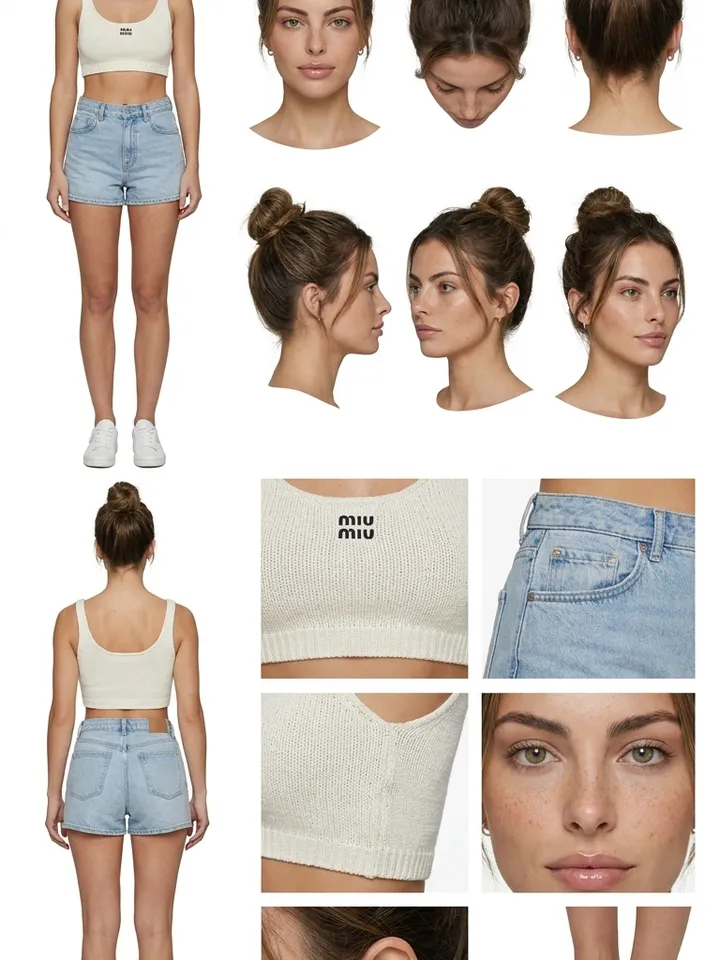
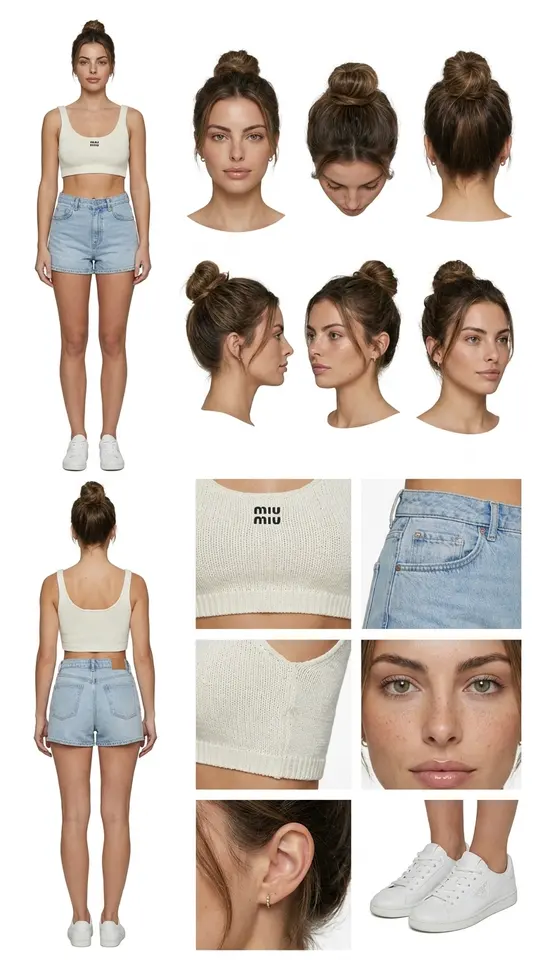
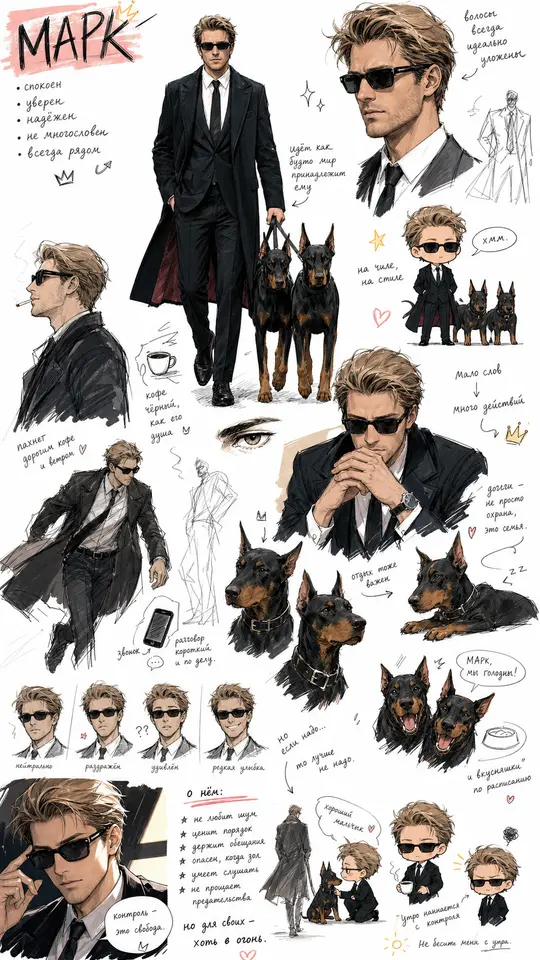
Getting a first image is the easy part. The real work is recognition: the same face has to return in new scenes, from new angles and in video. A character reference sheet, one collage showing the person from several sides, gives every later run a fixed sample to follow.
Describe the character or start from a photo
On the Create photo page, write the person down the way a casting call would: age, face shape, eyes, hairstyle, build and the clothes they usually wear. Choose a photo model such as Nano Banana PRO, GPT Image 2.5 or Seedream 4.5 and run it. If the hero should be you, skip the description and upload your own picture to a template instead.
Turn one look into a reference sheet
A single portrait rarely holds a face steady across a series. The Full Character Reference Sheet template turns your character's photo into one collage: a front view, a profile and a three-quarter angle, plus a full-length shot and a close-up. Save it and treat it as the master reference for every image and video that follows.
Cast the same person in a video
Open the Create video page, attach the sheet or your best portrait as a photo, and describe the scene: crossing a rainy street at night, unboxing a gadget at a desk, laughing at a friend's joke. Kling 3.0 is built for multi-shot scenes; Veo 3.1 and Seedance 2.0 are among the other models to try. Compare each clip with the sheet, because a face can still drift between runs.
Realistic, 3D or drawn by hand
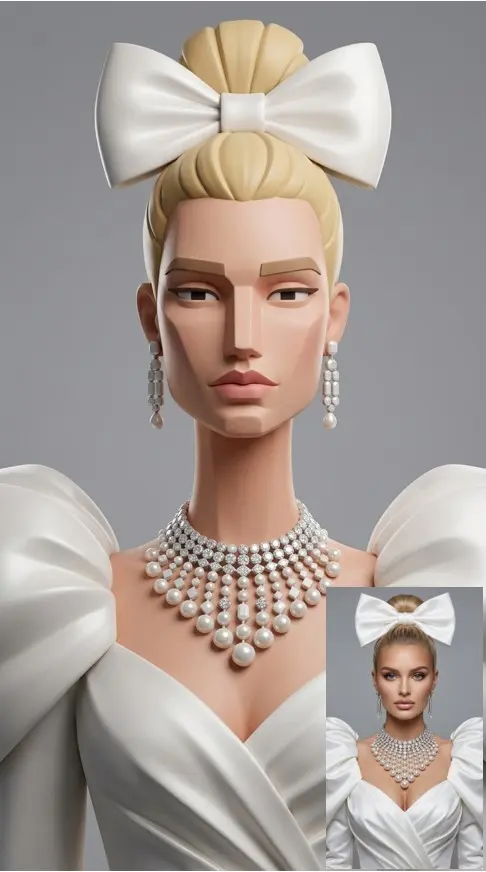
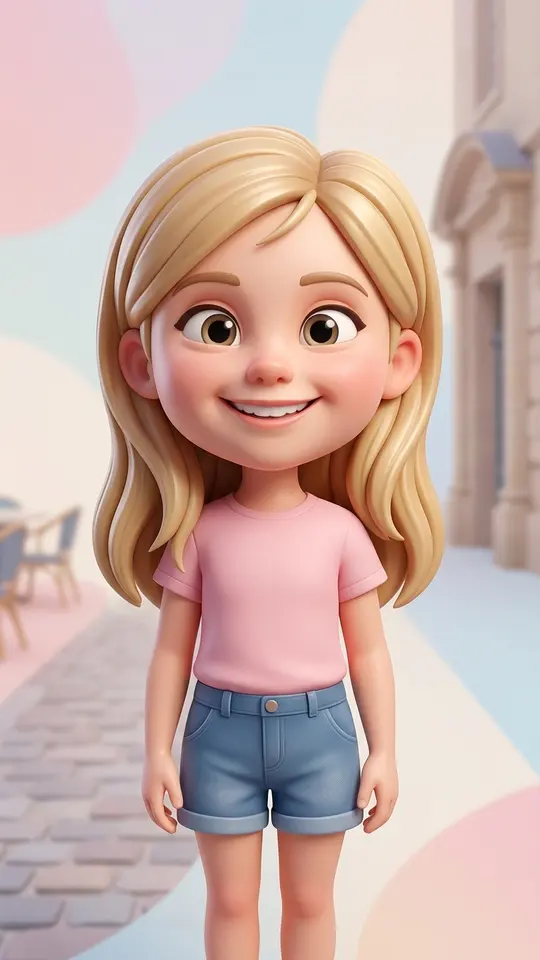
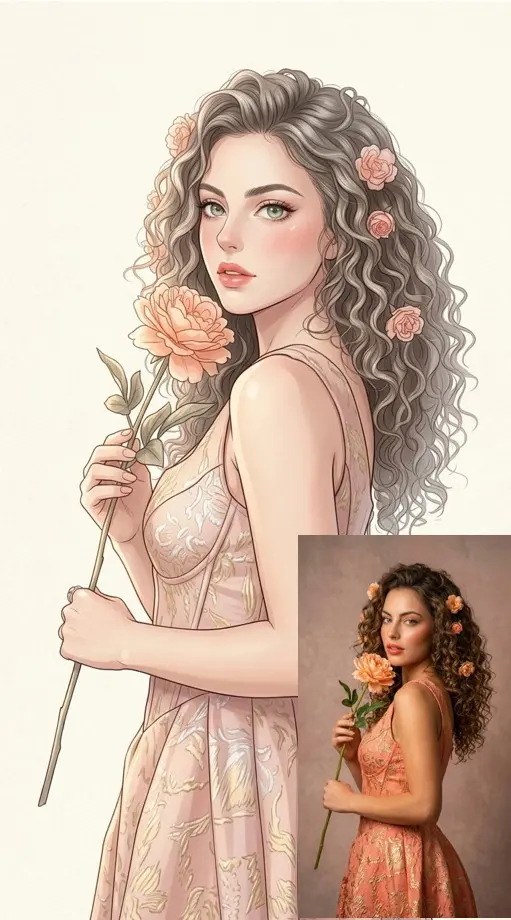
One hero can carry several looks. 3D Social Media Girl and 3D Social Media Guy give a polished 3D render for avatars and channel art, Designer Figurine Portrait makes a collectible-style figure, and Anime Manga Portrait or Cute Chibi Sketchbook move the person onto paper. The template decides the style while your reference photo supplies the face, so every version starts from the same person.
Where a recurring virtual human helps
A virtual human can host a channel when you would rather not show your own face: new episodes keep coming and the same person is always on screen. The approach also carries the lead of an AI series from one episode to the next, or gives a small shop a mascot that customers start to recognize.
Ready-made templates
FAQ
Does the character have to be fictional?
No. Upload your own photo to a template such as Full Character Reference Sheet or 3D Social Media Guy and the hero starts from your face. Use only pictures of yourself or of people who agreed; celebrities and other public figures are not allowed.
How do I keep a consistent AI character across many images?
Attach the same reference sheet to every run and copy the appearance part of your prompt word for word, changing only the scene, pose and camera. Results still vary, so make a few versions and keep the ones closest to the sheet.
Can the character speak in a video?
MarketVideo does not generate voices. If you have your own audio clip, the LTX-2.3 LipSync model on the Create video page can make a portrait speak along with it.
What does it cost to create an AI character?
Every run is paid for in stars, and the star cost of a template or model is visible before you start. Confirming your email adds 5 stars to a fresh account; plans and one-off star packs are on the Pricing page.
Do I need to install an app?
Nothing to install: MarketVideo runs in a modern browser on a phone or a computer. Anyone can browse the templates, and generating starts once you sign up for a free account and confirm your email address.