AI Drawing Generator: Pencil, Watercolor, Charcoal
A good AI drawing generator leaves visible marks: pencil strokes with direction, watercolor pooling at the edges, charcoal pushed into the paper grain. Here the starting point is either your photo or a few lines describing the scene.
Make an AI drawingReady in minutes · Free templates every day
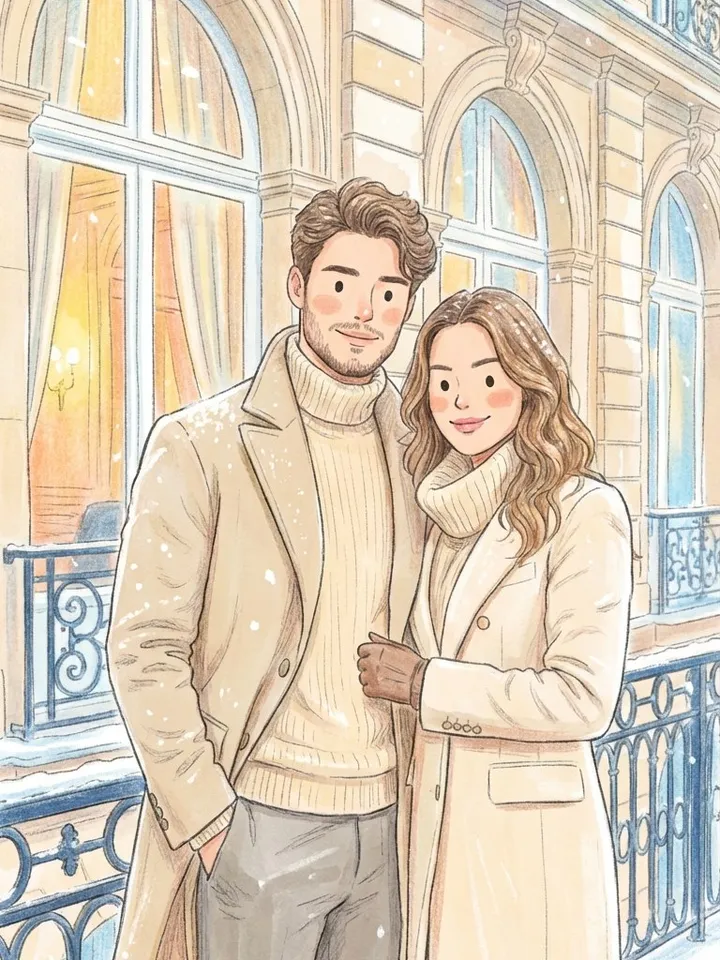
Those marks are what separate a drawing from a photo with an effect laid on top. In each template the technique is set as a whole, from the pressure of the line to the way the paint spreads, so pick by the example image rather than by the name of the medium.
Pencil, graphite and charcoal
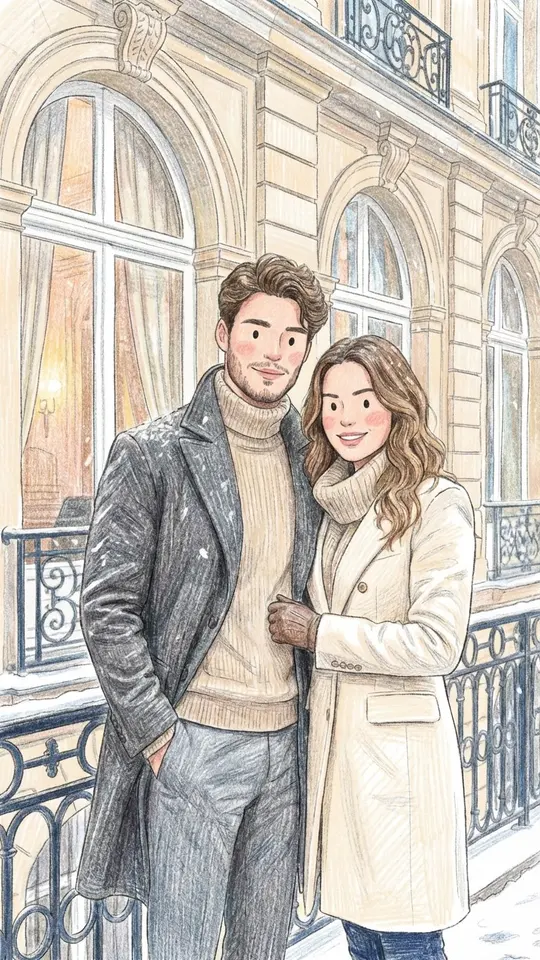
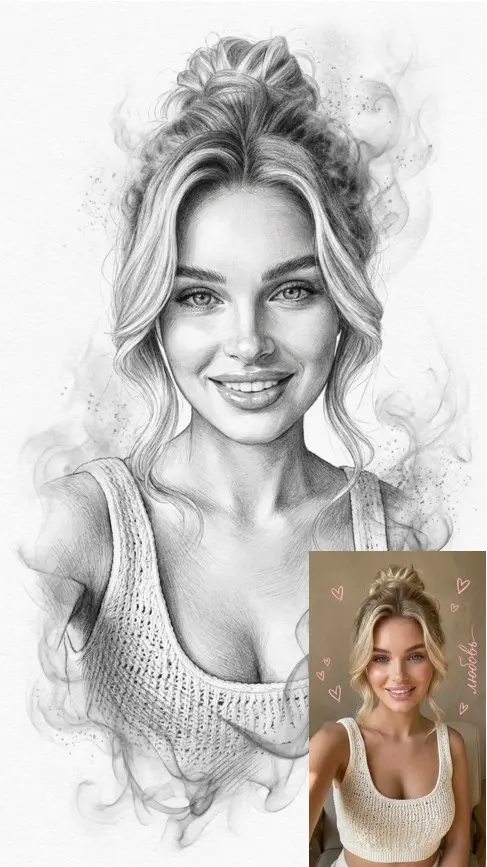
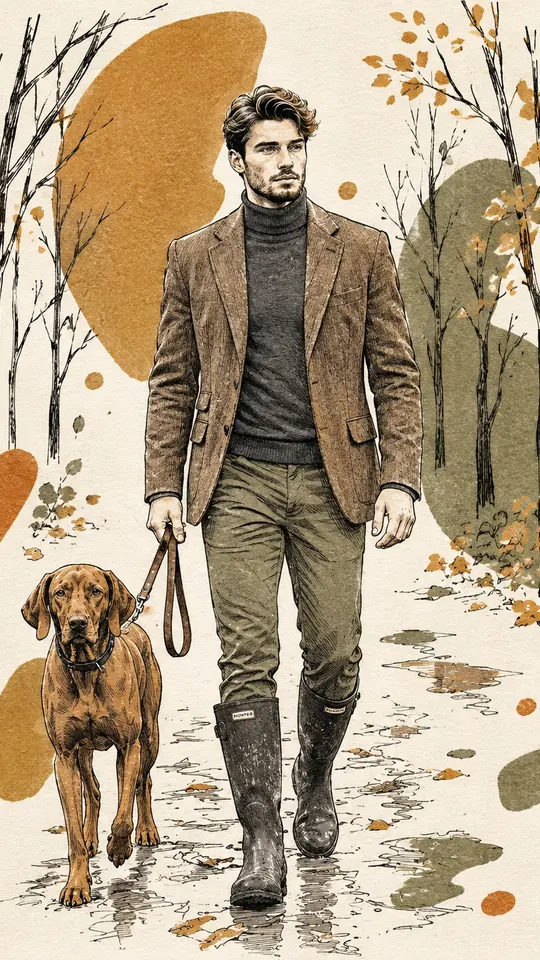
This is the classic portrait drawing: soft tonal shifts, hatching, and the white of the paper left for highlights. Colored pencil adds layered, slightly waxy color, while charcoal and graphite go darker and grainier, with smudged shadows. Of all the techniques, pencil is the most predictable, which makes it a sensible first try with a new photo.
Watercolor and chalk
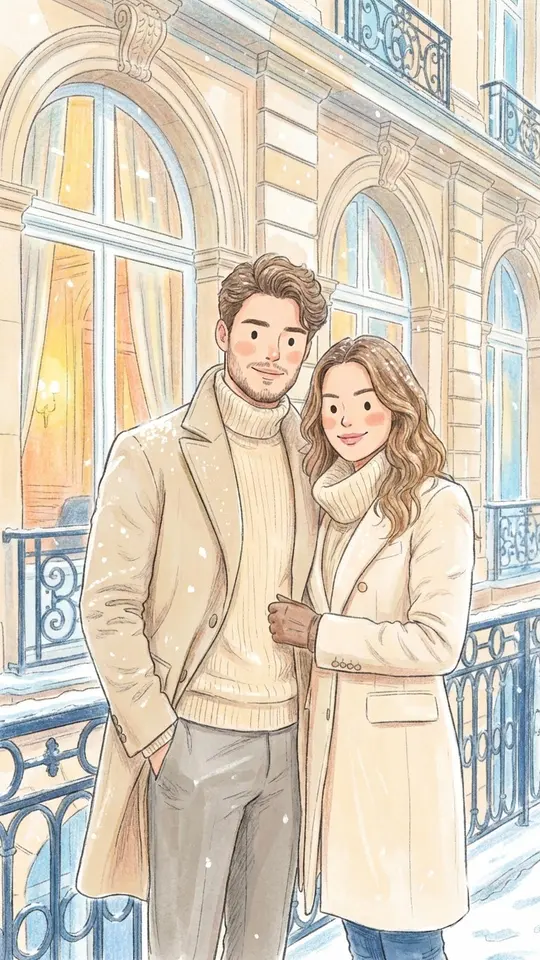
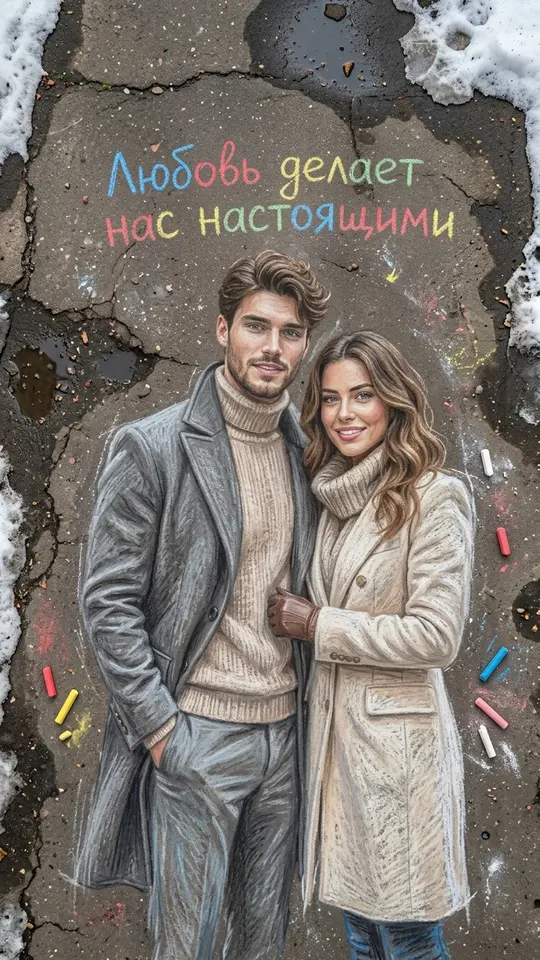
Watercolor works in washes, blooms and see-through layers. Features soften more than in pencil, but the picture gains a mood a photo rarely has. Sidewalk chalk goes the other way: bright, powdery color on rough pavement texture, good for a playful portrait. Both read best when the source photo is simple, with one person and an uncluttered background.
Paper cutout, marker and street art
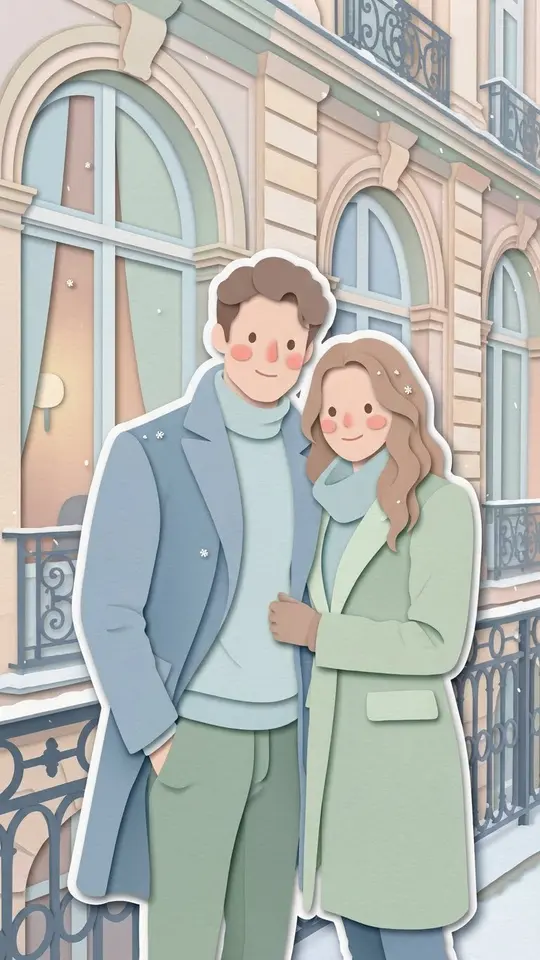
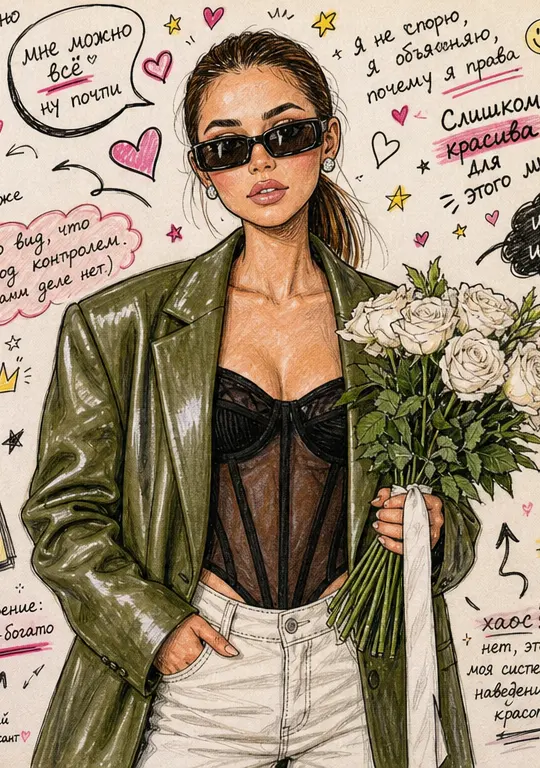
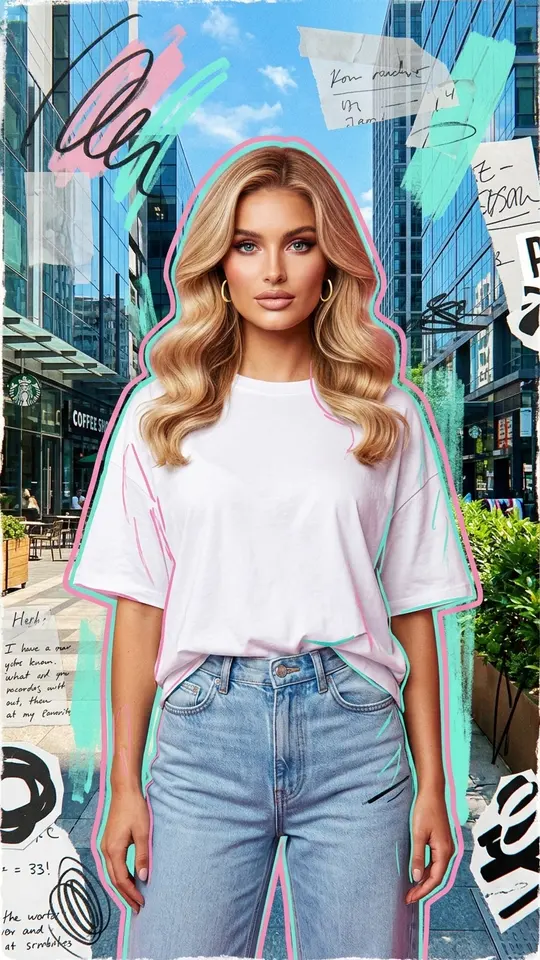
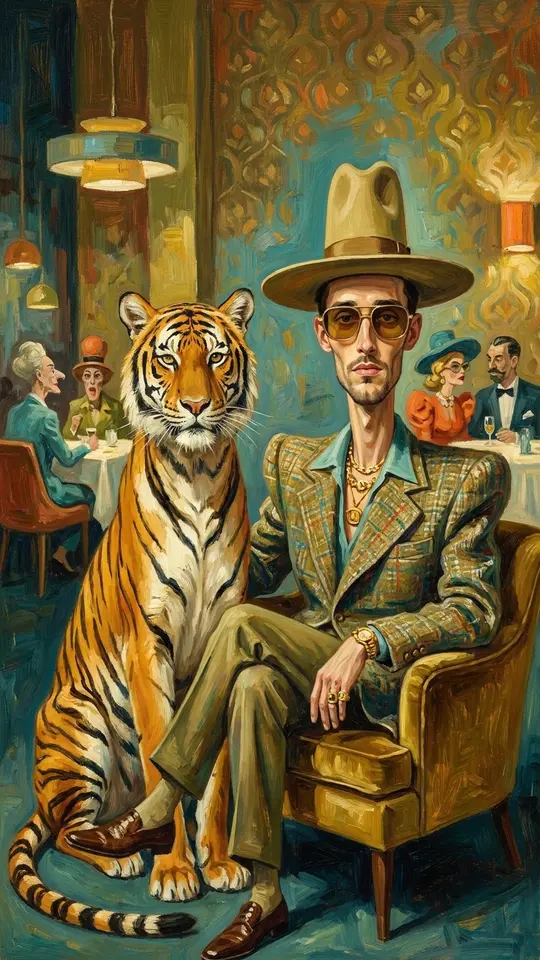
Some techniques are built from material rather than line. A layered paper cutout stacks shapes with visible depth and shadow between the layers; a marker sketchbook page looks quick and loose, doodles included; a street art collage mixes spray paint and pasted paper. For paint rather than drawing, the grid also has a surreal oil portrait.
Drawing from a description
Leave the photo out when the subject is not a person you know. On Create photo, write the scene and the medium together, for example: a charcoal drawing of a lighthouse in a storm on rough paper, or a watercolor of a street market with loose washes. Naming the paper, the tool and how finished it should look gets you closer to a drawing than the word sketch alone.
Coloring pages for kids
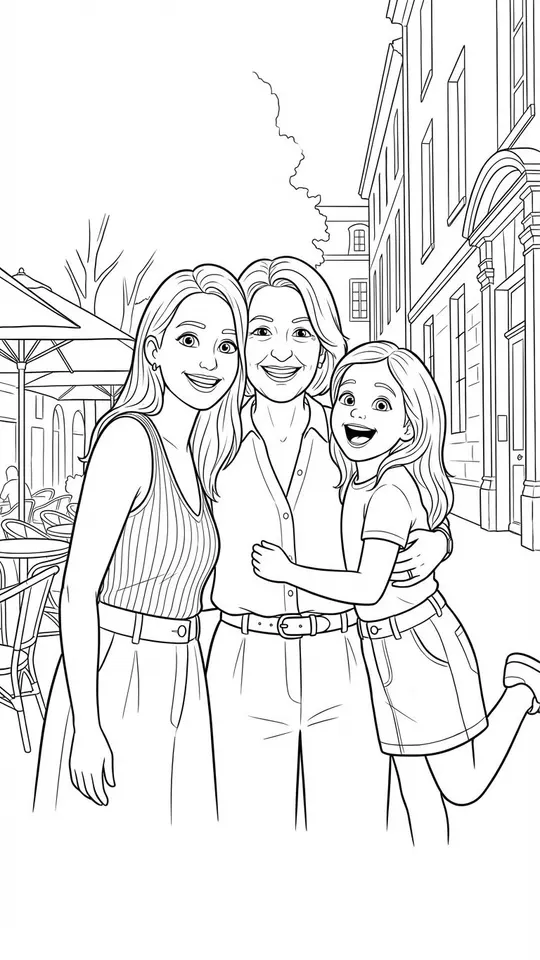
The coloring book page template turns a family photo into clean outlines with open areas to fill in. Kids get to find themselves in the drawing and color it in, which is often more fun than a ready-made book. Use a photo where faces are large and clear, and keep it to your own family: other people's children do not belong in it.
Ready-made templates
FAQ
Do I need a photo to make an AI drawing?
Only for portraits of a real person, such as you or a family member. Landscapes, objects, animals and invented characters can be drawn from a description on Create photo, where you also choose the model; the drawing templates in the grid work from an uploaded photo.
Is the AI drawing generator free to try?
Registration costs nothing, and confirming the email drops 5 stars into the new account. Templates tagged “Free today” cost no stars for a limited number of runs each day; everything else carries its star price on the card, visible before you start.
Will the drawing still look like me?
In general, pencil and charcoal follow the light and shadow of your photo closely, while watercolor, chalk and paper cutout simplify more and trade detail for mood. No technique copies a face exactly, so start from a sharp, front-facing photo and give it a second run if the first one misses.
How is this different from a photo filter?
A filter traces the edges of your photo and tints them, so the result still has the camera's light and detail underneath. Here the whole picture is drawn anew in the chosen medium, which is why you see stroke direction, paper texture and the gaps a hand would leave.