AI Hairstyle Try On: See a New Cut on Your Own Photo
An AI hairstyle try on shows a shorter cut, a new shape or a bold color on your own face before anyone picks up scissors. On MarketVideo you upload one photo and a template returns the new look as an image.
Try a new hairstyleReady in minutes · Free templates every day
Magazine pictures show a stranger's face shape. Here the base is your selfie, so you judge each cut against your own jawline, forehead and hairline, then take the version you like to your stylist as a reference.
Nine haircuts on one face
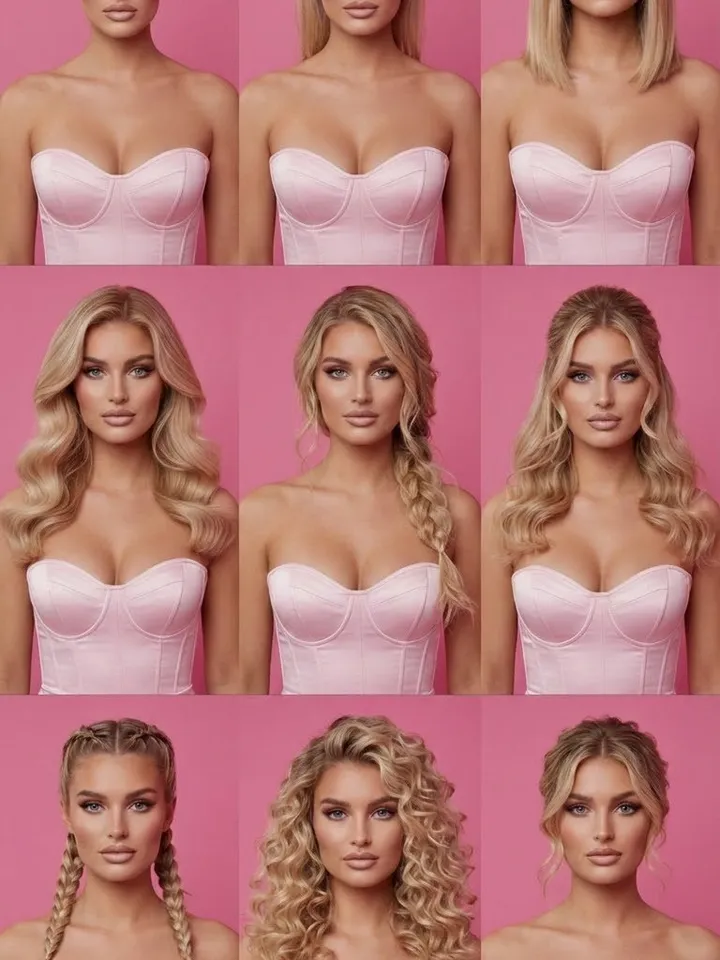
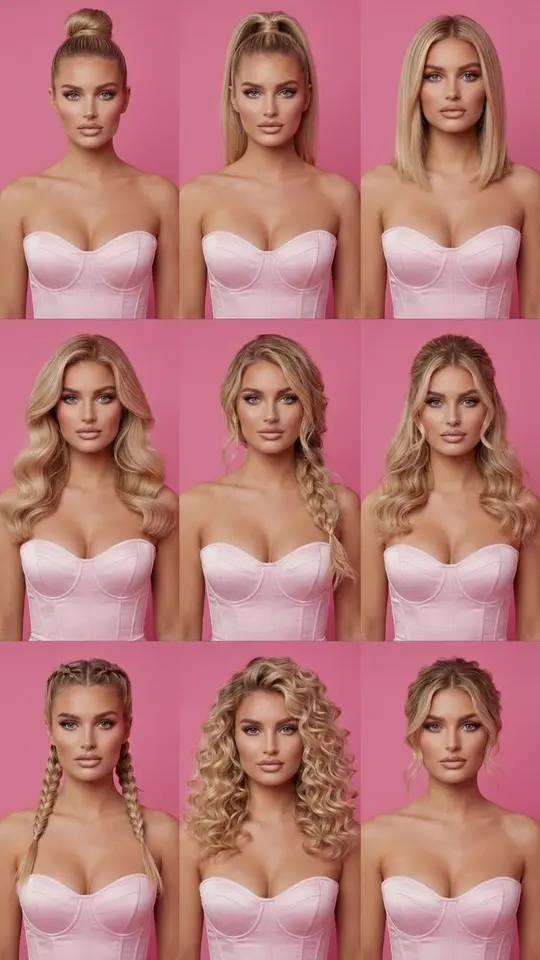
Start with 3x3 Hairstyle Grid. Upload a front-facing selfie and the template lays out nine different hairstyles in a single image, keeping your face, expression, natural hair color and texture as the base. Seeing the options side by side makes it easy to rule out what clearly does not suit you and shortlist two or three for a closer look.
Hairstyles matched to your face shape
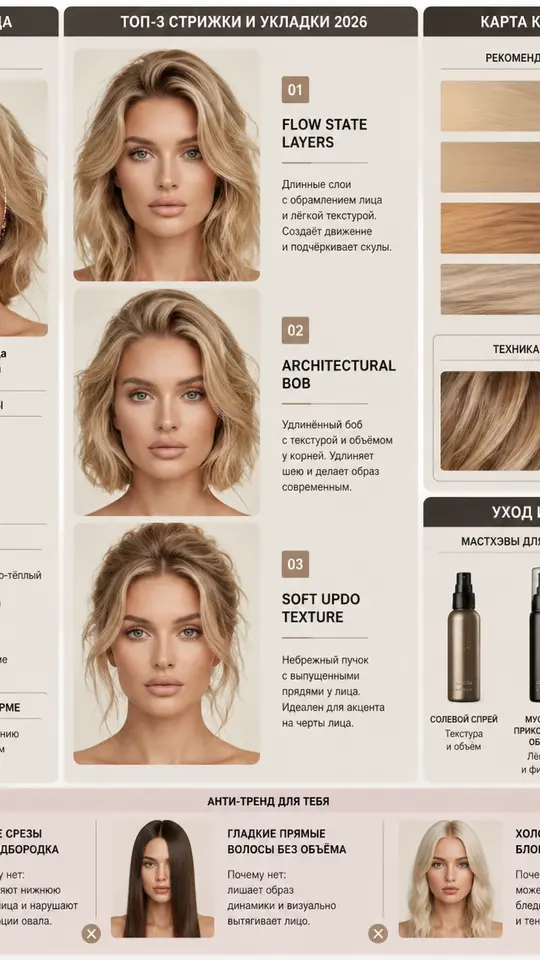
Your Perfect Hairstyle Guide works like a consultation on paper. The template first reads the photo for face shape, forehead height, jawline, cheekbones and skin undertone, then draws an infographic guide to hair that suits those features. Use it when the question is not one particular cut but which direction to take.
Test a color you cannot easily undo
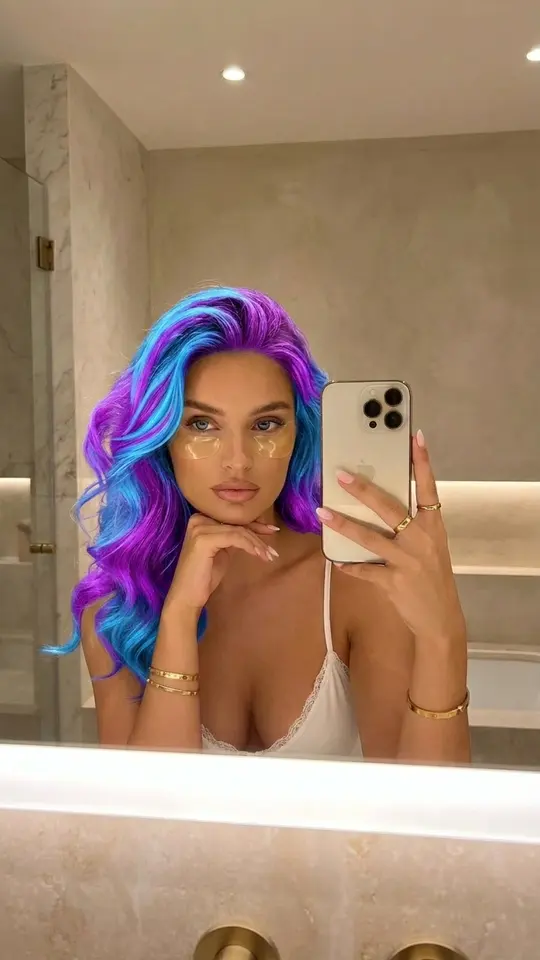
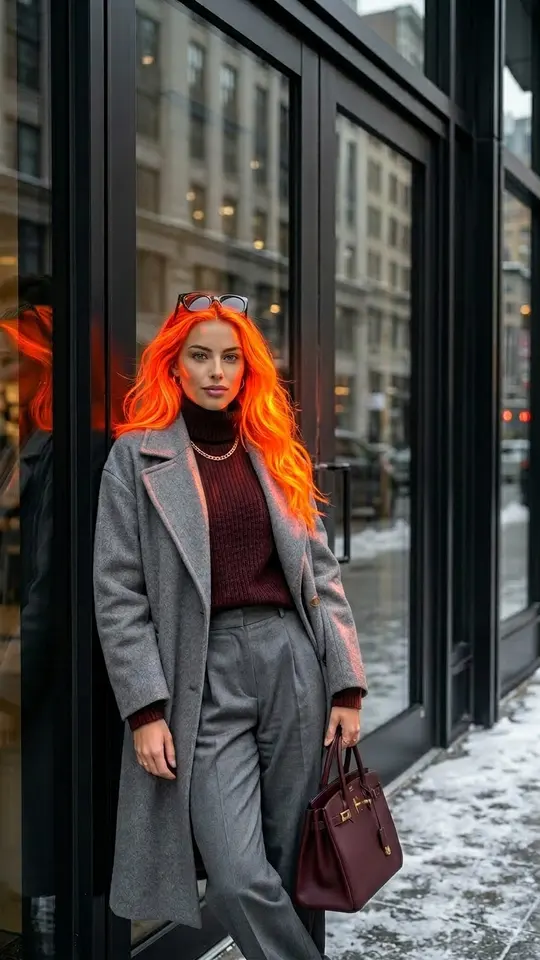
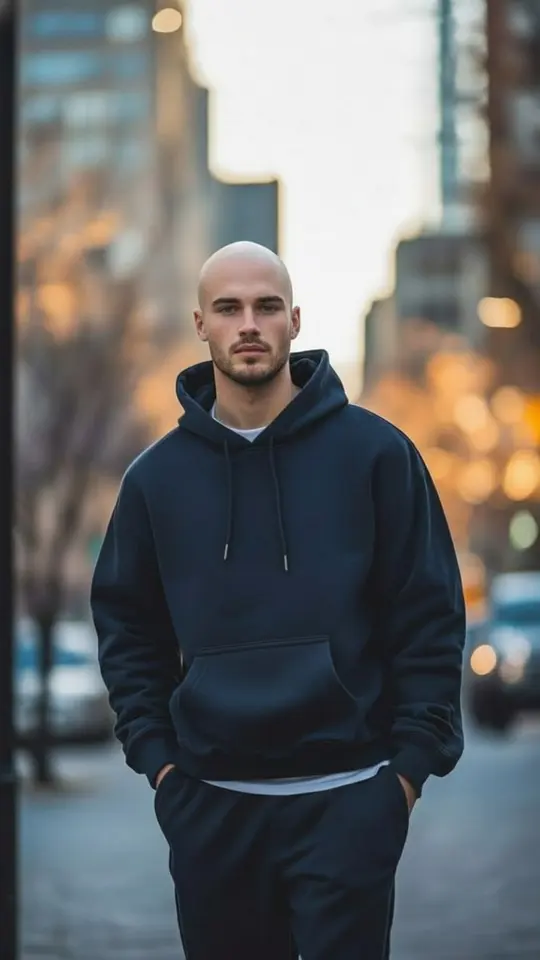
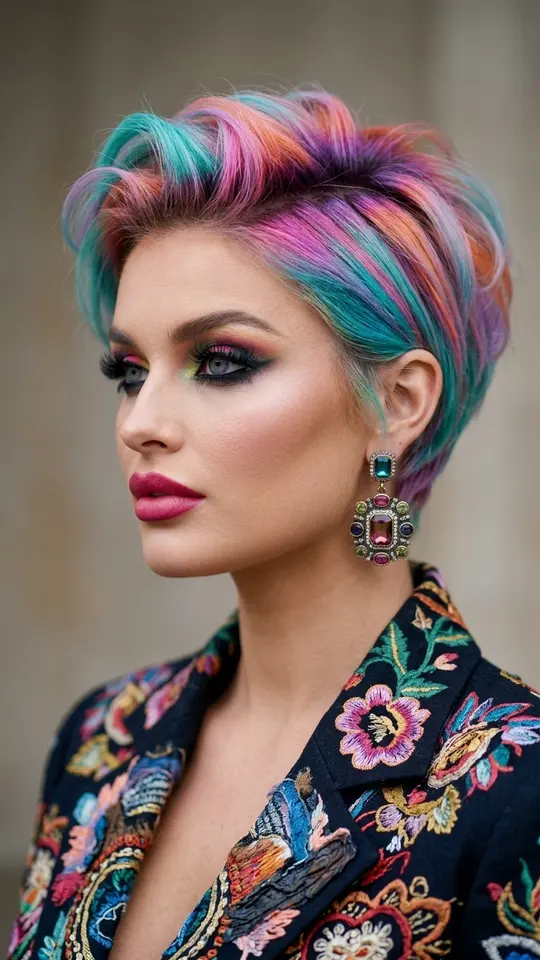
Some changes are hard to reverse in real life. Electric Blue & Purple Hair and Glowing Neon Orange Hair change only the hair and leave the background, pose and clothes as they were. Go Bald removes the hair entirely while keeping lighting and proportions. For a softer shade or a specific length, open Create photo, attach your picture and describe the cut in a sentence.
Round out the look beyond hair
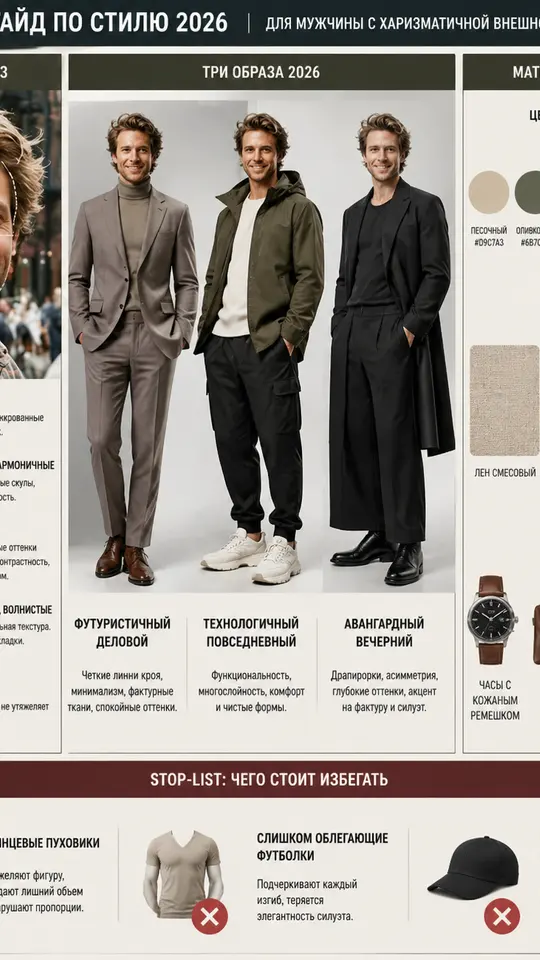
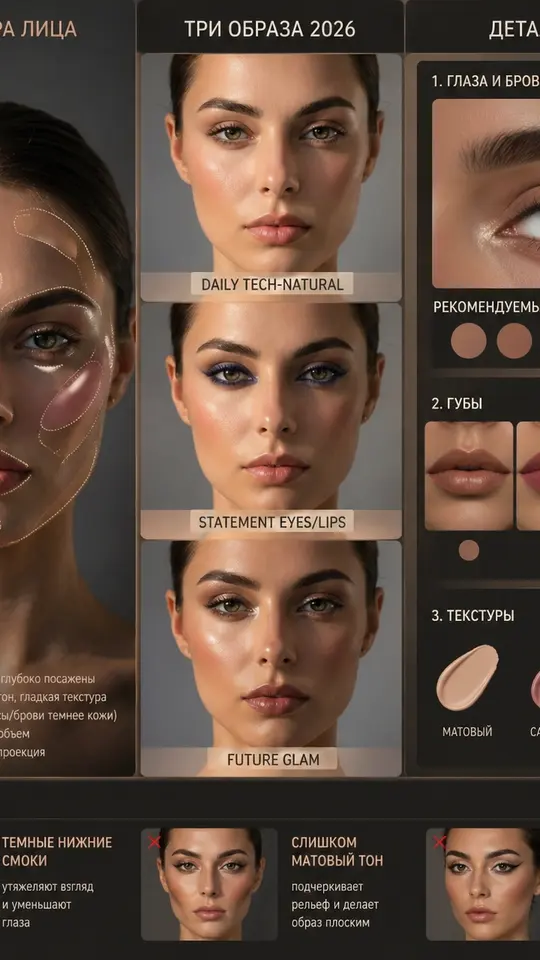
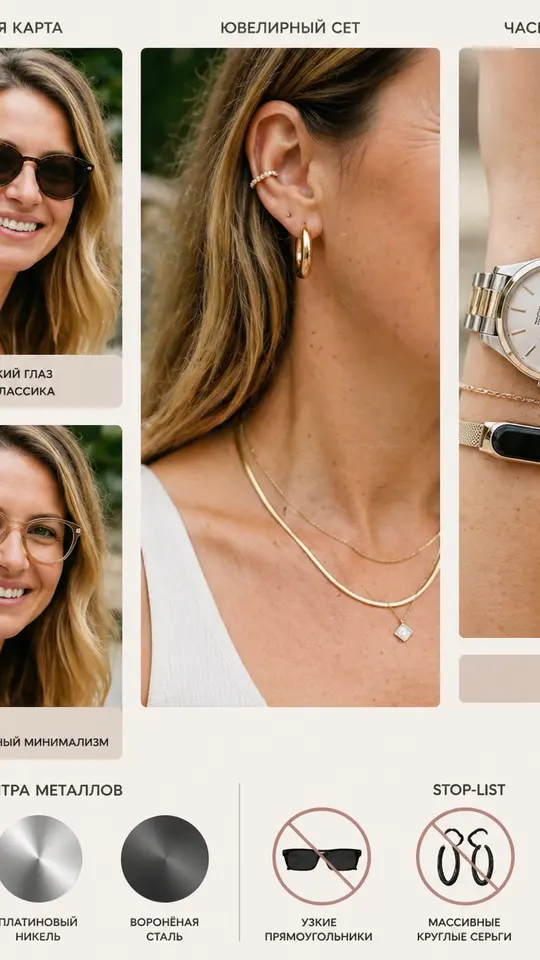
The same selfie can feed three more guides. Your Perfect Makeup Guide reads eye shape, undertone and contrast to build a makeup plan, Your Personal Style Guide turns face lines and color type into style advice, and Your Perfect Accessories Guide studies facial geometry to suggest glasses and jewelry.
What a try-on can and cannot tell you
The result is a generated picture, not a promise of how a real cut will turn out. Your hair's actual thickness, curl and growth pattern still decide the outcome, and small details can drift between runs. Treat the image as a visual brief to discuss with a professional, and run the template again if one version looks off.
Ready-made templates
FAQ
What kind of photo works best for a hairstyle try on?
A front-facing shot in even light, with your hairline and the outline of your face clearly visible. Hair pulled back into a ponytail is fine. Avoid hats, heavy shadows and strong filters, since they hide the features the templates read.
Is the AI hairstyle try on free?
Looking through templates costs nothing. Running one takes a free account, and once you verify the email address, 5 starter stars land in it. A few cards are labeled Free today and cost nothing to run until that day's limit is reached. When the balance is gone, plans and star packs are listed under Pricing.
Will my face change in the result?
The hair templates are written to keep your face, features and expression and to change only the hair, and some also keep the background and clothing. Generation is not exact, though, so small differences can appear. If a result does not look like you, run it again.
Can I show the result to my hairdresser?
Yes. Finished images download as ordinary files and are also saved under your account's history, so you can open one on your phone at the salon. A side-by-side grid is often the clearest way to point at the shape you want.
How long does a try-on take?
Photo templates usually finish in a minute or two. A busy stretch on the servers can add to that, so the wait is not fixed. You can leave the page open or come back to the result later.