AI Logo Mockup Generator: Your Mark in Crystal, Enamel and Flour
Turn a finished logo into a realistic scene with this AI logo mockup generator: upload the mark, open a template and get a photo of it as faceted crystal, a metal pin, a flour drawing or a mosaic of mirror tiles.
Mock up your logoReady in minutes · Free templates every day
No logo yet? The Create photo page drafts one from a written description, so the idea and the presentation live in the same place. Templates already hold the material, lighting and camera angle; all you supply is the image file.
Four material looks for an existing logo
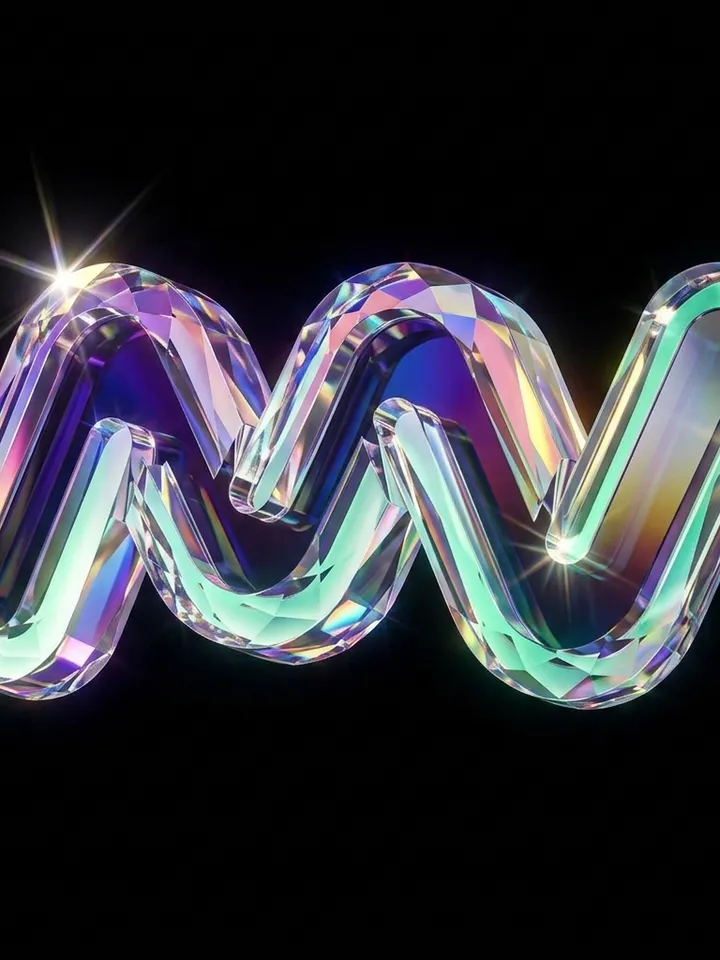
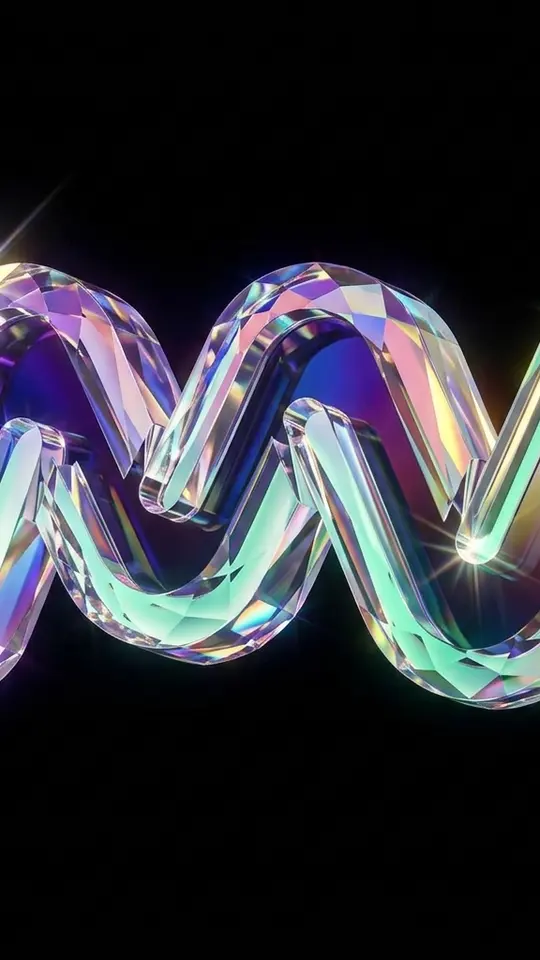
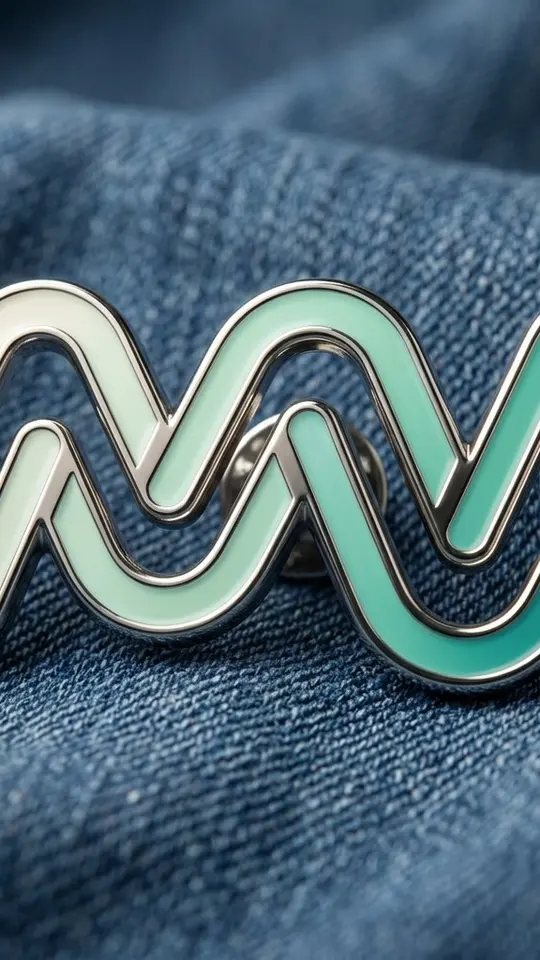
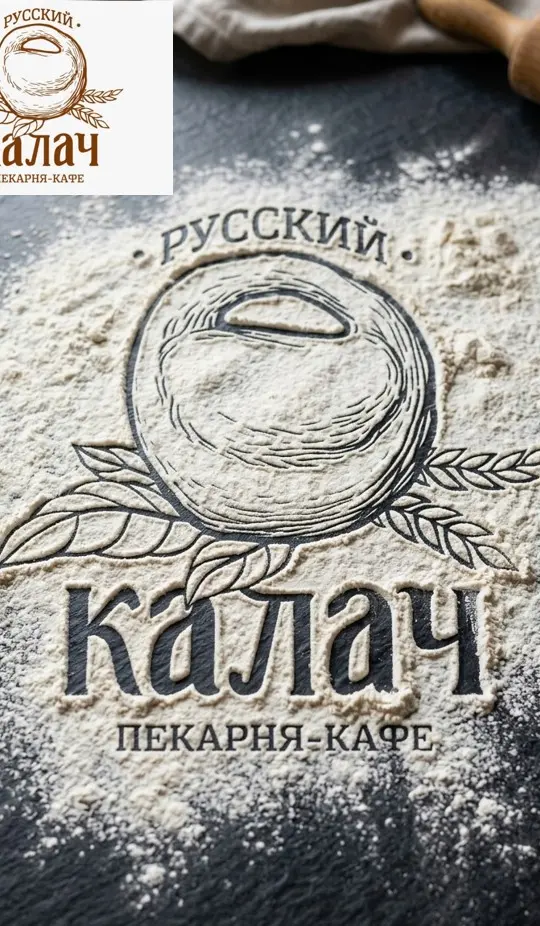
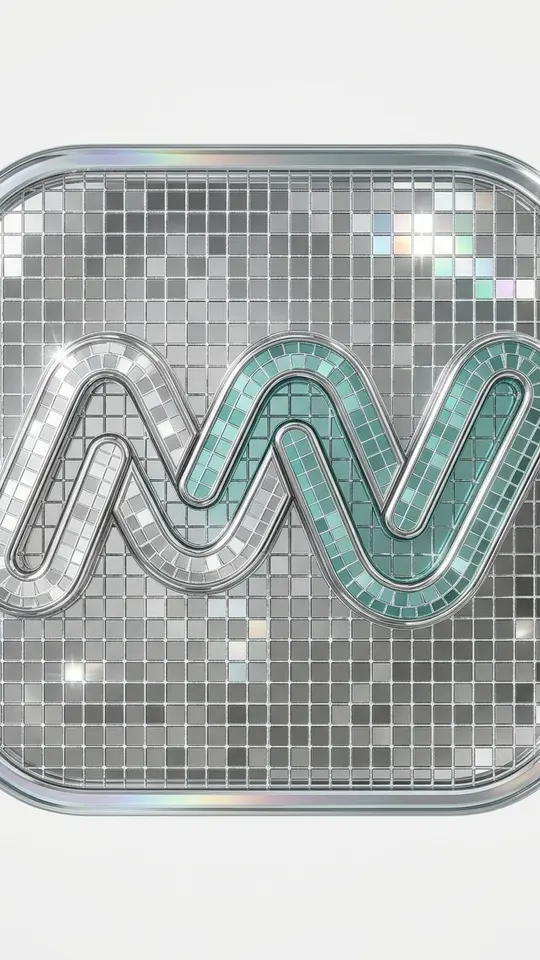
Shimmering Crystal 3D Logo rebuilds your mark as faceted glass on a deep black background, with several lights splitting it into purple, blue, pink and green. Enamel Pin on Denim makes it a polished pin with metal edges lying on folded denim. Logo Drawn in Flour reveals the silhouette in flour on a kitchen surface, and Mirror Mosaic Logo turns an app icon into tiny chrome tiles.
From upload to finished 3D logo mockup
Pick one of the logo templates and upload a clean version of the mark, ideally on a plain background with strong contrast. The prompt inside the template tells the model to hold the shapes and proportions of the original while it builds material and light around them. Run it, check the picture against your source file, and run again if an edge or letter drifted.
Writing an AI logo mockup prompt for a new mark
Without a logo, start on Create photo and describe the business, the mood and the palette, for example: minimalist round badge for a coffee shop, warm browns, a single steaming cup. Repeat the same request a few times to collect directions, then feed the strongest draft into a mockup template to see how it holds up in glass or enamel.
Beyond the mark: packaging and campaign shots
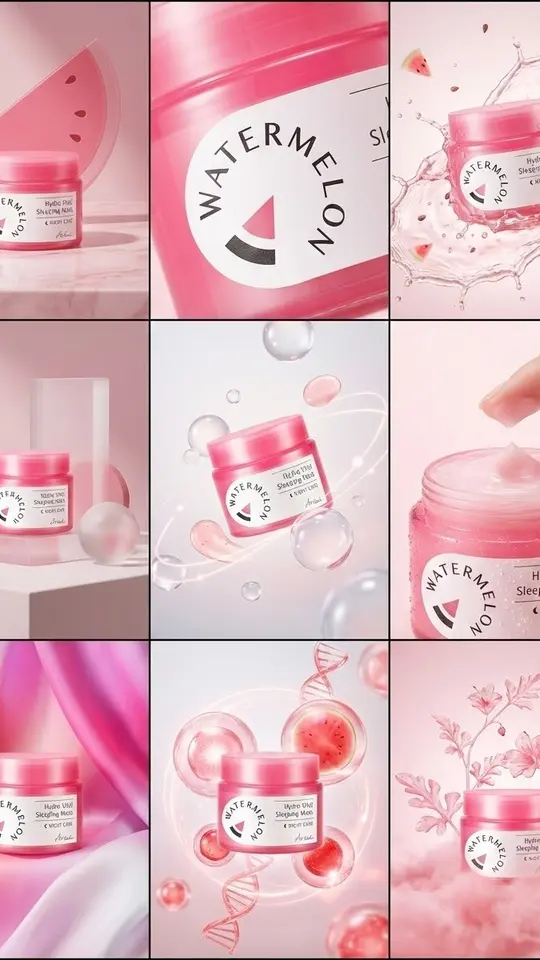
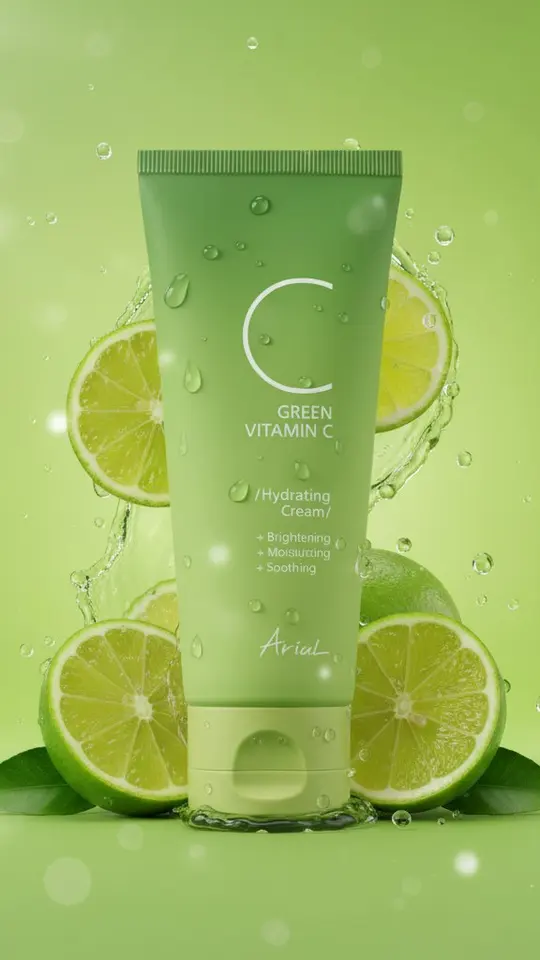
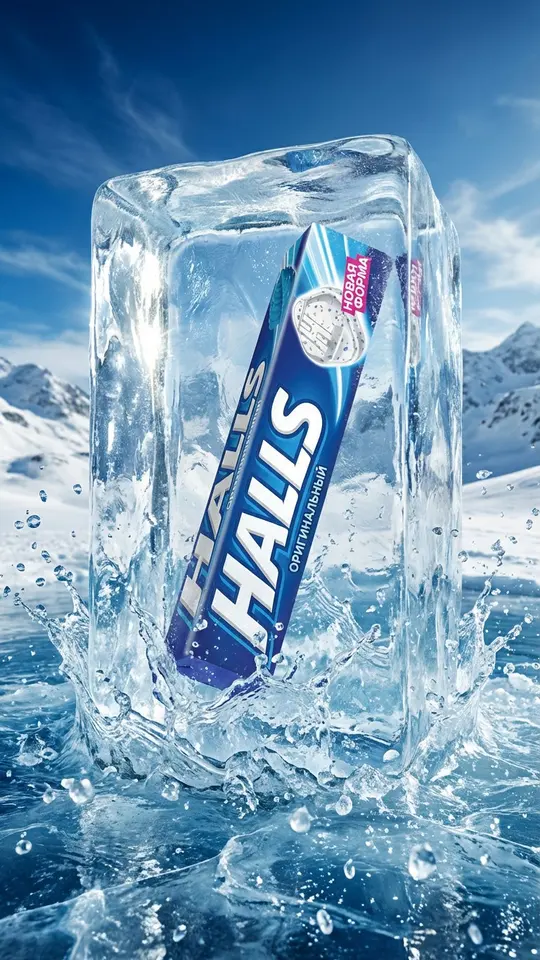
Once the logo sits on a real product, the Visuals templates take over. Premium Product Ad Poster reads the uploaded product photo, including packaging and logo, and builds one vertical ad. 3×3 Product Campaign Grid returns nine concepts around a single product, Lime Splash Product Visual sets a jar among lime slices and droplets, and Frozen in an Ice Block seals a garment in clear ice.
What a mockup can and cannot replace
Output is a raster picture, not a vector file with editable curves. Small lettering gets redrawn by the model and may come out approximate, so read names and taglines closely. For print, signage or embroidery a designer still traces the mark in vector; the mockup is for choosing a direction, testing materials and showing a client the concept.
Ready-made templates
FAQ
Is there a free way to use the AI logo mockup generator?
Verifying your email credits a fresh account with 5 stars, enough to try a template or two. On some days a template shows a Free today badge and allows a few runs at no charge. Past that, each mockup spends stars, and plans or star packs sit on the Pricing page.
Will I get a vector logo file?
No, you download a regular raster image of the whole scene. For print or a sign, have the mark traced in vector separately and keep the mockup for presentations, pitch decks and social posts.
Can I put the company name in the prompt?
You can write it in quotes, but models render small text loosely, and letters may shift or merge. A short name in large type has the best chance; for anything precise, add the wording later in a design tool.
Will the mockup keep my exact design?
The templates instruct the model to preserve shapes, proportions and silhouette, and results usually stay close. Thin strokes and tiny type can still change, so treat every result as a new image and rerun when something drifts.