AI Photo Generator from Your Photo or a Text Prompt
This AI photo generator has two ways in. Bring your own photo and let a ready-made template build the scene around you, or bring only a text prompt and the model paints the entire frame, no source picture required.
Generate a photoReady in minutes · Free templates every day
The templates, more than 1,000 of them across photo and video, sit in the catalog; the prompt route is the Create photo page. Both routes end in the same place: a history list on your account where every finished picture waits for download.
Mode one: your photo plus a template
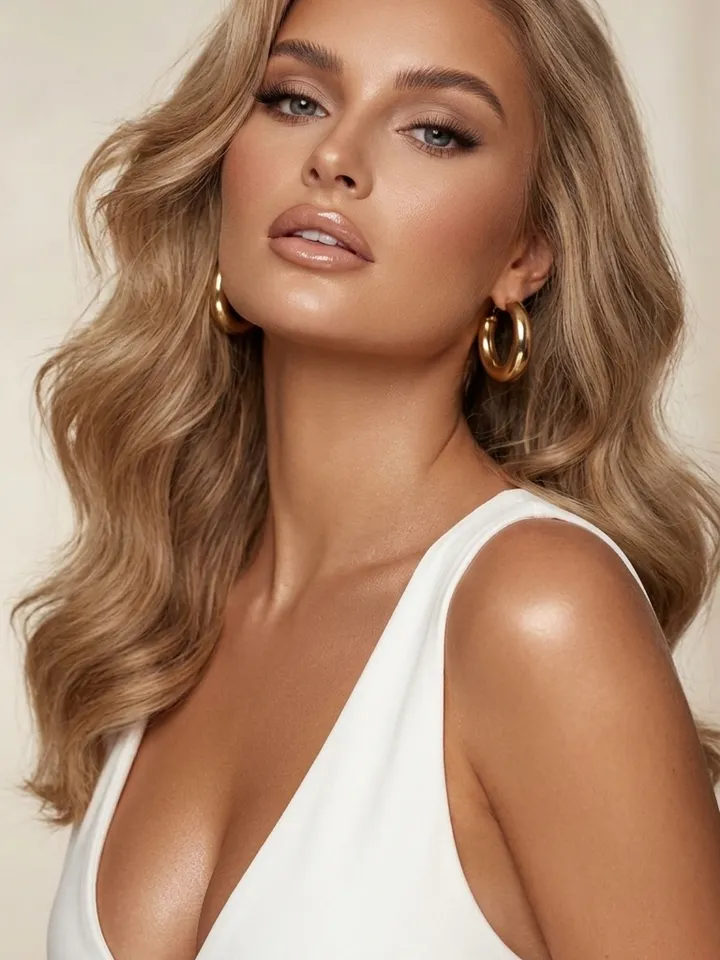
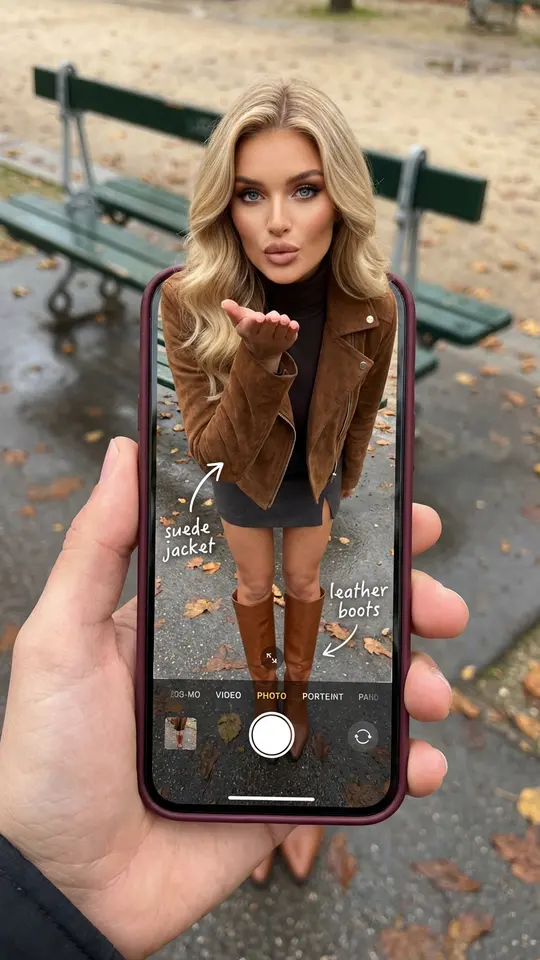
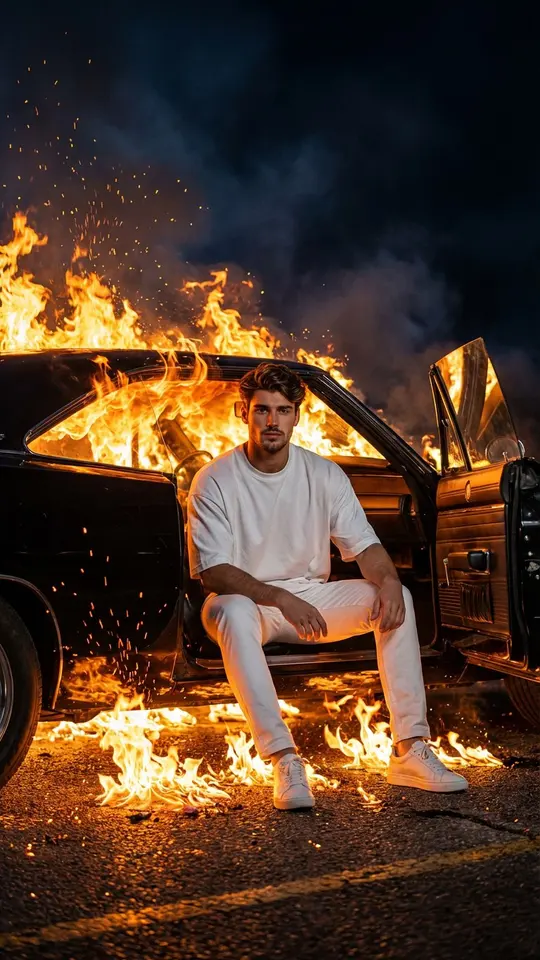
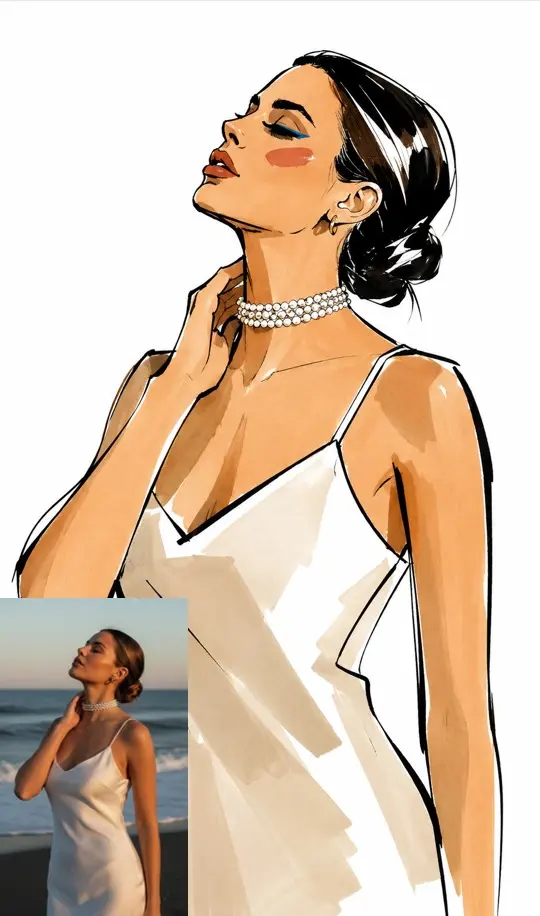
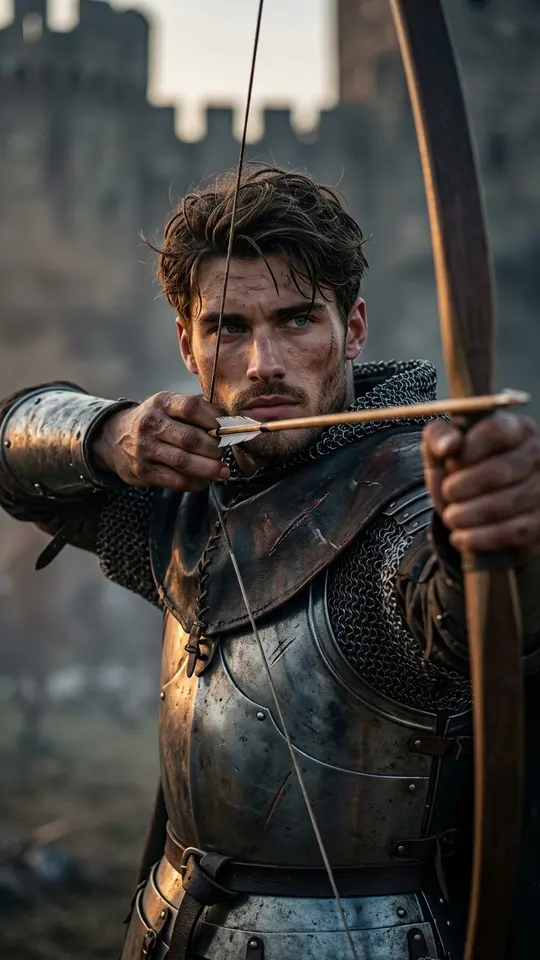
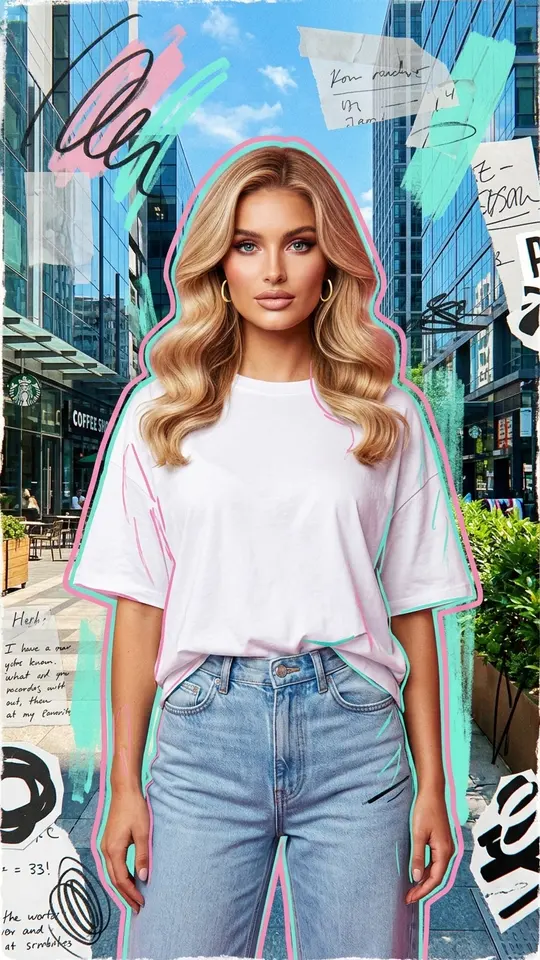
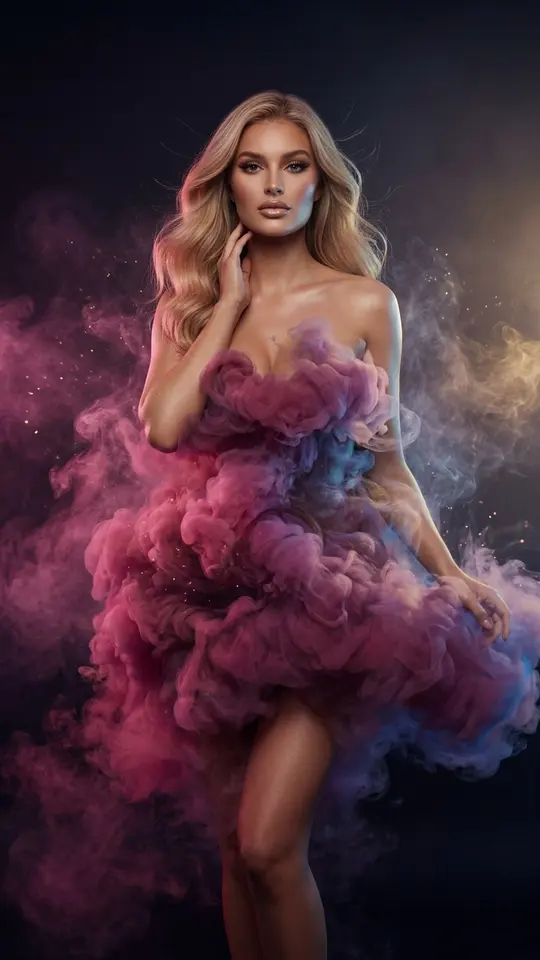
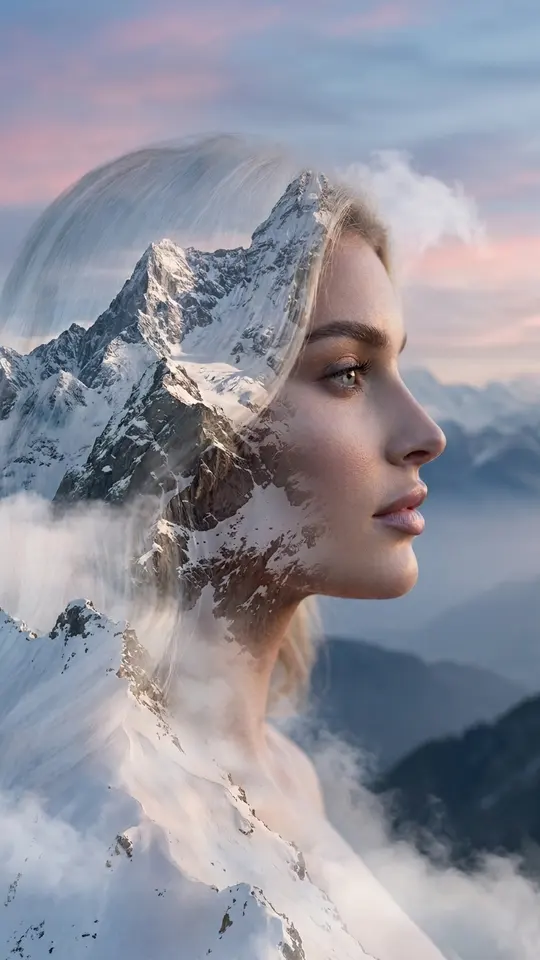
Choose a card, add the photo or photos it calls for, and start it. Everything except you is decided by the template, from the scene to the styling and composition, so the result puts you inside a finished idea: dressed in a gown made of colored smoke, drawing a bow in knight's armor, or climbing out of a screen. A sharp photo with your face evenly lit is the best starting point.
Mode two: a text prompt on Create photo
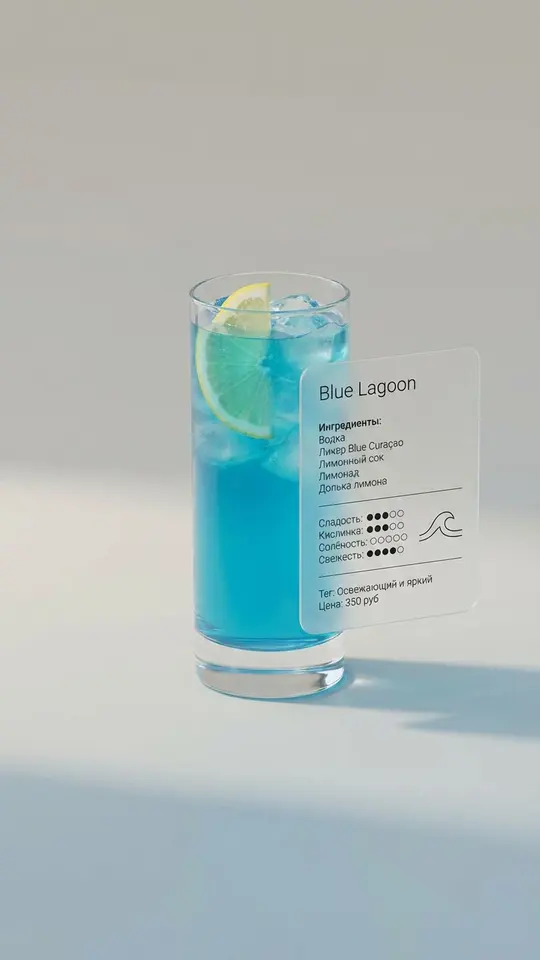
Without a source picture, the description has to carry everything: the subject, where it is, how it is lit and what look it should have. This mode fits images where no real face is needed, such as a menu visual, a poster background or an illustration for a post. Before running, choose among the five photo models, from the Nano Banana family to Seedream 4.5 and GPT Image 2.5.
Vertical or horizontal frames
Frame shape depends on where the picture is going. A vertical frame fills a phone screen in stories, while a horizontal one suits a website header, a slide or a cover. Templates come with their shape already set, so check the sample on the card; with your own prompt, the aspect ratio is yours to set before the run.
Your history of runs
Each run gets its own entry in your account history, whether it came from a template or from a prompt. That makes it easy to put two attempts at the same idea side by side and keep the better one. Downloading is not a generation, so saving a file again later costs no stars; the picture comes down as a regular image file, the same one the model produced.
Where each mode falls short
Templates are quick but fixed: the scene, outfit and light are chosen for you, so they work best when the card already shows what you want. A prompt gives you control, yet the output is only as precise as your wording, and identical words can still return a different picture on the next run. Either way, stick to selfies and to pictures of friends or family who are happy to be in them.
Ready-made templates
FAQ
Is the AI photo generator free?
Anyone can look through the catalog without signing in; generating takes a free account, and confirming its email adds 5 stars. Every template and model shows what it costs in stars up front. A few templates wear a “Free today” tag and cost nothing until that day's quota runs out. Topping up happens on the Pricing page, by plan or by pack.
Can it generate a new photo from my own photo?
Yes, that is what most templates do: you upload a picture, and the model rebuilds the frame around you with a new scene, outfit and light. Create photo accepts a photo as well: attach it to a written description and say what should change, for example the background or the clothes.
How long does one picture take?
Expect one to two minutes per picture, stretching at rush hour when the queue fills up. Nothing stops you from starting several templates back to back and picking up each result from your history once it lands.
Do I need to install anything?
No installation is needed: the generator lives in the browser, on a laptop and on a phone alike. Sign in on a second device and your history is already waiting there.