AI photo trends you can make in a single shot
Most viral AI photo trends work as a single still: half face, mini-me, two sides of you, half photo half cartoon. On MarketVideo each one is a ready template that turns your upload into the finished frame in one run.
Make a trend photoReady in minutes · Free templates every day
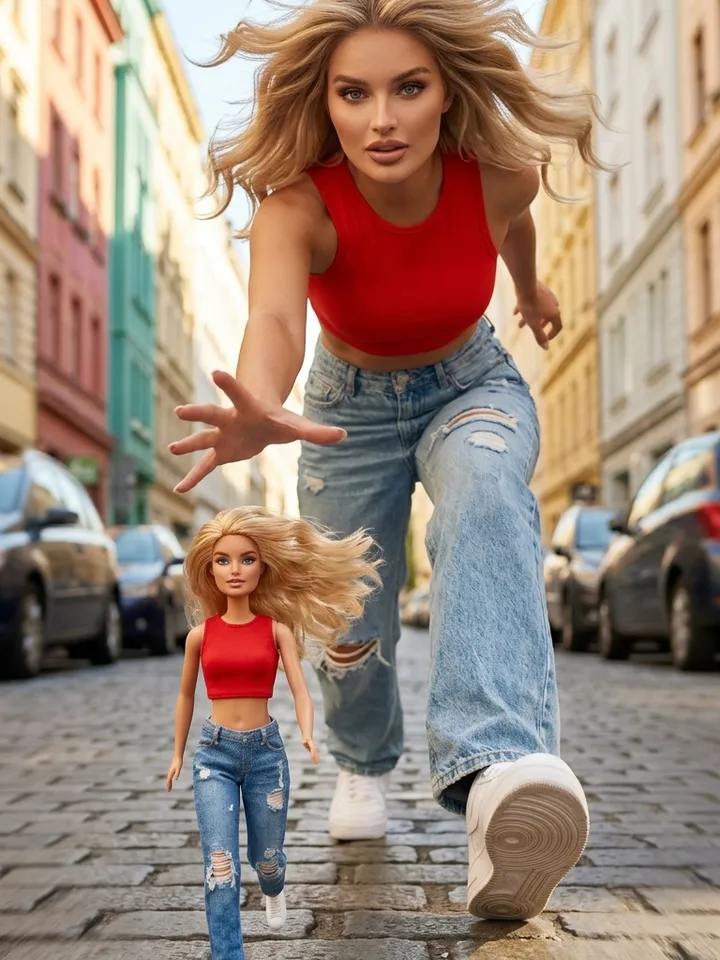
Below: how to tell a photo trend from a video one, which formats are trending now in 2026 feeds, what source picture each needs and how to spot a format that has gone stale. No editing, no timeline, nothing to animate.
Pause the clip to find a photo trend
Freeze someone else's post on any frame. If the trick still reads on the paused image, it is a photo trend and the motion was only packaging. Split faces, a contrast of scale, a double of the same person and a change of drawing style all survive the pause. Transformations, camera fly-throughs and stunts fall apart when frozen, so those belong to video.
Four still formats people are posting now
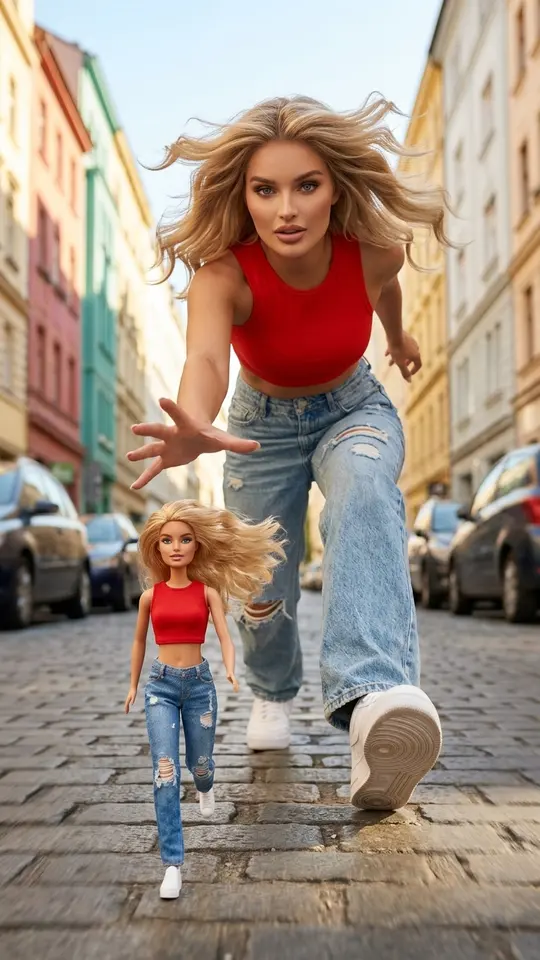
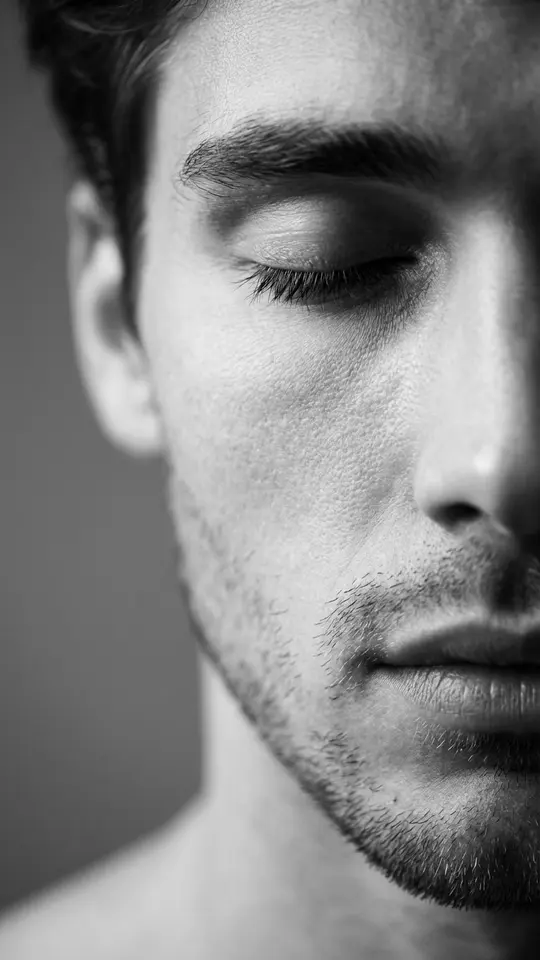
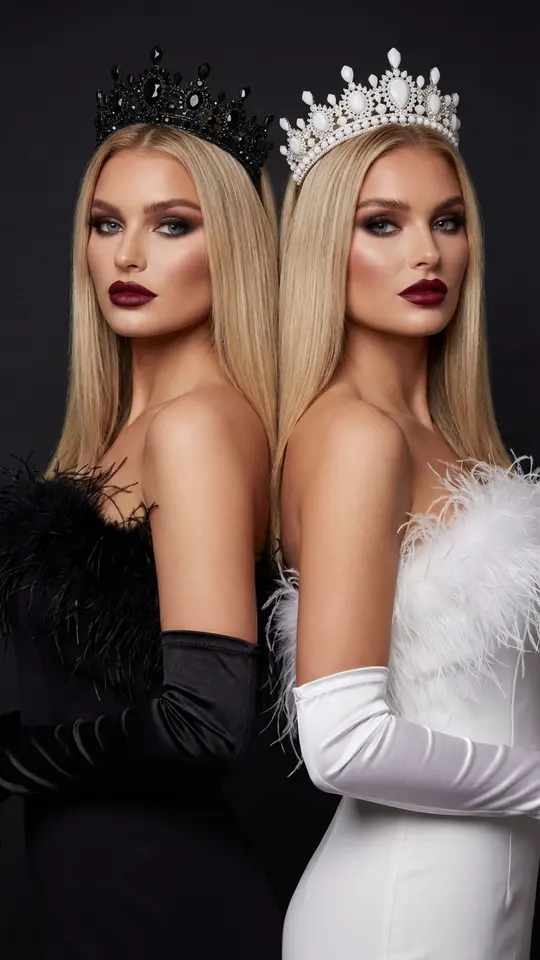
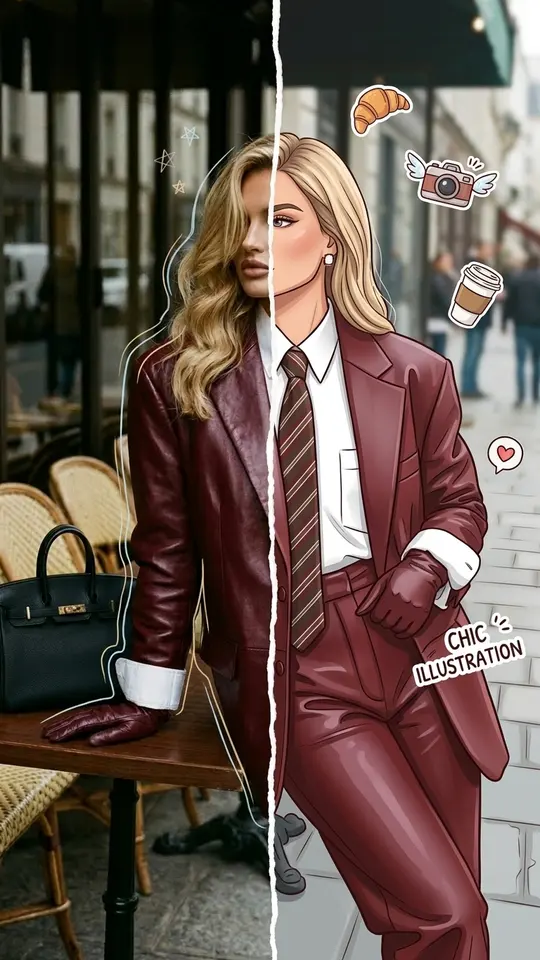
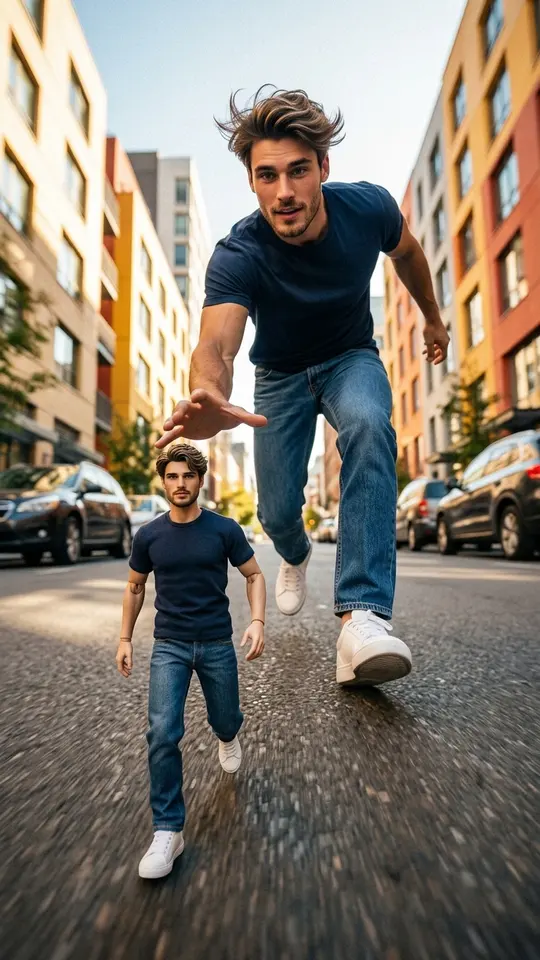
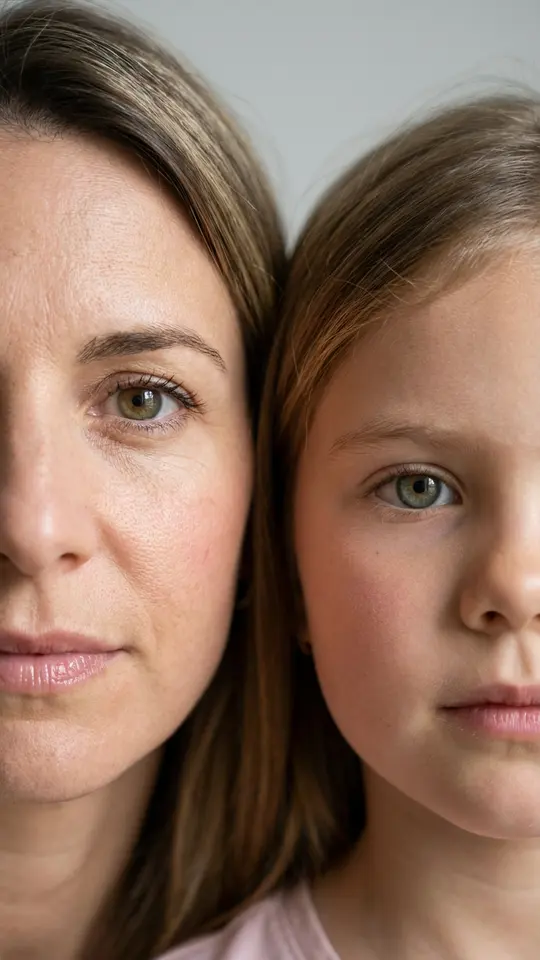
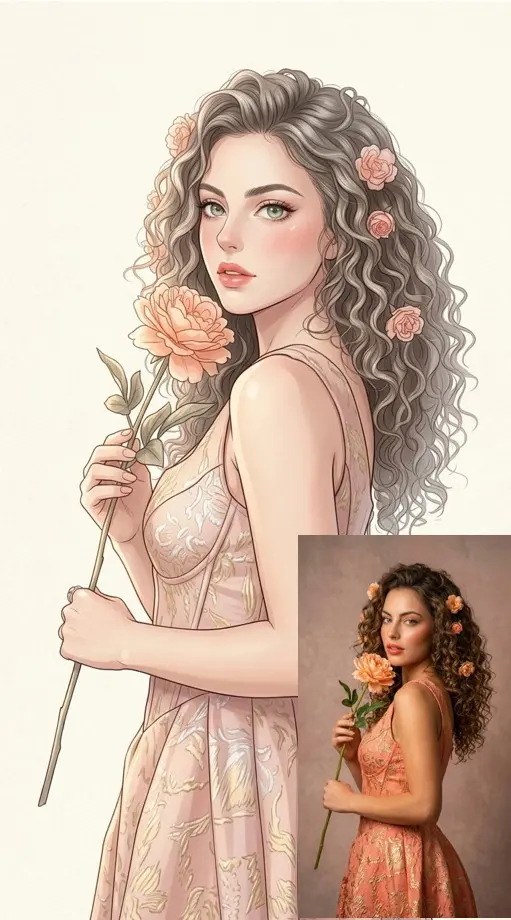
Half face: one portrait cut to half, or two faces joined down the middle, as in Two Halves Close-Up with a parent and their child. Scale contrast: Chasing Her Mini-Me sets you against a miniature copy of yourself. Mirror double: Two Sides of You puts two versions of one woman back to back in a yin and yang look. Style split: Half Photo, Half Cartoon keeps the left side real.
The source photo matters more than the wording
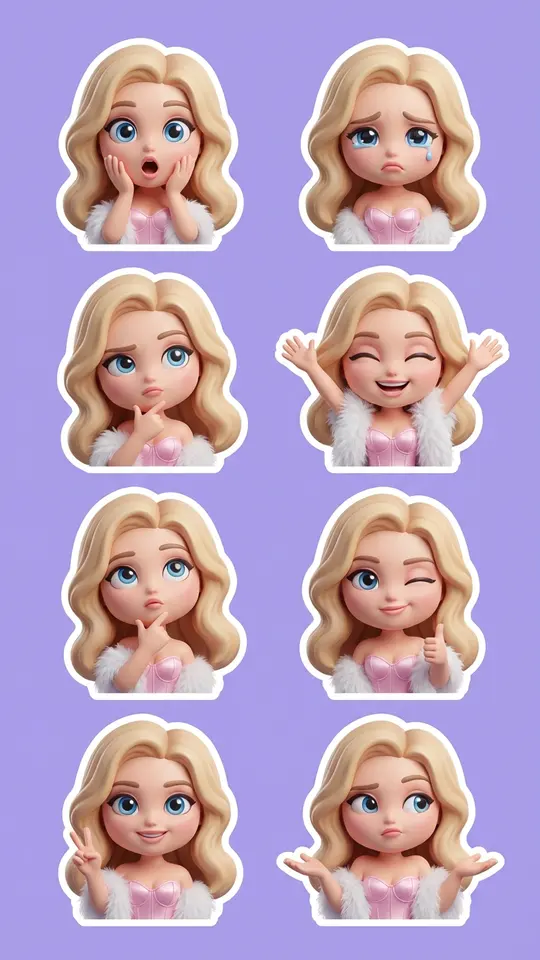
For a split face, bring two portraits shot from a similar distance in matching light, or the seam gives the edit away. Mini-me cards ask for one picture of you, and a full-length shot gives the miniature a whole body to copy. Style changes such as Chibi 3D Sticker Pack or Anime Manga Portrait do best with a front-facing face under soft, even light: fewer shadows, cleaner features in the new look.
How to tell a format has cooled off
The comments tell you first: people start writing that everyone has done this already, and creators get less reach for the same trick. Feeds move fast, so a format is worth copying while it is still climbing. After that it turns into an ordinary portrait idea, still fun to make for yourself, just without the viral lift.
Limits, costs and the step to video
Each card is a fixed recipe: you supply the photo, the template handles scene, light and framing. Output is generated, so two runs differ and resemblance is a target rather than a promise. Generations spend stars, with the number shown on each card; a handful of templates go free daily under a Free today badge, and bigger balances live under Pricing. A good still can later feed a video template.
Ready-made templates
FAQ
How is this different from AI trend prompts?
Prompt collections give formulas for every kind of trend, including ones built on camera moves and transformations. This page keeps only formats that work as a still image, so each finishes in a single photo run with no animation. Some overlap exists, but fly-throughs and morphs are left out here.
Can I turn a photo trend result into a video later?
Yes, and it is a sensible order. Get the still right first, then upload that finished picture to a video template or to Create video, where a model adds motion. The face and composition are already checked, so stars go into movement rather than into drafts.
How many tries does one trend usually take?
Style changes like the sticker pack or the anime portrait often land within one or two runs. Split faces are fussier: if the two pictures were taken from different distances, the seam shows, and it can take a few more attempts. Starting with two front-facing portraits in matching light saves runs.
Is there a free way to try an AI photo trend?
Sign up and confirm your email, and the account receives five stars, enough to test a format. Separately, some catalog templates carry a Free today label each day with a limited number of no-charge runs. Further stars come as a subscription plan or one-off pack, both under Pricing.
Whose photos can I use for these trends?
Pictures of yourself, plus friends or relatives who have agreed to it. Leave out celebrities and strangers, and never make anything that imitates an ID. Two Halves Close-Up pairs an adult with a child, so use it only with your own kid in a family picture.