AI Photoshoot from a Selfie, No Studio Needed
An AI photoshoot gets you the shots of a full session while skipping the photographer, the studio rental and the travel. Upload an everyday photo, choose a shoot, and the location, outfit and light come from the template.
Create your AI photoshootReady in minutes · Free templates every day
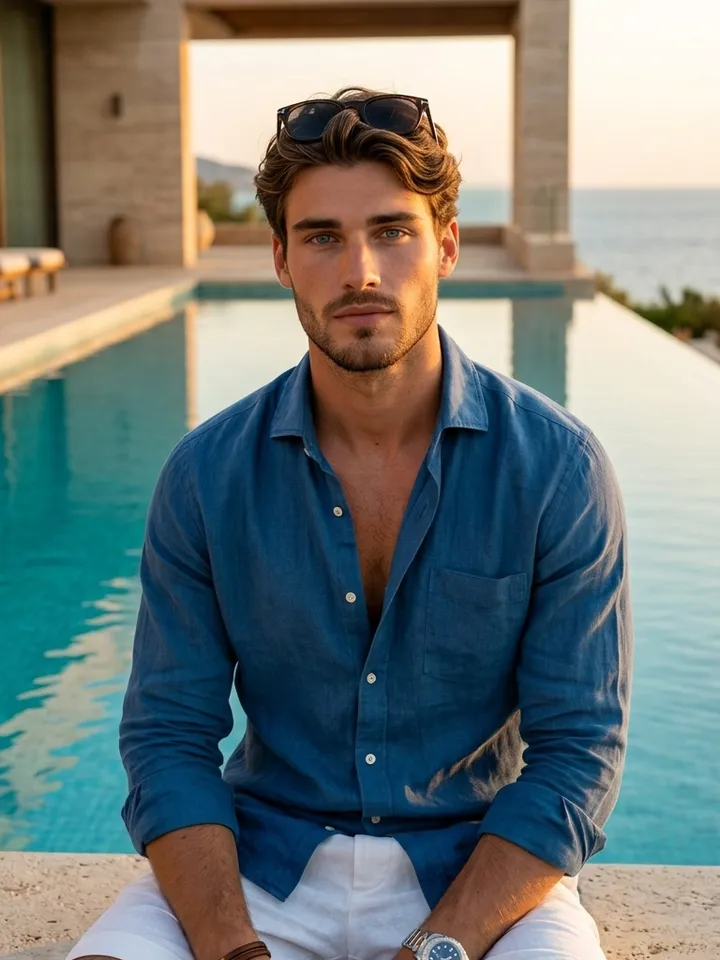
A traditional session means settling on a date, getting to the studio, sitting through the shoot and then waiting days for retouched frames. Here the location, styling and lighting come packed into each template, and there are shoots for women, men, kids, couples, families and expecting parents.
Which photo to upload
Any recent phone snapshot will do, posed or not. What the model needs is a clear view of your face: in focus, free of sunglasses and stray hair, and lit softly from the front rather than by a harsh side light. The card tells you how many pictures to bring: solo portraits need one, and some couple and family scenes want a separate shot of everyone who appears.
Shoots for women, men, kids and families
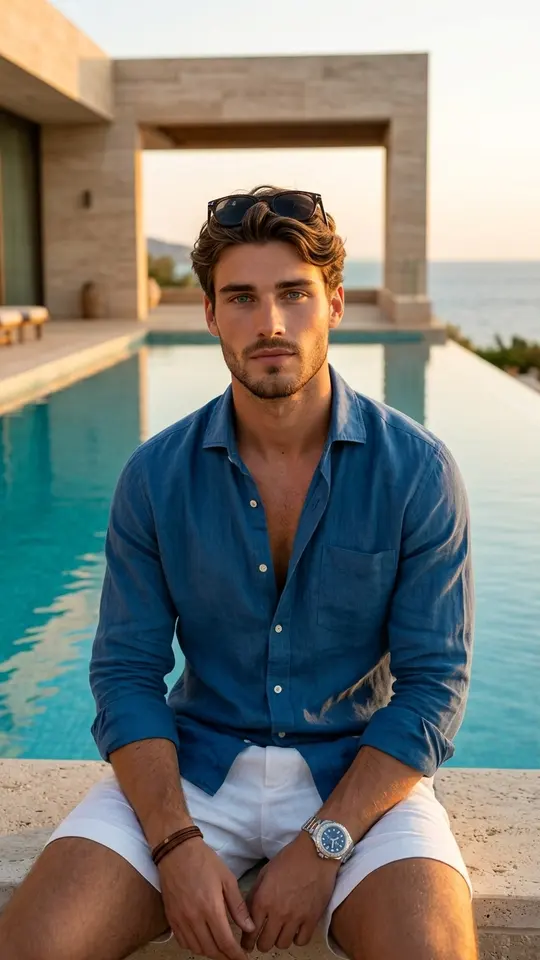
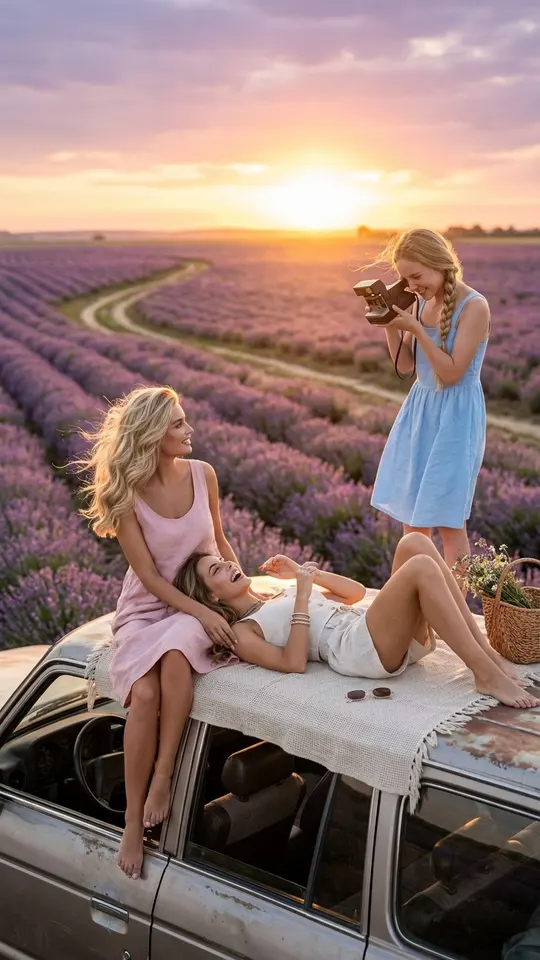
The shoots are sorted roughly the way a portrait studio sorts its bookings: women, men, kids, couples and weddings, families, maternity. Each group then spreads across very different backdrops. One set puts you at a villa as the sun drops, another on Mediterranean sand, another among lavender rows on a road trip, and the family sets go as tight as four faces in one frame.
Build a series, not a single frame
A photographer hands you a set of frames, not one, and the same logic works here. Feed one photo into three or four different shoots to build a varied series for a profile, a post or a gift: something by the sea, a business portrait, an evening frame at the villa.
AI photoshoot ideas by occasion
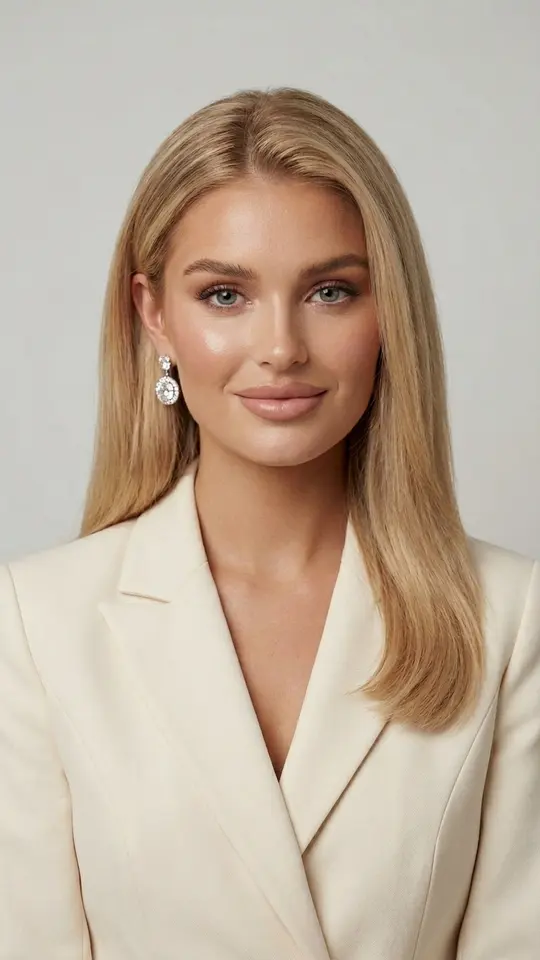
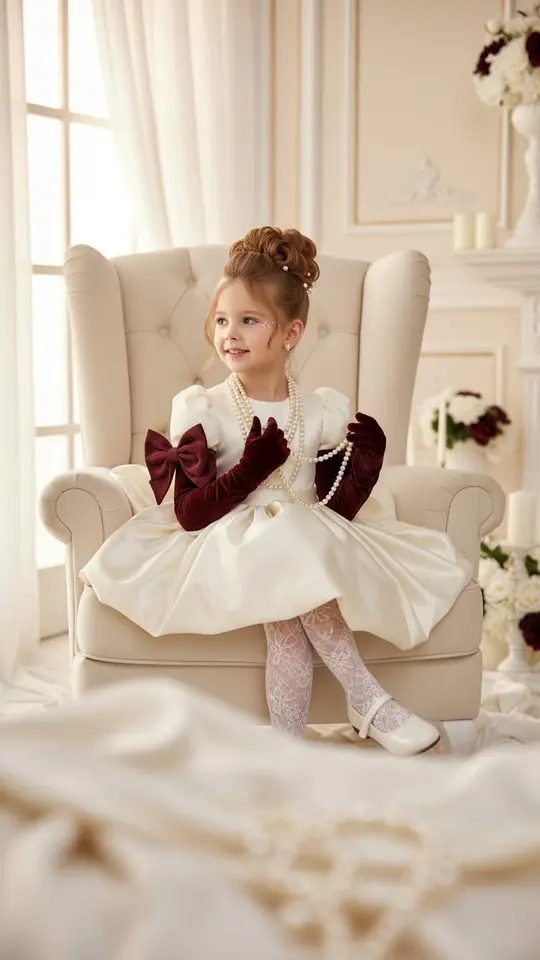
Let the occasion pick the shoot. Updating a profile picture or a résumé points to the business portrait; an anniversary, to the couple and wedding scenes; a baby on the way, to the maternity sets. Summer posts suit the seaside and travel shoots, and a child's photo belongs in the kids' section.
What to expect from the results
The template decides the pose, outfit and setting, so the result is a newly made photo of you, not your upload with a filter on it. No two runs come out identical, and when a frame misses, a rerun or a crisper source photo is usually the fix. Upload yourself or someone who has agreed to it, and keep children's pictures to family shoots.
Ready-made templates
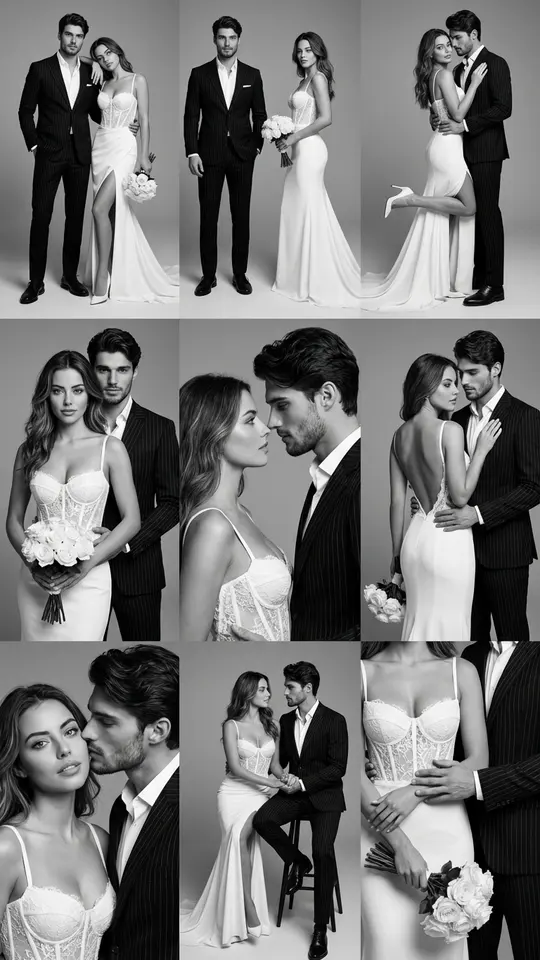
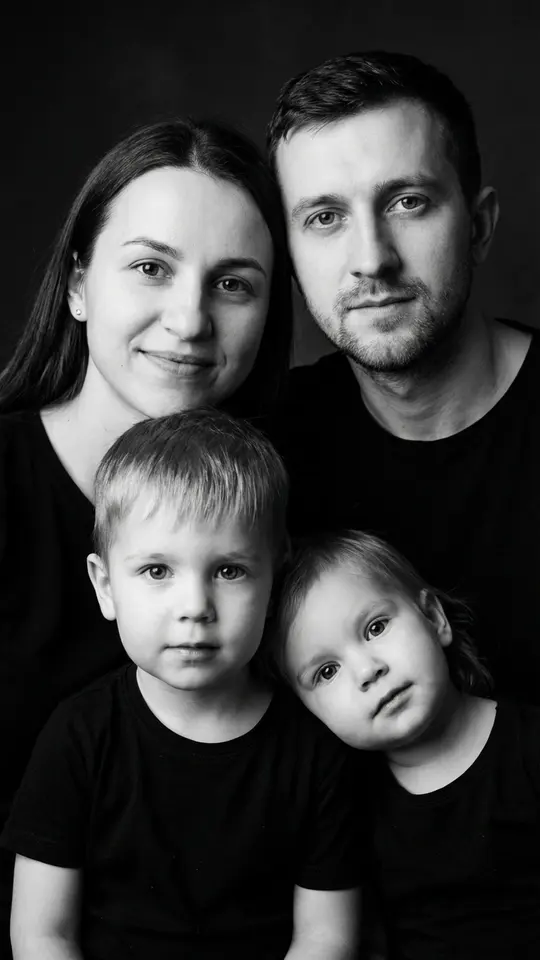
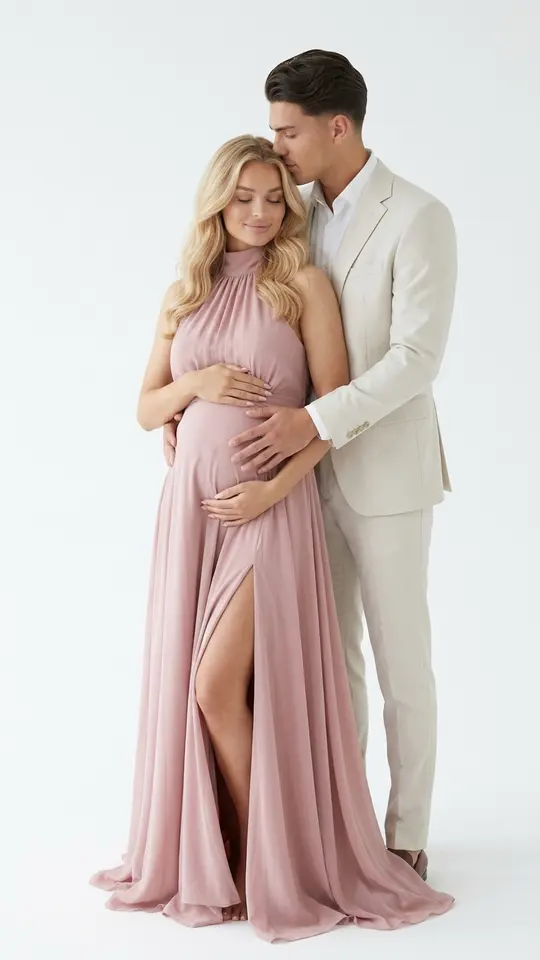
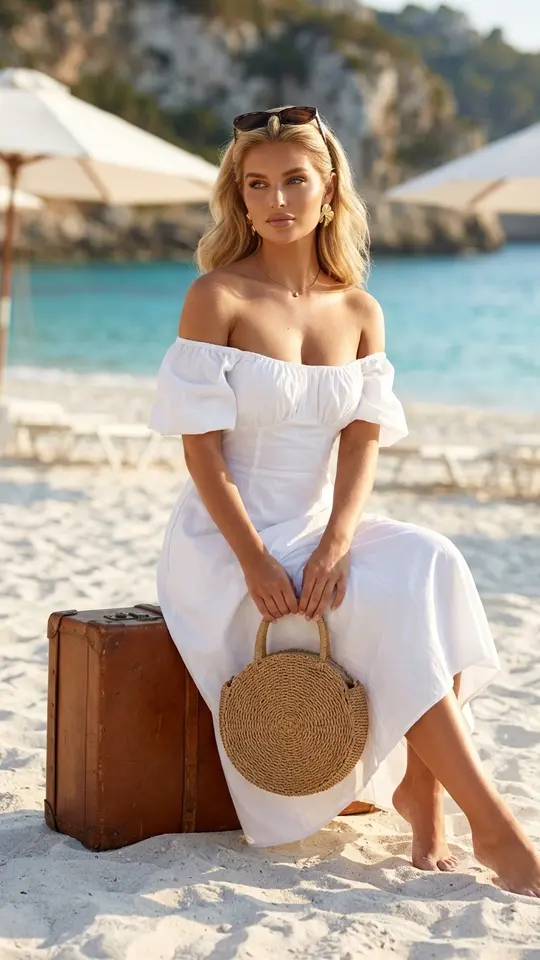
FAQ
Can I do an AI photoshoot for free?
Looking through the shoots needs no account. Generating does: register, confirm your email, and 5 stars land on your balance. Each shoot lists its star price before you commit, and the ones flagged “Free today” are on the house until the day's free runs are gone.
How much will the photos look like me?
Each shoot is set up to carry your features into the new scene, yet no generator reproduces a face perfectly, and a lot rides on the source. A crisp close photo will serve you better than a tiny face cropped from a group picture. If one result looks off, run that shoot again before giving up on it.
Can I choose the outfit and the location?
Yes, by choosing the shoot: each card fixes its own outfit, place and light, and the sample on the card shows the look you are picking. If no card matches the picture in your head, write your own scene on Create photo and attach your photo to it.
How long does an AI photoshoot take?
Plan on a minute or two per shot, more if the queue is crowded. Because each shoot is its own run, a series of four is a matter of minutes rather than a day at a studio, and every finished frame is saved to your history for download.