AI Video of Yourself: Star in a Trend From One Photo
For an AI video of yourself on MarketVideo, upload one photo to a trend template and the model builds the scene around you: a runway jump, a finger-frame anime reveal, a frozen moment.
Star in a runway jumpReady in minutes · Free templates every day
No camera is involved, and your face is not glued onto someone else's footage. Your picture acts as the character reference, while the template supplies the location, motion and camera. Below: how to choose the photo, which models accept references, and what to expect.
Trend scenes you can step into
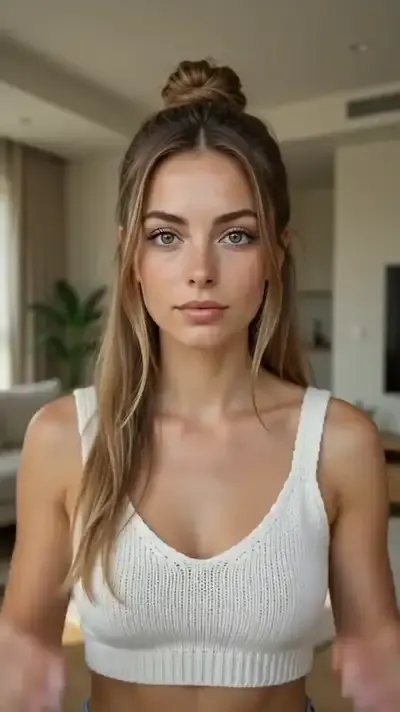
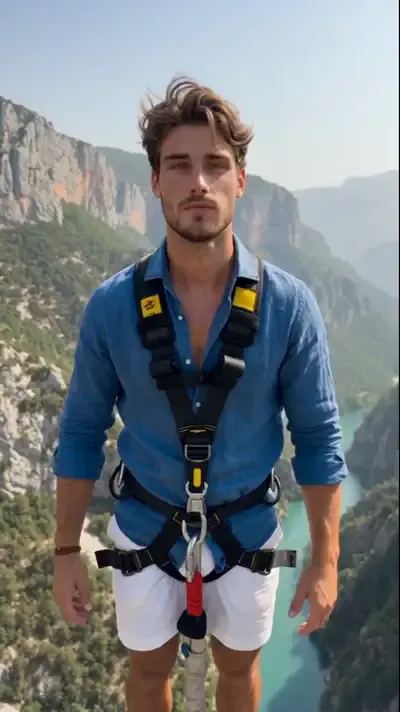
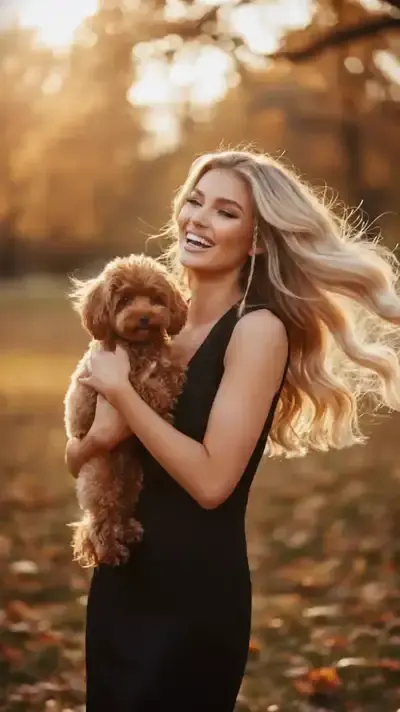
Each trend card in the grid is a finished scene waiting for your face. Runway Jump Shot runs on Seedance 2.5 Omni and treats your upload as a strict identity reference for a 10-second vertical clip. Ancient Statue Frame and Anime Transformation use a finger frame to reveal another version of you; in the anime one the whole shot turns anime at the end. Tiny Shopper, Giant Store shrinks you among towering shelves.
Picking the reference photo
Likeness is decided before the run. Choose a recent, sharp picture with your face large in the frame, lit evenly and turned toward the lens. Skip sunglasses, caps and hands near the chin, and avoid shots squashed by messaging apps. Group photos leave the model guessing who the hero is, so pick a solo shot.
Models that take your photo as a reference
Seedance 2.5 Omni accepts several references at once, for example you plus a location. Motion Control moves your photo along a reference video, so a dance or stunt is repeated by your own body. VEO Omni 1.1 and Veo 3.1 power the reveal templates. To write a scene yourself, open Create video, attach the picture and pick one of them.
What these clips are not
Templates here build a new scene around you; they do not read a script aloud or replace a face inside existing footage. Lip movement needs your own audio clip and LTX-2.3 LipSync. Outputs differ between runs, and a sharp head turn can drift from your features. Only upload yourself or people who agreed, and leave celebrities out.
Ready-made templates
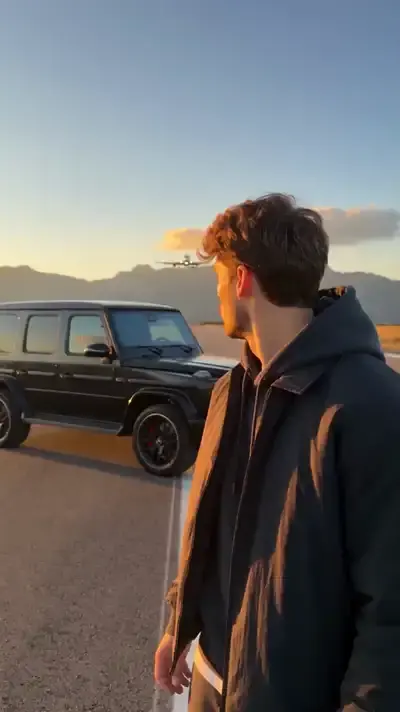
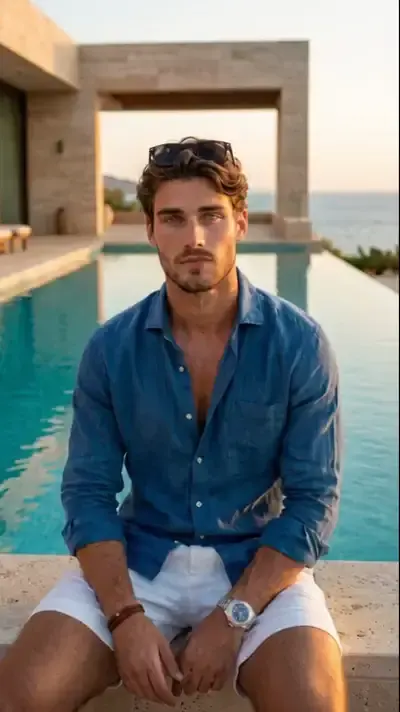
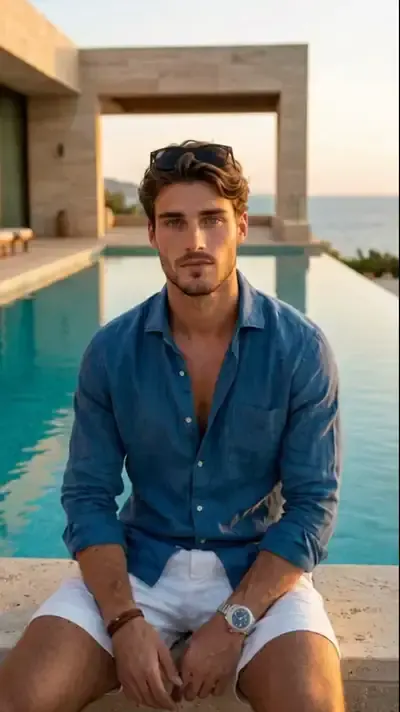
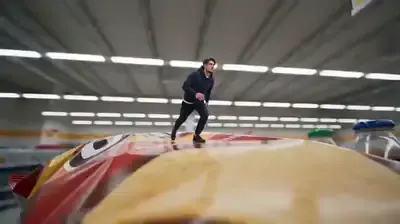
FAQ
Can I make an AI video of myself for free?
An account is free to open, and verifying your email leaves five stars on the balance, enough to test a template. Certain trend cards also run free on some days under a Free today mark, within a daily limit. Buying extra stars is covered on the Pricing page.
Will the video really look like me?
Runway Jump Shot tells the model to hold your face, hair and body proportions, yet a perfect match is never guaranteed. The source photo matters most: if the face drifts, swap in a sharper picture and run again.
Can a friend appear in the same video?
It works when they agreed and each of you has a separate photo. Seedance 2.5 Omni can take several references in one run, which works better than a single group shot. Children only if they are your own, and never a public figure.