Double Exposure AI: Blend Two Photos Into One Frame
Double exposure AI puts two images into the same frame at once: a forest showing through a silhouette, a city skyline filling a profile, an old print fading into a present-day view of the same street.
Blend two photosReady in minutes · Free templates every day
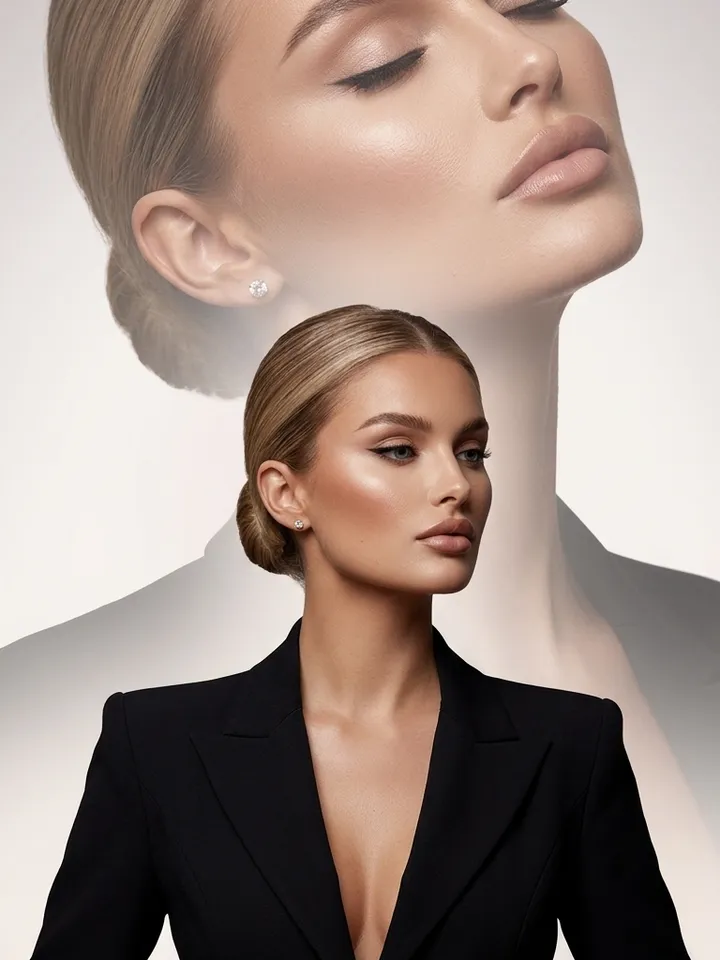
On MarketVideo you can start from a portrait template that already holds the effect, or open Create photo, add both pictures and say in plain words which one leads, which one shows through and how strongly. Both images stay recognizable; nothing is cut out and pasted into a new scene.
Silhouette double exposure
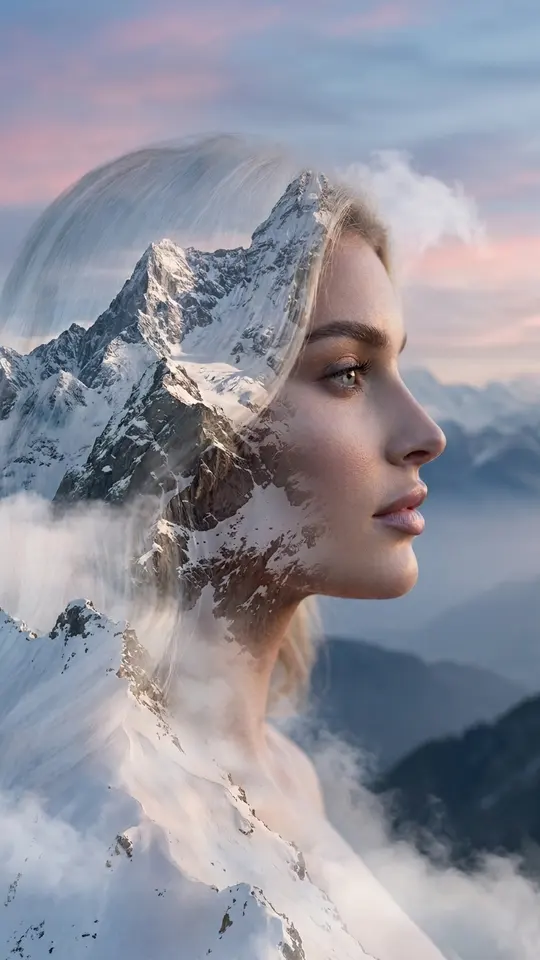
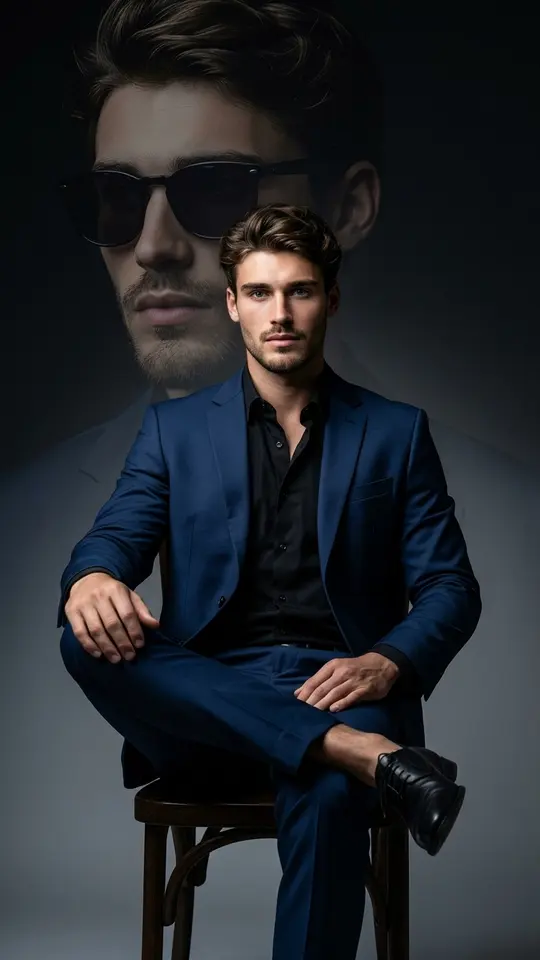
The classic film trick: two shots on one piece of film. A dark figure against a bright background gives a clean outline, and the second image fills it with pine forest, waves, a starry night sky or city lights. The stronger the contrast in the portrait, the crisper the shape. Mountain Dreams works this way: a profile whose edge is traced by snowy mountain ridges.
Semi-transparent blends and then-and-now pairs
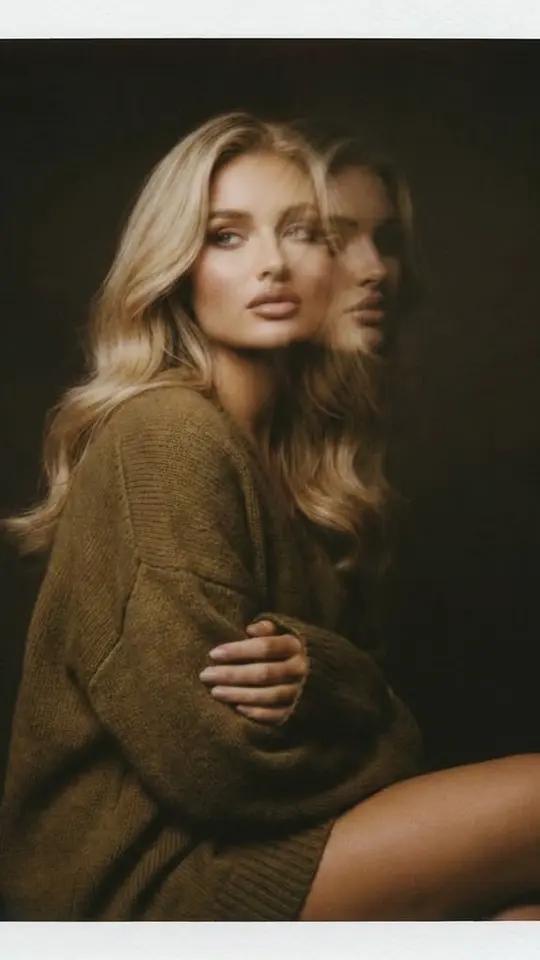
Here both frames stay whole and one shows through the other. Opacity is set with words: the second picture barely visible gives a faint ghost, both equally visible gives an even mix. This suits then-and-now pairs, where a print from a family album sits over a fresh shot of the same house or street, ideally taken from about the same spot.
Writing a double exposure AI prompt
Name the base picture first, then the layer, then where the layer lives: inside the silhouette, across the whole frame or only in the background. Add how strong the blend is and the mood of the light. Example: use photo 1 as the base, a side profile on white; fill the head and shoulders with the skyline from photo 2, soft edges, face still readable. Try it on NanoBanana PRO, then compare with Seedream 4.5.
Templates with the effect built in
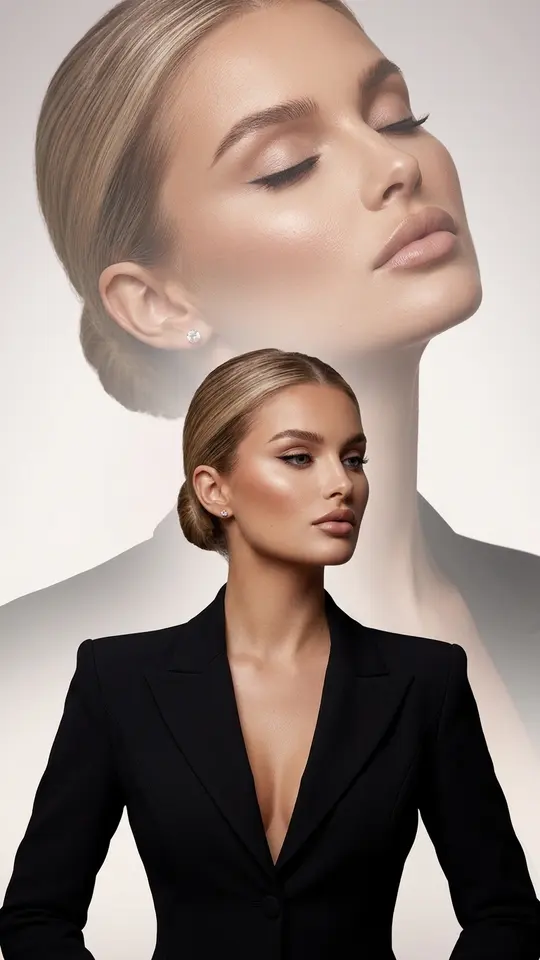
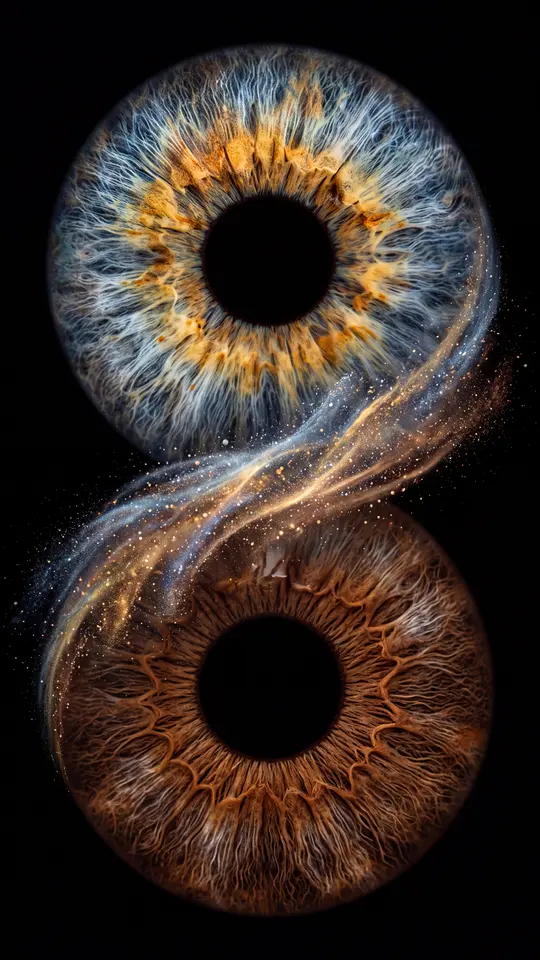
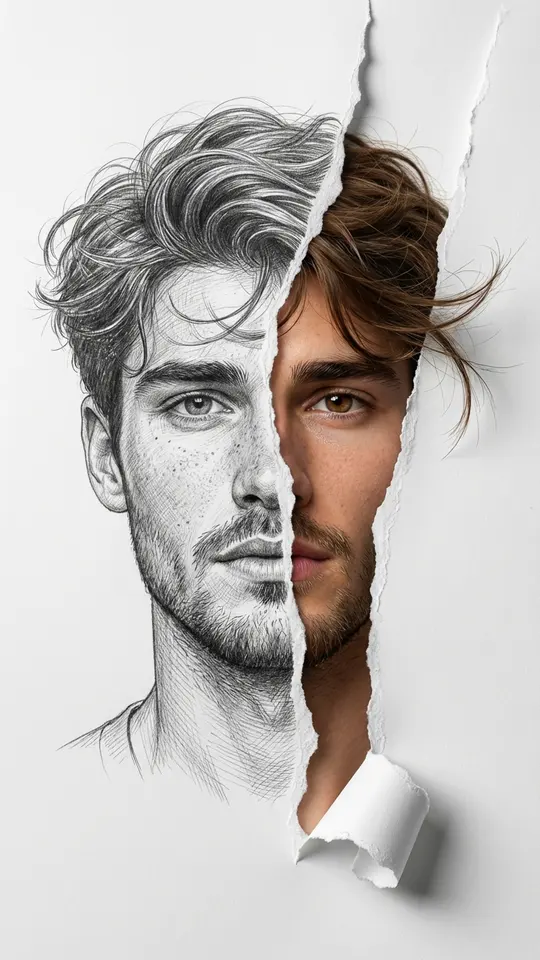
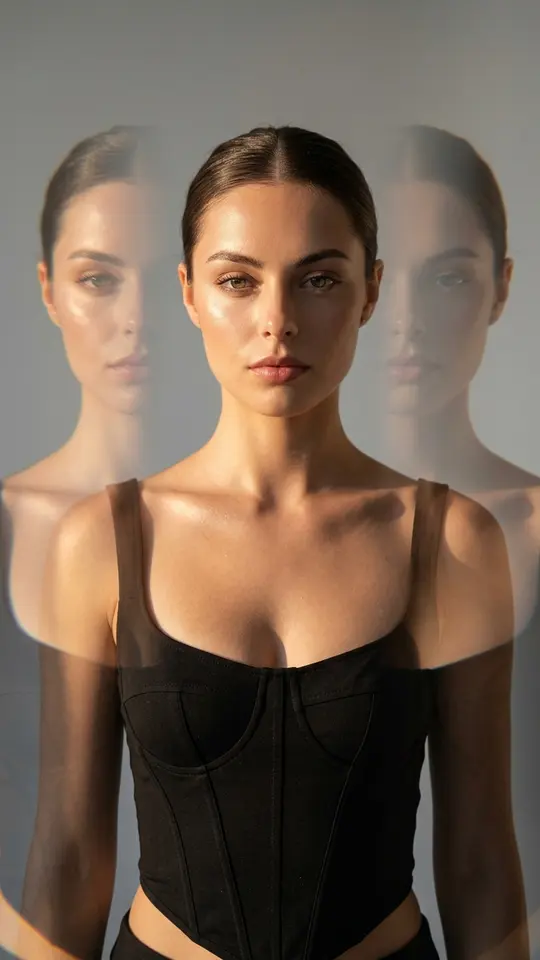
Double Exposure Luxe layers two portraits of the same woman, with a large soft close-up face in the background. Cosmos in Your Eyes takes two irises from real eye photos and overlaps them on pure black, joined by a cosmic stream. Half Sketch, Half Real turns one portrait into a graphite and mixed-media piece on white. Upload the photo a card requests; the scene is already written in.
What an overlay does not do
Lifting a person or object out of one photo so it looks as if it was shot inside another scene is a different job with its own page. A double exposure leaves both images readable instead of hiding the seam. Long captions over a picture are better added in a regular editor afterwards: small letters come out as graphics, and some characters may be distorted.
Ready-made templates

FAQ
How many photos do I upload for a double exposure?
Two is the usual pair: the base frame and the layer that shows through it. Create photo also takes more than two in one run if you want a third texture, but each extra image makes the request harder to follow, so begin with a pair.
Can I control how see-through the second image is?
Yes, in words. Phrases like a faint trace, half and half, or the city dominates and the face is just visible shift the balance. Results differ from one run to the next, so try two wordings and keep the better version.
How is double exposure different from a collage?
In a collage the pictures sit next to each other inside a shared frame, each with its own area. In a double exposure they occupy the same area, one seen through the other, so the result reads as a single picture.
What does it cost to blend two photos into one?
Every run spends stars, and the amount is visible on the card or next to the model before you press run. Once your sign-up email is confirmed, five stars appear on the balance. On a given day a few cards carry the Free today tag and allow a limited count of runs at no charge; topping up is done through Pricing.
Whose photos can I use?
Your own face, plus relatives or friends who have said they are fine with it. Celebrities, strangers and anything imitating documents are off the table, while kids are limited to your own household. A then-and-now pair of your grandparents' house works well; a public figure's portrait does not.