How to Do the AI Trend: From Viral Clip to Your Own Video
To do the AI trend yourself, work out the single trick the viral clip relies on, then give a matching photo to a template that already performs it, or describe that trick in a prompt on Create video.
Make your trend videoReady in minutes · Free templates every day
Most feed formats only look complicated because you see the finished result. Underneath sits one transition: hands form a frame and open onto a drawn version of the person, the camera sweeps around someone, a dance gets copied from another clip. Everything else in the shot can be swapped. The steps below go from taking a clip apart to a vertical file you can post on TikTok or Instagram.
Step 1: Find the one mechanic in the clip
Watch the clip twice and ignore the story. Look for the moment where something changes: a finger frame turns the person inside into an anime character or a statue, the camera circles the subject, a calm scene turns into a stunt. Then note what went in: one photo, several photos or a video. Mechanic plus input type is the recipe; outfits, location and soundtrack are details you replace with your own.
Step 2: Pick the right source photo
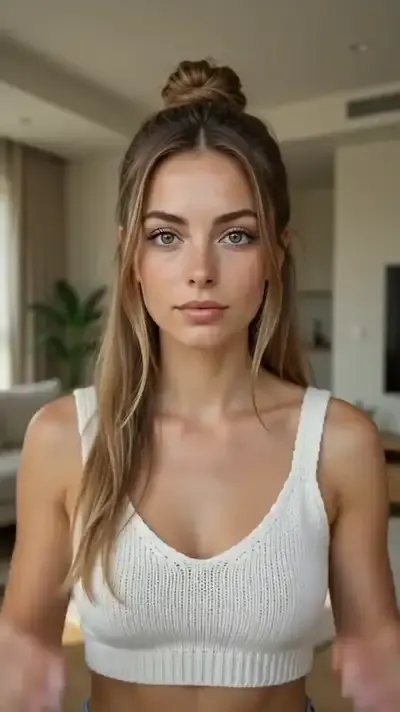
Face tricks need a straight-on portrait in even light without sunglasses, since the model takes the features from it. Dances and stunts need a full-length shot, otherwise legs and feet get invented. Group formats such as Gas Station Trend ask for three separate photos, one per person. Skip screenshots from messaging apps: compression wipes out the detail the result depends on.
Step 3: Use a template first, a prompt second
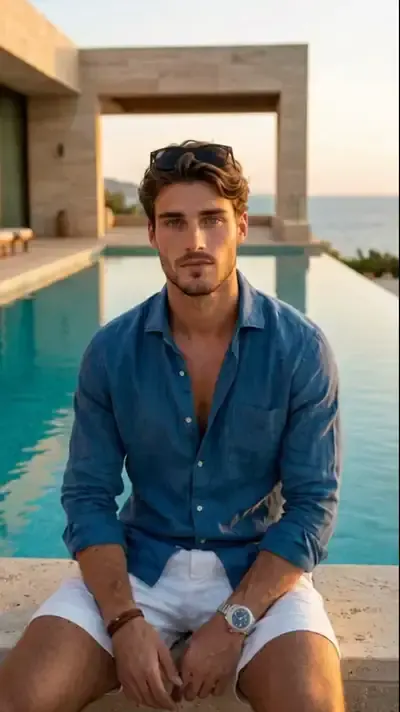
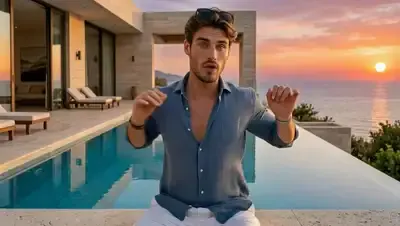
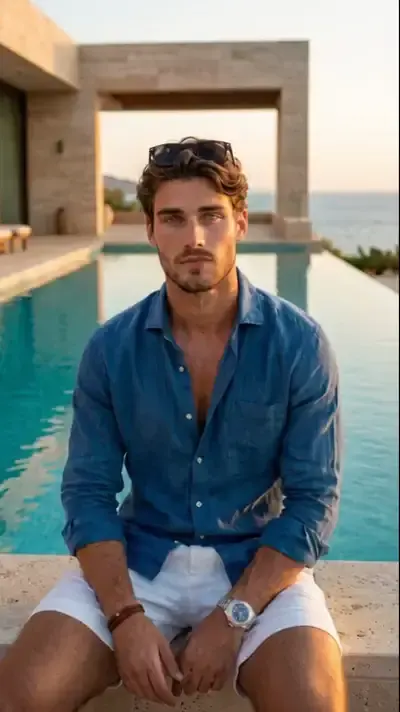
If the catalog already has the mechanic, take the template: scene, camera and ending are built in, and you only add the photo. Anime Transformation and Ancient Statue Frame handle the finger frame, Reality Meets Manga pulls a manga world into a real room, and Viral Dance Trend moves your photo like a dance clip you upload. When nothing fits, describe the first frame, the motion and the last second separately on Create video.
Step 4: Get a vertical video for TikTok and Instagram
TikTok, Reels and Shorts are vertical feeds, so a wide clip gets cropped and the trick can slide out of view. Check the frame on the card before running it: Anime Transformation, Reality Meets Manga and Rooftop Party Flip come out 9:16, while 360 Spin and Gas Station Trend are wide 16:9. With your own prompt, ask for a vertical 9:16 frame. Save the result and upload it to the app you post from.
Stars, limits and cooling trends
Each run costs stars, and the amount is printed on every template before you begin. Results are generated, so faces can drift a little and two attempts never match exactly. Trends cool off quickly; instead of remaking a stale clip, keep the mechanic and change the subject or the look, for example a statue reveal in place of the anime one. Stick to faces whose owners said yes, yours included.
Ready-made templates
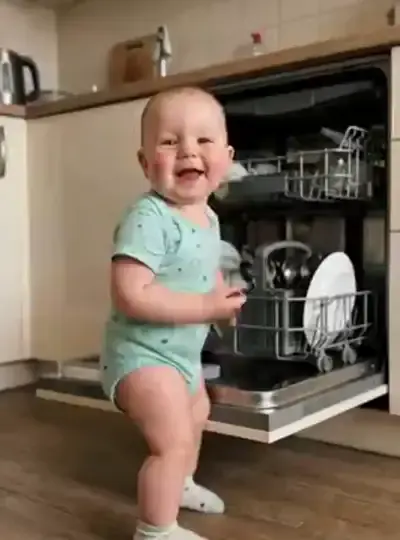
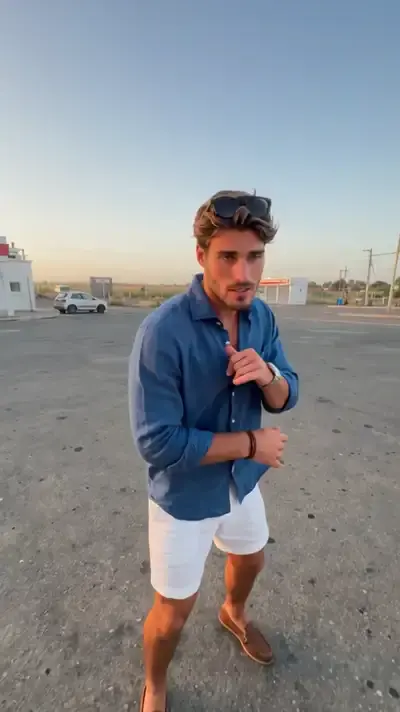
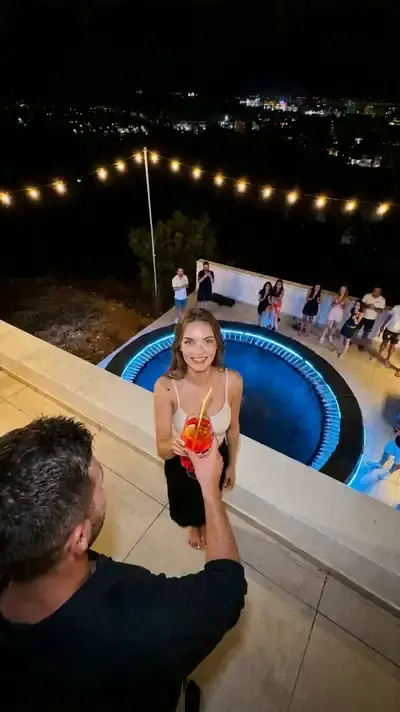
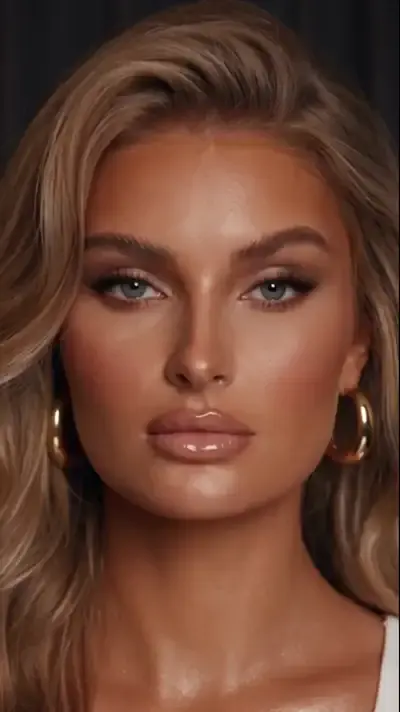
FAQ
Can I do the AI trend without writing a prompt?
Yes, when the trend already exists as a template. Open it, upload the picture that template needs and press run; motion, camera and ending are already set. A prompt on Create video only matters for formats the catalog has not covered yet.
How do I do the AI trend picture version instead of a video?
Choose a photo template rather than a video one, or go to Create photo, add the selfie and describe the look you want in plain words. You get a single still image instead of a clip, which suits a post, a carousel or a profile picture.
Can I recreate a viral dance from another video?
Yes. Viral Dance Trend takes a dance clip plus a full-length photo and transfers the moves, rhythm and timing onto the person in the photo while keeping their face. It relies on Motion Control, which makes a still picture move like a reference clip. Only animate people who agreed to it, starting with yourself.
Is it free to try?
No account is needed to browse templates. Generating takes a free account, and verifying the email puts five stars on the balance. Each day a few templates also show the Free today label and can be run several times without stars. For more, see the Pricing page.
Why does my clip look different from the original trend?
Every run generates a new video from your photo, so details differ from the clip you saw and from one attempt to the next. Usual causes are a blurry or side-on face, a cropped body in a dance, or a wide card used for a vertical feed. Fix the source photo first, then try again.