Transform a Photo with AI: Rebuild the Whole Shot
To transform a photo with AI here, upload your picture and the model uses it as a reference rather than a canvas: your face and pose carry over, while background, clothes, light and medium are drawn anew.
Transform your photoReady in minutes · Free templates every day
That is a different job from a spot edit, which fixes one detail and guards the rest. A rebuild fits when the whole frame disappoints, say a harsh kitchen lamp and a cluttered wall behind you. Below: what survives, the most popular directions, when a small edit wins and how attempts are paid for.
What carries over and what gets replaced
Facial features, head shape and pose are what the model holds on to, since that is how people recognize you. Everything else is open: backdrop, clothing, lighting, color, time of day and even the medium, from photographic to hand-drawn. Hairstyle and glasses sit on the border, so mention them in your request if they matter. Tiny details such as moles or thin scars often vanish.
Five directions the templates cover
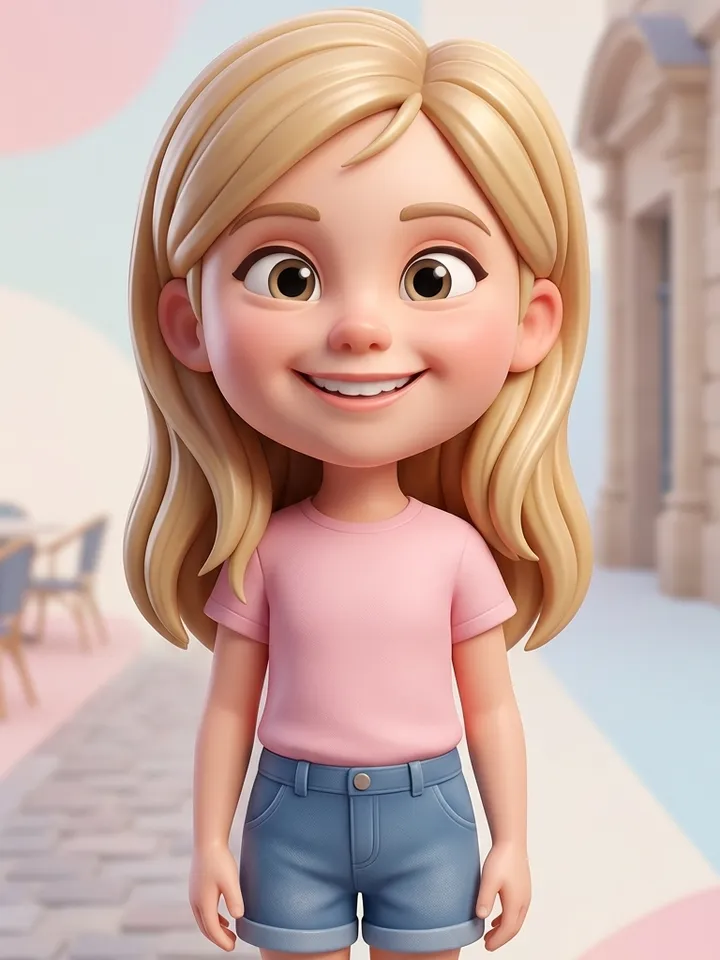
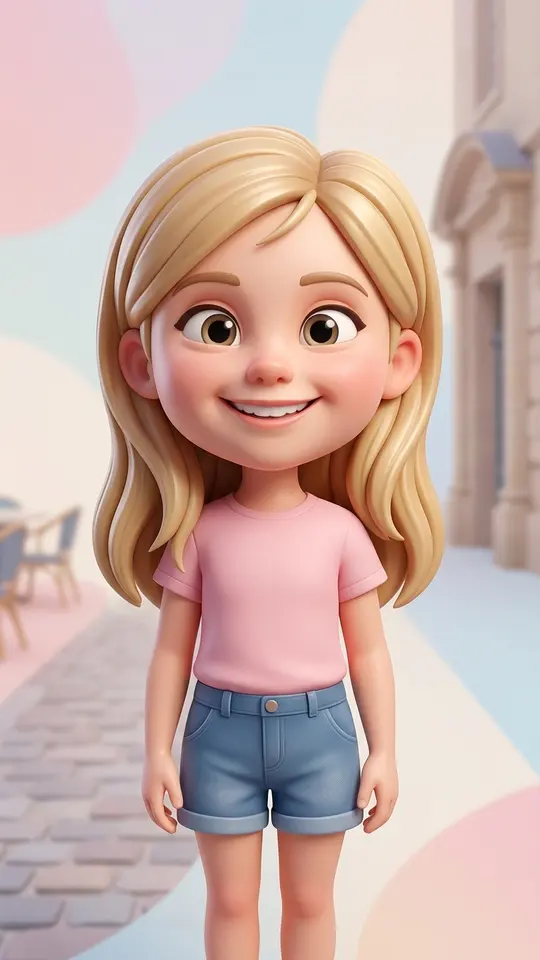
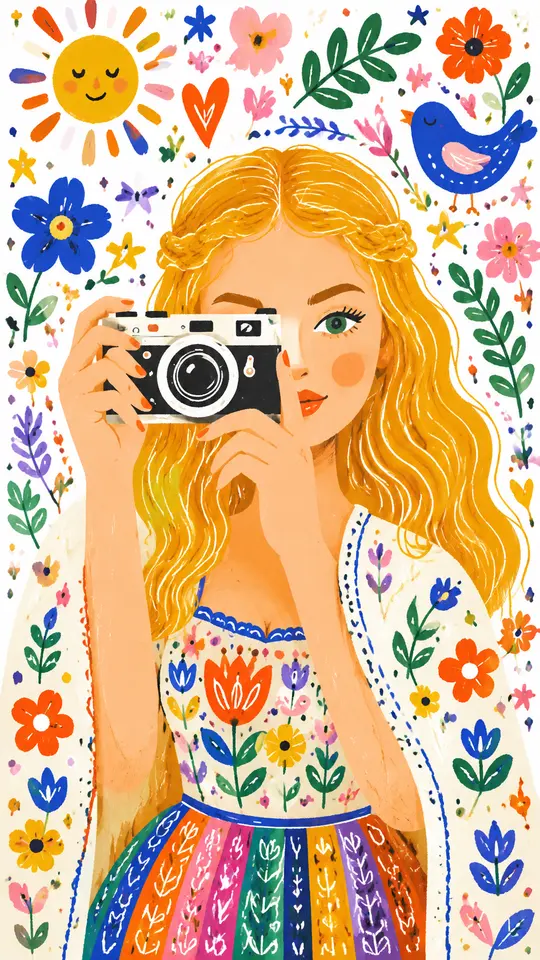
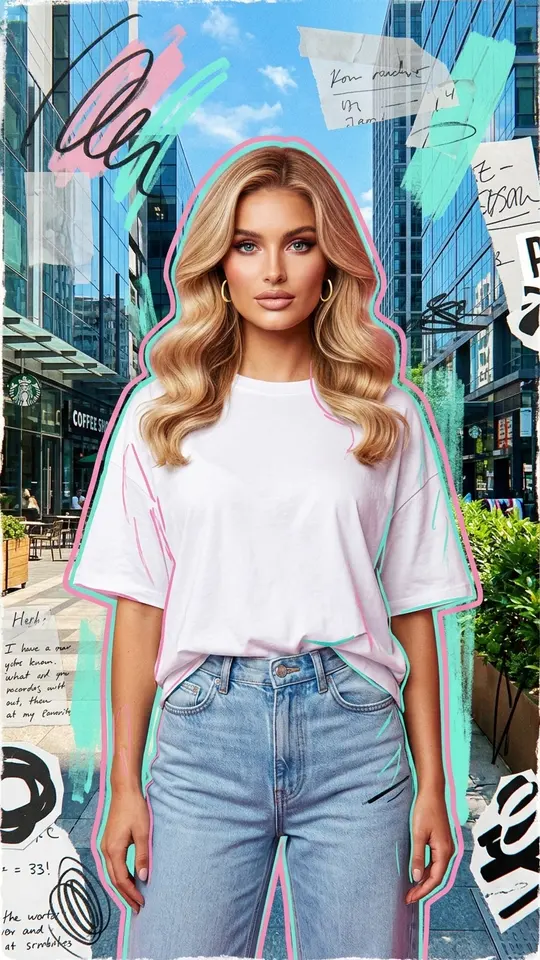
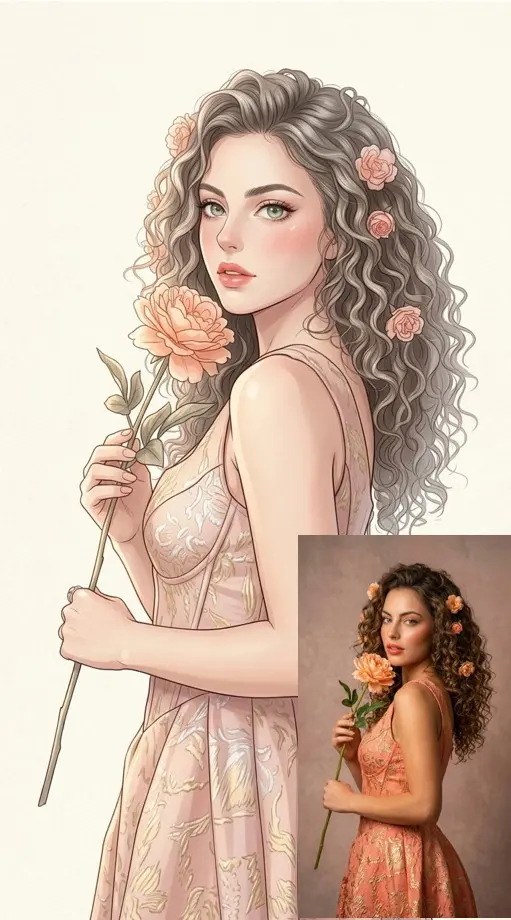
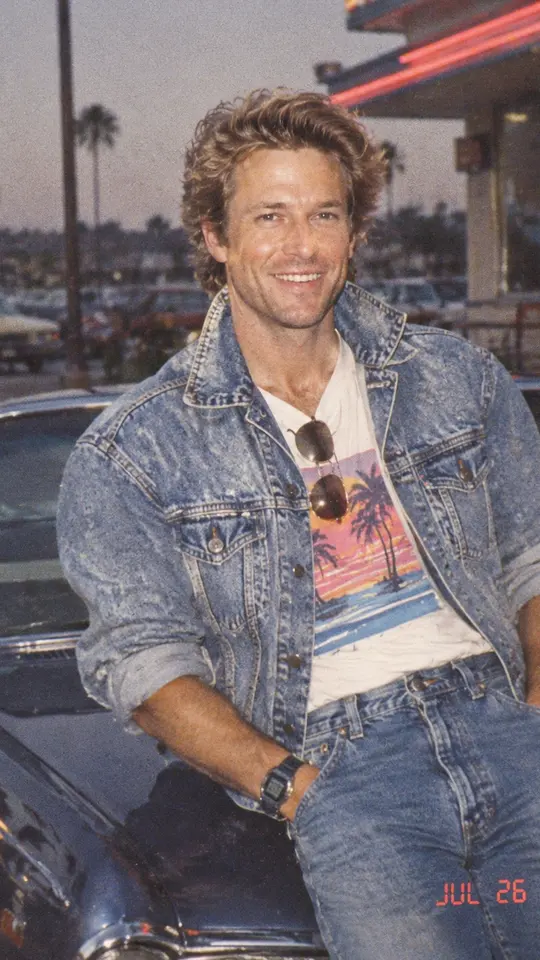
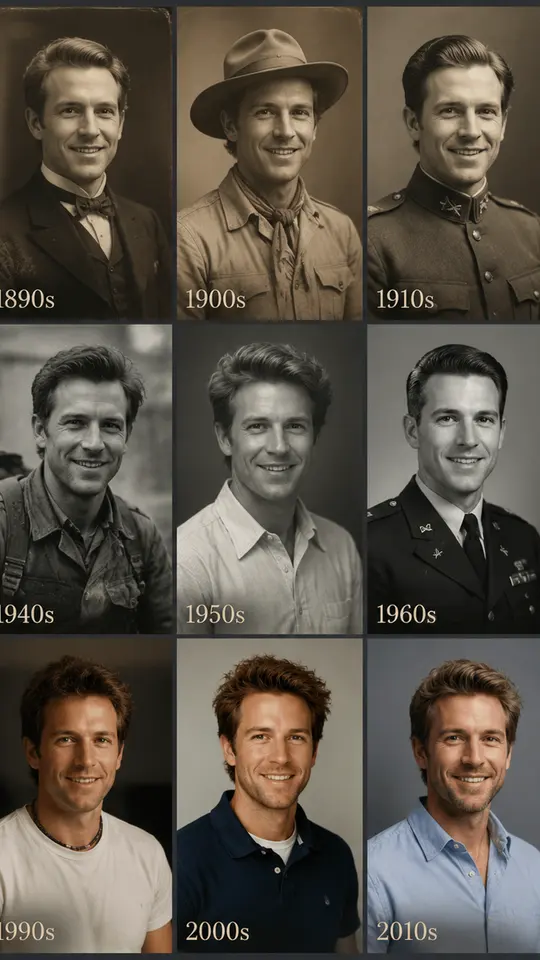
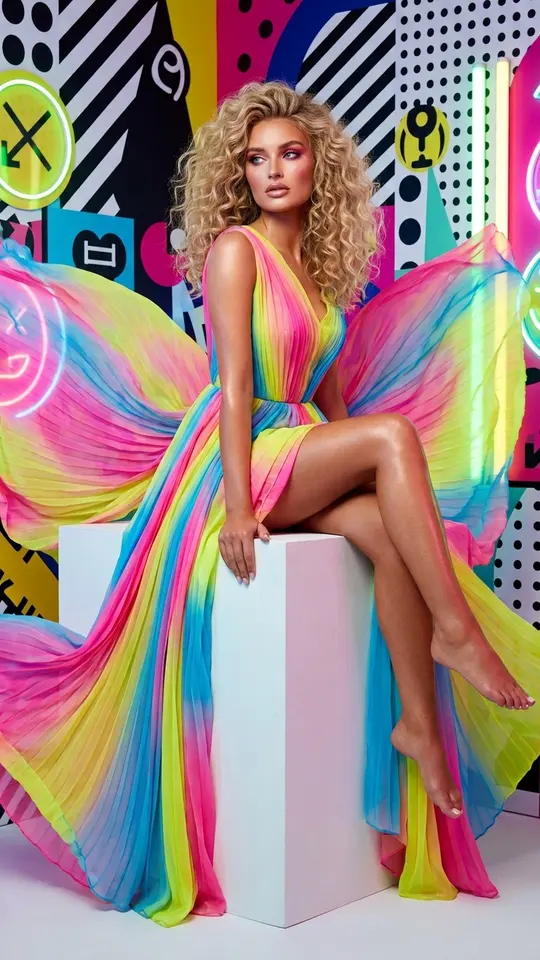
Most rebuilds fall into five groups. Whimsical Folk Illustration and Street Art Collage Portrait turn you into a drawing. A polished 3D cartoon with an oversized head comes from Big-Head 3D Cartoon. Your Totally '80s Look and You Through the Decades restyle hair, clothes and setting for another era. Anime Manga Portrait goes to manga, and Homebody to Evening Glam makes a 10-second clip.
When a spot edit beats a full rebuild
If only one thing bothers you, such as a stranger in the background, closed eyes or a shadow across the face, rebuilding the whole frame is wasteful: whatever you liked leaves together with the flaw. A targeted edit by prompt keeps the rest of the picture protected. A full transformation wins once your list of complaints runs past two items or you want a different genre altogether.
Pick a source the model can read
One person, face large and in focus, no heavy filters or app masks: filters make the model guess your features instead of reading them. Group photos work, but each face gets fewer pixels and resemblance weakens. Restore an old or creased print with a separate template first, otherwise scratches look like texture and travel into the new image.
Your own prompt and what a try costs
Describe your own version on Create photo when the grid falls short: upload the photo, list the new scene, outfit, light and style, and let a photo model like NanoBanana PRO rebuild it. Each run spends stars, with the price displayed up front. Plan on two or three tries: the first shows how your face was read, the second with a sharper request is usually the keeper.
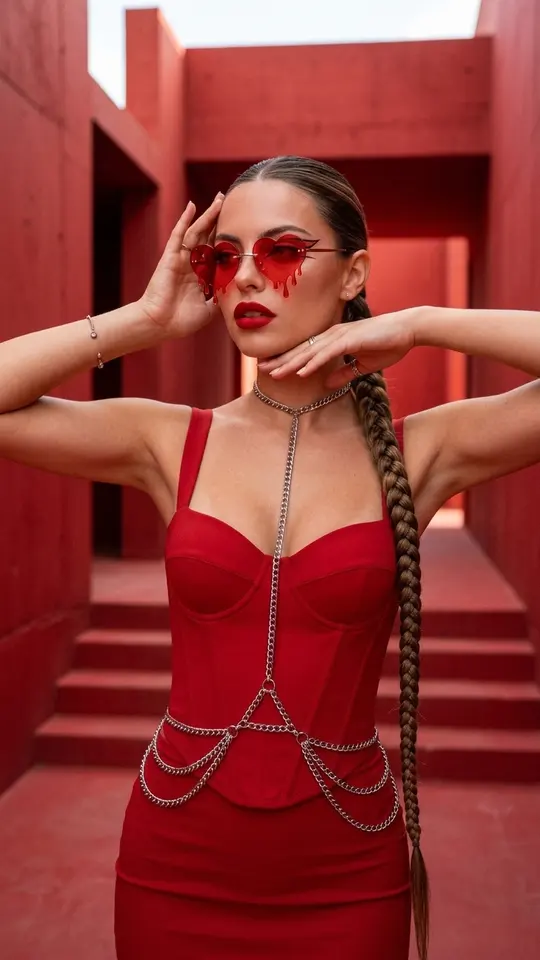
Ready-made templates
FAQ
Will I still look like myself after the transformation?
Usually, provided the face in your upload is sharp, well lit and free of beauty filters, because features and proportions transfer from it. The smaller your face is in the frame, the weaker the resemblance gets, and no template can promise a perfect match.
Can I transform a photo with AI for free?
In part. Every new account that verifies its email address gets five stars as a starting balance, plus Free today templates, which cost nothing each day until their small allowance is spent. Beyond that you need more stars, available as plans or one-time packs on the Pricing page.
Can I transform an old or damaged print?
Yes, but repair it first. Run the scan through a restoration template, then use the clean result as your reference. Skip that step and folds or scratches get read as texture and copied straight into the new scene.
Whose photos can I transform?
Yours, plus pictures of friends or relatives who gave a clear yes. Famous faces, people you met by chance and anything made to look like an official ID are not allowed, nor is sexual content. Kids appear only in your family's own photos.
Can the result be a video instead of a picture?
Yes. Homebody to Evening Glam takes a single upload and returns a 10-second vertical clip, and on Create video you can attach a photo and describe the motion yourself with models like Veo 3.1 or Kling 3.0. Videos need several minutes, sometimes more under load.