AI Background Generator: Gradients, Textures, Scenes
This AI background generator makes a standalone backdrop from a short description: a soft gradient, a paper or stone texture, a mountain skyline or an abstract swirl, with no source photo needed.
Generate a backgroundReady in minutes · Free templates every day
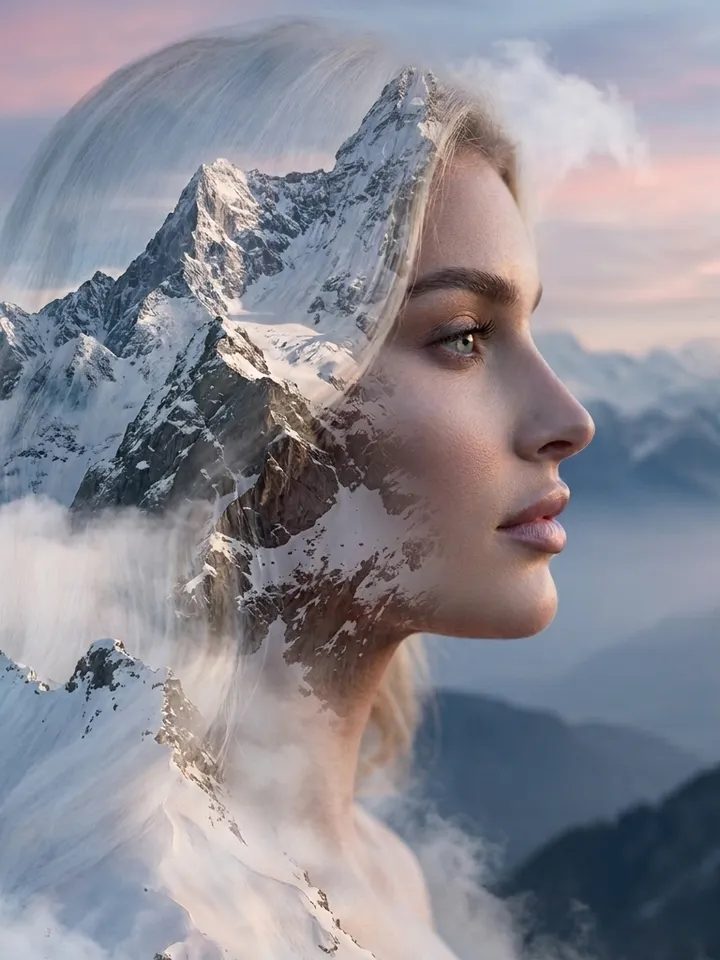
Ask for an empty area where your heading will go and set the frame shape before the run, so the picture fits a slide, a story or a banner without cropping.
Describe the backdrop, not a scene
Open Create photo, leave the upload empty and write what the surface should look like. Name the type first (gradient, texture, landscape, abstract), then two or three colors and the mood. Select any photo model listed there, Seedream 4.5 among them, note the stars it needs and run.
Four kinds of background that work
Gradients and flat fields sit behind any text without competing with it. Textures like paper, linen, smoke or water add a physical feel to covers and cards. Landscapes and deep space suit large titles and intro slides. Abstract shapes and color flows fill a presentation backdrop or a wallpaper.
Leave room for words
A busy picture fights with a headline. Say in the prompt which part must stay calm, for example an empty upper third or a plain left half with detail on the right. For a presentation, a wide frame with a quiet center keeps slide text readable. If the result is crowded, simplify and run again.
What the templates below do instead
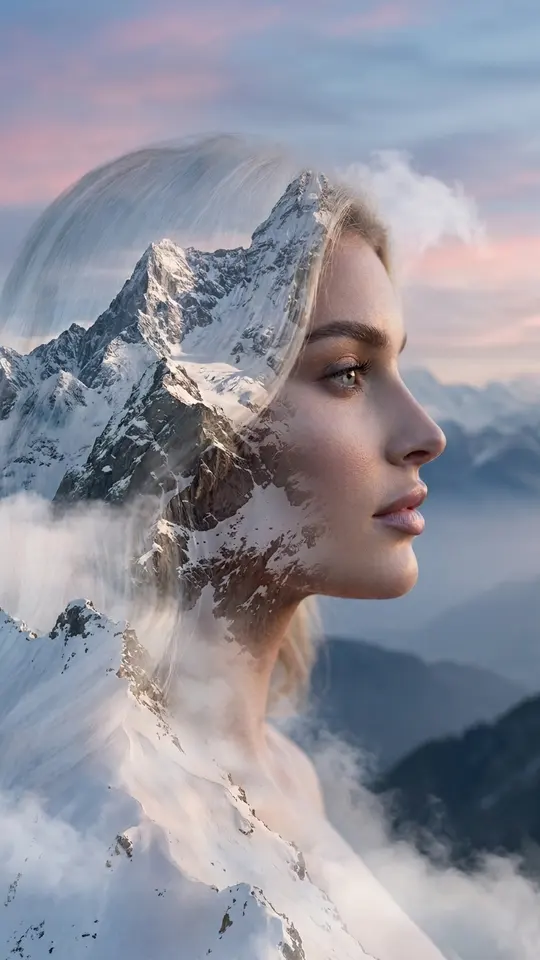
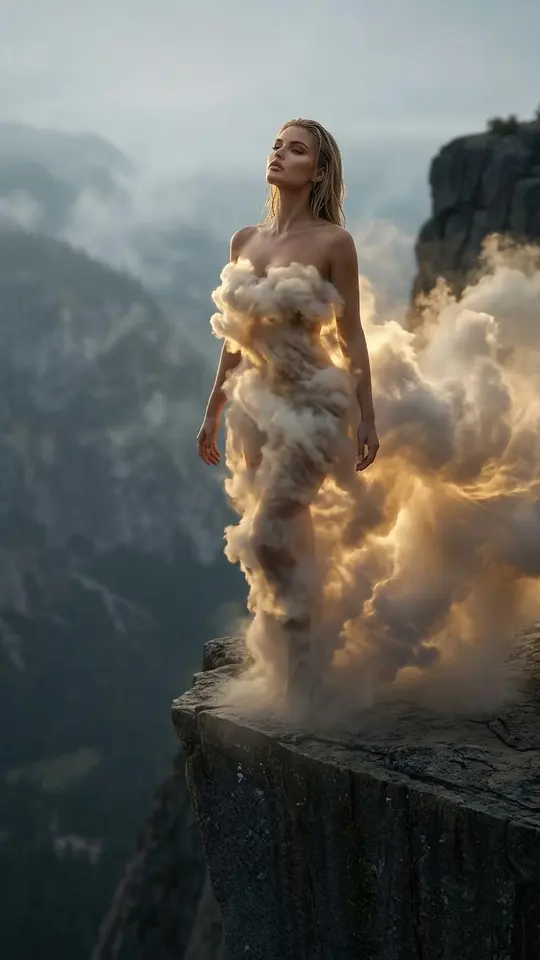
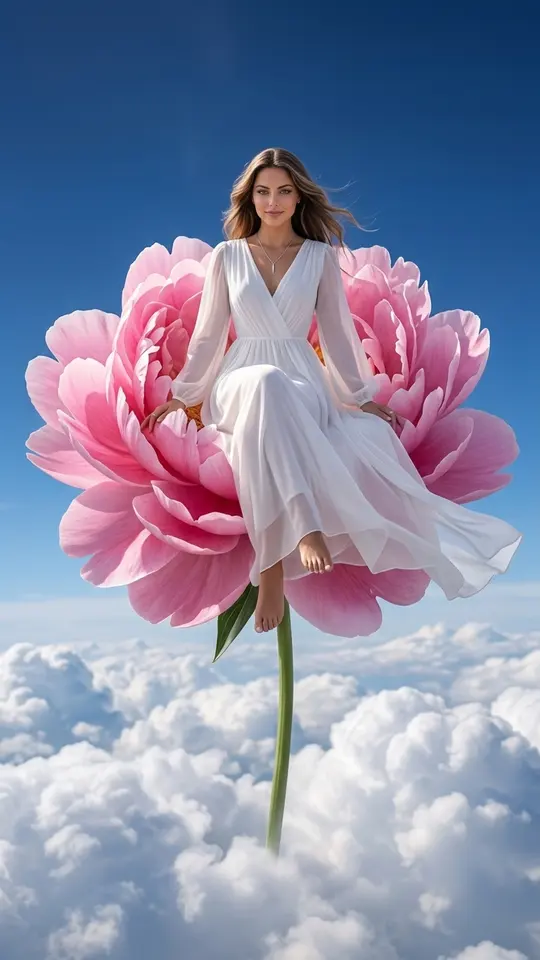
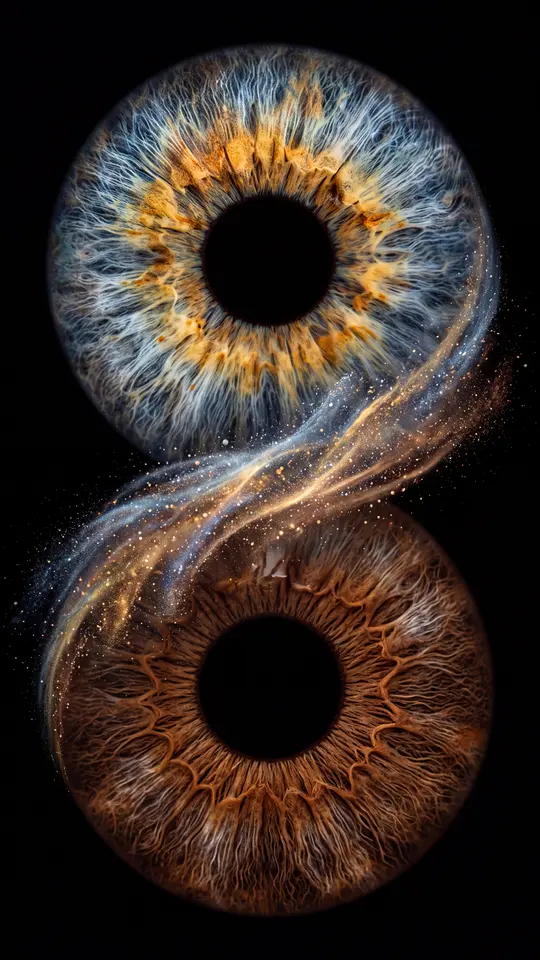
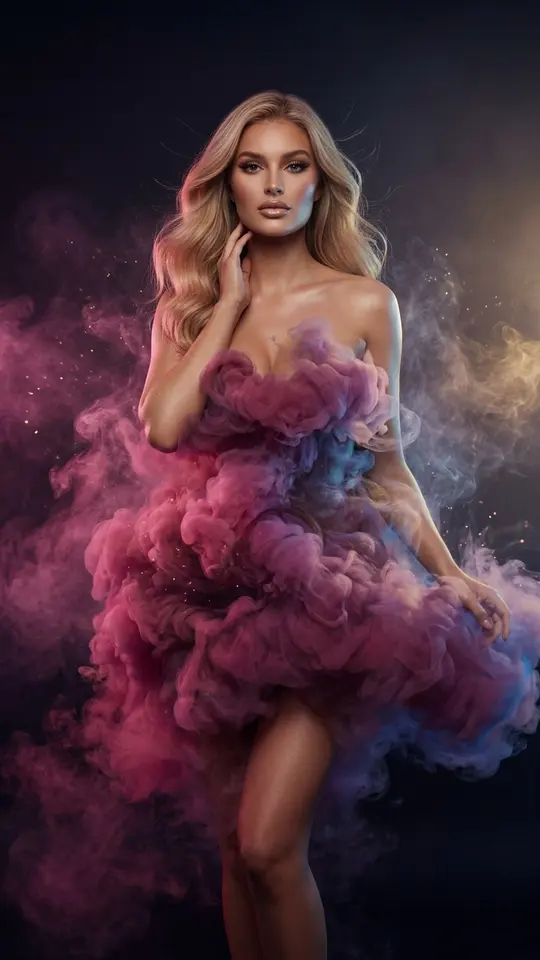
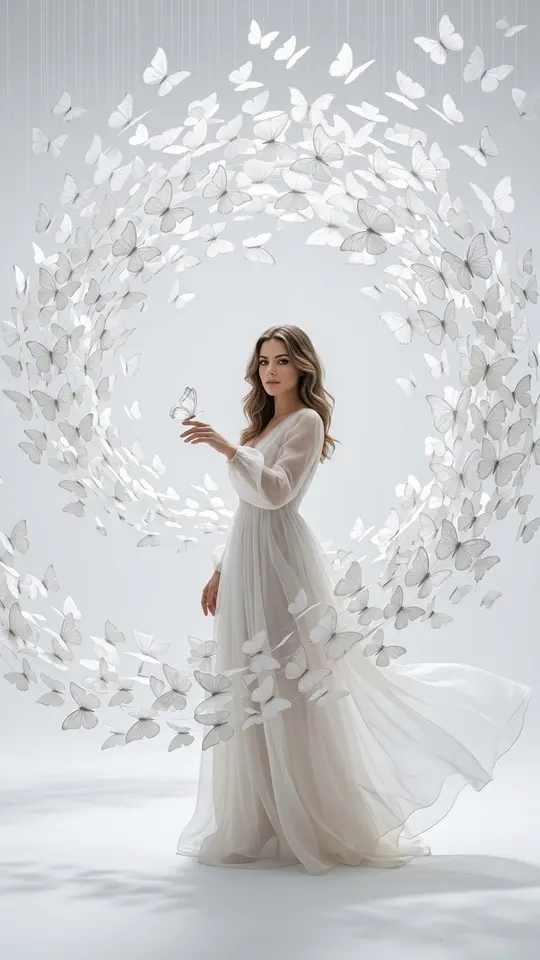
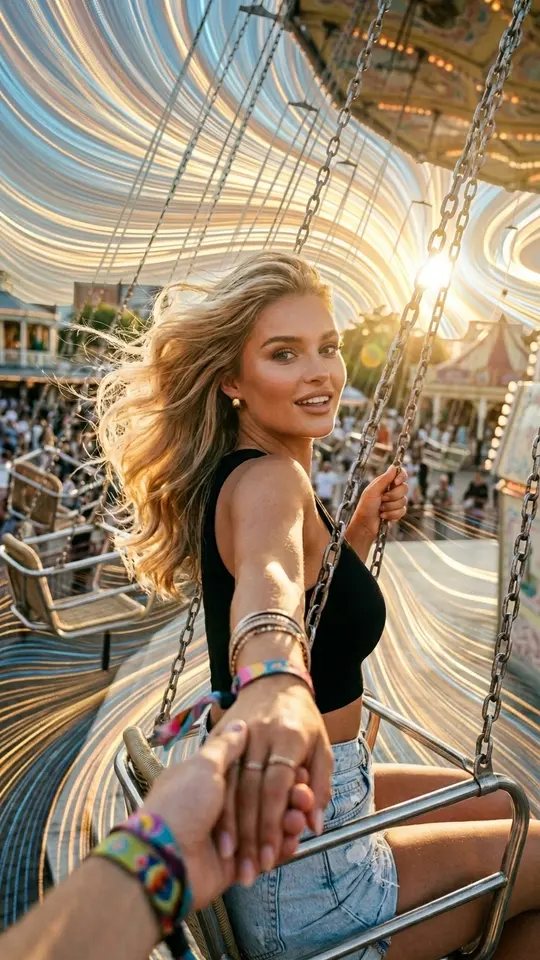
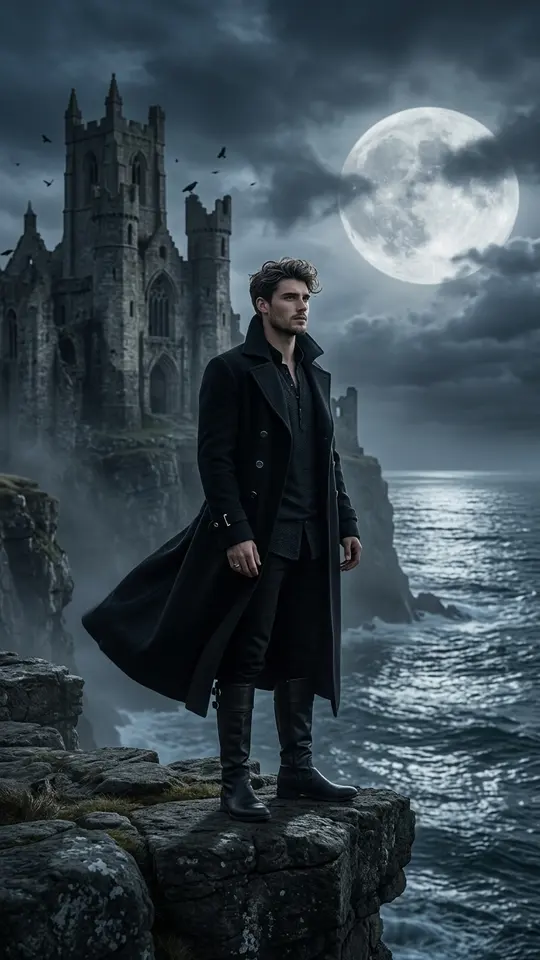
The cards in the grid start from a portrait and place the person inside a ready backdrop: glowing clouds, snowy ridges, colored smoke, a cosmic stream. They show the scenery a model can paint, but each needs a photo of you or of someone who agreed. For an empty backdrop, use Create photo.
Ready-made templates
FAQ
Is the AI background generator free?
Creating an account and browsing cost nothing. Verifying your email brings 5 starter stars for first runs, and a few templates get a daily Free today allowance. When the balance is empty, the Pricing page sells more stars in plans and packs.
Can I get a seamless, repeating texture?
Not directly. The model returns one ordinary image, so its edges will not line up on their own. To tile it as a pattern, fix the seams in an image editor after you download the file.
How do I use the finished background?
The image saves as a regular file you can drop into slides, design tools or a phone lock screen. Your history keeps a copy too, ready to download again later.