AI Background for Photos: Pick the Right Job
An AI background job on MarketVideo is one of three things: clearing the backdrop to a plain color, placing a person somewhere new, or generating a background image from a description.
Edit a photo backgroundReady in minutes · Free templates every day
Each needs a different input, so the sections below sort them out and point to a dedicated page for each. All three run in the browser, either on Create photo or through a ready-made template.
Clear the backdrop to a plain color
Keep the subject and lose everything around it. Upload the photo on Create photo, pick NanoBanana PRO or another photo model and ask for the same subject on plain white, black or any single color. It suits a product listing, a profile portrait or an illustration for your own layout.
Move a person to a new location
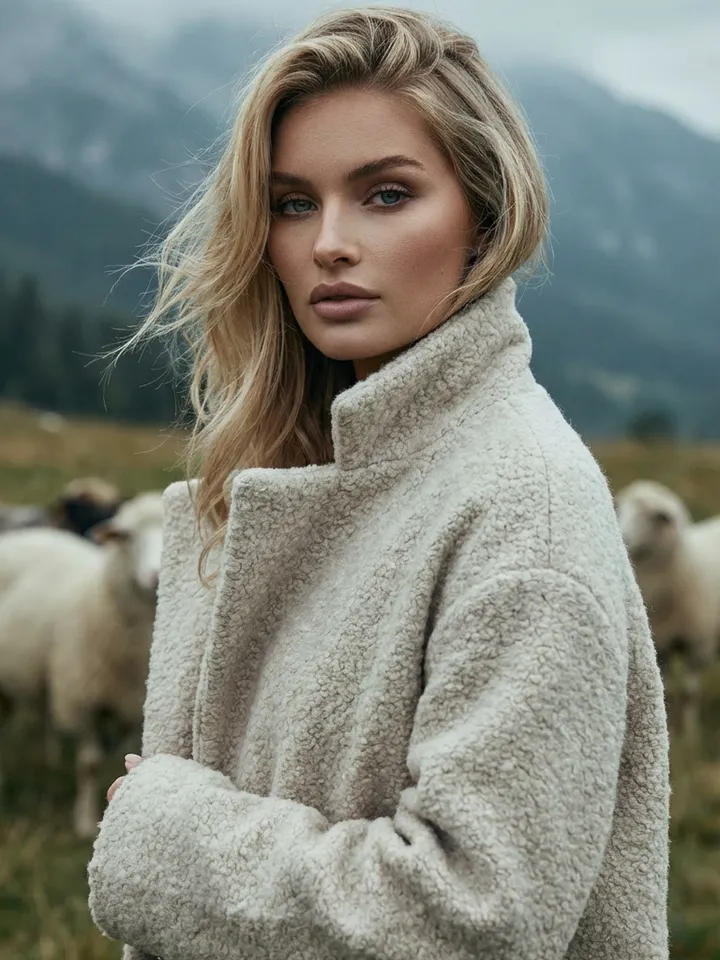
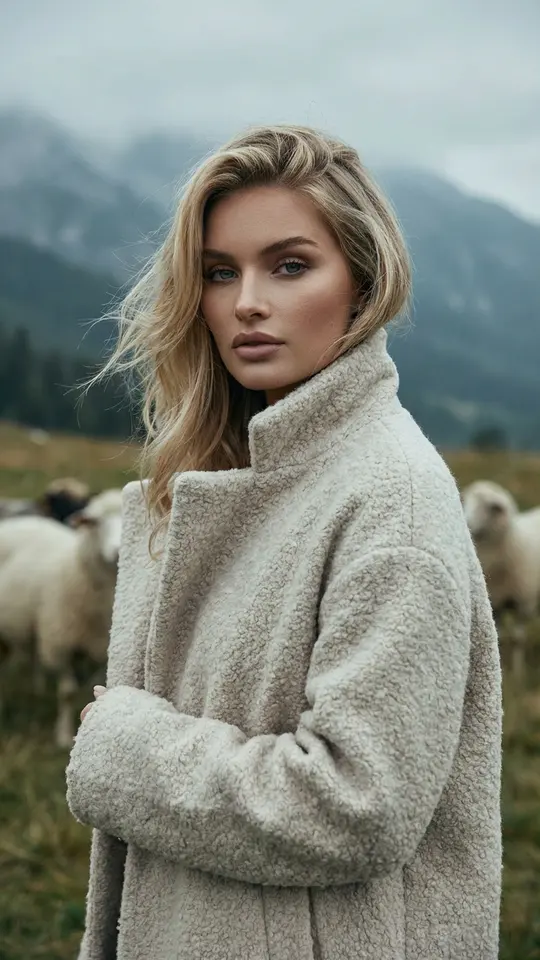
Here the person stays and the scene changes. Templates in the grid each carry a fixed setting: Misty Highland Portrait places you in a meadow below a misty ridge, Chalet Street Walk on a snowy Alpine resort street. For a place no template covers, describe it on Create photo.
Generate a background from scratch
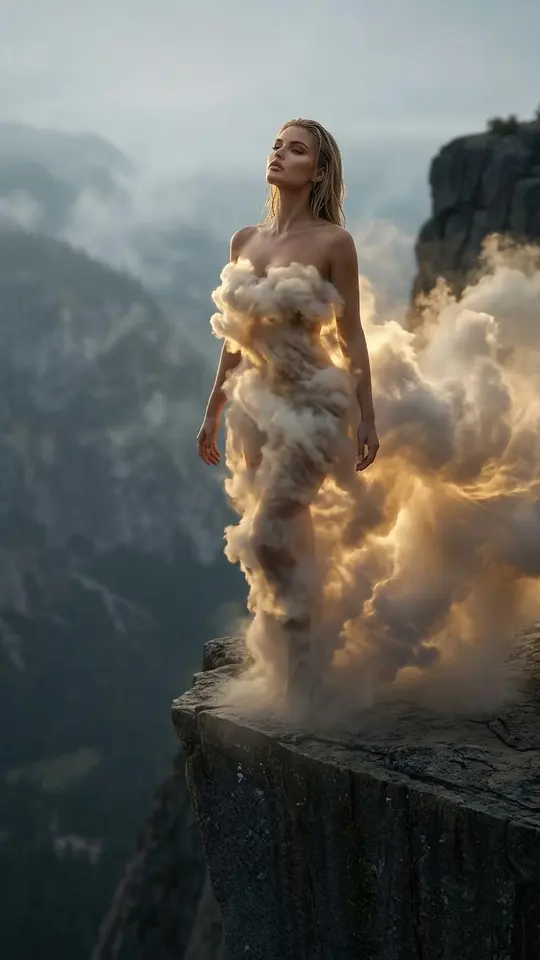
No source photo is needed for this one. Describe a gradient, a texture, a plain studio gray or a landscape with room for text, choose the frame shape and run it. Ideas worth trying: a bright blue sky with clouds, a wall papered in old newspapers, soft light on a cliff edge.
Product shots and limits
For an item rather than a person, 3×3 Product Campaign Grid takes one product photo and returns nine frames, each a different concept around the same product. Every run redraws the whole image, so small details such as labels can shift. Upload only pictures of yourself or of someone who said yes.
Ready-made templates





FAQ
Which of the three jobs do I need?
Ask what should stay. Only the subject on a solid field means clearing the backdrop. The same person in another place means replacing it. Nothing to start from means generating one from a description.
Can I choose the background color?
Yes. Name the shade in the prompt, such as pure white, matte black or pale beige. If the tone comes out off, adjust the wording and run it again.
What does a background edit cost?
Edits use stars, and the star amount sits on every template and model page ahead of a run. Confirming your email gives a fresh account 5 stars, some templates run free daily under the Free today mark, and the Pricing page sells more.