AI Background Changer That Matches the Light
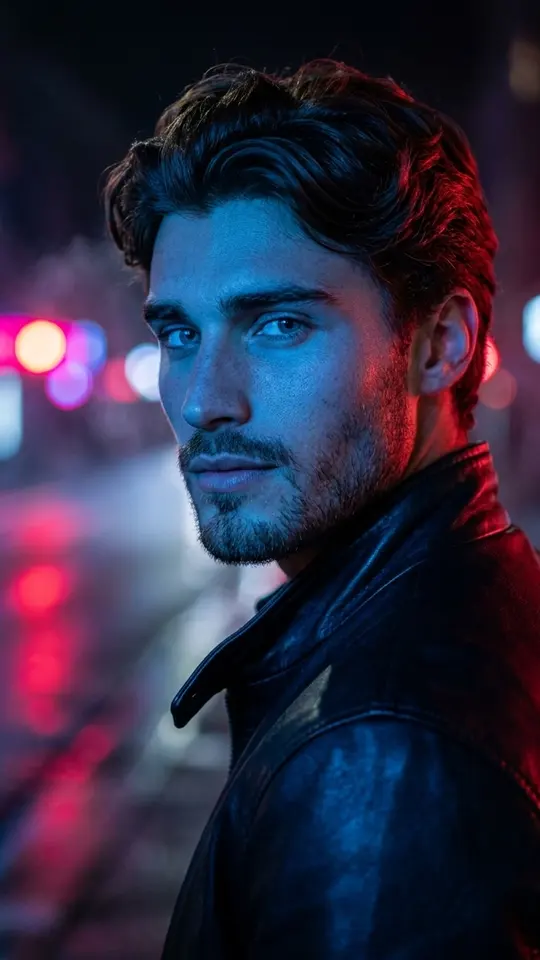
This AI background changer moves the person in your photo to a new place, such as a beach, a city street, a studio or a mountain meadow, and redraws the light on them to fit that scene.
Change your photo backgroundReady in minutes · Free templates every day
Cutting a figure out and dropping it onto a stock backdrop usually gives itself away, because the shadows and color on the skin still belong to the old room. Here the whole frame is generated again around you, so person and setting share one light.
Why the new scene does not look pasted on
Light is what betrays a cut-out. A sunset setting should leave a warm rim on the hair, while a studio calls for soft, even light on the face. Since the model renders figure and backdrop together, those cues agree with each other, and hair and shoulders blend into the scene instead of showing a cut line.
Pick a location from the grid
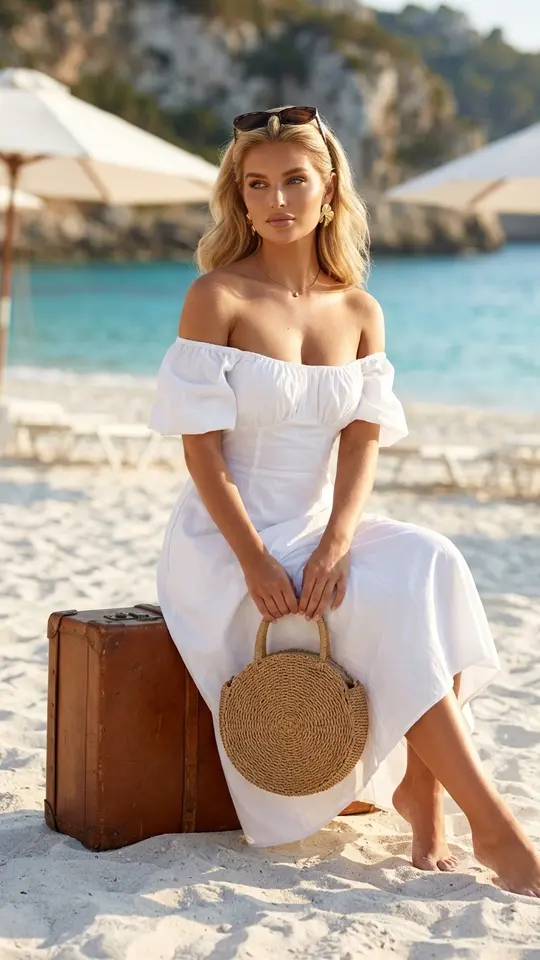
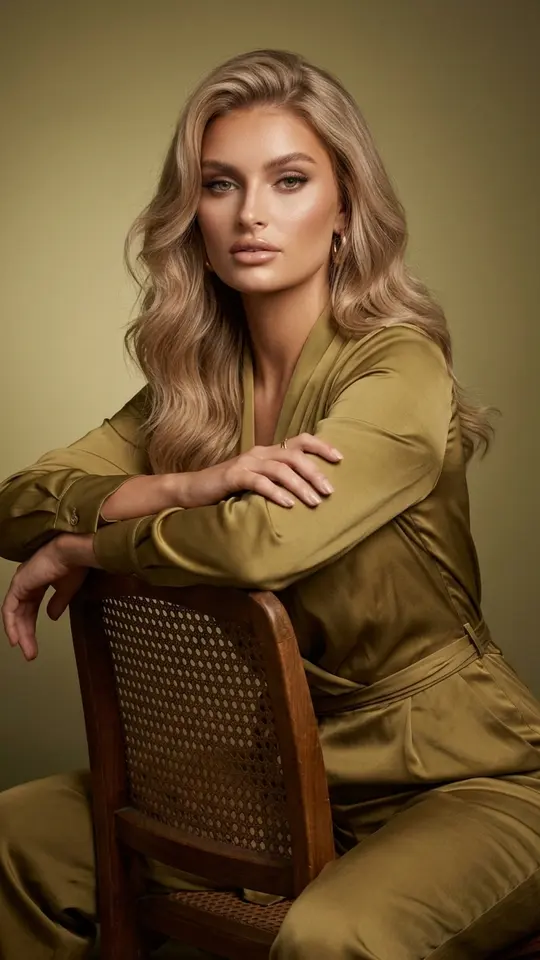
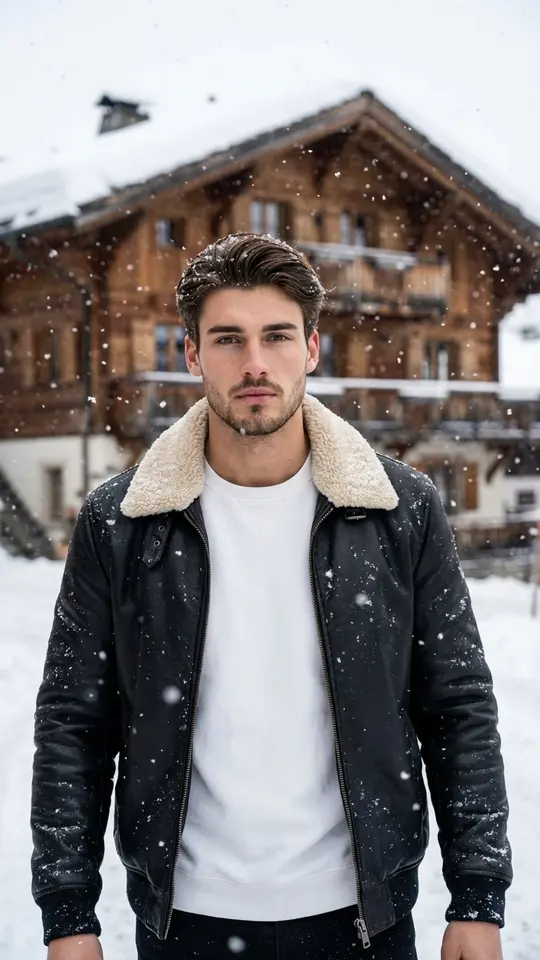
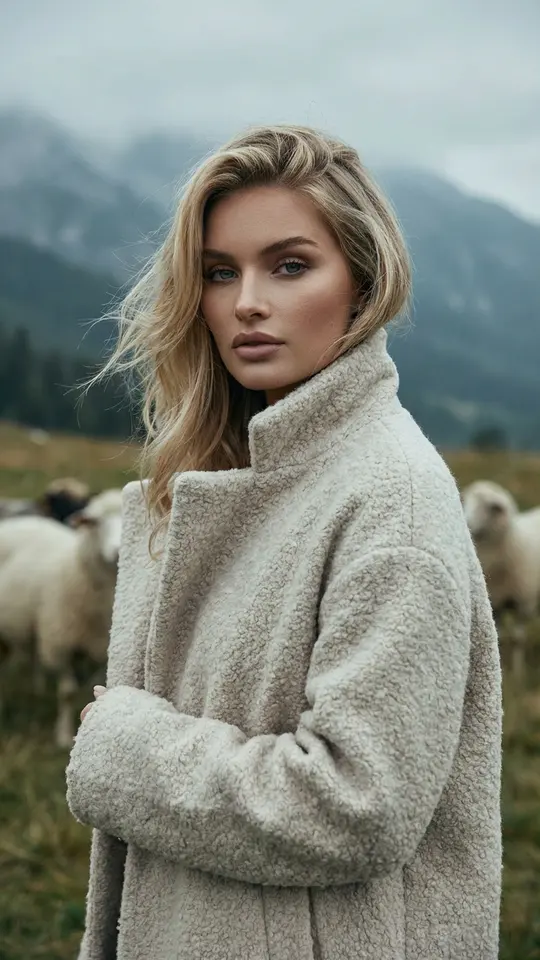
Each card is one finished setting. Mediterranean Beach Aesthetic seats you on a vintage suitcase on a white beach, Chalet Street Walk puts you on a snowy resort street, Misty Highland Portrait places you in a meadow below a foggy ridge, and Golden Studio Portrait gives a premium studio look. Open a card, upload your photo and run it.
What stays and what changes
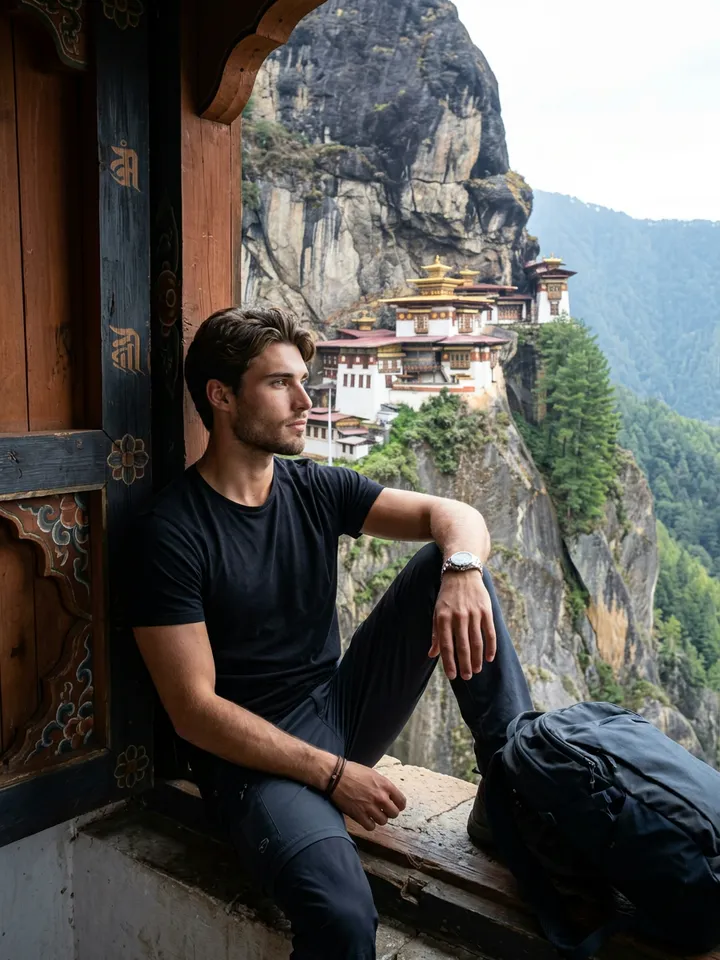
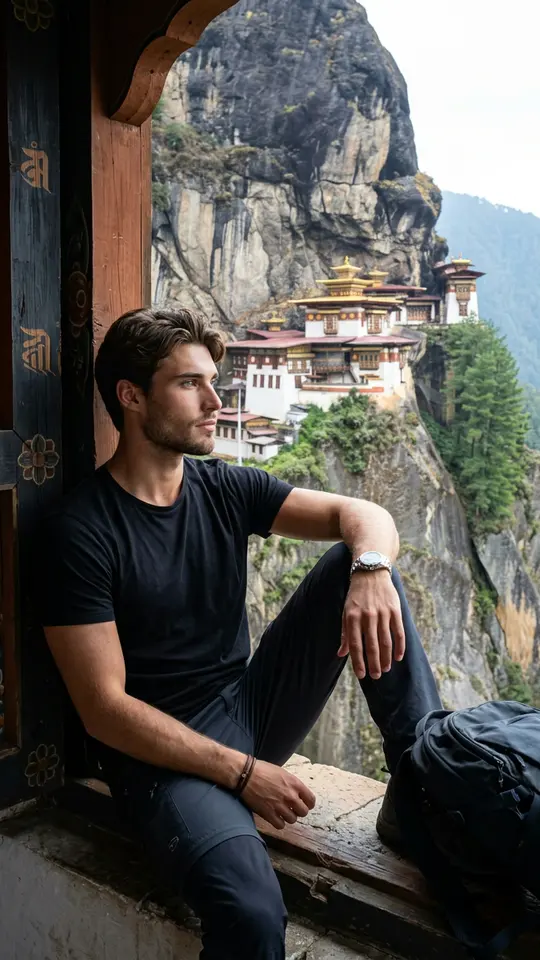
Every template here tells the model to preserve your face, features and hair color. Clothing and pose may follow the scene: Himalayan Cliff Monastery View, for instance, changes wardrobe, location and light together. If an outfit matters to you, read the card first or describe the change yourself.
Your own scene on Create photo
Have a place in mind that no card shows? Open Create photo, attach your picture and describe the new setting in plain words, for example a quiet beach at golden hour with your clothes left unchanged. Pick Nano Banana, Seedream 4.5 or another photo model and run it.
Limits to know about
Every output is a fresh image, so small details like jewelry or a print on a shirt can shift between runs, and likeness can drift slightly. Run again if something looks off. Use only your own photos or pictures of people who agreed, and leave celebrities out.
Ready-made templates


FAQ
Is this AI background changer free?
Opening an account costs nothing, and once the address is verified the balance starts at 5 stars, which covers a first background or two. Some cards carry a Free today badge that allows a handful of runs per day without stars. When your balance runs out, the Pricing page sells plans and star packs.
Can I change a photo background to a beach?
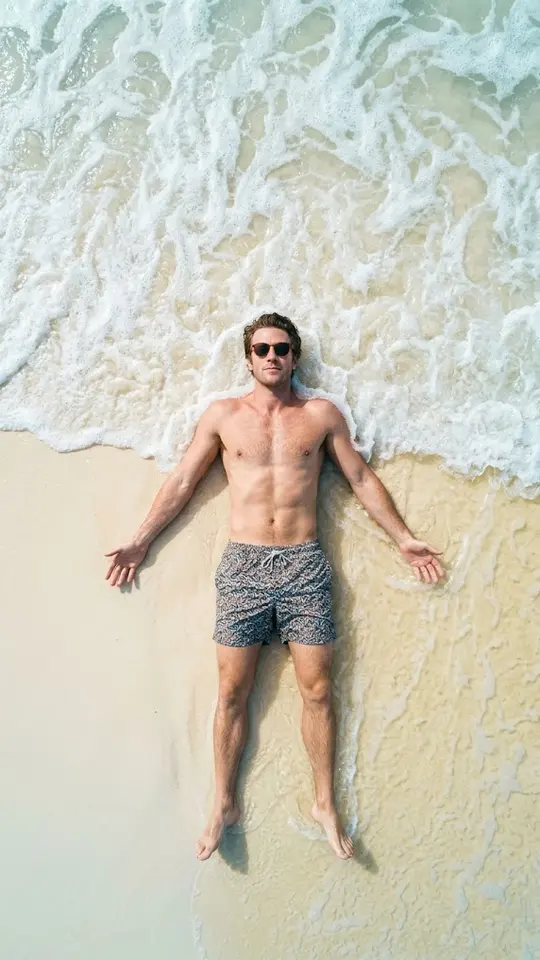
Yes. Mediterranean Beach Aesthetic and At the Water's Edge are both seaside scenes: the first seats you on a white beach, the second shows you from above where wet sand meets the waves. For another coast, describe it on Create photo.
Will a photo taken indoors work?
Sure. The original surroundings are replaced anyway, so a kitchen or office snapshot is fine. What matters more is a sharp, well-lit face that is not hidden by sunglasses or hair.
Can I keep my own clothes?
Templates often dress you for the scene, as the winter and ski cards do. To keep your outfit, use Create photo and say so in the prompt, for example: keep the clothing unchanged and only replace the background.
Can I change a photo background online on my phone?
It all runs in a mobile or desktop browser, with nothing to install. Finished images download as ordinary files and are also kept in your account history.