AI Background Remover for a Clean Solid Backdrop
Give this AI background remover a photo, and the subject (you, your dog or a jar of cream you sell) lands on a clean, solid backdrop: white, black or any color you name. It finds the edges itself, hair and fur included.
Put a photo on a clean backgroundReady in minutes · Free templates every day
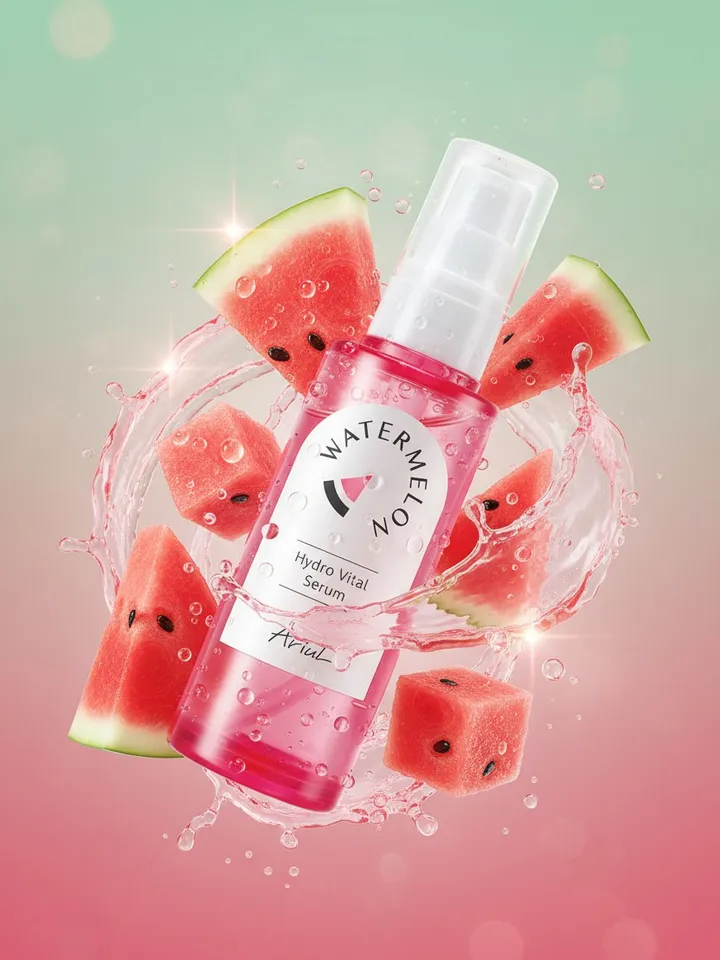
Be clear on the output before you start: a picture on a flat, filled backdrop rather than a PNG with transparency. That suits a white product shot, a black field for jewelry or a colored square for a post; a layout that needs a see-through cutout calls for a different tool.
How to remove the background from a photo
The whole job happens on Create photo: upload the picture and say what you want in one sentence, for example: put the subject on seamless white, change nothing else. Choose Nano Banana or NanoBanana PRO among the photo models and run it. There is no brush, lasso or mask to draw; the model works out by itself where the subject stops and the old backdrop starts.
Hair, fur and other tricky edges
Flyaway hair, a dog's fur, lace and glass are where manual selection breaks down and leaves a jagged outline. The model reads the edge from what the picture shows instead of tracing it, so loose strands and fur tend to stay soft rather than turn into a saw-tooth silhouette. Contrast in the original helps: dark hair against a pale wall separates more cleanly than dark hair against a dark sofa.
White, black or a brand color
White is the usual choice for product listings and anything that has to look neutral. Black flatters jewelry, watches and electronics, where reflections need a dark field to show. A color works for social posts or a series that should match your brand: name the shade in the prompt, like pale sage or warm terracotta, and keep the wording identical across the set.
Removing the background from product photos
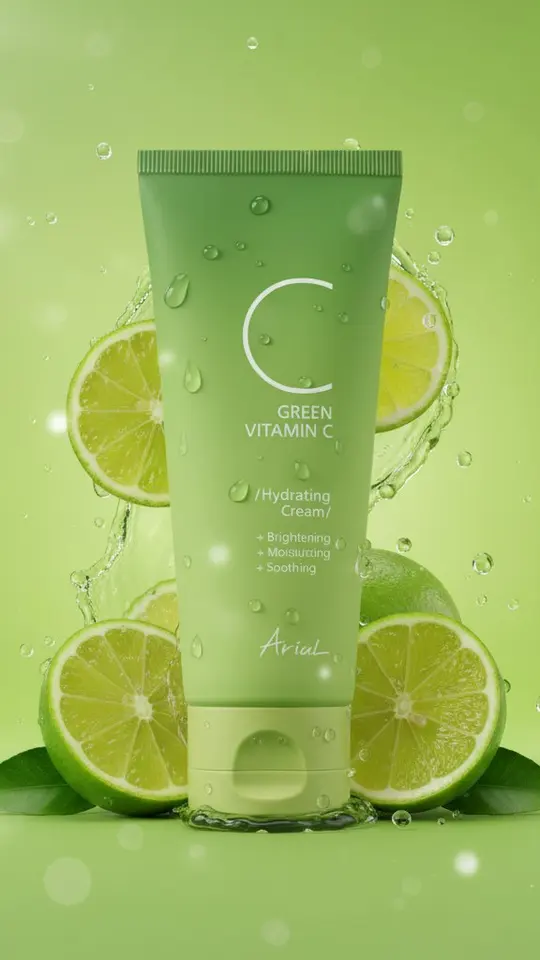
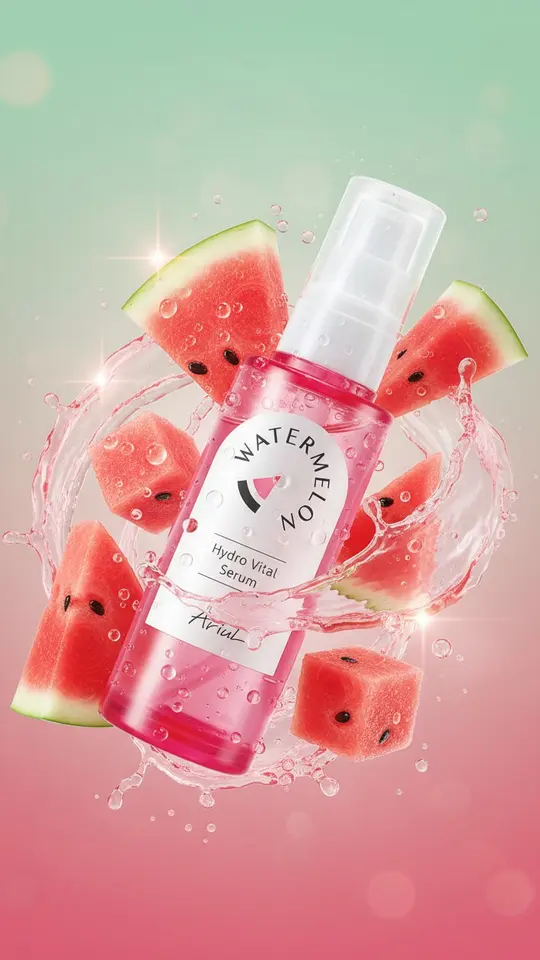
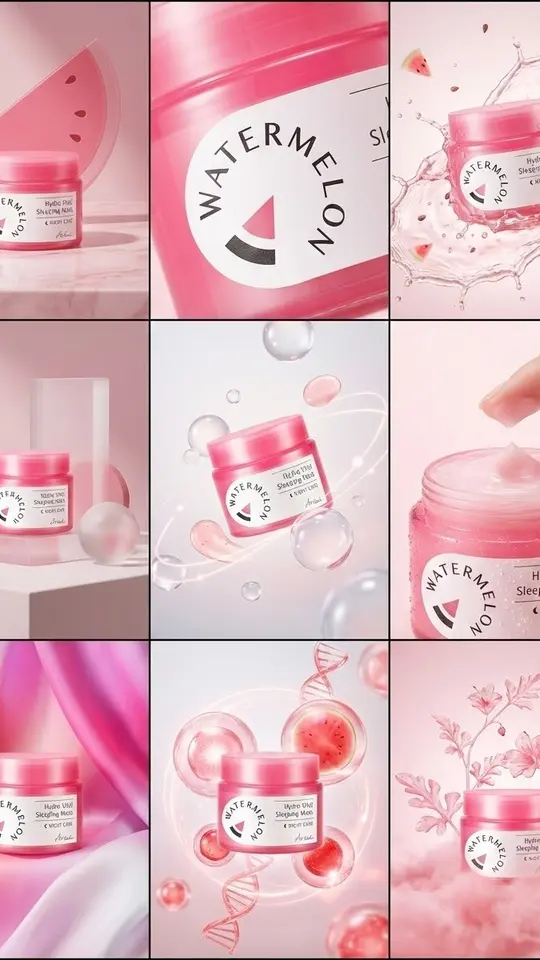
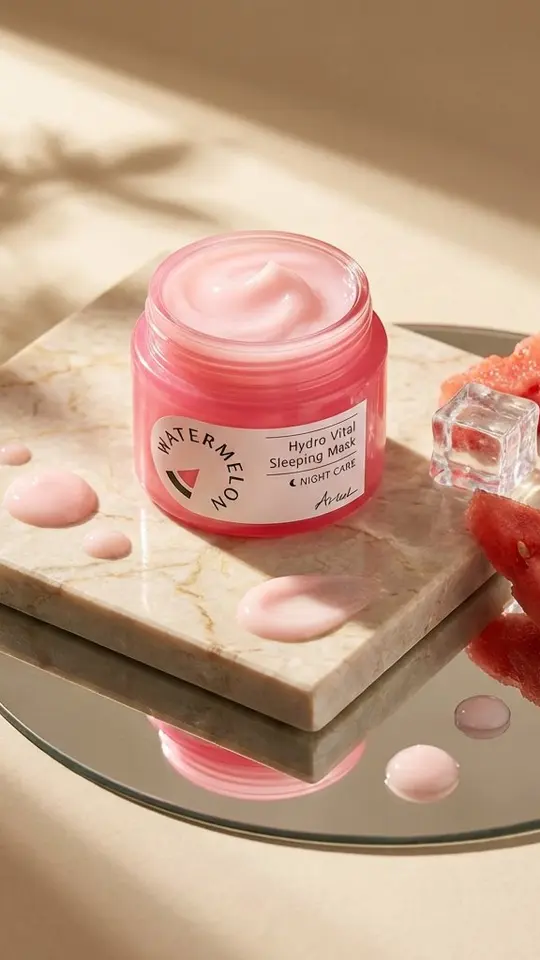
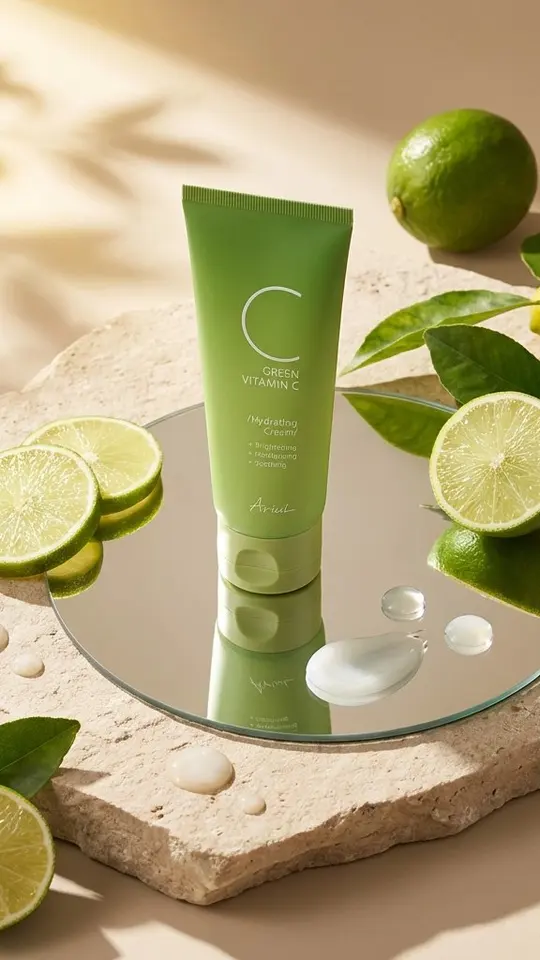
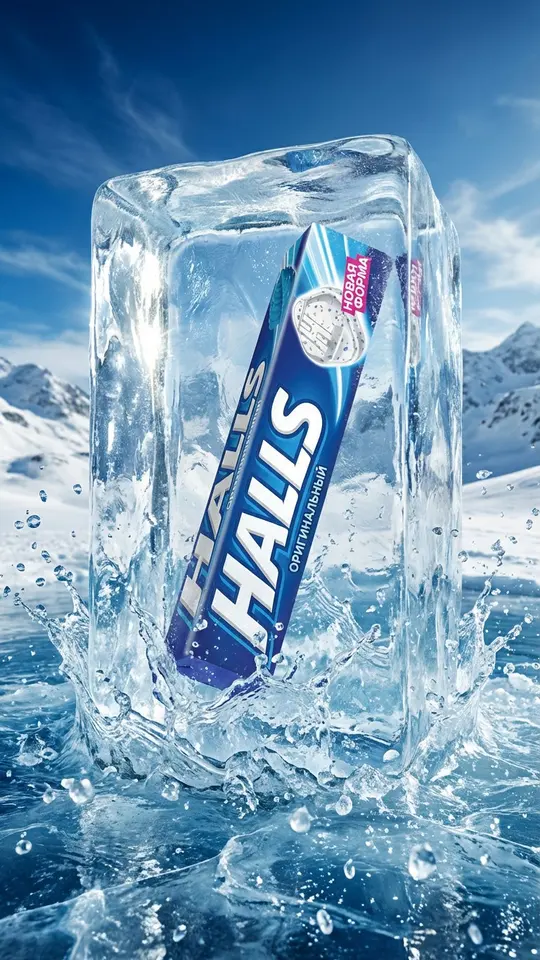
A product shot from a kitchen table can be turned into a clean listing image in one run, which makes a whole shop look consistent. Labels, logos and small print on packaging deserve a close look in the result, because the model redraws the image rather than cutting it out; if a letter shifts, run it again. For styled scenes instead of a plain field, see the product visuals in the grid below.
Portraits and pets on a plain backdrop
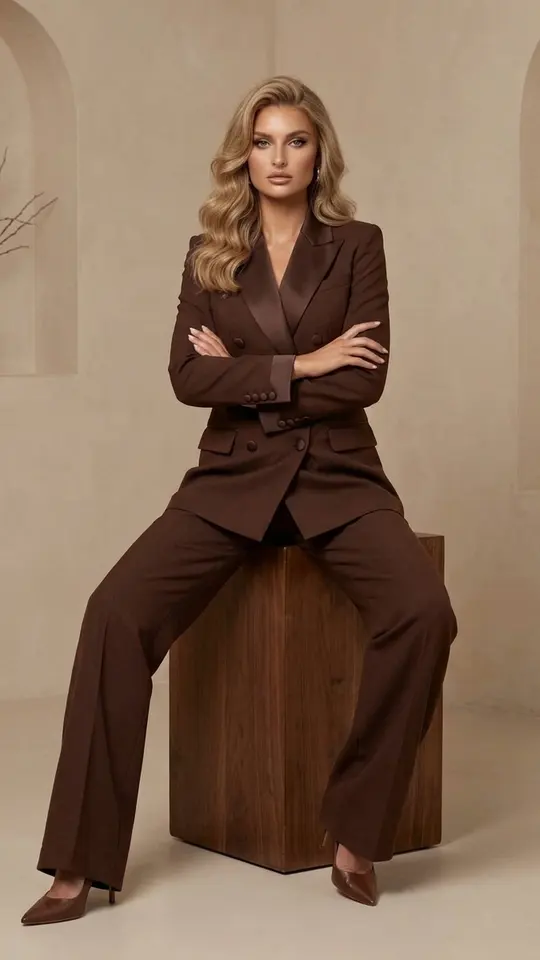
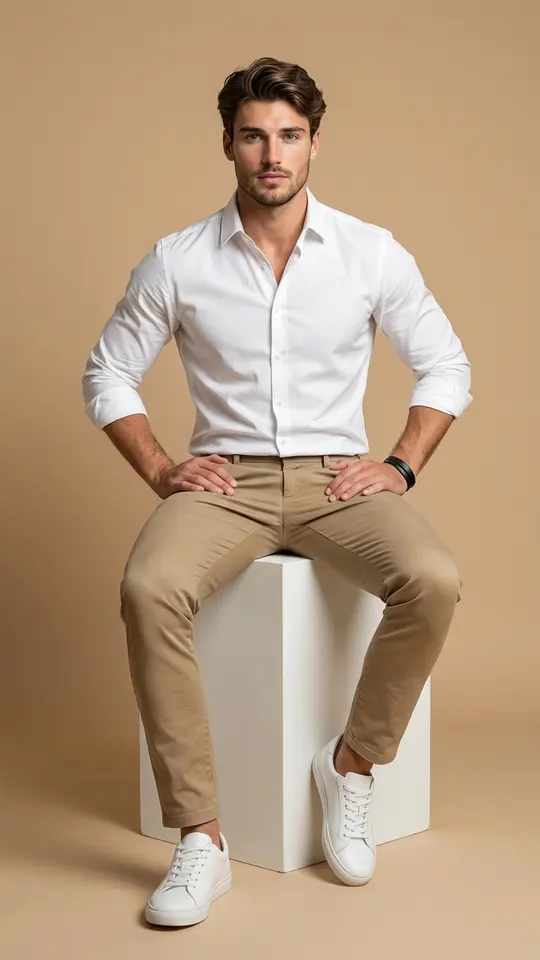
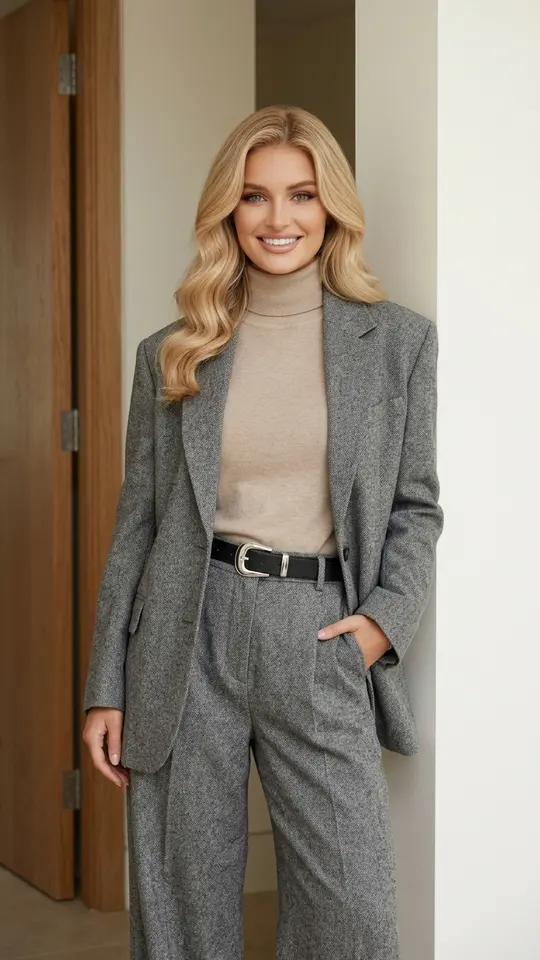
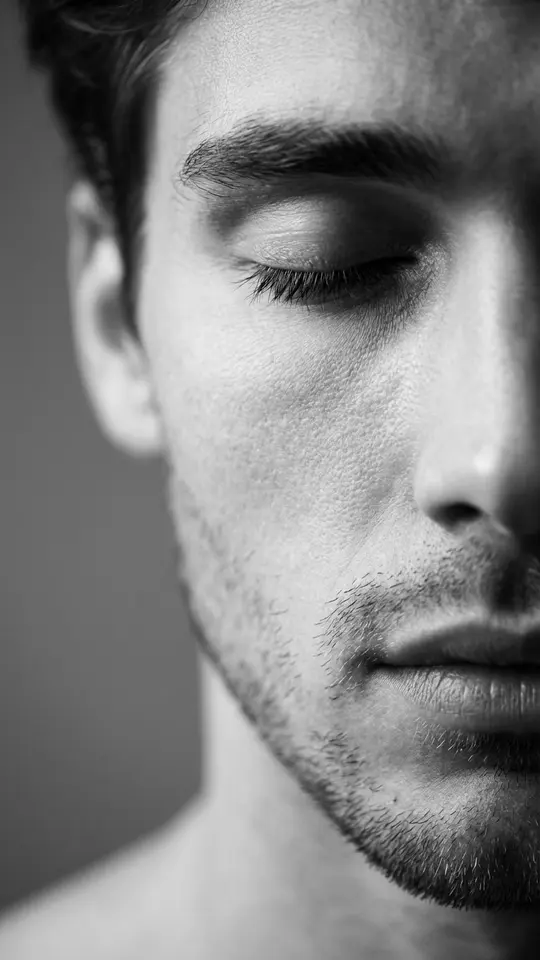
The same request works for people: a portrait on light gray for a team page, a black backdrop for a moody profile picture, or your dog against a bright color. Ask for the face, clothes and pose to stay as they are, then hold the result next to the original before using it, since small details can drift when an image is redrawn. Edit only pictures you took yourself or got a clear yes for.
Ready-made templates

FAQ
Can I get a transparent PNG?
No. The output is a regular image with a solid backdrop in the color you asked for, so there is no alpha channel to drop onto another design. If you need the subject on several colors, run it once per color; for a printed page or a listing, a white field usually does the job.
Is the AI background remover free?
The account itself costs nothing, and confirming the email loads 5 stars onto it. An edit on Create photo is paid in stars, and the cost of the chosen model is shown before you run it. When the balance runs dry, refill it on the Pricing page.
Does it work on busy or cluttered backgrounds?
Usually, yes: a messy room or a busy street behind the subject is exactly what the edit replaces. Trouble starts only where the subject and the clutter share a color, so if the first result clips an ear or a strand of hair, reshoot against a plainer wall or run the edit again.
How long does one edit take?
Most edits come back in a couple of minutes, sometimes more when the queue is long. Each result is kept in your account history as an ordinary image file, so you can run several products one after another and collect them all at the end.