AI Hair Color Changer: Try Shades and Styles in a Grid
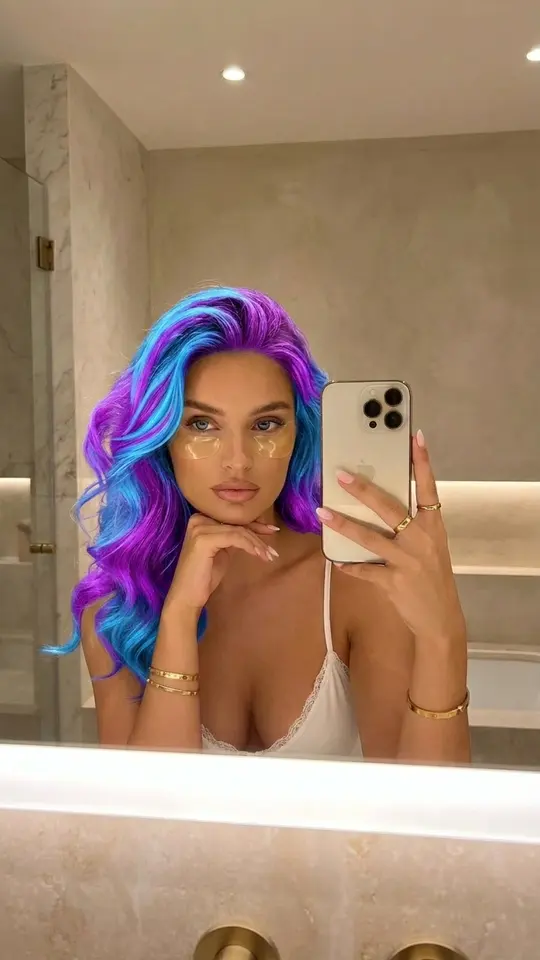
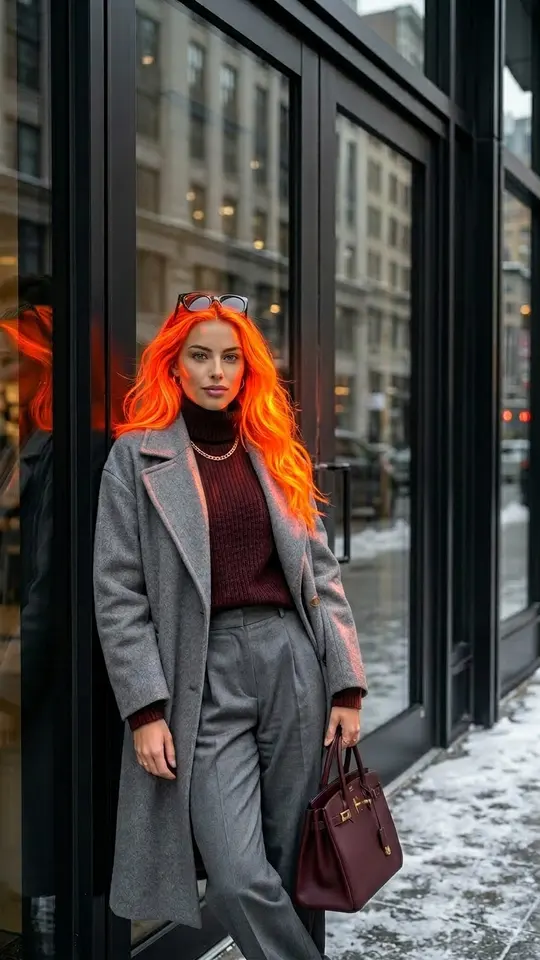
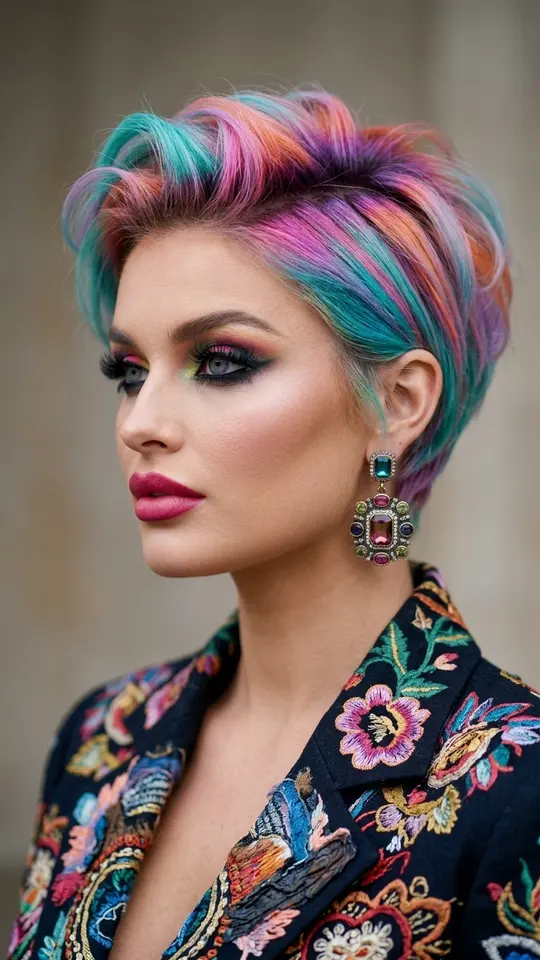
Upload a selfie and this AI hair color changer recolors just the hair: electric blue and purple, glowing neon orange or any shade you describe, with the templates asking the model to leave your face, pose and background alone.
Change your hair colorReady in minutes · Free templates every day
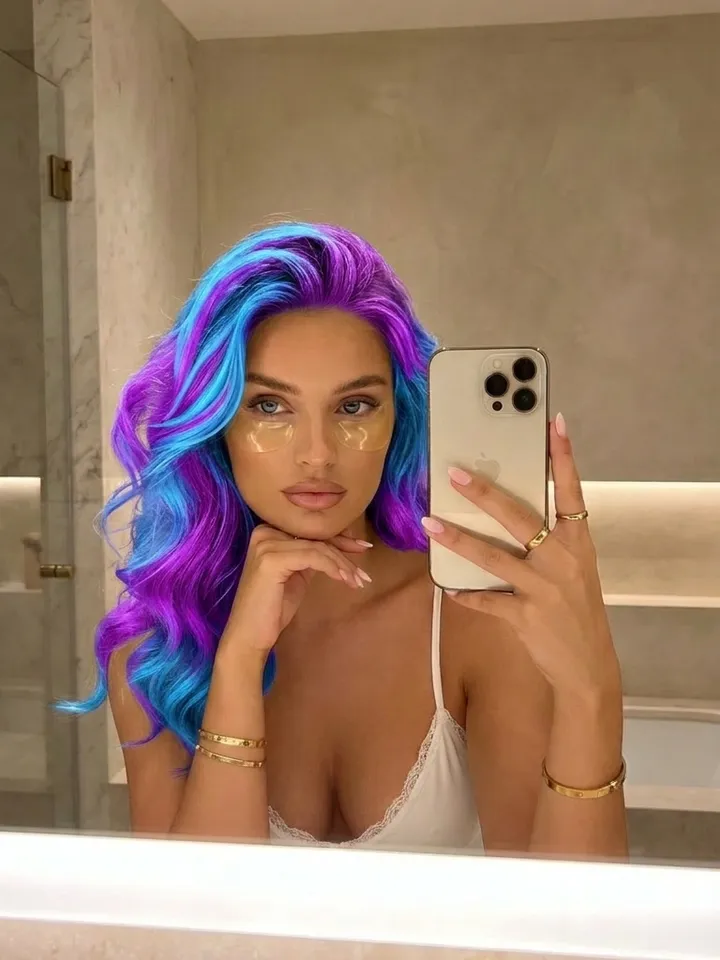
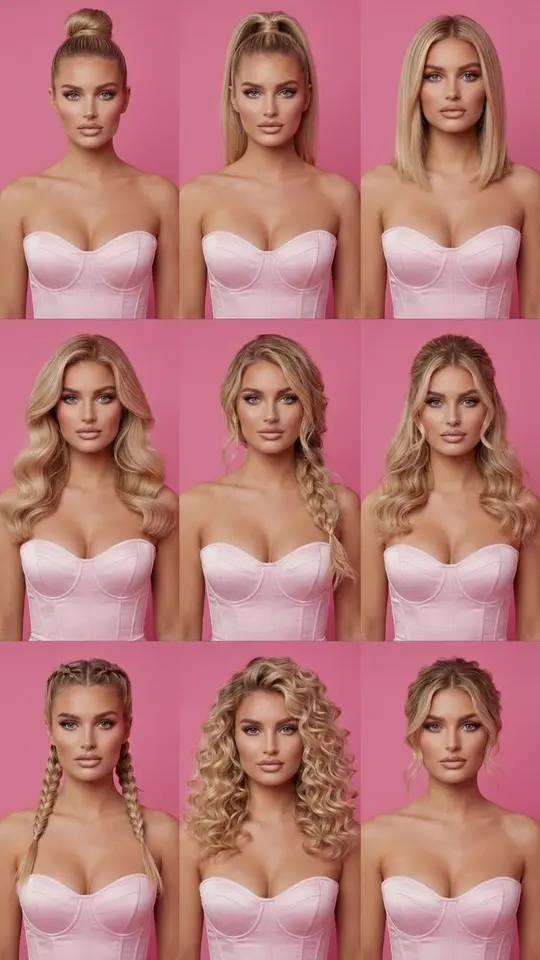
Color is only half the decision. A separate template lays nine different hairstyles out as a 3x3 grid on your own face, so length and shape can be judged side by side before you pick a tint. Below: which card does what, how a color request is worded differently from a shape request, and where the limits are.
Two bold shades, one selfie each
Electric Blue & Purple and Glowing Neon Orange work the same way. You upload one portrait, and the instructions inside each card hold on to your features, pose, clothing and surroundings while only the hair gets new color. That makes a fair test: run both on the same selfie, and the one thing that differs between the two pictures is the shade.
Nine hairstyles in a single grid
3x3 Hairstyle Grid runs on NanoBanana PRO and returns one picture split into nine cells, each showing a different hairstyle on your face. It is told to preserve your expression plus your natural hair color and texture, so the grid is about cut and length, not tint. One run gives nine options to compare instead of nine separate tries.
Asking for a color is not like asking for a shape
Shape comes down to length, cut, texture and parting: chin-length bob, straight, center part. Color drags more along with it, since skin tone and the warmth of the light can shift together with the hair. Name the shade concretely, such as cool ash blonde, deep copper or blue-black, and state that everything else stays as it is, or brows and skin may get adjusted too.
Your own shade on Create photo
When no card has the color you want, your selfie goes into Create photo instead: attach it, pick a photo model and write the shade in a line or two. To see a whole palette at once, request one hairstyle in nine colors arranged as a 3x3 grid, with the same face, lighting and head angle in every cell, so the tint is the only variable.
What the result is and is not
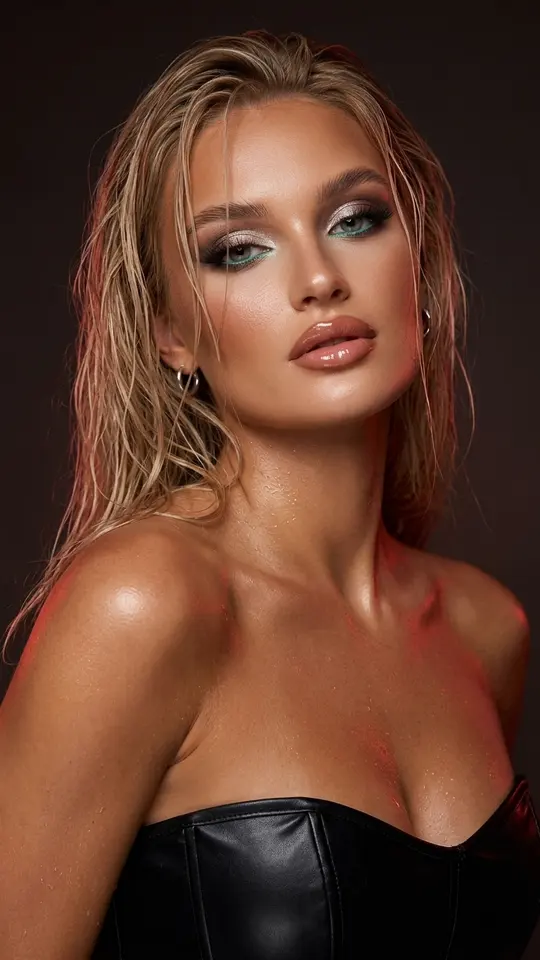
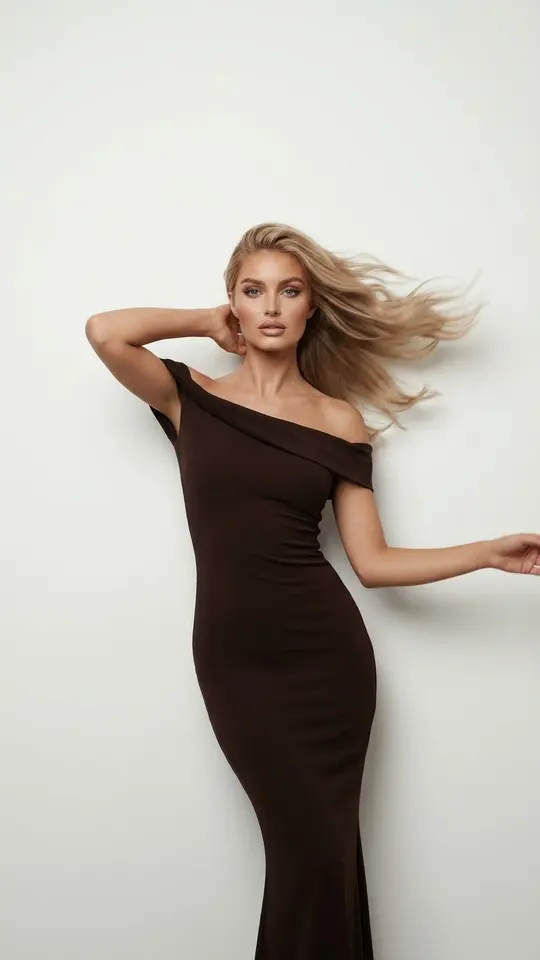
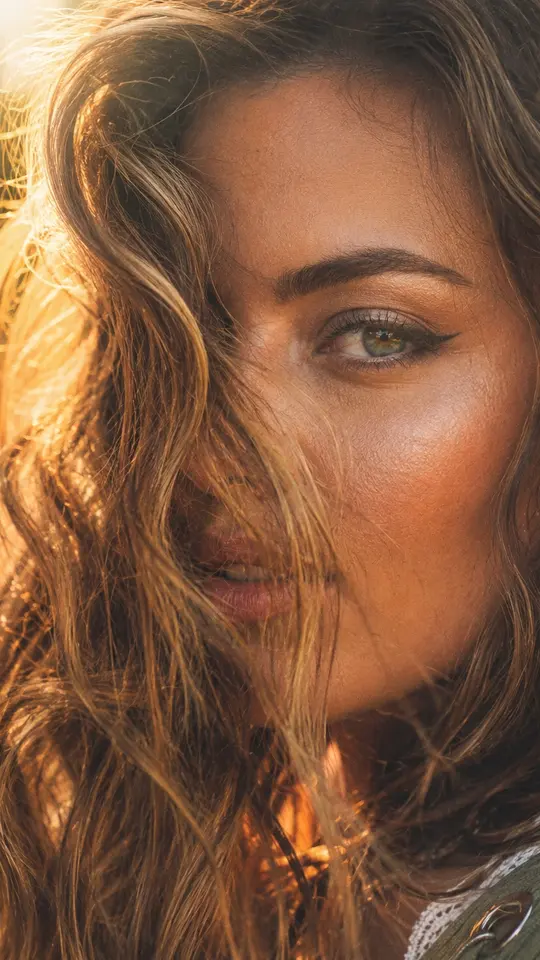
Each picture is generated, not a salon preview: real dye on real hair can turn out differently, and resemblance may drift between runs. Photos usually take a minute or two and can wait longer in a busy line. Upload yourself or people who said yes; famous faces and strangers are not accepted.
Ready-made templates
FAQ
Is there a free AI hair color changer here?
Within limits. Once you sign up and verify the address, the account starts out holding five stars, and each card lists how many a run takes up front. On top of that, the site flags a rotating few templates as Free today, runnable without stars until that day's allowance is used. To top up the balance later, look at plans and one-off packs under Pricing.
Can I see several hair colors at once?
Yes, with a prompt on Create photo: ask for a 3x3 grid of one hairstyle in nine shades, keeping the face, light and head angle identical in every cell. When everything else is fixed, the cells differ only in color, which is exactly what you want to compare.
Can I set hair length in inches?
Numbers are read loosely. Landmarks on the body work better: chin length, shoulder length, mid-back. A model interprets them the same way from one run to the next, so your variants stay comparable.
Will the template change my face or makeup?
The color cards ask for your features and proportions to stay intact and for the hair alone to change, and the grid card keeps your expression as well. Generation still redraws the whole image, so check it against your source photo and run it again if something slipped.