AI logo prompts: from a design brief to a clean mark
Good AI logo prompts read like a short design brief: what the business does, its character, the shape, two or three colors and what to leave out. Typing only "make me a logo" returns a pretty picture rather than a usable mark.
Write a logo promptReady in minutes · Free templates every day
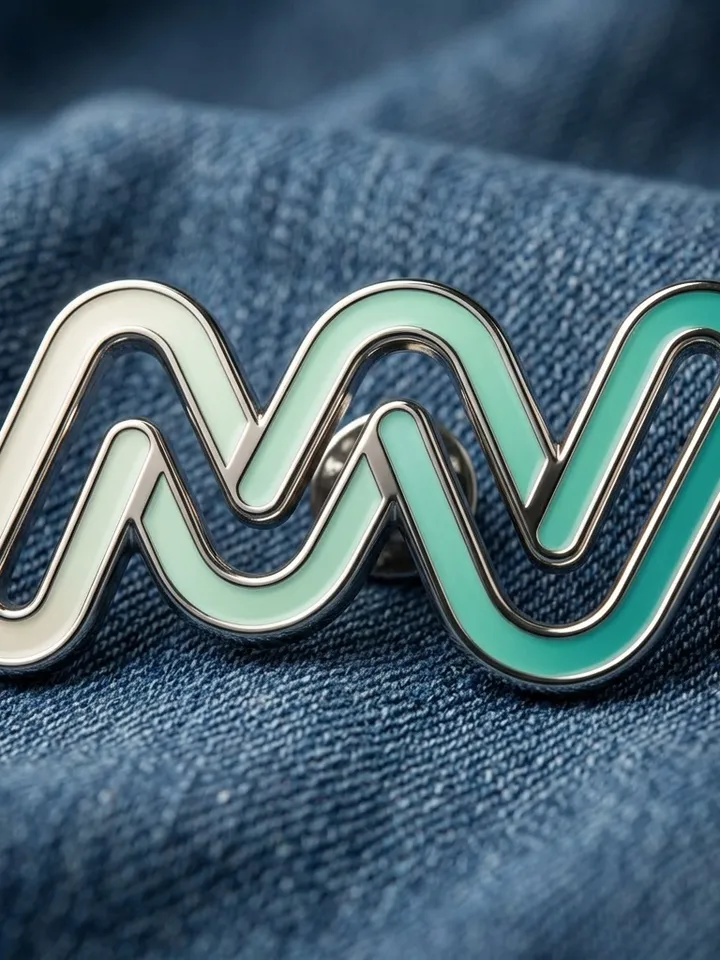
Asked loosely, a model crowds the frame with six colors, fine detail and a misspelled caption, and the whole thing turns into a blur once shrunk to an app icon. Below you will find a brief template with a worked example, which MarketVideo photo models suit flat geometry and which suit metal or glass, ideas for showing a finished logo on a pin or in motion, and why the name is typed on top afterwards.
Logo prompt template in five parts
A working prompt fills five slots: field, character, form, palette and a ban. Full example: a coffee shop by the train station, warm and homely, a round emblem with a thick outline, ochre and milky white, no cup and no beans. The ban matters most, because without it a model reaches for the obvious clichés of the category. Finish with flat style, plain white background, no text when you want a mark you can reuse.
Best AI model for logo design: flat or 3D
Photo models handle a mark in different ways. NanoBanana 2.1 holds symmetry and even curves, which suits a strict geometric emblem. When the logo should look like a physical object, NanoBanana PRO brings out depth, metal and glass. Letters inside the frame come out more carefully with GPT Image 2.5. Seedream 4.5 is handy for skimming many rough directions before you commit to one. Star costs differ by model and appear before you run.
Keep the brand name out of the prompt
Shapes are easier for models than letters. A short word survives better than a long one, and a slogan of several words often arrives with an extra letter or uneven spacing. The calmer route is to generate a clean symbol with no text, then set the name beside it in any editor. Font, size and letter spacing stay under your control, and several names can be tried against one symbol.
Ideas for a finished logo: objects and motion
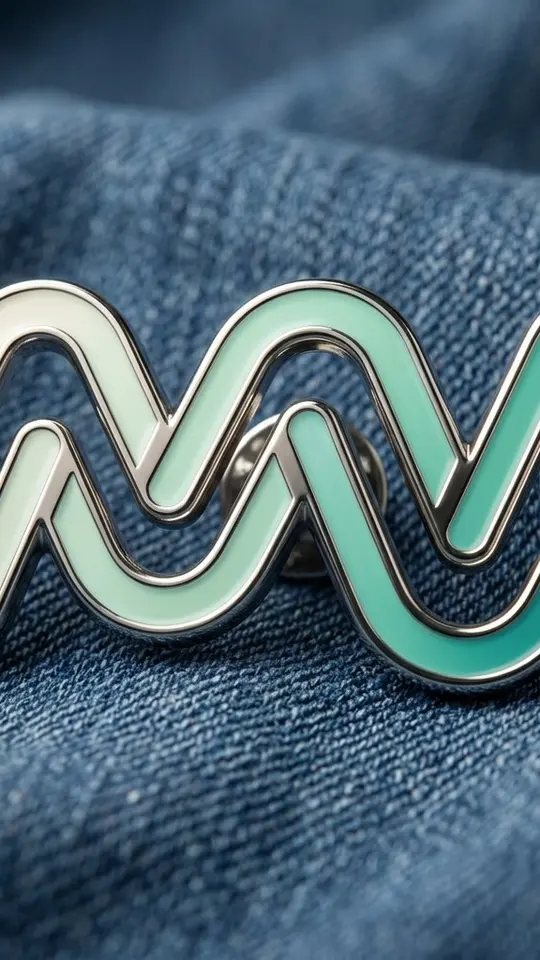
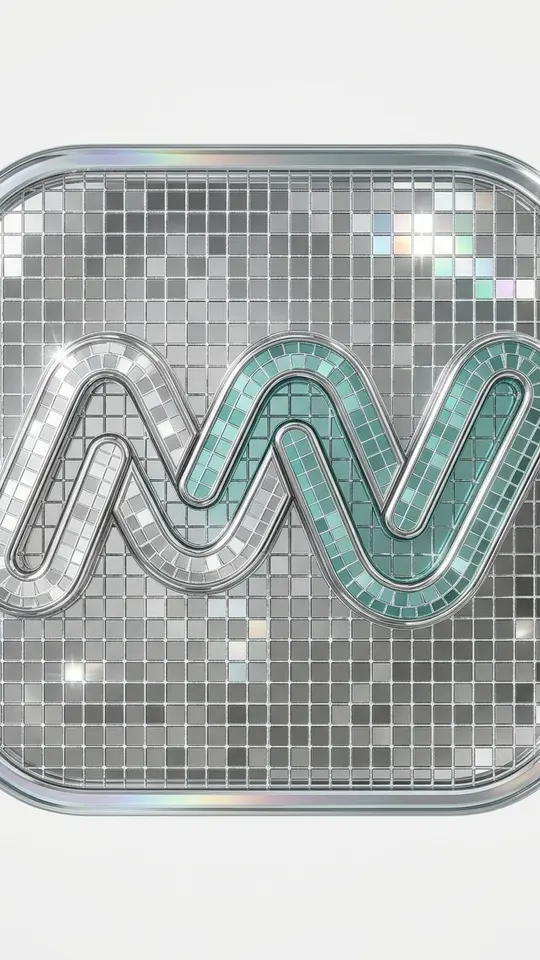
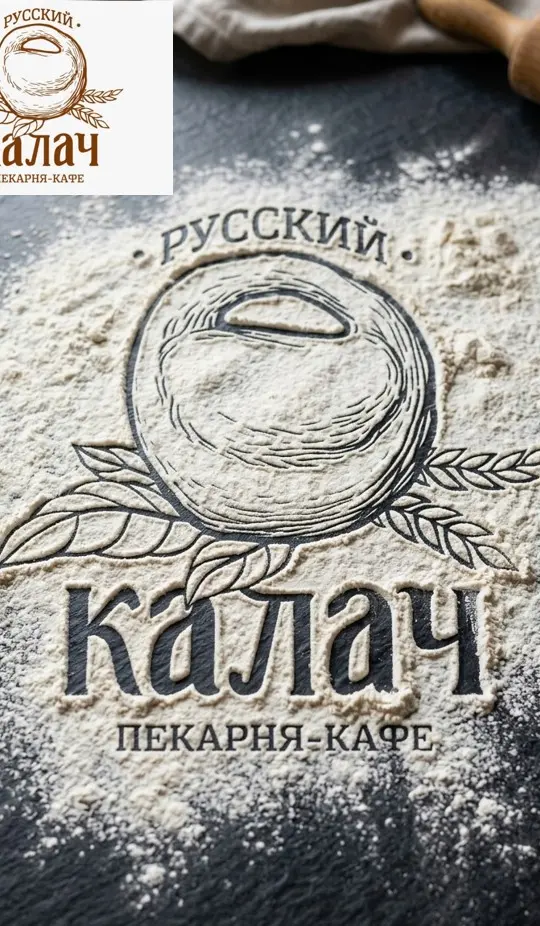
Once the mark exists, the templates in the grid show it as a thing. Enamel Pin on Denim turns an uploaded logo into a metal-edged pin on denim. Mirror Mosaic Logo rebuilds an app logo from tiny chrome tiles while keeping its silhouette. Logo Drawn in Flour reveals the shape in flour on a kitchen surface. For motion, add the emblem to Create video and name the effect: particles assembling, a slow turn, a glint along the edge.
Limits worth knowing before you start
Results are raster images rather than vector paths, so a sign or a print run may need the mark traced in a vector editor. Nothing on the site checks your design against registered trademarks. Generating requires a free account with a confirmed email, which brings 5 stars; once those run out, Pricing has more. No install is needed, since a laptop or phone browser is enough.
Ready-made templates


FAQ
Can I register an AI logo as a trademark?
MarketVideo does not file or check registrations. Searching existing marks and submitting an application is work for a trademark attorney, and it is worth talking to one before the logo goes onto signs and packaging.
Does MarketVideo compare my logo with existing ones?
There is no automatic search of trademark databases. A model can land close to an existing emblem by chance, so before you start using the mark, put it through a reverse image search and look at what comes back.
Is there an AI logo prompt generator on the site?
Not as a separate tool. The five-part template above does the same job: fill in field, character, form, palette and the ban, paste the line into Create photo and adjust one part per run until the mark settles.
Why does the name on my logo come out misspelled?
Lettering is the weak spot of image models, especially long words and slogans. Add no text, no letters to the prompt, keep only the symbol, and set the name later in an editor where every letter is exactly what you typed.
What should I do if the logo is needed for print?
Downloads are raster image files, not vector curves. For a sign, packaging or embroidery, take the cleanest version into a vector editor and trace it there; a flat mark with few colors and a thick outline traces far more easily than a glossy 3D one.