AI Photo with Your Pet: You and Your Dog or Cat in One Frame
An AI photo with your pet on MarketVideo starts from two uploads: a portrait of you and a clear shot of your dog or cat. A template places you both in one scene and is written to keep the animal's coat, breed and muzzle.
Make a photo with your petReady in minutes · Free templates every day
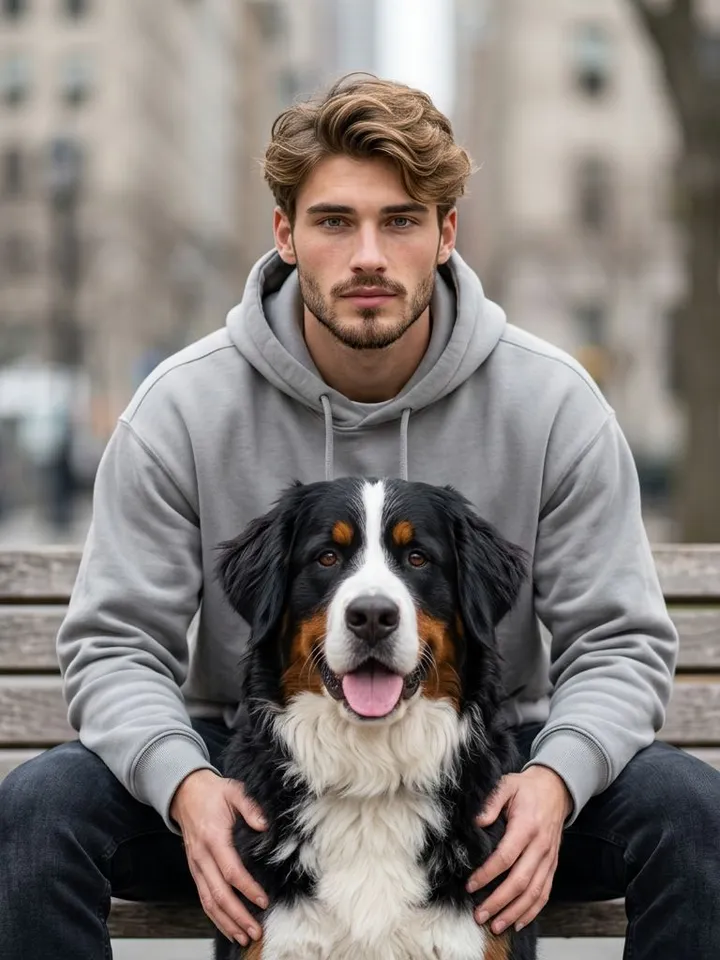
Getting both of you right in a real camera shot is a gamble: the dog looks away, the cat walks off just as the shutter clicks. Here the two pictures can even be taken on different days. Below you will find the scenes in the grid, which photos to prepare, what to do with several animals and how stars work.
Two photos to prepare: yours and your pet's
Your own picture works best when the face is large, sharp and lit by daylight, with no sunglasses or cap. For the pet, choose a shot where the head and body are fully in view and the fur is not blown out by a flash. A cat curled up asleep tells the model little about its size, so a standing or sitting pose helps more. Both files go into the same template.
Scenes in the grid: studio, city bench, mountains
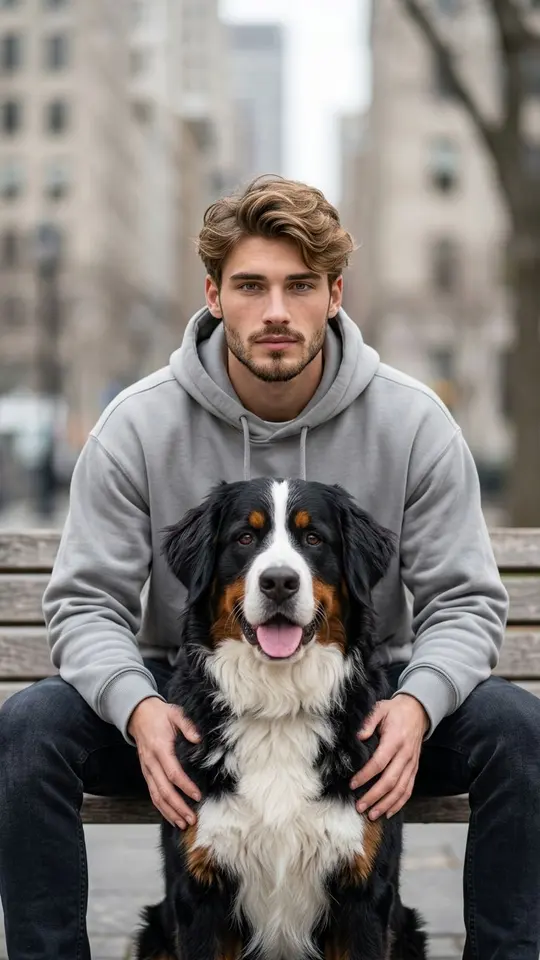
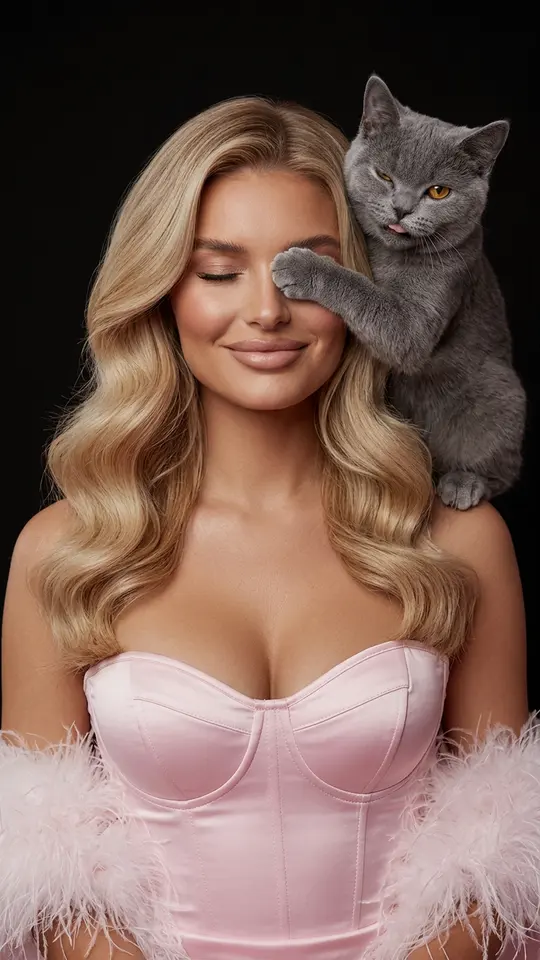
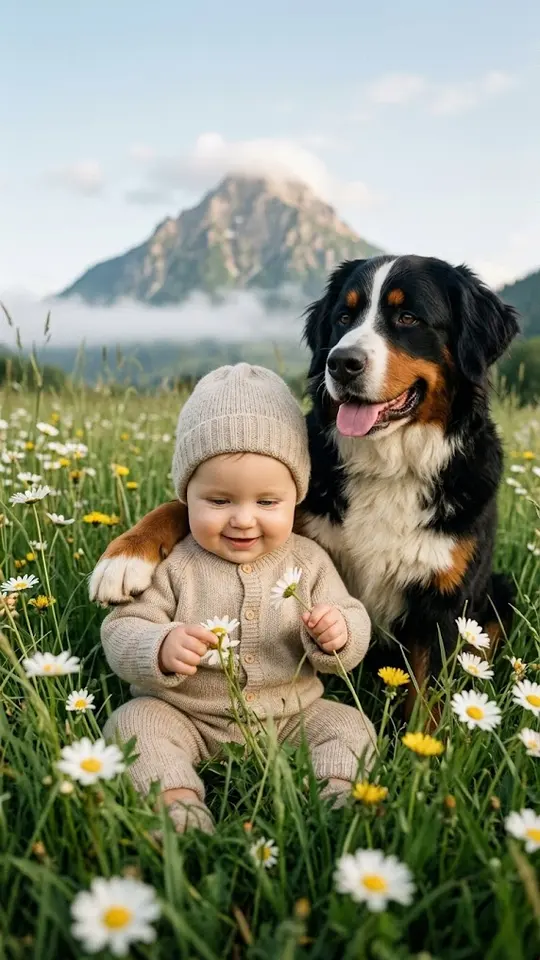
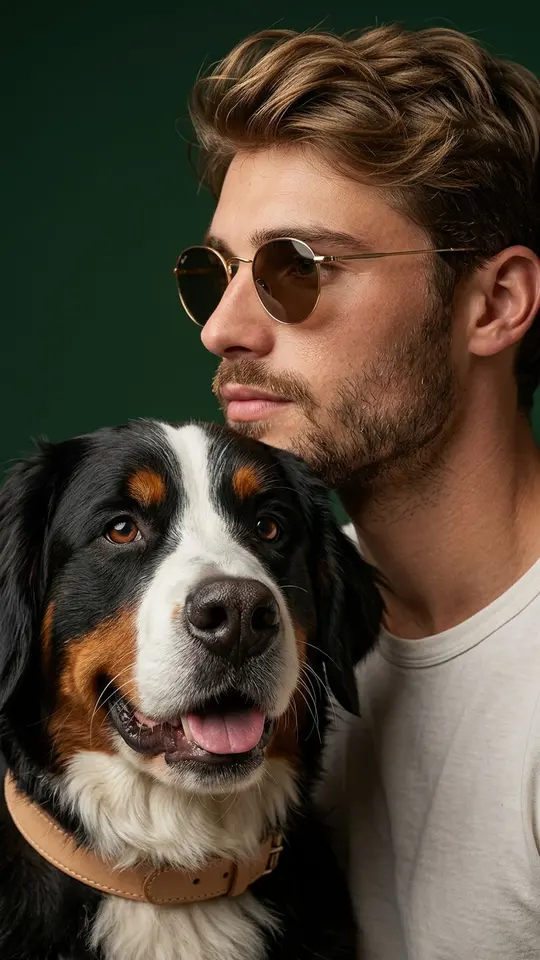
City Bench with My Dog moves the pair outdoors, while Playful Pet Studio Portrait gives a pet and owner AI portrait a studio setting. Kid and Dog in the Mountains is meant for a child from your own family next to the family dog. Each of these tells the model to leave the person's face and the animal's coat color, fur texture, proportions and expression unchanged. Results are vertical 9:16 pictures.
Already together in one shot, or a whole family
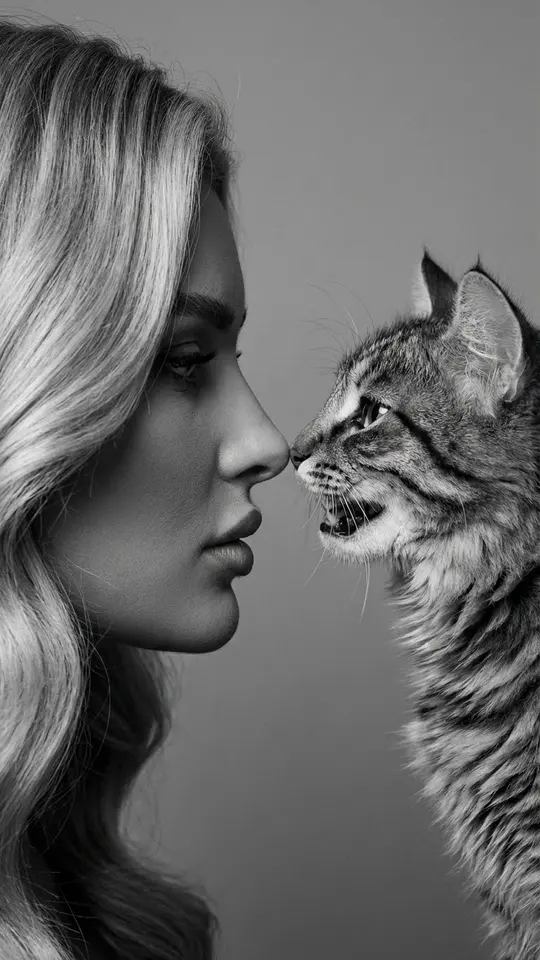
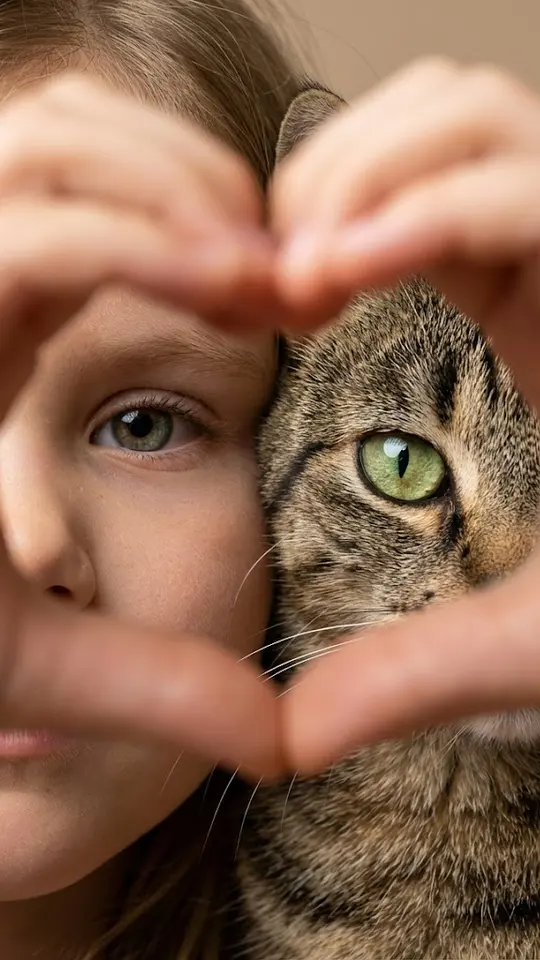
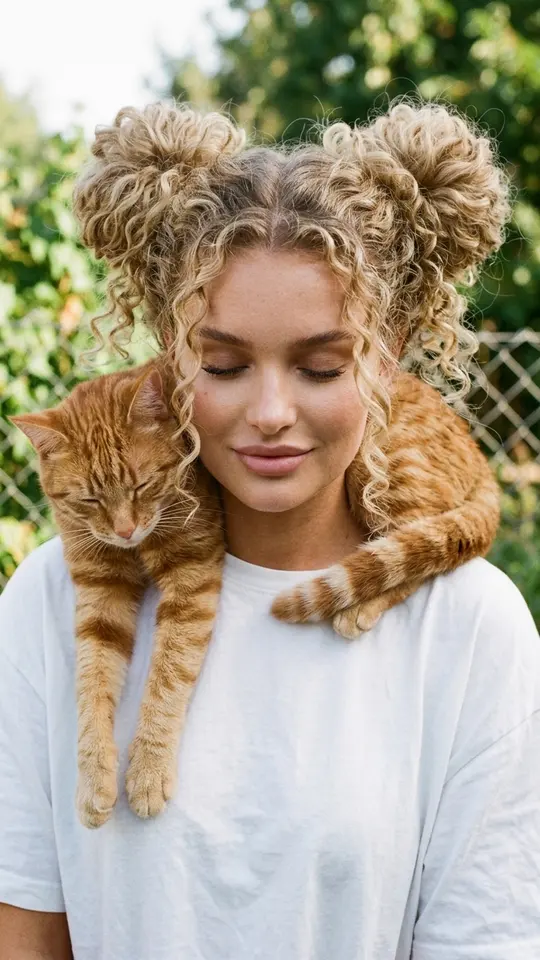
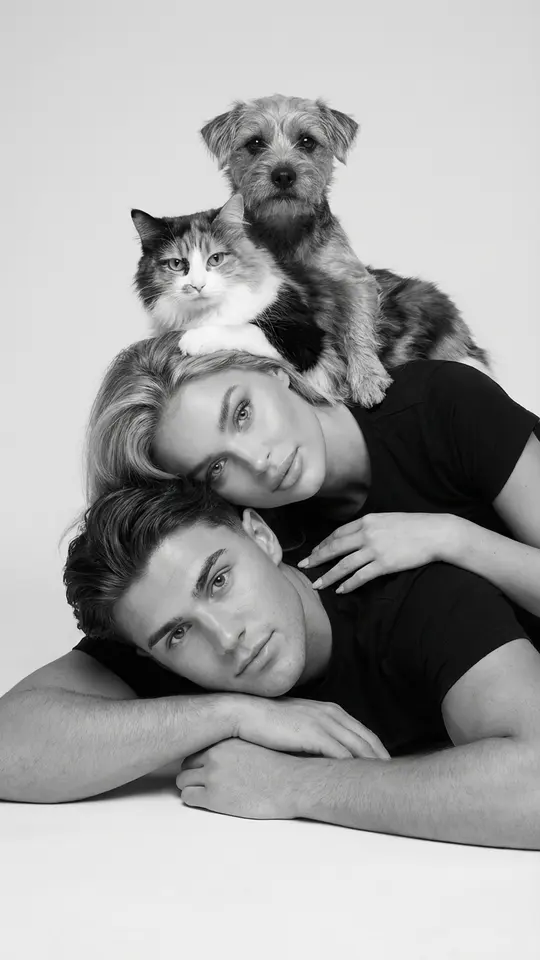
Cat on My Shoulders is the pick for an AI photo with my cat when one picture already shows you holding it: the template rebuilds it as a close, candid portrait. Family Tower with Pets goes bigger and stacks relatives and animals into a black-and-white studio portrait with a vertical composition, one person lying on the floor at the bottom.
Your pet as a human, or the picture as a clip
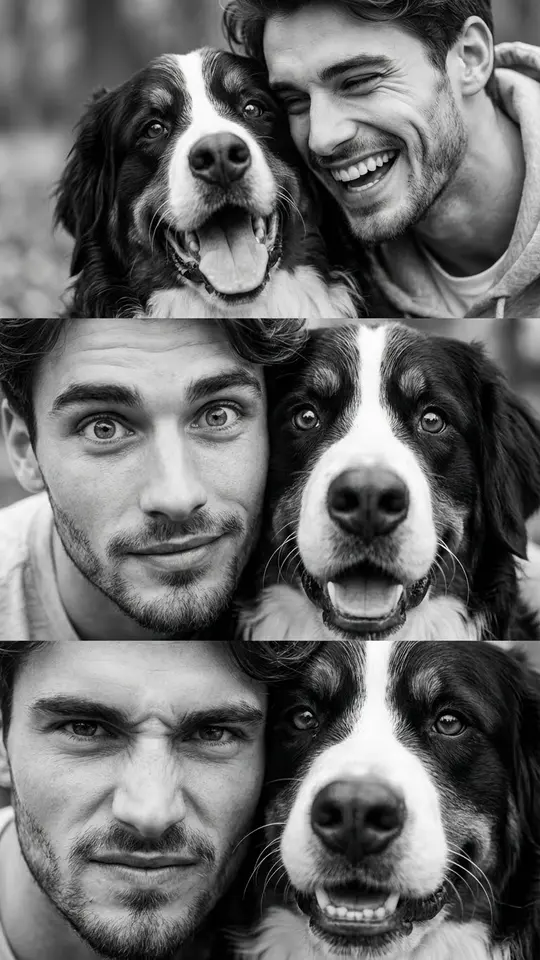
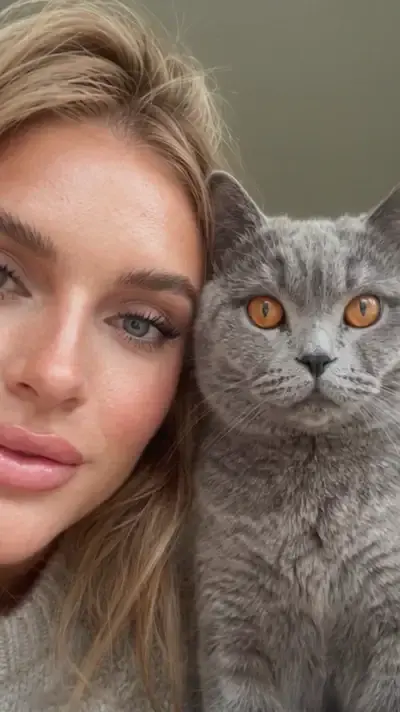
Your Pet as a Human flips the idea: it turns a cat or dog into a believable human character, dropping fur, ears and whiskers but keeping the expression, posture and color scheme. For motion there is Wink with Your Pet, a video template: from your photo and the pet's it makes a cheek-to-cheek selfie where you wink at each other and the pet reaches a paw toward the camera.
Writing your own AI photo with dog prompt
Prefer a setting the grid lacks? Open Create photo, attach your portrait and the dog's picture, then describe the place, who stands where, what the dog is doing and the light. Add a sentence saying its coat, ears and markings must stay as in its photo. Two animals work the same way: attach a clear picture of each and say which one sits where. NanoBanana PRO is one of the photo models offered there.
Limits and stars
Every pet card aims to hold on to your animal's look, yet the output is generated, so a marking or ear shape can come out slightly off, and running it again is normal. Generations cost stars, and each template states its number up front. A new account receives its first 5 once the email is verified, a few cards are marked Free today for a limited number of daily runs, and Pricing is where to refill the balance.
Ready-made templates
FAQ
Will a phone photo of my pet taken indoors work?
Usually it will, provided the head and body are fully visible and the image is not blurred. A flash that makes the eyes glow causes more trouble than dim light, so turn it off or shoot near a window.
Can I make a picture with a pet that has passed away?
Any saved picture of the animal can serve as its reference, even an old one. If the print is worn or tiny, clean it up with a restoration template first, then use the improved version in the pet scene.
Does it work with a parrot, hamster or guinea pig?
Most pet cards are written around a cat or dog. Buried in Guinea Pigs fills the frame around your face with hamsters and guinea pigs, but those animals come from the template, not your photo. For your own bird or rodent, attach its picture on Create photo next to yours and describe the scene.
Can I use a friend's photo with my dog?
Only when that friend is fine with it. Pictures of children should come from your own family, and celebrities or random people from the internet cannot be placed into a scene with your pet.
How long does one pet picture take?
Most pictures are ready in one to two minutes; a long queue can delay them. You save the finished image as a regular file, and it stays listed in your account history afterwards.