Put Two People in One Photo with AI
To put two people in one photo, upload a clear portrait of each and let an AI photo model place them in a single scene, standing in the same space under the same light.
Combine two portraitsReady in minutes · Free templates every day
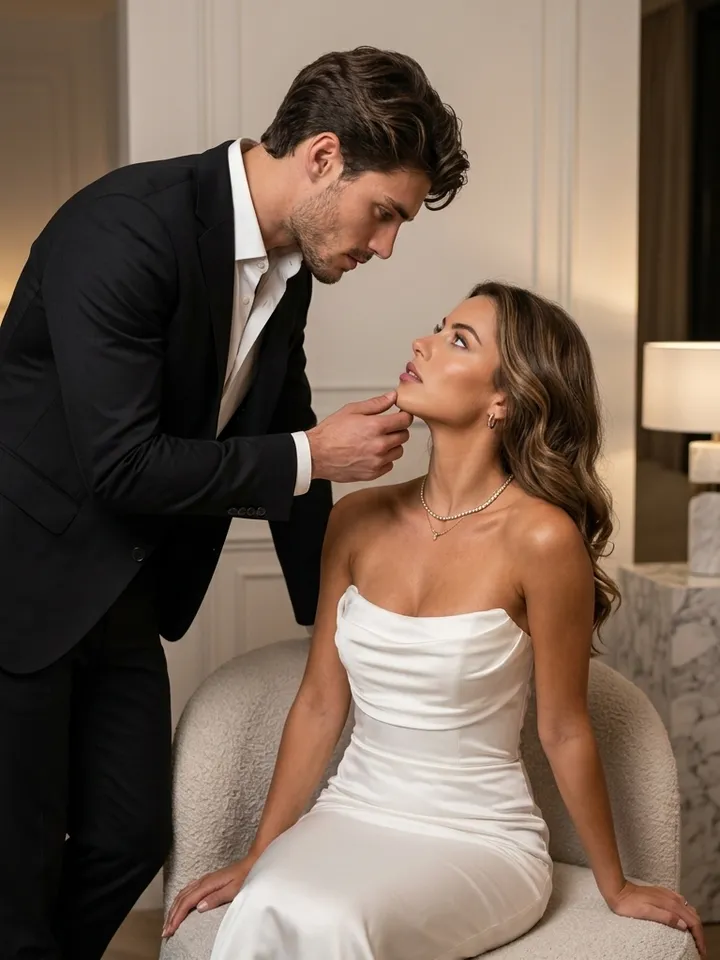
This is not a collage of two frames side by side. It suits partners living in different cities, friends whose meeting never happened, or a grandparent who never got a picture with your child. What you get is a new image built from both portraits.
Pick two portraits that match
Choose one sharp portrait per person, ideally shot from a similar height and distance. A picture taken from above and another from below leave the two bodies with different perspective, and that mismatch shows even to a casual eye. Faces turned slightly toward each other make an embrace or a shared glance easier to build.
Two routes: a couple template or Create photo
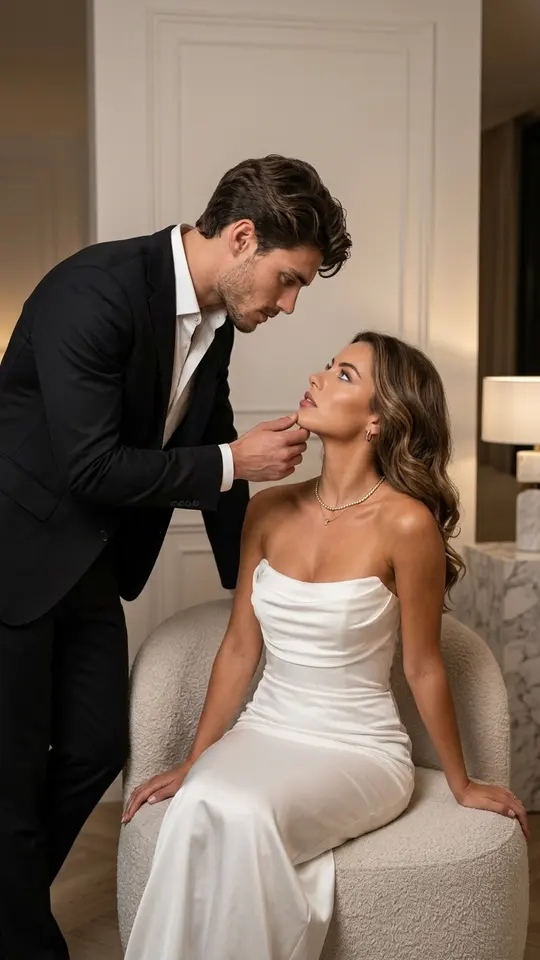
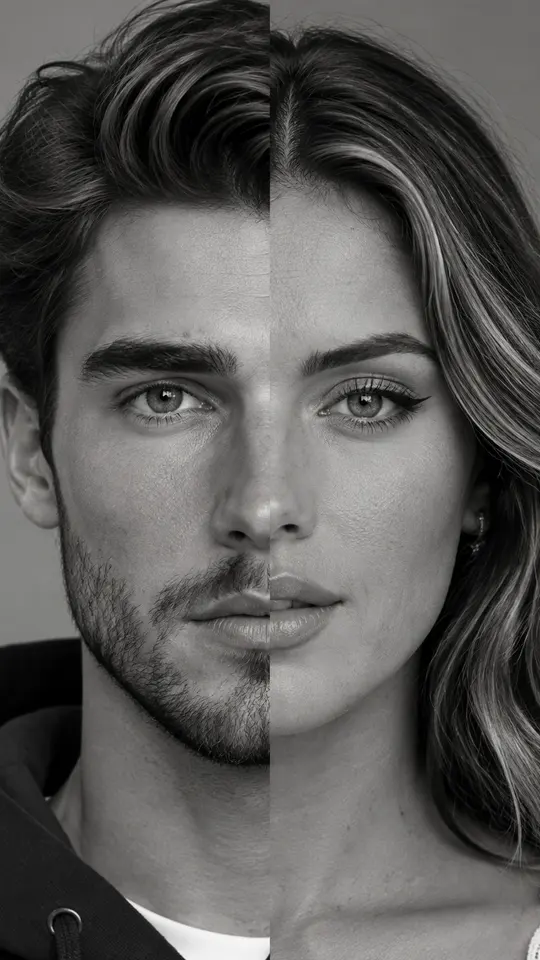
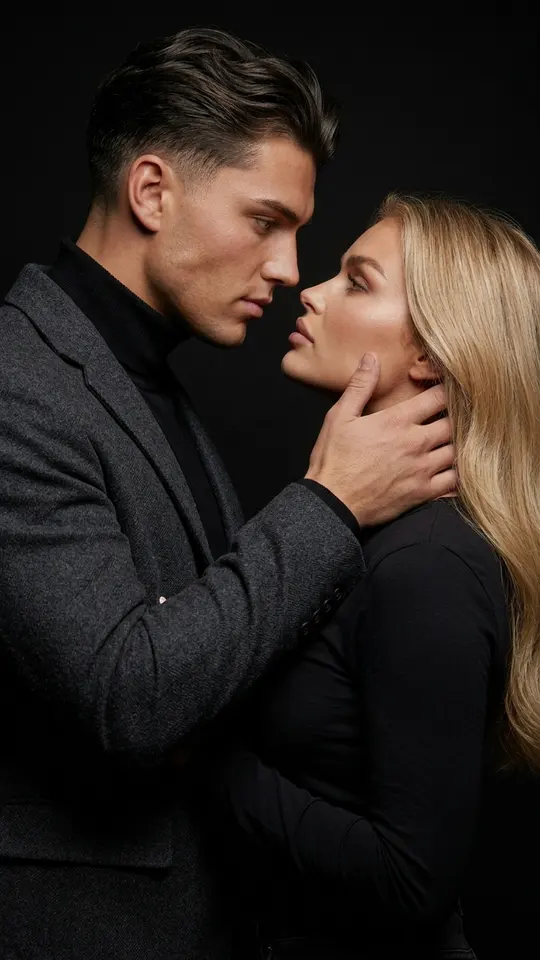
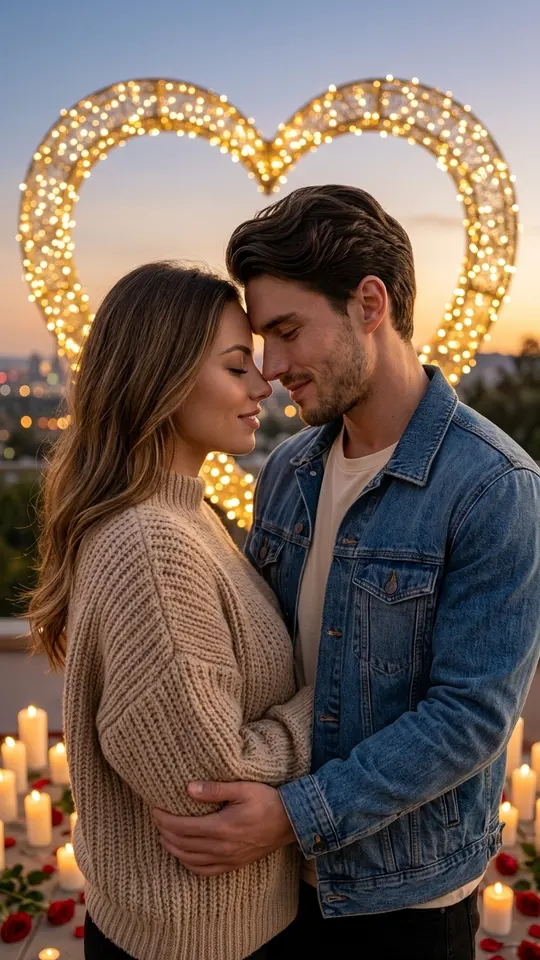
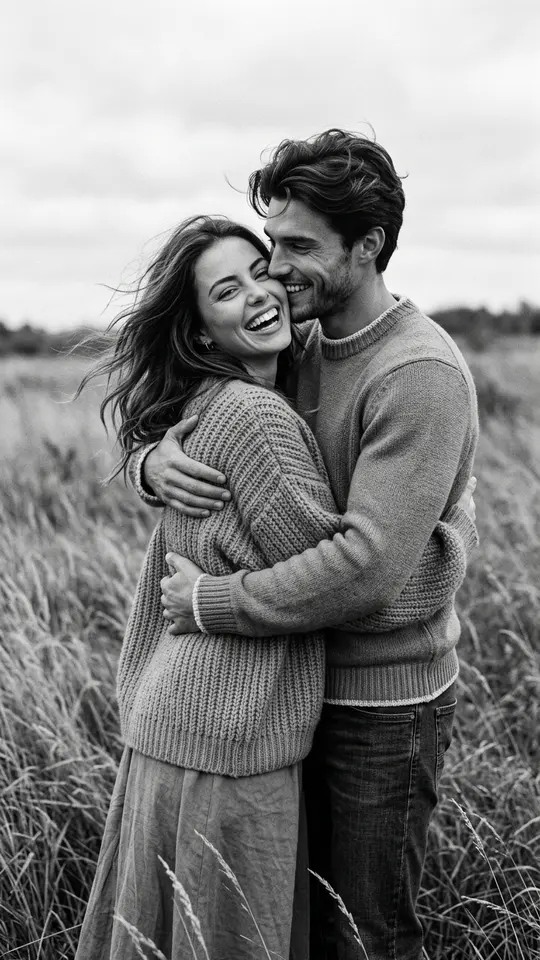
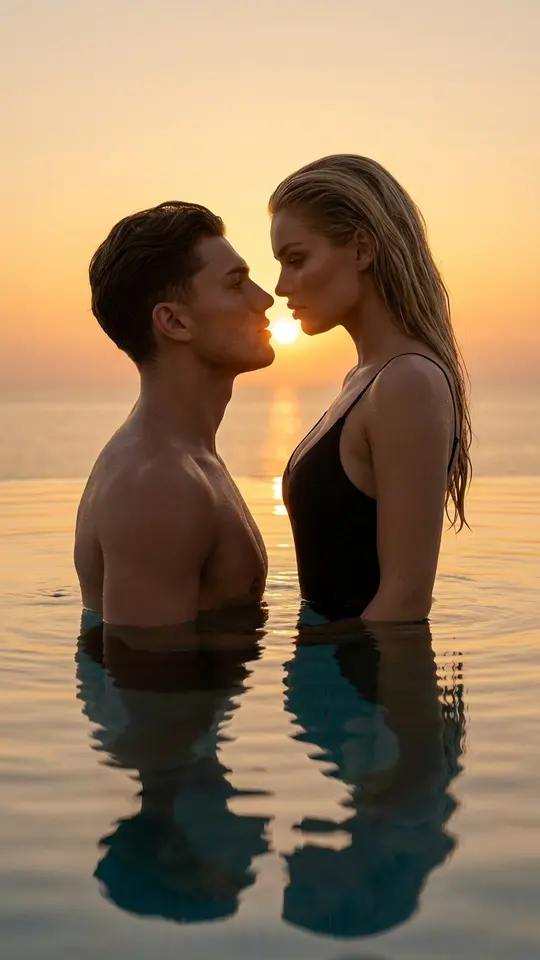
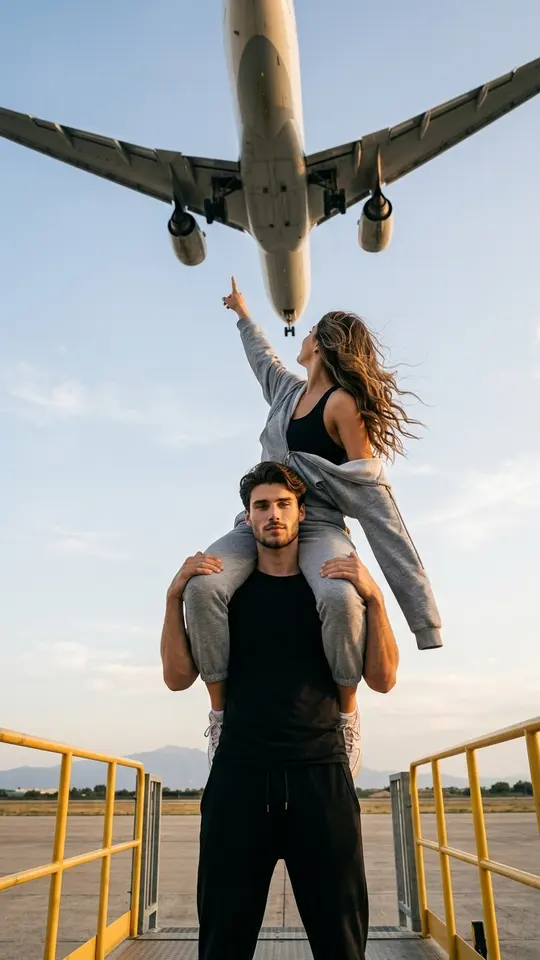
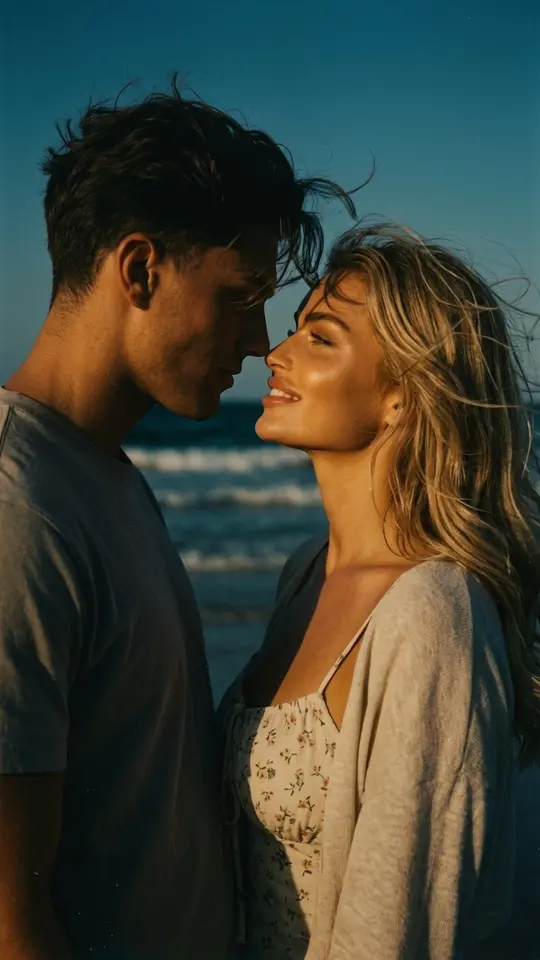
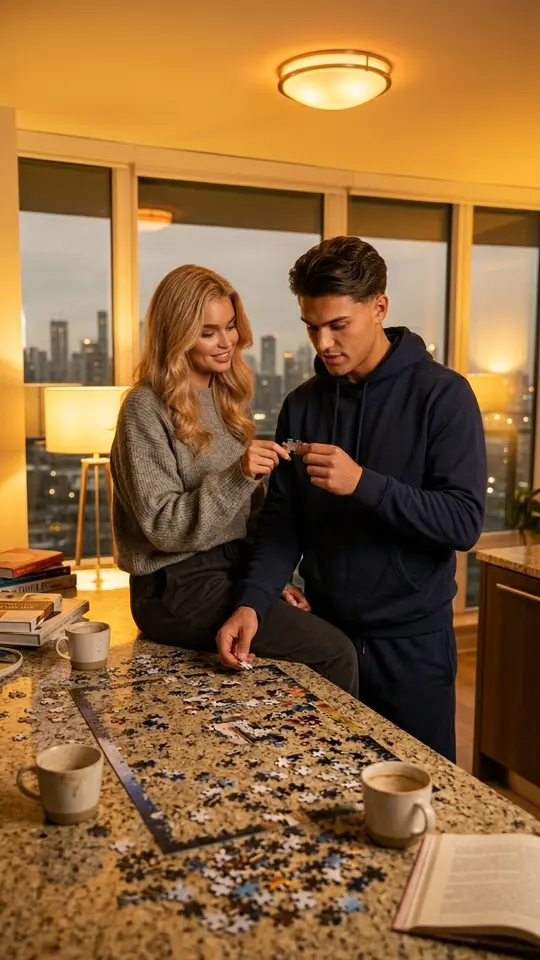
The cards below already hold a scene: an embrace in a windy field, a sunset by the sea, a close portrait on black. Open one, upload the pictures it calls for and run it. For any other pair, such as a parent and an adult child, go to Create photo, attach both portraits, say who stands where and choose a photo model, for example GPT Image 2.5.
Why shared light matters
A pasted cutout gives itself away through light: one face lit from the left, the other from the right, shadows falling in different directions. Here the model draws both people again inside one scene, so light, color and shadows come from the same source. Photos taken decades apart work too, which is how a young version of someone can stand next to a grandchild.
What the picture is and is not
Treat the result as a newly generated image, not a record of a real meeting. Likeness can drift between runs, so compare a few takes and keep the closest. Work only with pictures of yourself, your relatives and people who gave permission, and do not present the image as documentary proof, especially when it shows someone other than you.
Ready-made templates

FAQ
How many people can share one frame?
The couple templates on this page are built for two. For three or more, attach every portrait on Create photo and describe the arrangement in plain terms: who sits, who stands behind, who holds whose hand.
Can I use an old print of someone who has passed away?
Yes. A scanned or rephotographed print works when the face in it is sharp and fully in frame. The model rebuilds the person inside the new scene, so the age, era and camera of that print do not have to match the second portrait.
How is this different from a collage?
A collage keeps two separate pictures next to each other, each with its own background and lighting. Here you get one scene: both people stand on the same ground, in one light, and can touch, hug or look at each other.
What does it cost to try?
An account costs nothing, and once the email is verified it holds five stars. Each card displays its star price before you begin. Cards tagged Free today skip the stars until that day's free runs are gone, and more stars come from the Pricing page.