Merge Two Photos Into One Seamless Scene
To merge two photos into one on MarketVideo, upload both pictures on Create photo, say how their contents should meet, and an image model draws a single new frame where they share light, scale and perspective.
Merge two photosReady in minutes · Free templates every day
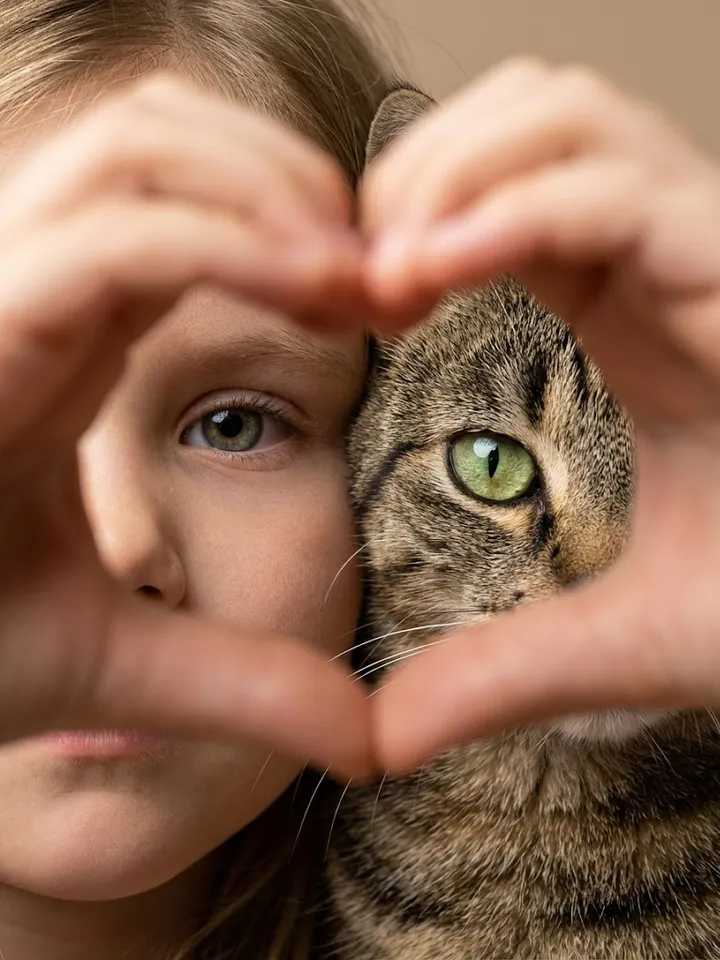
That is not a collage. Nothing sits side by side or inside a border: the person from one shot stands in the place from the other, a dog joins its owner, a product lands on a backdrop you photographed elsewhere. Below are the pairings that work, how to describe them and where the method falls short.
Pairs that merge well
Person and place: an office portrait and a picture of a mountain road become one shot of you on that road. Owner and pet: your selfie plus a picture of your cat gives a frame where both sit together. Object and backdrop: a mug shot on a kitchen table moves onto a linen surface you shot for a shop. Two halves of a view that did not fit in one frame can also become a single wide picture.
How the model joins them
Instead of cutting anything out, the model reads both uploads and generates a third image from scratch, deciding where each subject stands and how big it is next to the other. Shadows fall in one direction, colors are brought to a common tone, and the edge you would mask by hand in an editor never appears, because there is no pasted layer.
Writing the instruction
Say which picture gives the setting and which gives the subject, then where the subject goes: put the man from the first photo on the bench in the second, evening light. Mention size if it matters, for example a small dog at knee height. Templates in the grid already hold a written scene, so there you only add the pictures they ask for.
Where it falls short
Every run is a fresh generation, so faces can shift slightly and small lettering or logos may be redrawn. A subject that is cropped or covered in its source gets guessed at rather than recovered. If one photo is blurry or very dark, improve it in a separate run first and merge afterward. Only merge pictures you own or that show people who gave consent, and kids only from your own family.
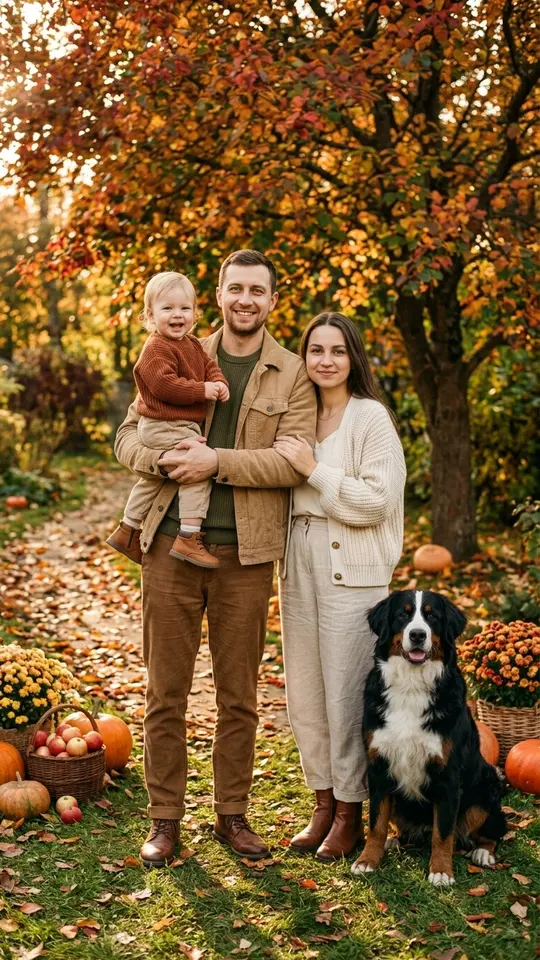
Ready-made templates
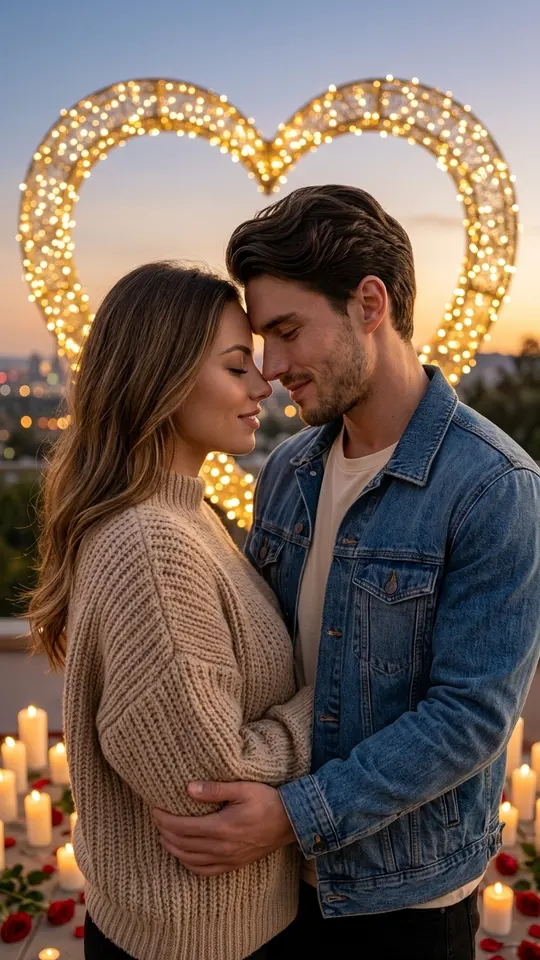
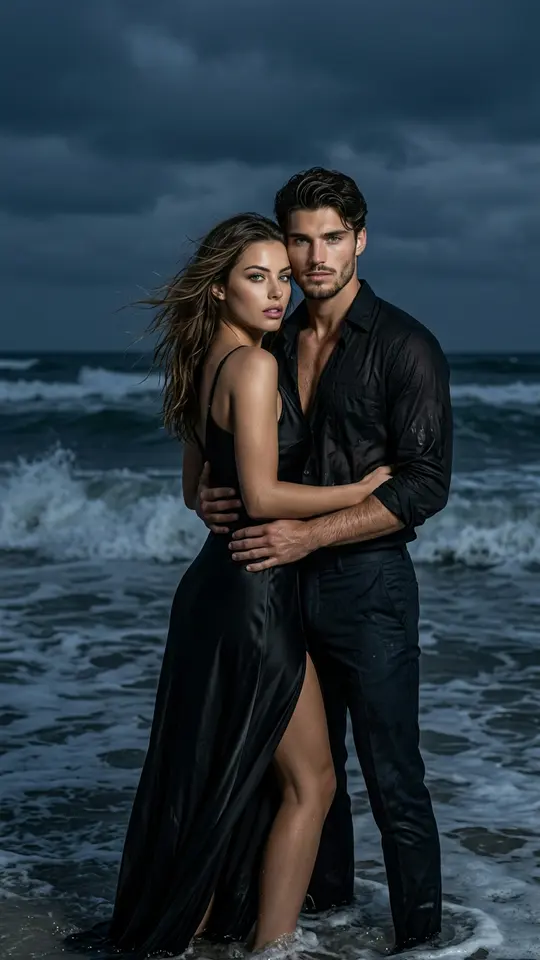
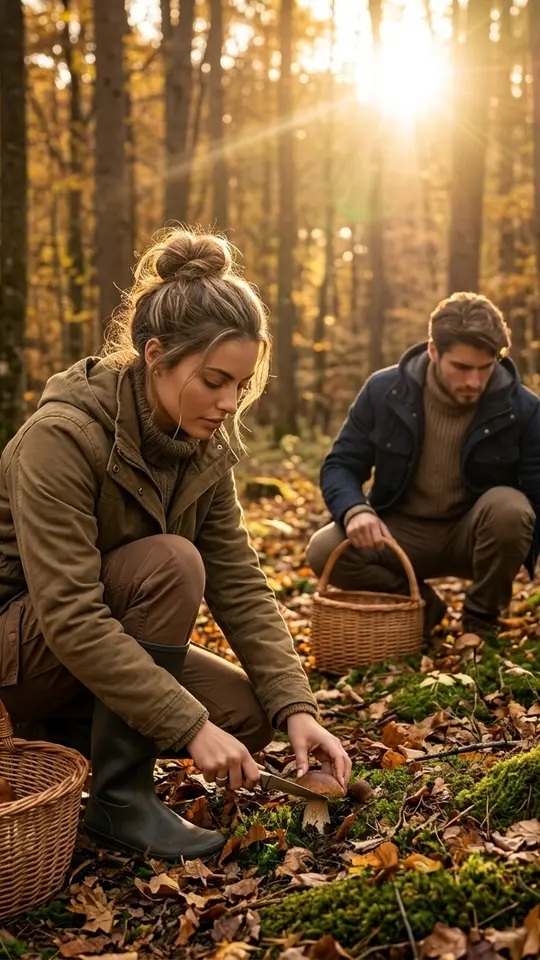
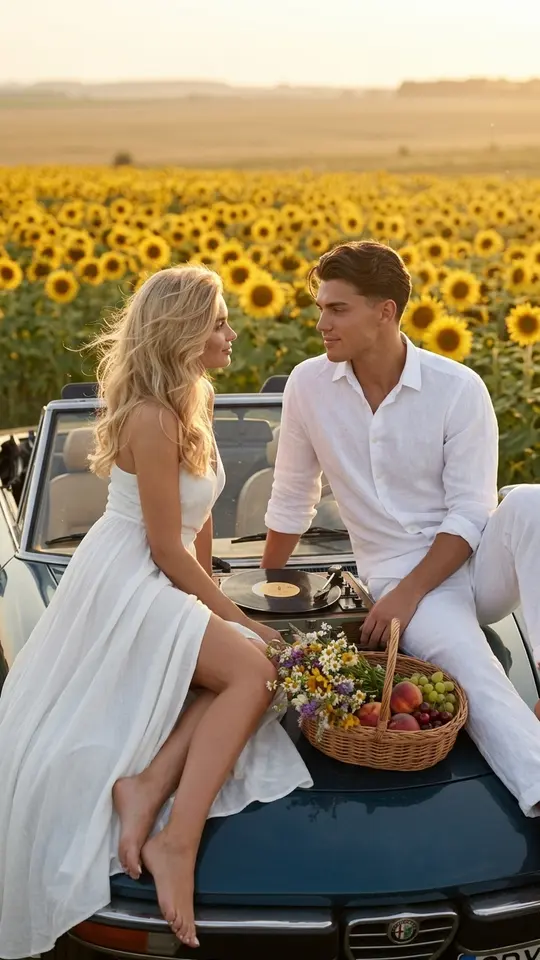
FAQ
Is merging the same as making a collage?
No. A collage leaves both pictures whole in a grid with borders, each in its own window. Merging returns one frame where the contents of both sources live in a single scene, so there is no dividing line to hide. If you want the side-by-side look instead, a photo strip template is the better choice.
Can I put my pet next to me if we were photographed apart?
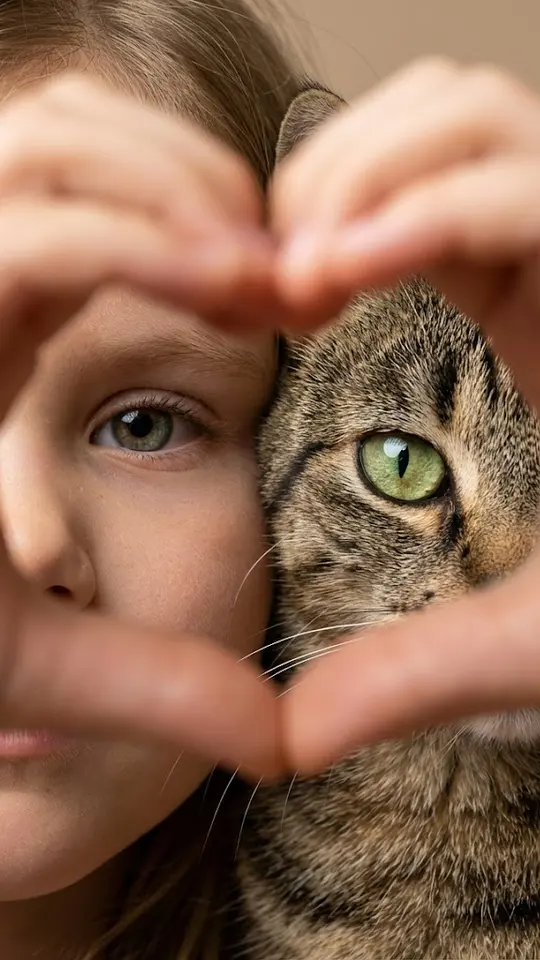
Yes. Upload your portrait and the pet's picture: the One Heart, Two Gazes template is written to keep the person's face and the animal's coat, markings and breed unchanged. Pick a pet shot where the whole animal is visible and not hidden behind furniture or another person.
Can an old print be merged with a recent photo?
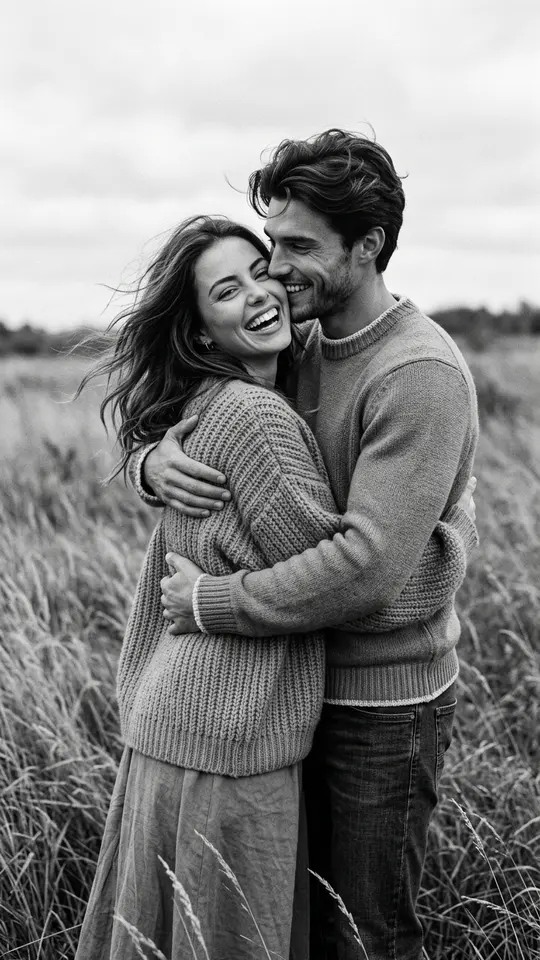
It can. The model brings both to one light and color, so a black-and-white archive shot and a fresh selfie can end up in the same scene. When the old picture is torn or faded, run it through the Photo Restoration template first; a cleaner source keeps the person closer to how they really looked.
What does a merge cost?
One merge is one image run, paid in stars, and the exact number appears on the page before anything is spent. Newly verified accounts begin with five stars; when they run out, top the balance up through Pricing.