AI Photos of Yourself from One Ordinary Snapshot
AI photos of yourself start from a real picture of you rather than a written description: upload one everyday phone shot, choose a scene template and get back a new image where the person in the frame is recognizably you.
Create a photo of yourselfReady in minutes · Free templates every day
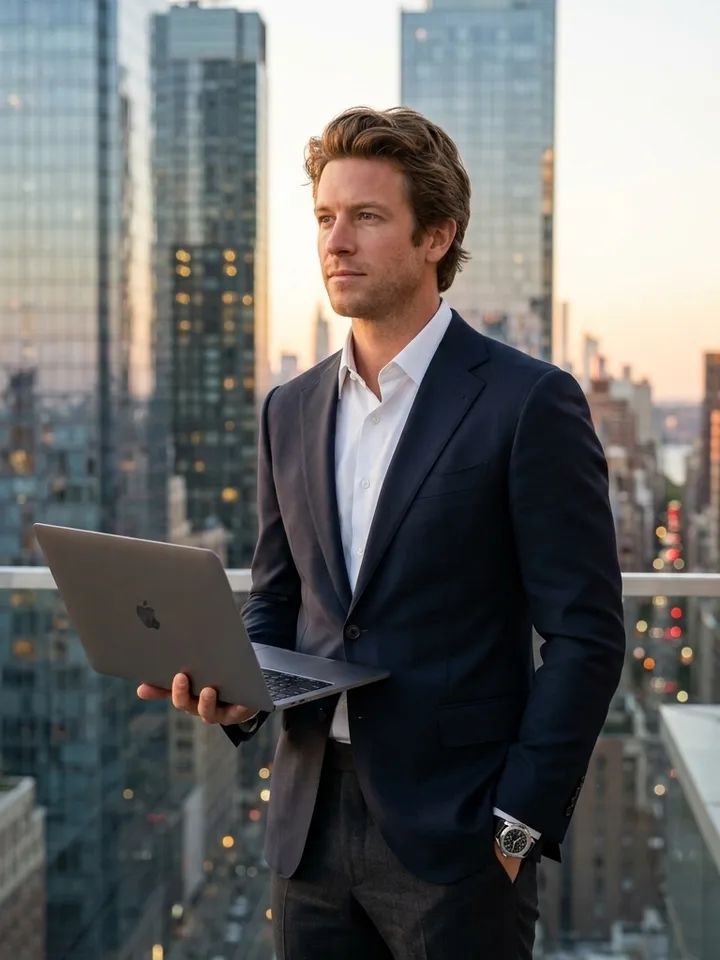
That is the gap between a photo and a typed prompt. Words can ask for a tall man with dark hair, but they cannot pin down the shape of your nose or the line of your jaw, so text alone returns a stranger who merely fits the brief. Your snapshot carries those details, and the template builds light, clothes and setting around them.
Your face on a rooftop, in a car or in a museum
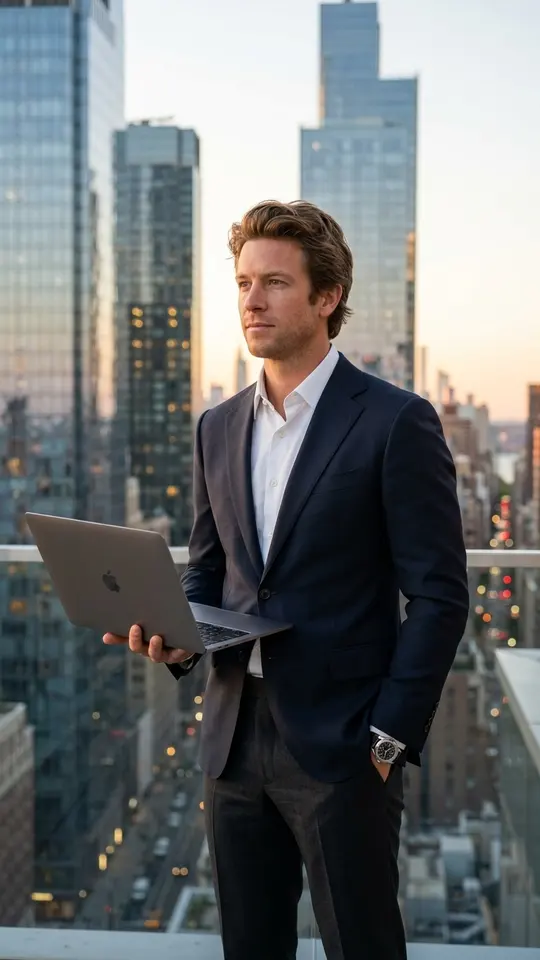
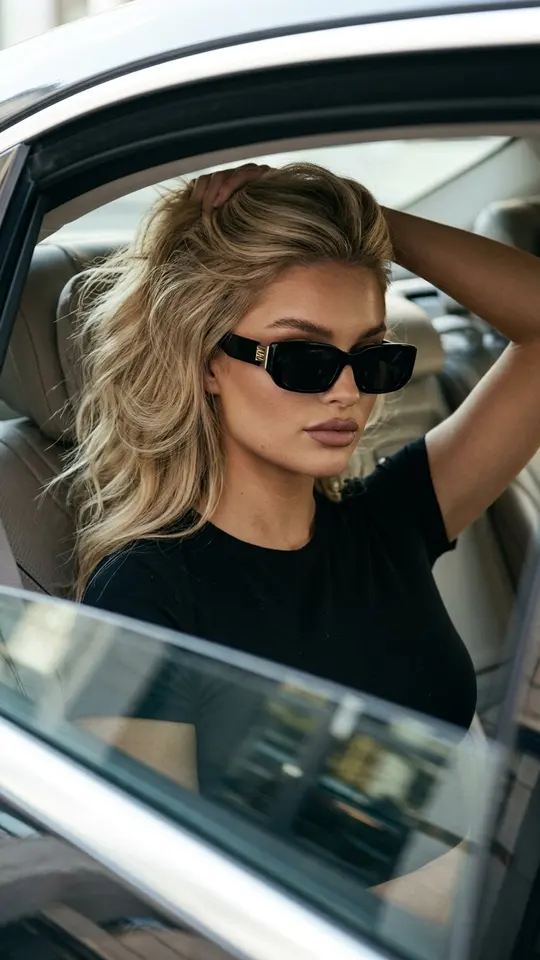
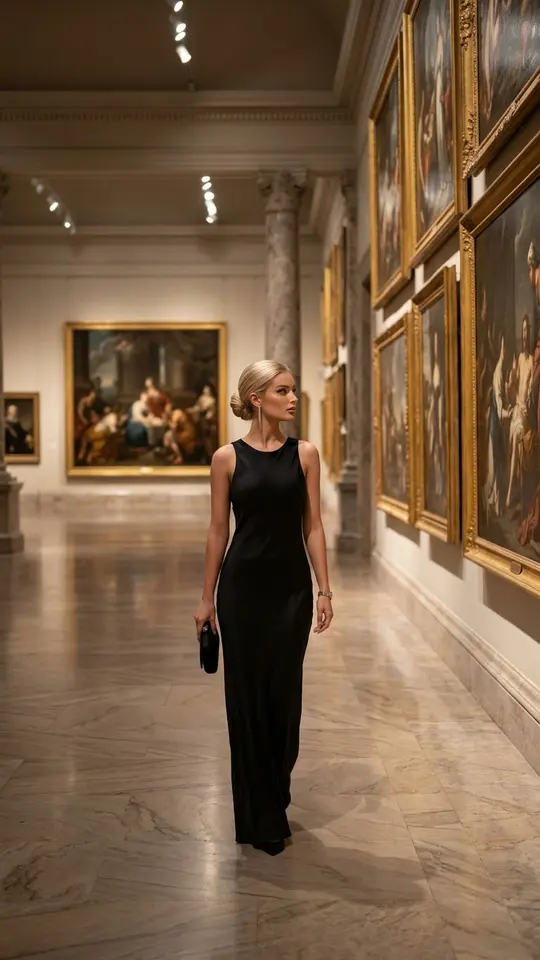
Each card below is one finished scene. Skyscraper Rooftop CEO stands you on a roof at sunset with a laptop in hand. Paparazzi Luxury Car Portrait seats you in the back of a premium sedan for a fashion editorial frame. Museum After Hours walks you through an empty art hall after closing. Golden Hour Rooftop Portrait and Big City Night Walk move the same face to a railing above the city and a street lit by neon.
Which snapshot to upload
Pick a picture where light falls evenly on your face and nothing covers it: no sunglasses, no deep shadow, no sharply tilted head. A casual selfie works, and so does an old print you shoot again with your phone. A tiny, blurry or distant frame leaves the template guessing, and the likeness comes out rougher. One person per picture keeps things simple.
What stays the same and what changes
These templates treat your upload as a reference and hold on to your features, proportions and natural skin. Everything else is open: location, time of day, outfit, hair, camera angle and the style of the shot, from black and white noir to warm sunset color. Run one snapshot through five templates and you get five different pictures that share a single face.
Starting, paying and getting the file
Browsing the catalog is open to anyone. Running a template takes a free account with a verified email, and that verification puts 5 starter stars in your balance. Every card displays its star cost before you begin, a handful of cards are free each day within a daily allowance, and extra stars come from the plans and packs listed under Pricing. A picture usually needs a minute or two, then saves to your device as a normal image.
Limits to keep in mind
Upload your own face, or that of a friend or relative who has said yes. Famous people and strangers are excluded, as are fake IDs and anything sexual, and a child's photo fits only a family scene. Every run is generated anew, so the resemblance can shift a little between attempts. If a result looks off, run the same template again rather than fixing it by hand.
Ready-made templates
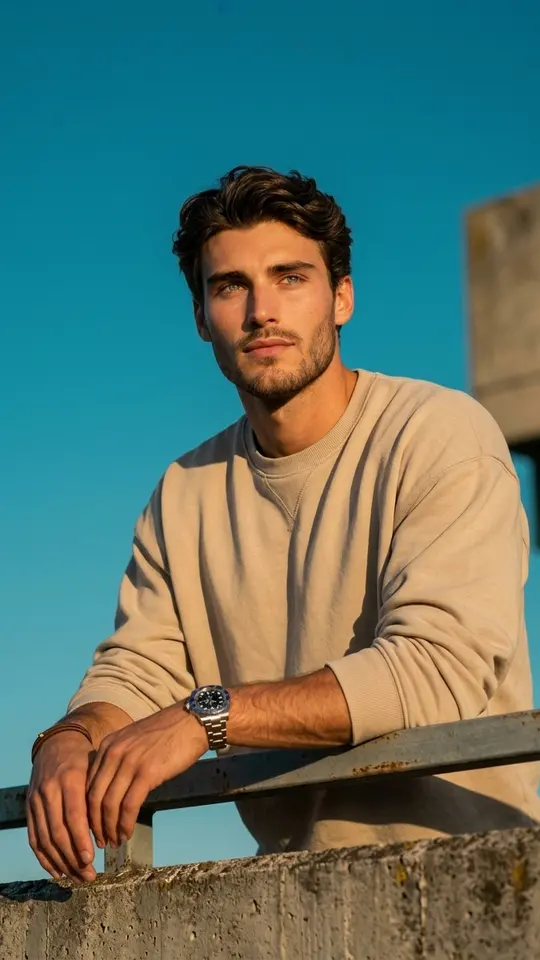
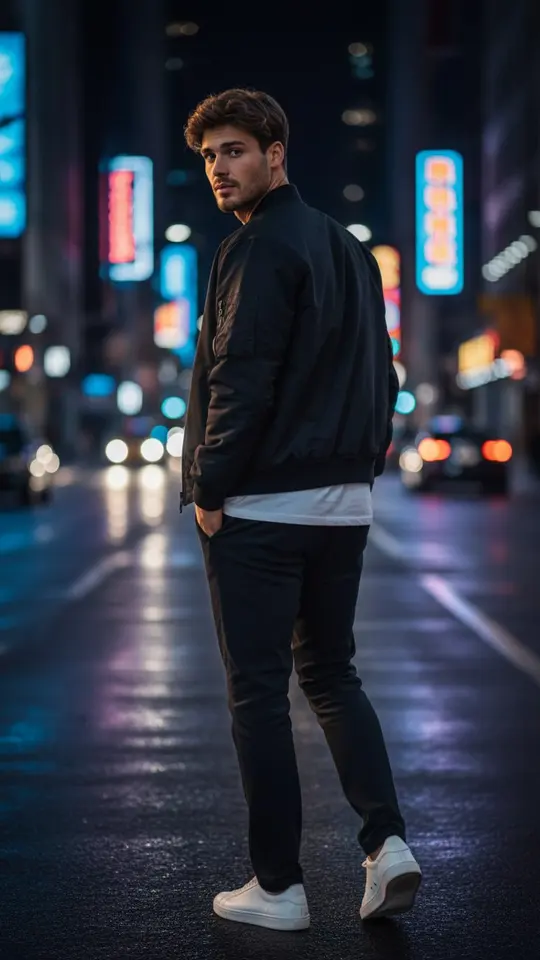
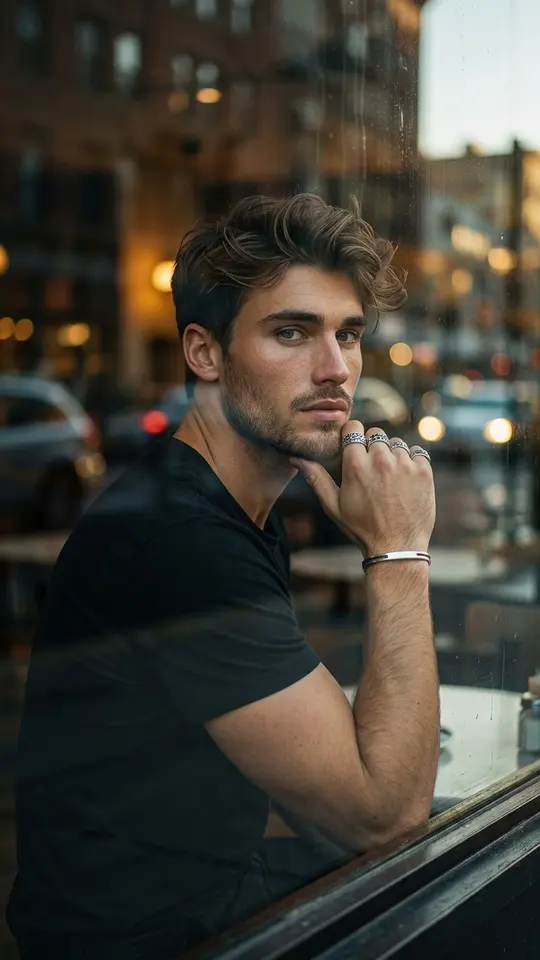
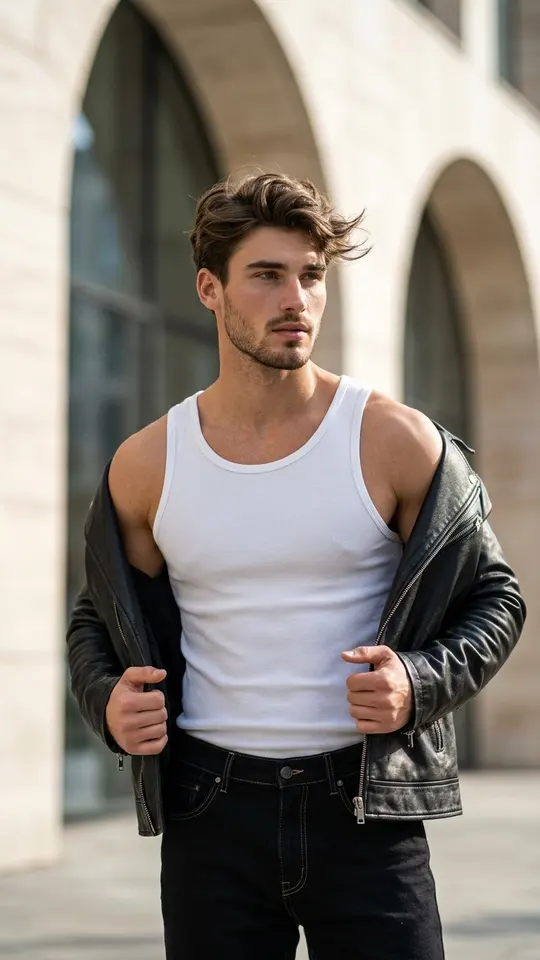
FAQ
Will the result still look like me?
Recognition is the whole point: each template here asks for a photorealistic face without stylization or distortion. A sharp, evenly lit source gives the closest likeness, while a dim or tiny picture loosens it. Because every attempt is generated fresh, try once more if one version misses.
Do I need photos from several angles?
No. Most scenes here need a single front-facing or three-quarter shot. Some templates ask for a second picture, for example when two people share the frame, and the card states what it needs before you start.
Can I make AI photos of me in different places?
Yes, one location per template. The rooftop, the luxury sedan, the empty museum hall and the night street in the grid are separate cards, so upload the same snapshot to each. For a place none of them covers, open Create photo, add your snapshot and write where you want to be.
Can I use a photo of someone else?
A partner, parent or friend who agrees can be uploaded the same way you upload yourself. Pictures of celebrities or of people you do not know are not allowed, and children should appear only in a family setting.