AI Selfie Generator: One Photo, Many New Looks
This AI selfie generator takes one photo of you and returns a fresh single shot, from a golden hour rooftop portrait to a marker sketch or a pastel anime drawing, with your face kept while the scene, light and outfit change.
Create a new selfieReady in minutes · Free templates every day
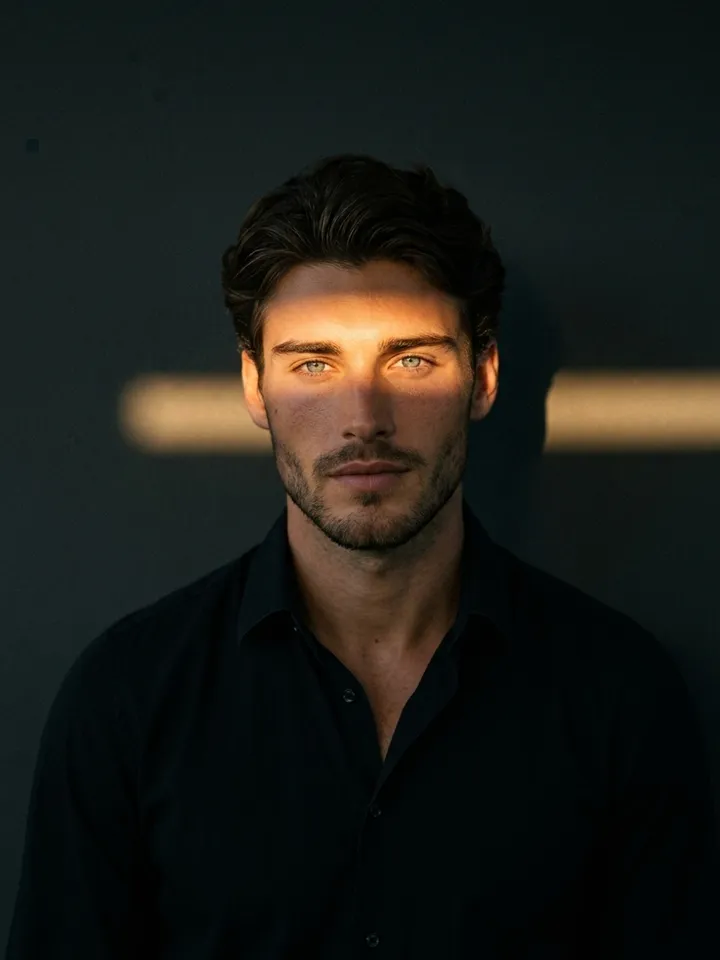
Think of it as one picture at a time rather than a whole shoot: a new profile photo, a post, a small gift for someone. Open a style card below, add your selfie and start the run, or describe your own idea on the Create photo page. No install is needed, any current browser will do.
Photoreal restyles that keep your face
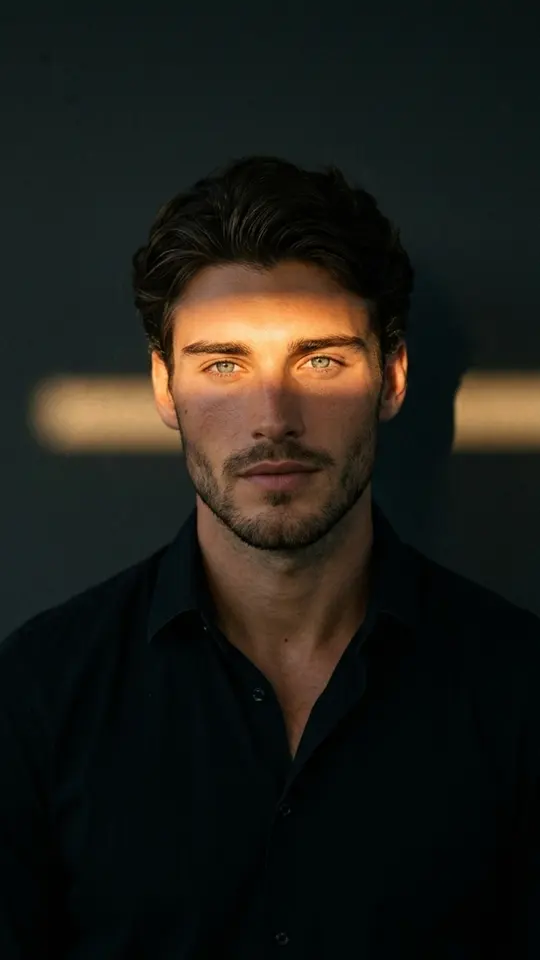
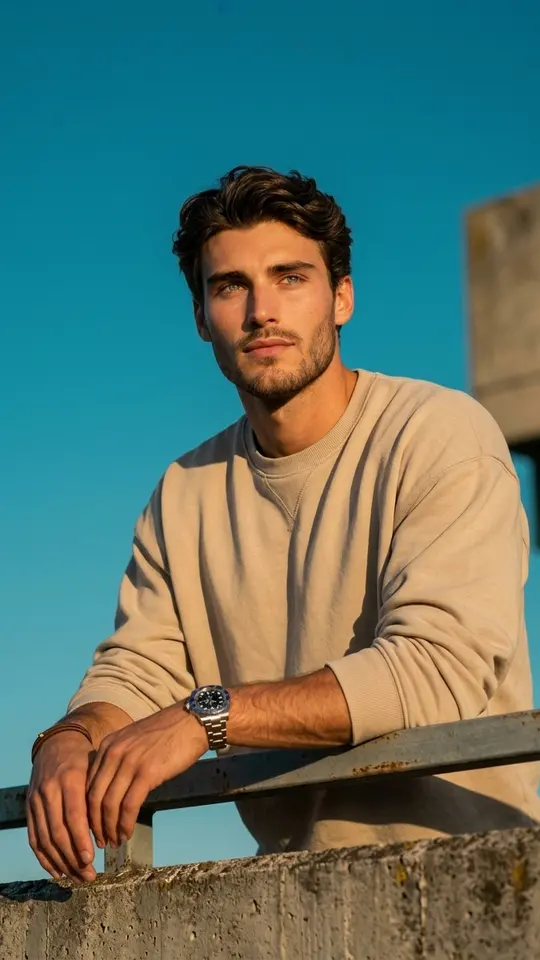
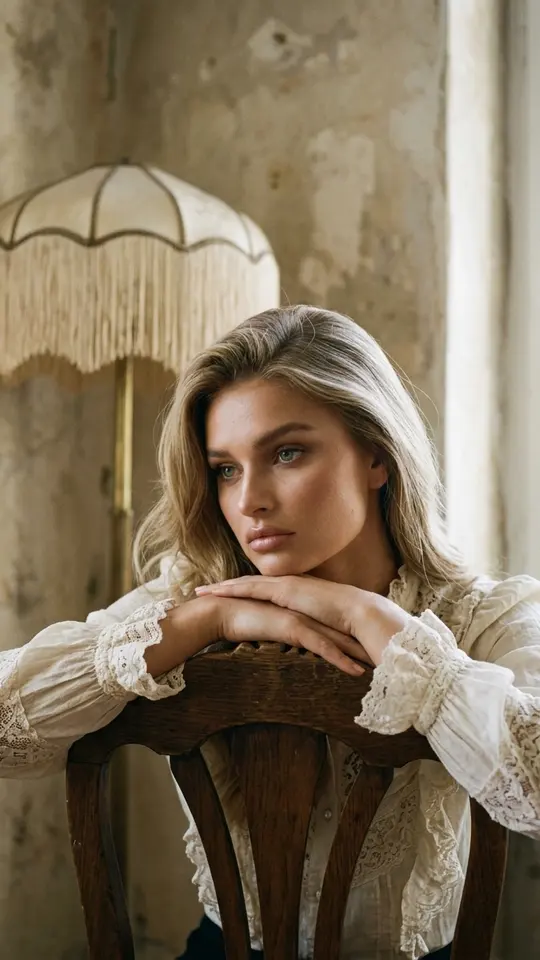
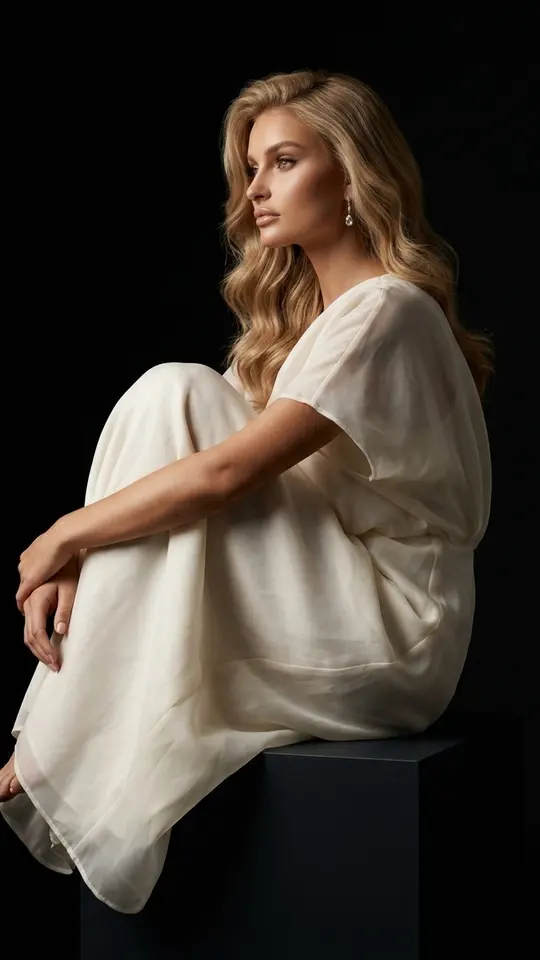
Four cards treat your selfie like a casting photo for a real portrait session. Sunset Glow Portrait dresses you in a plain black button-down against a dark matte wall. Golden Hour Rooftop Portrait leans you on a weathered concrete railing, shot from slightly below. Vintage Film Interior Portrait sets you in an old European apartment as if on 35mm film, and Sculptural White Organza seats you on a black studio pedestal.
Selfie to anime, sketchbook or pixel flow
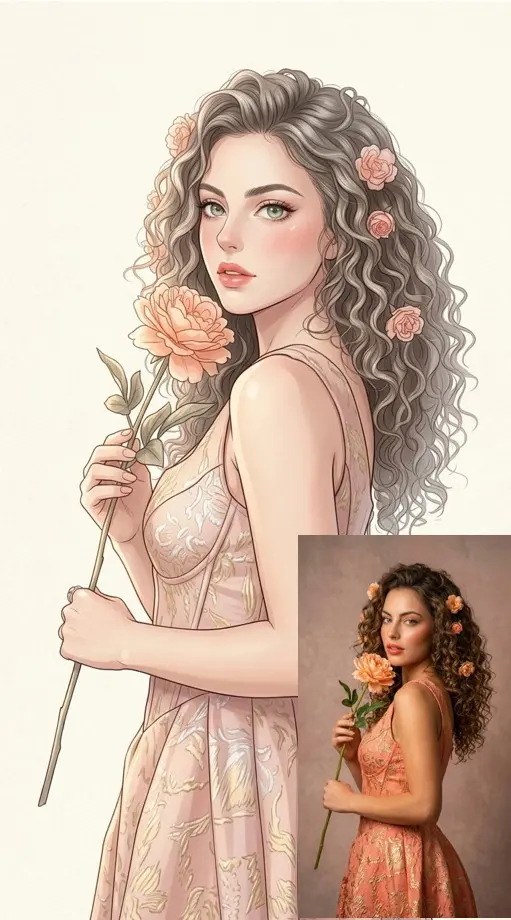
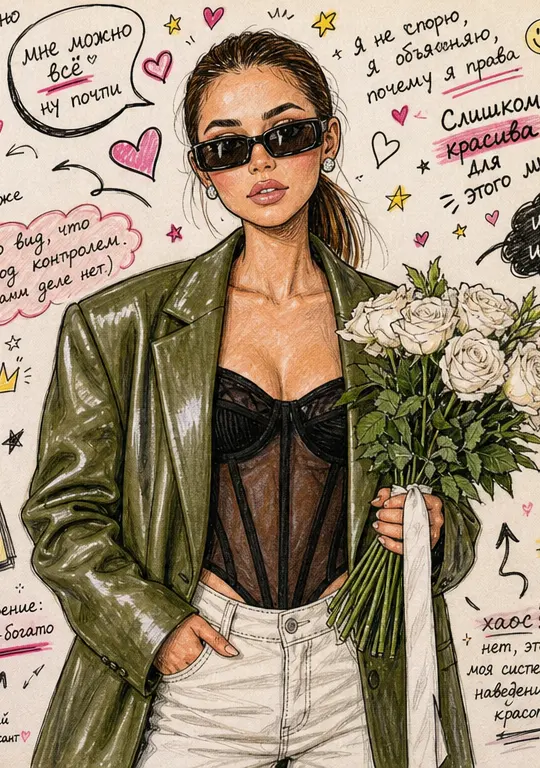
Anime Manga Portrait redraws you as a semi-realistic illustration with thin clean lines and a soft pastel palette of ivory, beige and blush pink. Marker Doodle Sketchbook turns the picture into a page of colored pens and pencils, with slightly cartoonish big-eyed faces and hearts, arrows and scribbled notes all around. Organic Pixel Flow keeps the original composition and layers a flowing pixel effect over it.
When the result should still look like a selfie
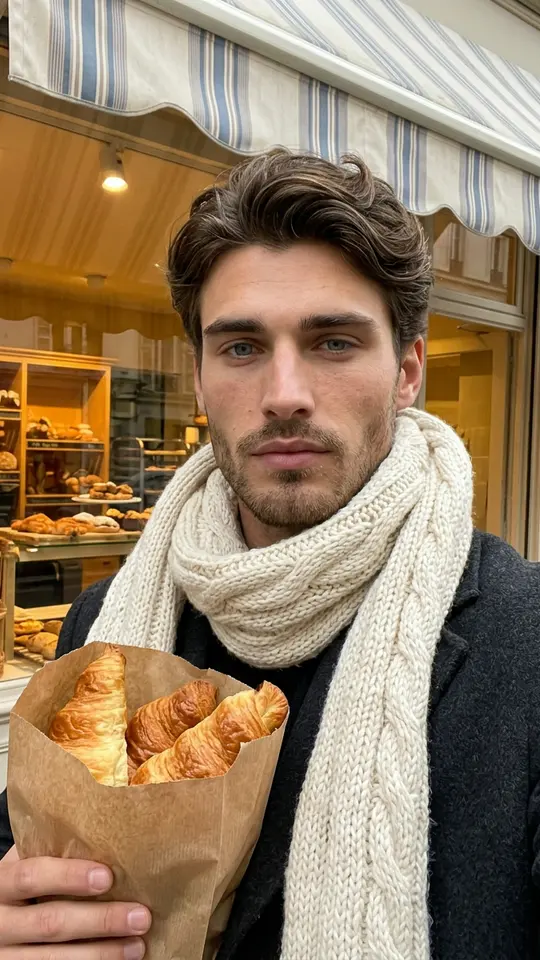
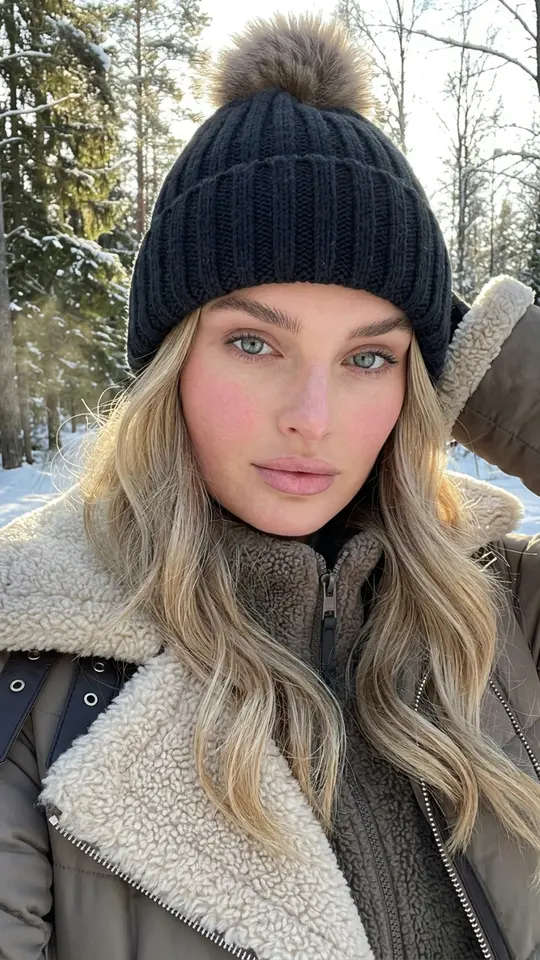
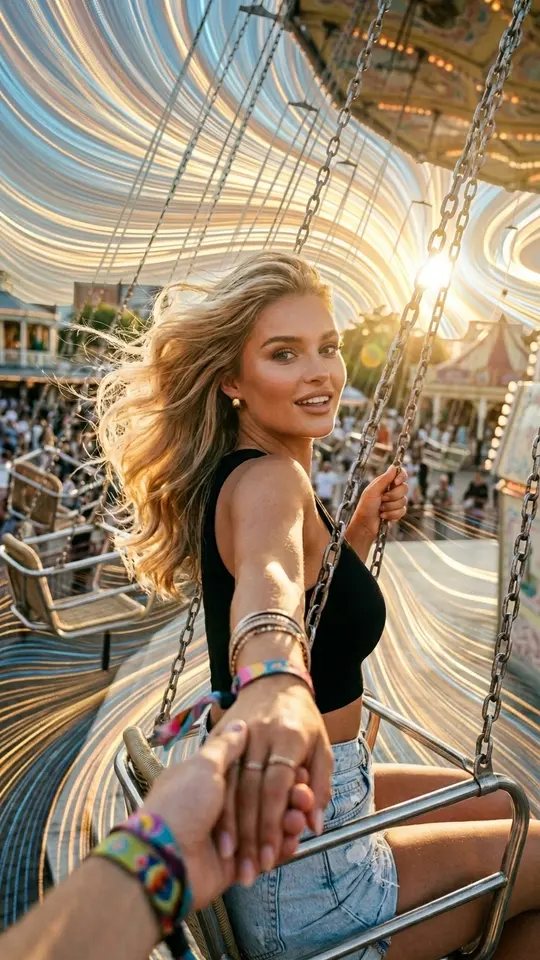
Some cards keep the front-camera look instead of a staged portrait. Bakery Morning Croissant Selfie builds a candid arm's-length shot outside a small European bakery on an early autumn morning, and Snowy Forest Winter Selfie places you in a snow-covered clearing on a bright frosty day. Both tell the model not to beautify, slim or reshape your face, so the picture feels like a phone snapshot from a trip you never took.
Writing your own AI selfie prompt
If no card has the scene you want, go to Create photo, attach the selfie and describe the new picture in plain English. Cover four things: where the phone is (arm's length, low angle, mirror), the place, the light and the outfit. Then add one sentence telling the model to leave your features, hair color and skin unchanged. Adjust a single element per run so you can see what each word does.
The photo you start from matters most
Likeness comes from the upload, not from the wording. A clear front-facing selfie taken in daylight, with nothing covering the face, gives the template plenty of detail to hold on to. A dark or blurry shot still runs, but features can come out averaged. When several attempts miss, swapping in a better source photo usually fixes more than rewriting the prompt.
What one run gives you, and what it won't
Every generation hands back one new still image, and no two come out exactly alike, so a second try is normal. Resemblance is the aim rather than a guarantee, and drawn styles such as the sketchbook exaggerate eyes and expressions on purpose. This is a single-shot tool, not a full photoshoot or a video. Use your own selfies or photos of people who said yes, never a celebrity.
Ready-made templates
FAQ
Do I need to train the AI on lots of my selfies?
No training step exists here. Older avatar tools wanted dozens of pictures and a long wait; on MarketVideo a single selfie goes straight into the template you open, and the model reads your features from that one upload. Expect a photo within about two minutes, sometimes longer when many people are running jobs.
Is there a free AI selfie generator option?
To a degree. Browsing costs nothing, and generating needs a free account; confirming its email puts five stars on the balance for first tries. Each run spends stars, with the amount displayed on the card before you start. A rotating few templates are badged Free today and allow a small daily quota of runs. Further stars come via a subscription plan or a one-off bundle under Pricing.
Can I turn a selfie into anime?
Yes. Anime Manga Portrait redraws your upload as a pastel, semi-realistic manga-style illustration, and the sketchbook card gives a looser cartoon version. For a different anime look, attach the selfie on Create photo and name the style, line weight and palette you want. Keep it to a generic anime look rather than characters from existing shows.
Can I make a selfie of my friend or partner?
Only when they have agreed to it. Upload a picture of yourself, or of a partner, friend or relative who is fine with the idea; strangers or famous people cannot be used, and nothing sexual is accepted. Kids are fine only within family pictures, and photos that mimic IDs or other documents are off limits.
What happens to the finished selfie?
You save it as a normal picture file to your phone or laptop, and a copy waits under your account's history page. From there it can become a profile photo, a post or a printed gift, and you can compare it with other styles you tried on the same selfie.