Virtual Photoshoot AI from a Single Photo
A virtual photoshoot AI session on MarketVideo starts from one clear picture of you: choose a shoot template, upload that picture, and the model places you in a brand-new scene.
Start a photoshoot from one photoReady in minutes · Free templates every day
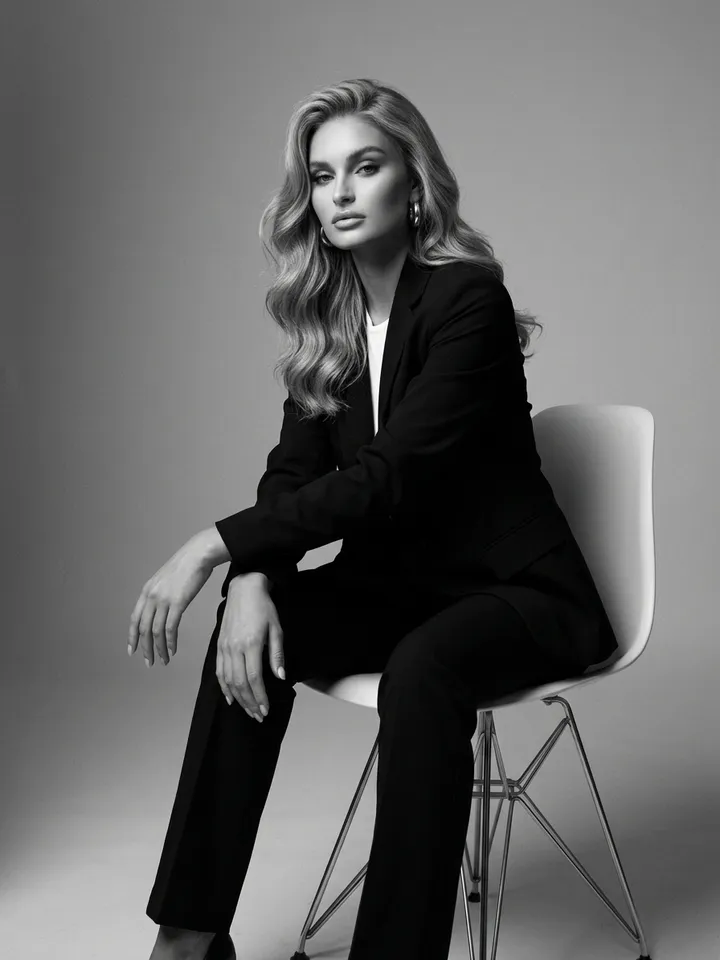
Outfit, lighting and location travel inside each template, from a black-and-white studio portrait to a drone view over daisies. Nobody feeds in a stack of selfies to train a personal model first, and there is no photographer, studio rental or trip to book. Below: the locations on offer, what makes a good upload and where the method stops working.
Studio, Riviera, daisy field and canyon
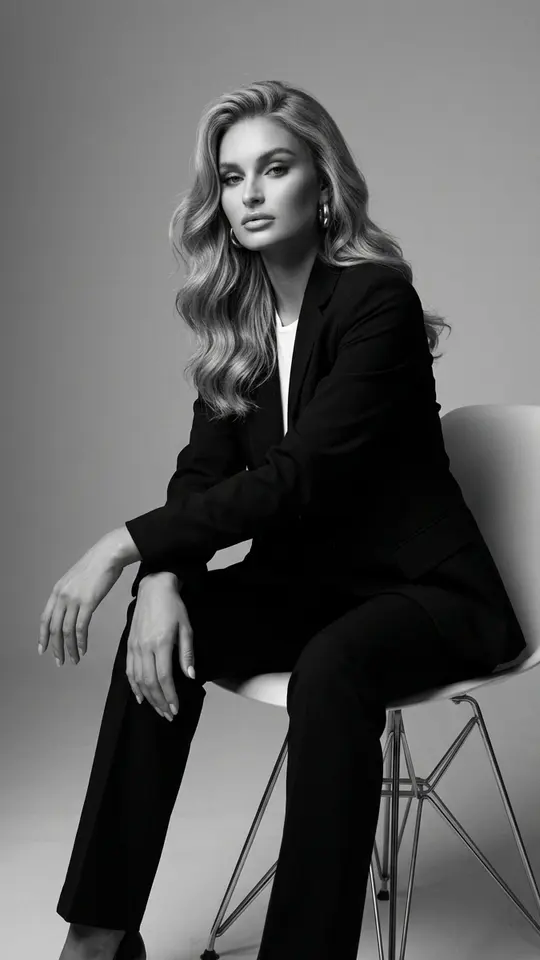
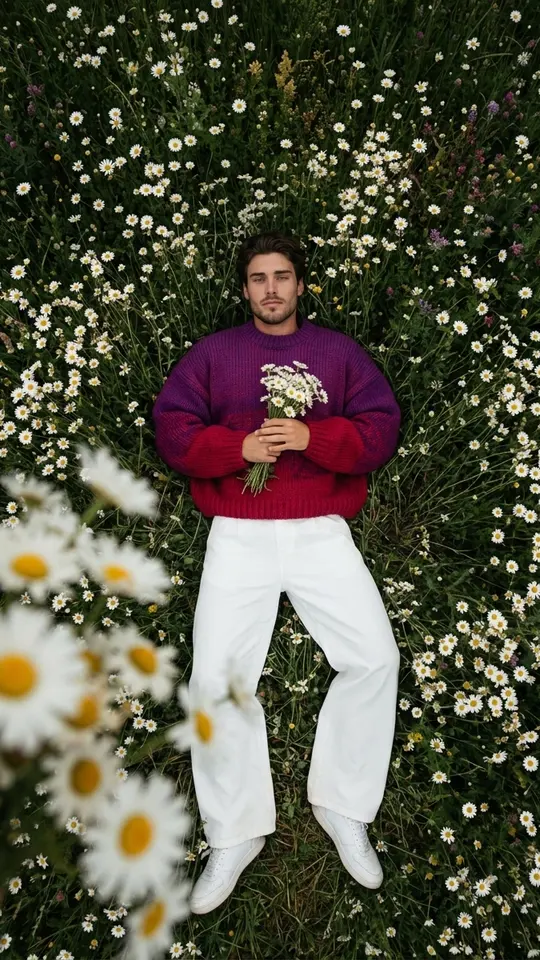
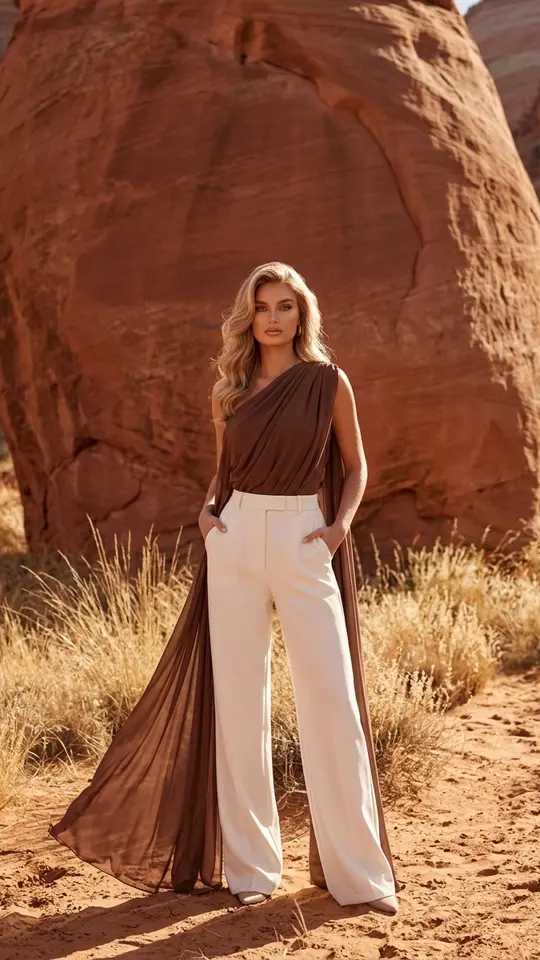
Black-and-White Suit Session sets you in a minimalist monochrome studio. Riviera Terrace leans you against a white stone balustrade above the sea in summer light. Daisy Field from Above looks straight down from drone height as you lie in the grass. Red Canyon Fashion Shoot stands you before a huge smooth sandstone wall in a sunny desert. Each template returns a vertical 9:16 frame.
Why one upload replaces a training session
Some photo tools want a batch of selfies and a waiting period while a personal model learns your face. Here that step does not exist. Every shoot card carries written instructions telling the image model to leave your face, build and natural skin looking real and recognizable, then builds clothing, pose, backdrop and light around them. Your single picture is the only reference it reads.
Picking the picture to upload
Resemblance rests on the source. A sharp, front-facing shot in daylight, with hair, glasses and other people kept off the face, gives the best start. Blurry or dark selfies still go through, though the model may smooth individual features into something generic. If a result looks like a stranger, swap in a different source picture before changing anything else.
Turning single frames into a series
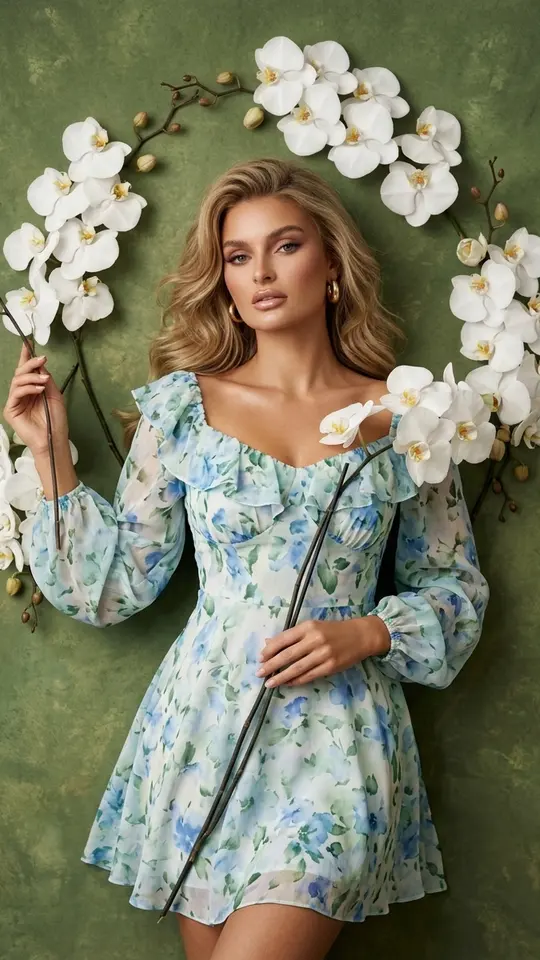
A real shoot gives you a set, and the same works here: send one photo through the studio card, then the terrace, then the canyon or Orchid Canvas Shoot with its painterly moss-green backdrop. Every card is billed on its own, in stars. No two runs match exactly, so repeating a card you like often yields a stronger frame for the set.
What a virtual shoot cannot do
Expression, angle and hairstyle can shift from your original, since every frame is newly generated rather than retouched. A perfect likeness is not guaranteed. Upload only yourself or people who have agreed; celebrities, public figures and anything posing as an ID are off limits. The templates in this grid produce still photos, not video clips.
Ready-made templates

FAQ
Do I need more than one photo for a virtual photoshoot?
A single sharp picture covers every template in this grid. Each card asks for one upload and reads your face from it, so there is no folder of selfies to gather. To try another location, reuse that same picture on the next card.
Is there a virtual photoshoot app to install?
MarketVideo opens in any up-to-date web browser, whether on a laptop or a phone, and no App Store or Google Play download exists. Open a shoot card, upload from your camera roll or desktop, and the finished frame downloads as an ordinary image file.
Can I do a virtual Christmas photoshoot?
The cards here cover year-round looks. For a holiday frame, open Create photo, add your picture as the reference and describe the scene: a lit tree, a knitted sweater, warm window light. Select NanoBanana PRO from the model list, start the generation, then tweak the wording if the room feels off.
What does a virtual photoshoot cost?
Runs spend stars, and each card states its price before you begin. Once your email is confirmed, a new account gets five stars to start with. Certain templates carry a Free today tag and need no stars until their daily allowance runs out. Extra stars are available through Pricing.
How long until the shots are ready?
Expect a finished still from these templates within roughly one or two minutes. A busy queue stretches the wait, so nothing arrives instantly. Past results are kept under your account's history as well, and you can download them again whenever you need.