Make a Photo Look Professional, One Layer at a Time
To make a photo look professional, fix what a viewer notices first: a yellow cast from a ceiling lamp, a face lost in shadow, a tilted horizon or a stray object in the corner. Sharpness belongs at the end of that list.
Improve a photoReady in minutes · Free templates every day
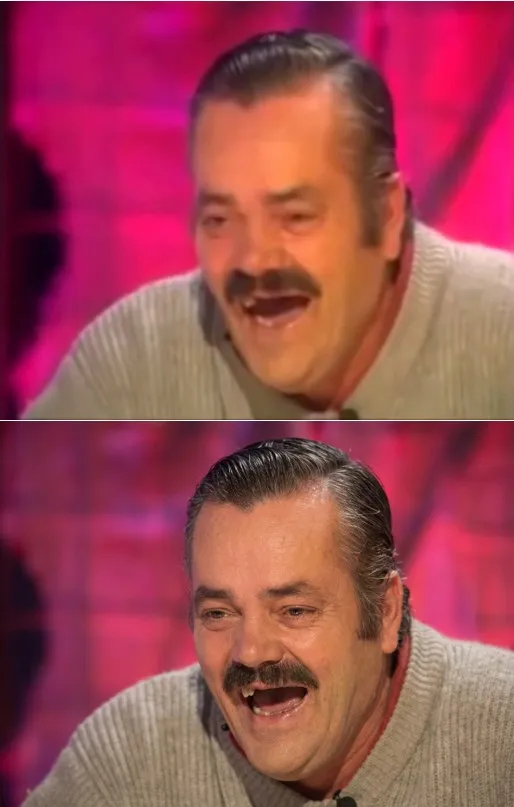
On MarketVideo you upload the shot to a template or to Create photo and ask for one layer of edits per run: light and color, then skin and face, then framing and background, then fine detail. That order saves runs, because a brighter, straighter frame often looks crisp enough that the last step is barely needed.
Layer one: light and color
Start here, since this edit changes the least and is the easiest to judge. Ask the model to shift a yellow indoor cast toward daylight white, lift the face out of shadow without blowing out the window behind it, or tone down a shiny forehead. Point at the spot: "lift my face from the shadow, leave the background as it is" works better than "make it look nicer".
Layer two: skin and face
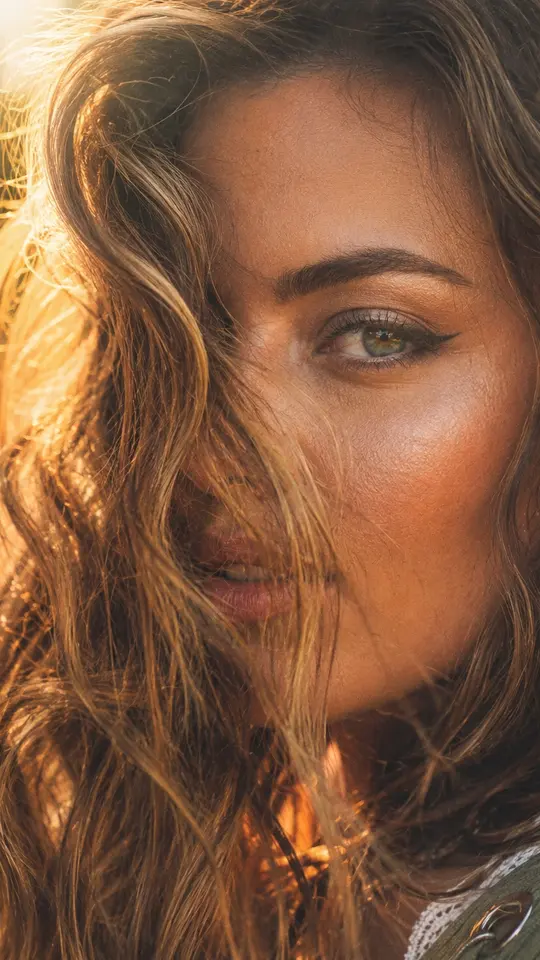
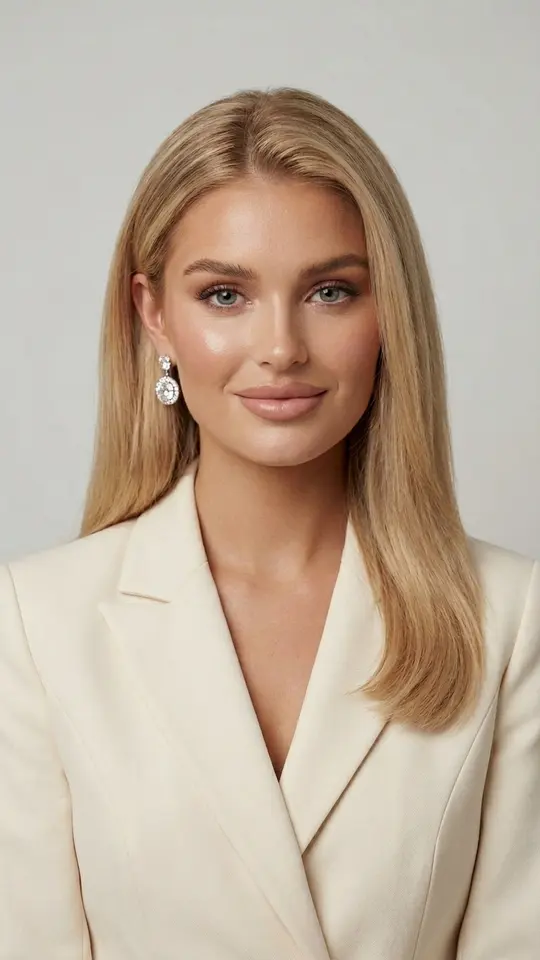
Retouching needs restraint. Name the exact flaw, such as dark circles under the eyes, glare on the nose or a patch of redness, and the pores stay where they are. A bare request to smooth the skin tends to return a plastic mask that anyone can spot. The Photo Restoration card is built on the same idea: it evens out tone and exposure, softens small blemishes and keeps pore texture.
Layer three: framing and background
These edits change the picture most visibly. A tilted horizon gets straightened, a passer-by behind your shoulder or a trash can in the corner disappears, and a cropped edge can be extended a little. The wider the extension, the more of the frame is invented, so widen it only as far as the format you post to requires, for example a vertical story.
Layer four: sharpness and detail
Grain, softness and compression marks come last. The model does not uncover hidden detail here; it fills in believable detail from indirect clues. Fabric and hair texture usually come back convincingly, while small letters and numbers get made up. That is why this pass waits until the light, the face and the composition are already settled.
What not to hand over to the model
Three things deserve an explicit ban in the request: facial features, age and body shape. Without it, a model may slim the jaw, narrow the nose or take off a few years, and the result looks pleasant but no longer like you. For a work profile or a dating profile that loss of likeness is a real problem, so add a line such as "do not change my face or build".
Ready-made templates

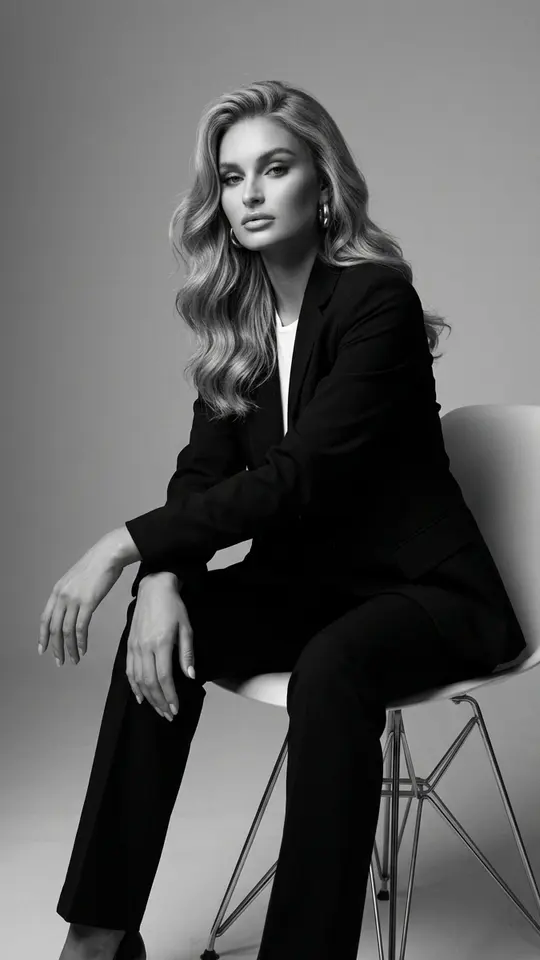
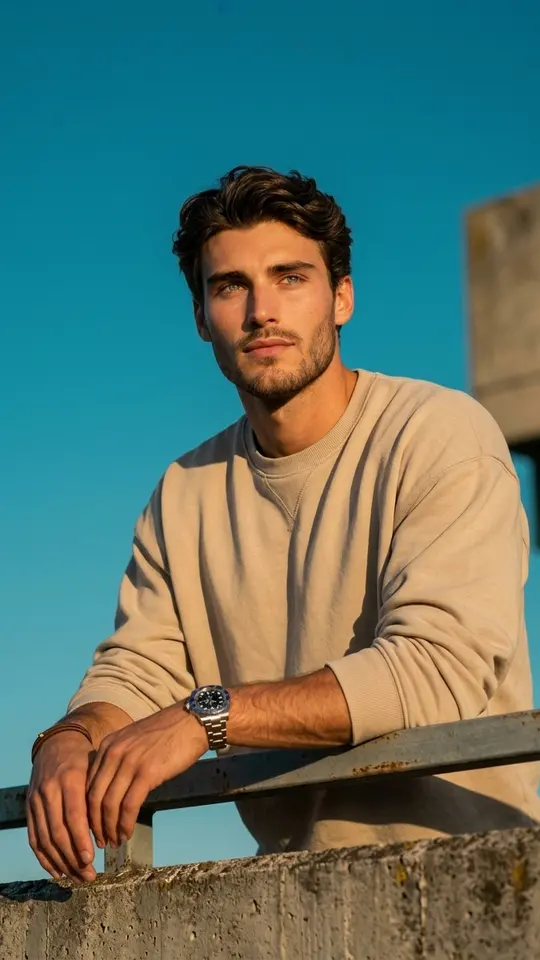
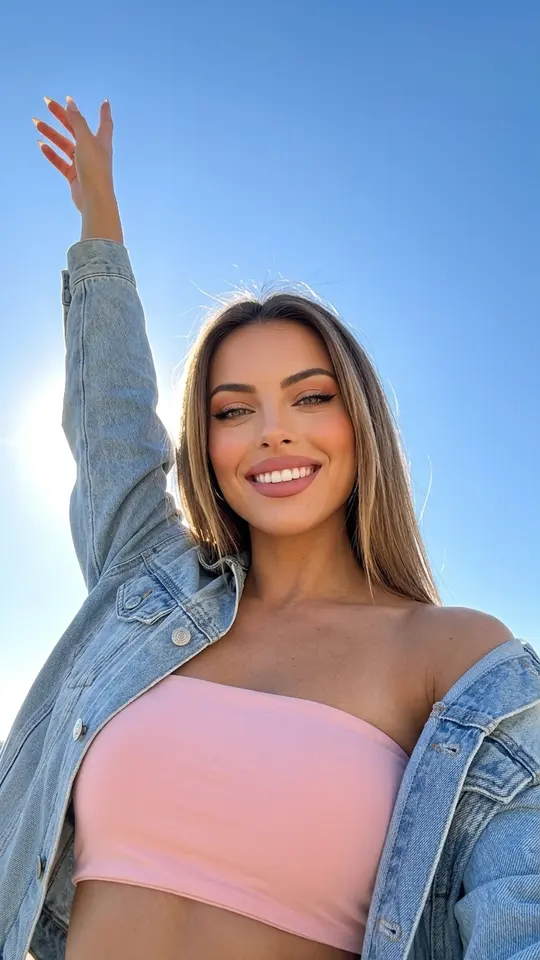
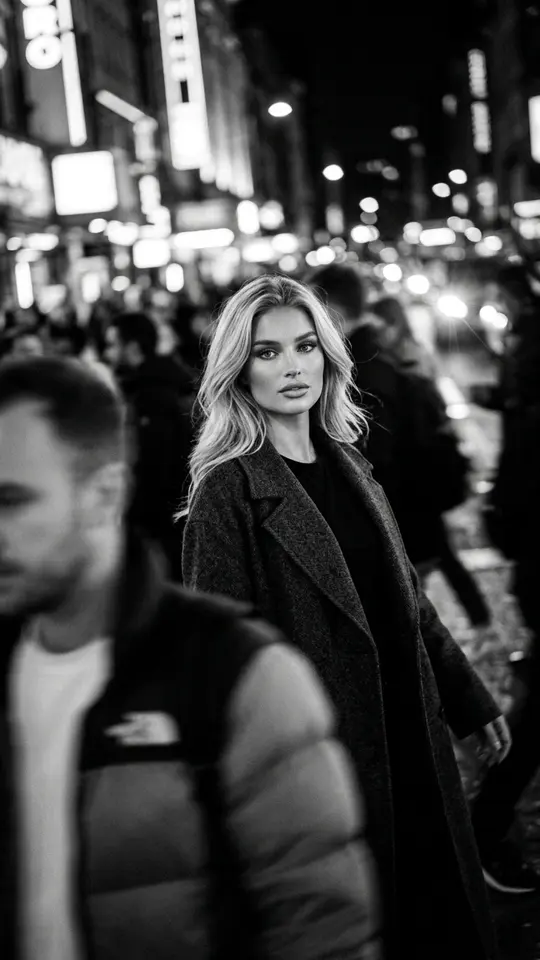
FAQ
Can I make a photo look professional for free?
Yes, at first. Once your address is confirmed, the account holds five stars, enough to try the light-and-color layer on a couple of shots. Some templates are also marked Free today and allow a small number of runs per day without stars. After that, runs cost stars, and Pricing explains how to top up.
How many fixes fit in one request?
Two or three wishes from the same layer usually work together. Mixing layers in one line, say straightening the horizon and retouching skin at once, tends to get half done, and it is hard to tell which part failed. Keep one layer per run and compare each result with the previous version.
Will an old paper print work?
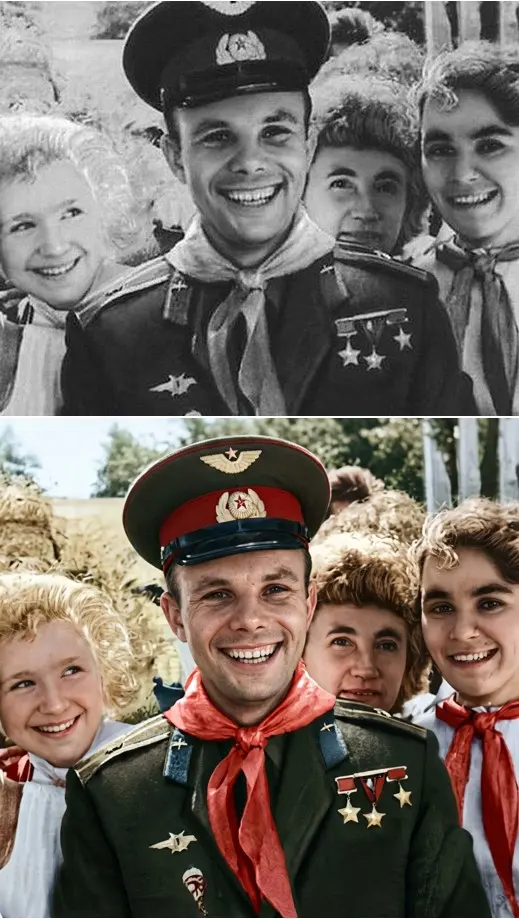
Yes. Photograph or scan the print, then pick a restoration card such as Restore & Colorize, which asks the model to rebuild natural skin texture without changing identity, age or expression. Damage and color come first; the four layers above apply afterwards if the picture still needs them.
Which model should I pick on Create photo?
Templates come with their model already chosen. On Create photo the choice is yours: both restoration cards here run on NanoBanana PRO, which you can select there as well, alongside the other photo models in the list. The price in stars is visible next to each, so you can compare before running.
Will I still look like myself?
That is the goal, and the cards here are written to preserve the face and proportions, but an exact match cannot be guaranteed. Use a sharp, evenly lit original and add the ban on changing features. Stick to shots of you and of people who are happy for you to edit them, never famous people or strangers.