AI Photo Enhancer for Blurry and Low-Resolution Shots
This AI photo enhancer sharpens blurry and low-resolution pictures by redrawing the detail the camera missed: strands of hair, the weave of a sweater, the texture of skin.
Enhance a photoReady in minutes · Free templates every day
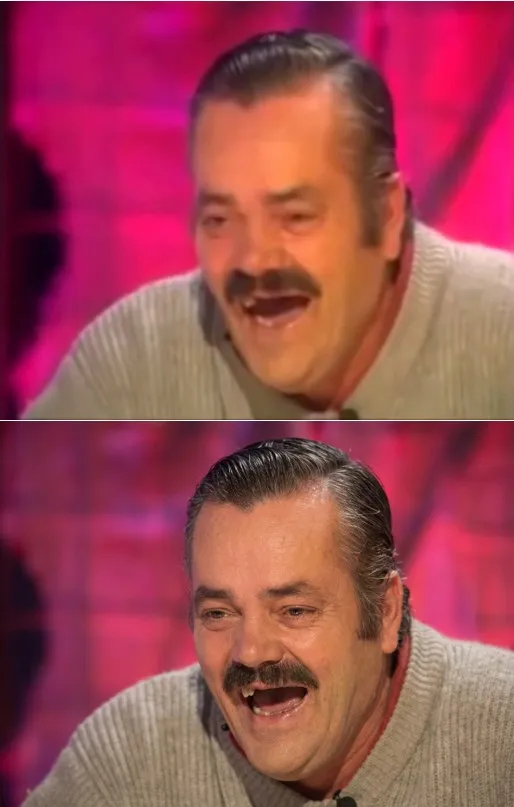
Plain upscaling in an editor only makes pixels bigger, so a soft picture stays soft at a larger size. An image model works differently. It has learned how real hair, fabric and faces look and rebuilds them, which is why an old phone snapshot or a scan of a faded print comes back cleaner instead of merely bigger.
Start with the sharpest copy you have
Upload the original file rather than a screenshot or a picture forwarded through a chat, since every copy loses information. For a paper print, scan it or shoot it flat in daylight without glare. Then open the Photo Restoration card in the grid, or go to Create photo, and attach the picture.
How the model rebuilds detail
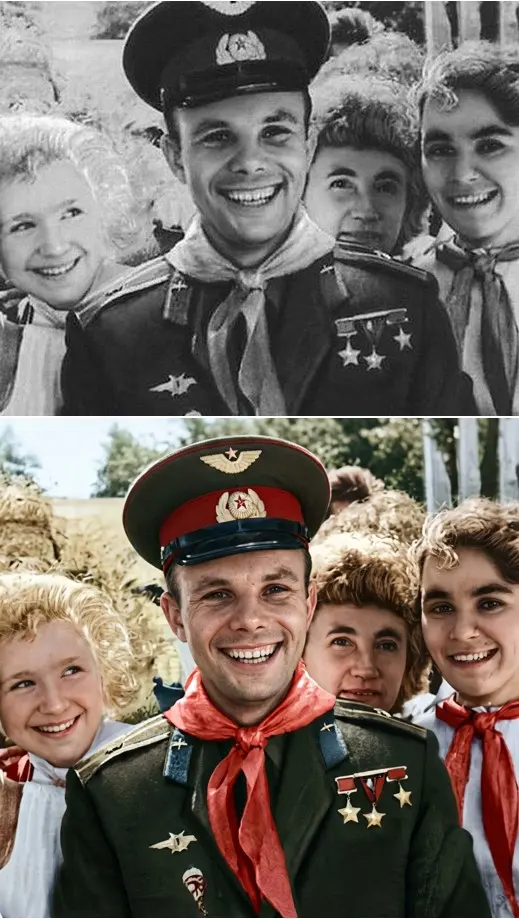
Sharpening filters boost contrast along edges, which adds halos and grain. An AI image enhancer reads the whole scene and draws a fresh version of it: eyelashes, stitching on a collar, the knit of a scarf. The Photo Restoration template asks the model to keep identity and proportions while sharpening the eyes, balancing exposure and correcting white balance.
Scans of old prints
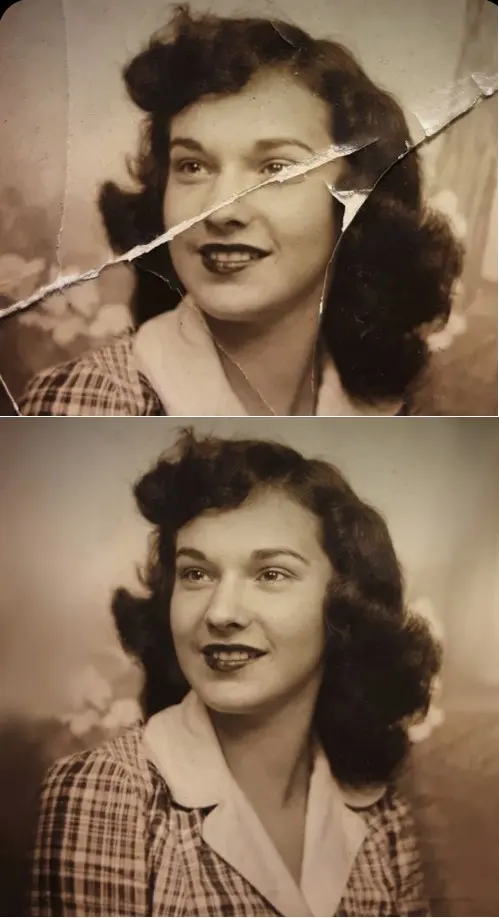
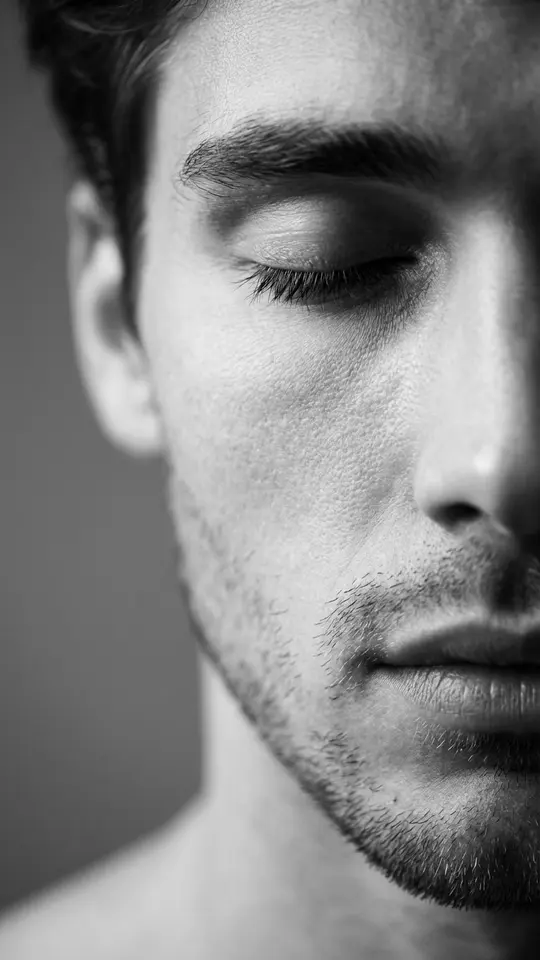
Old prints add their own trouble on top of blur: creases, cracks, scratches and torn paper. Crease & Damage Repair is written to remove that damage and fill the missing areas while keeping the original face, age and hairstyle. Restore & Colorize focuses on real photographic skin texture with visible pores and no added aging.
Your own enhancement request
On Create photo, attach the picture and write what should improve, for example: sharpen the face, clean up the noise, keep the same expression and background. Then choose NanoBanana PRO or Seedream 4.5. Short, concrete requests work better than a vague make it HD. If one area still looks soft, adjust that line and run again.
Where enhancement stops
The model draws plausible detail, not the exact detail that was lost. Tiny faces in a group shot, heavy motion blur or a badly compressed thumbnail can come back slightly different from the real person, so check the output against the source before printing or sharing. Lettering that is unreadable in the original will not become accurate.
Ready-made templates


FAQ
Is there a free way to use the AI photo enhancer?
Signing up and browsing cost nothing. Confirm your email and your balance starts at 5 stars; each card lists its star cost before you press run. Templates labeled Free today can run without stars up to a daily cap. More stars are on the Pricing page.
Will the enhanced photo still look like me?
The templates are written to preserve the face, proportions and expression, and Crease & Damage Repair explicitly avoids beautifying or modernizing anyone. Still, the model redraws detail, so a very small or very blurry face can drift. Try a clearer copy or another run if something looks off.
Can it raise the resolution of a small image?
It turns a small, soft picture into a cleaner one with more visible detail, which is what most people want from upscaling. The exact output size depends on the model and is not promised here, so check the file before planning a large print.
How long does an enhancement take?
Expect roughly a minute or two per photo; a long queue may slow that down. You save the sharpened picture as an ordinary image file, and a copy is kept in the history of your generations.
Can I enhance photos of other people?
With their permission, yes. Do not upload pictures of famous people or of someone you met on the street. Children's photos fit only a family setting, such as prints from your own albums.