AI for old photos: what to do with the archive you have
AI for old photos on MarketVideo works with pictures you already own: a cracked scan from the family album, a faded print, a blurry or dim phone shot. Templates repair damage, sharpen faces, add motion or give a mixed set one look.
Restore an old photoReady in minutes · Free templates every day
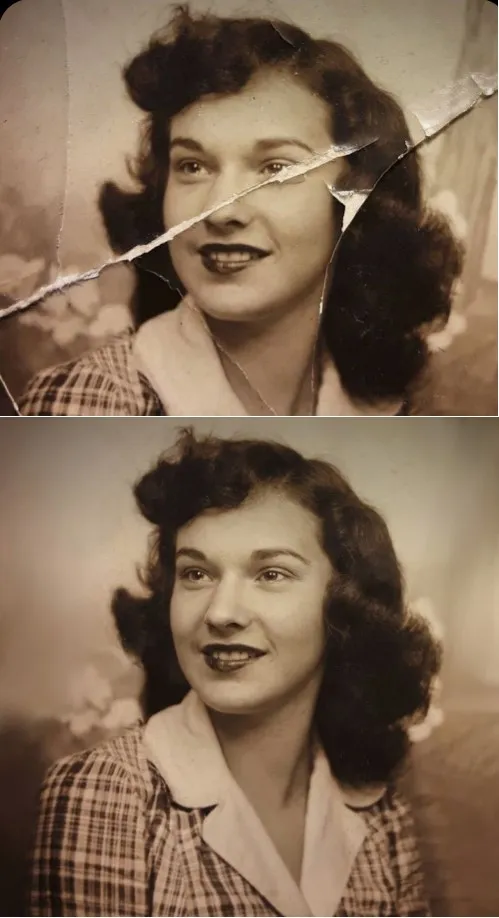
This page is not about inventing new images. It is about the archive itself, sorted by what is wrong with each picture and which tool fits that problem, from torn paper to a portrait you would like to see move.
Cracked, creased and torn prints
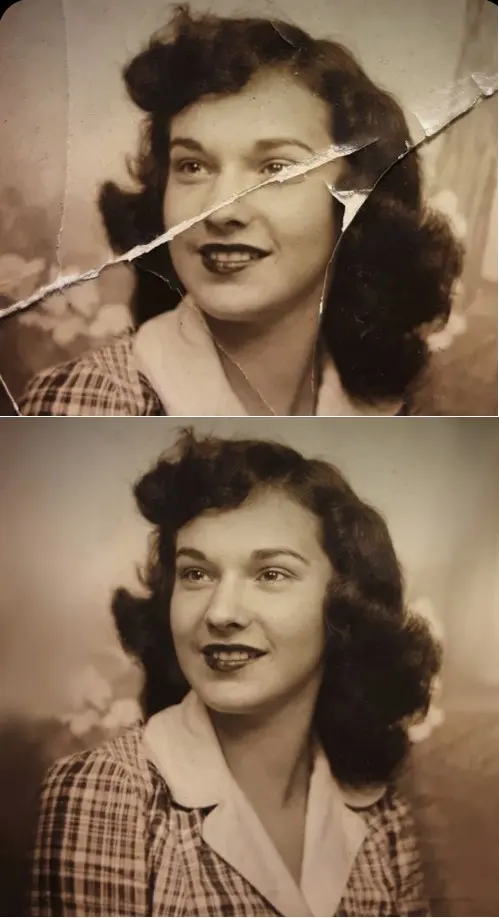
Photograph the print with your phone in even daylight, or use a scan if you have one. Crease & Damage Repair asks the model to remove folds, cracks, scratches and paper damage and to fill in missing areas, while keeping the original face, age, expression and hairstyle. It is told not to beautify or modernize the person.
Faded, blurry or dim shots
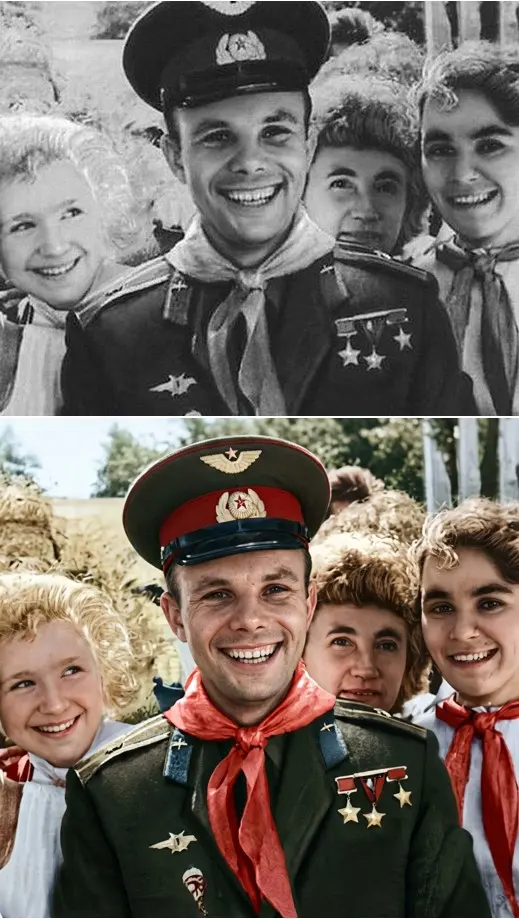
Not every damaged picture is old paper. A phone shot taken in poor light, or one that came out soft, goes to the Photo Restoration template: it balances exposure, corrects color tone and white balance, sharpens eyes and facial details and reduces small blemishes while keeping skin texture. Restore & Colorize focuses on rebuilding natural skin texture without aging the face.
From a still portrait to a short clip
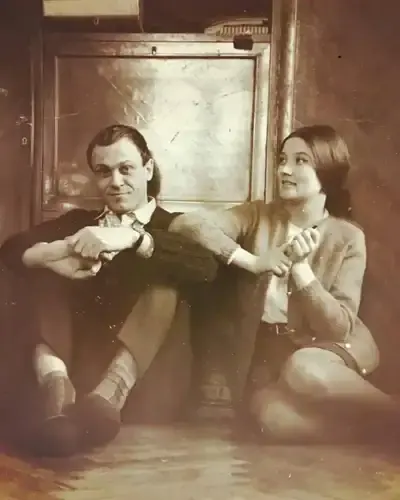
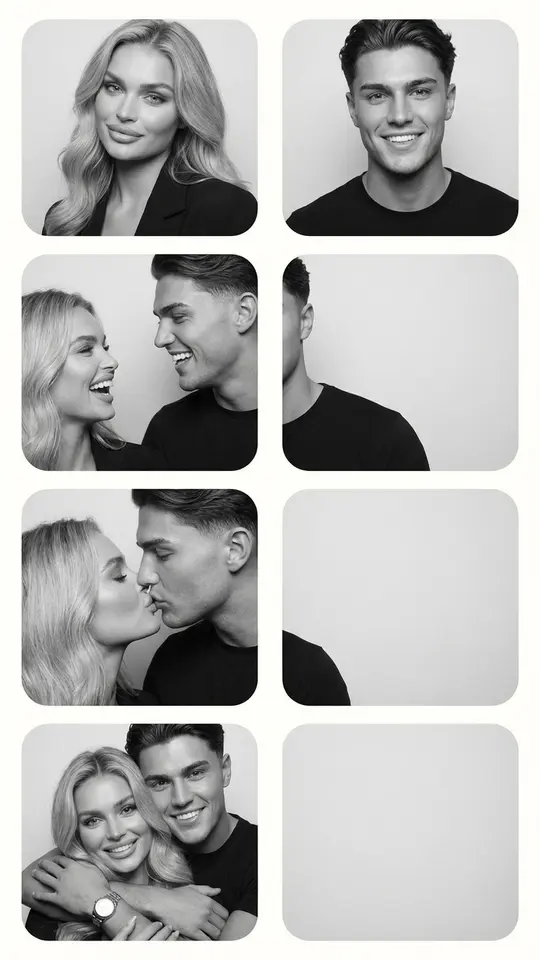
Once a portrait is clean, it can move. Bring a Photo to Life adds subtle breathing, slight head turns and natural eye movement. Vintage Photo Kiss is written for an old picture of a couple: a gentle kiss, faint blinking and small shifts of the head and shoulders, with the original faces kept. Either one returns a short video file.
Giving a mixed set one look
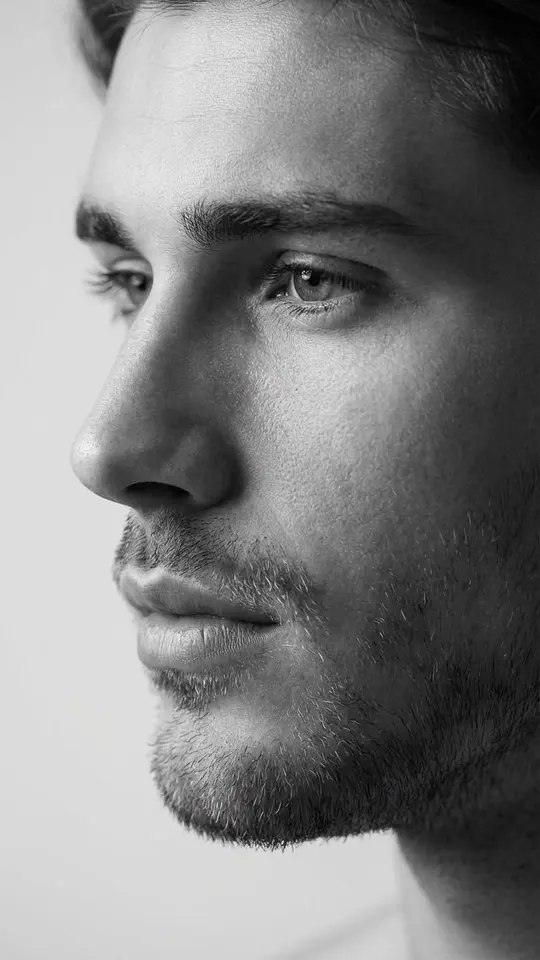
Pictures from different decades rarely match: one is sepia, another overexposed, a third shot under kitchen light. To line them up for an album or a print order, run each one through the same template, or write one prompt on Create photo and reuse it word for word with every picture. Black & White Profile Portrait turns a clear portrait into a monochrome side-view close-up.
What to expect from the result
The model redraws details it cannot see, so a face that was a blur may come back plausible rather than exact. Check each output against the original before printing or sharing. Every run returns one image or one clip, and each picture in an album is its own run. Work only with photos of your own family or of people who agreed.
Ready-made templates

FAQ
Can I use a phone photo of a print instead of a scan?
That works. Lay the print flat near a window, avoid glare and the shadow of your hand, and fill the frame with the picture. A sharper copy leaves the model less guessing to do around the face.
Is there a free way to try AI for old photos?
To a small extent. After email confirmation the account holds five stars, and a template showing the Free today label costs you nothing while its daily allowance lasts. Beyond that, stars come through a subscription or a pack listed on the Pricing page.
Can a whole album be processed at once?
No, pictures go one at a time, each as a separate run with its own star cost shown in advance. For a set that should match, keep the same template or prompt for every picture.
Which AI for old photos is best, a template or a prompt?
Start with a template when the problem is typical, such as creases, fading or a soft face, since its instructions are already tested. Switch to Create photo for something unusual, like a stamp across the corner: pick a model, for example Seedream 4.5, attach the scan and describe the fix.
Will the person still look like themselves?
The restoration templates instruct the model to keep identity, age and expression and not to beautify, yet a heavily damaged face gives it little to work with. If a run drifts, try a cleaner copy of the print and run it again.