Animate Old Photos: Black-and-White Family Pictures in Motion
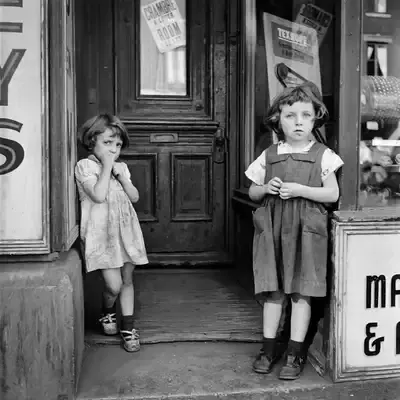
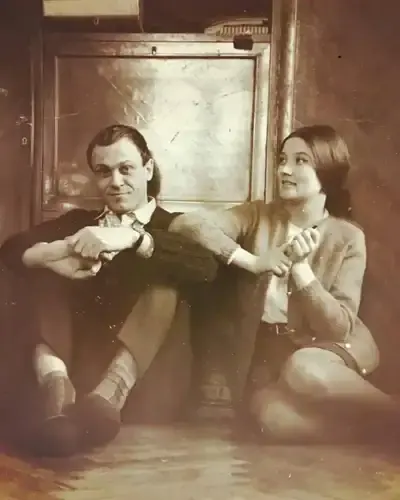
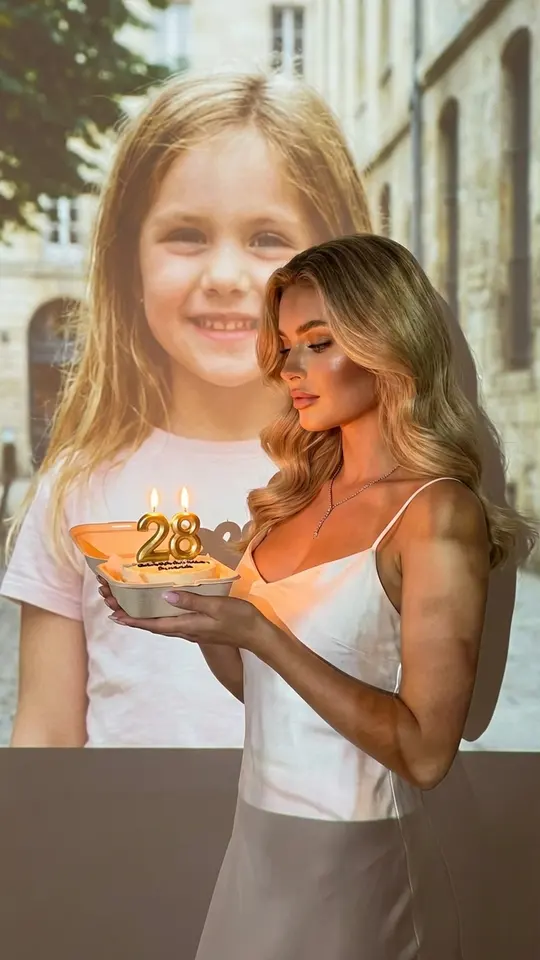
To animate old photos, upload a scan or a phone shot of the print to a photo animation template: the person in an archival or black-and-white picture turns their head, blinks and gives a hint of a smile in a short video.
Animate an old photoReady in minutes · Free templates every day
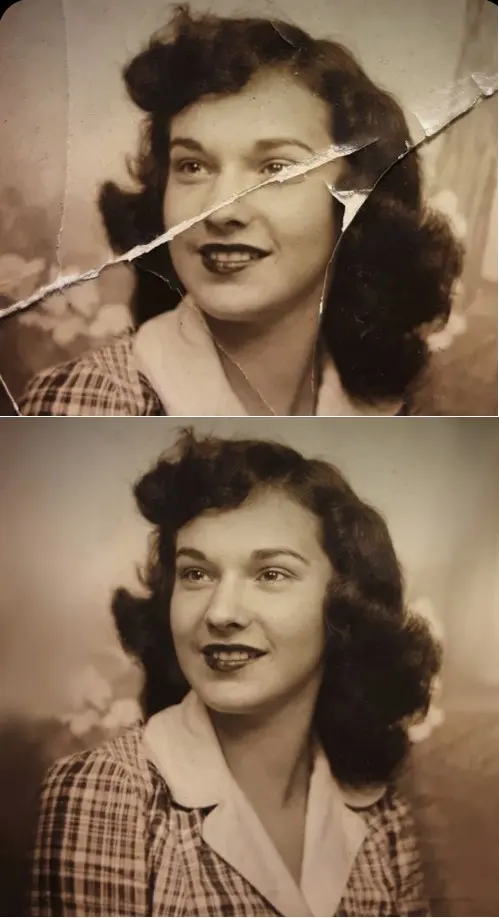
Old snapshots, studio portraits and wedding photos all work, as long as the face is reasonably clear. If the print is faded or creased, run it through a restoration template first, add color if you like, and animate the cleaned-up version.
Restore first, then add motion
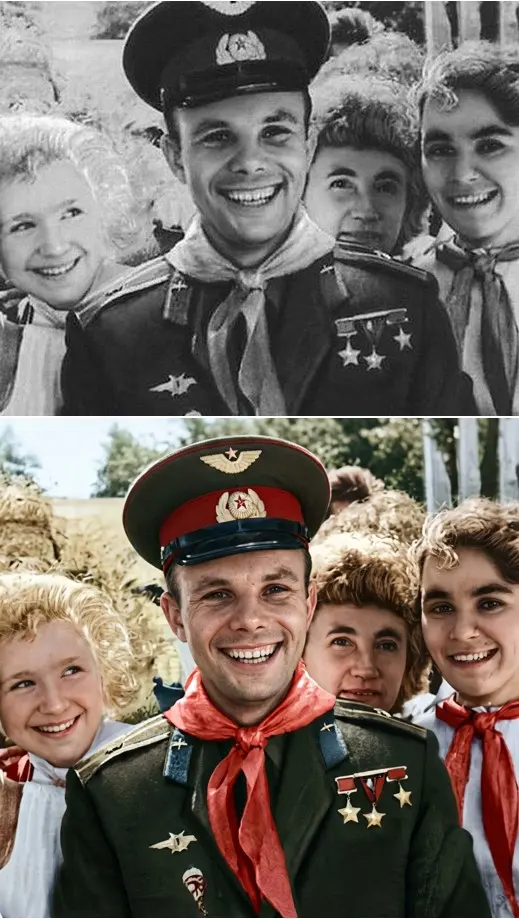
When a print has faded or cracked, work in two steps. Crease & Damage Repair and Photo Restoration smooth out cracks and creases and bring back lost contrast, and Restore & Colorize also turns a black-and-white shot into color. Download the repaired image, then upload it to an animation template such as Bring a Photo to Life. Motion built on a clean picture looks noticeably more convincing.
A family archive in motion
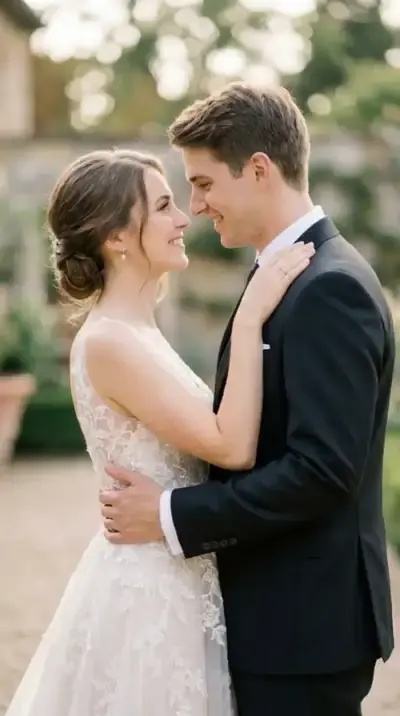
A typical project starts with a box of photos from grandparents. Photograph or scan each print, tidy it up, and animate the pictures one at a time. Smile and Wave suits a single portrait, while Wedding Memories in Motion fits an old wedding photo of a couple. Relatives who only know someone from a paper print get to see that person move.
What to expect from a damaged print
Grain, light scratches and slight blur are rarely a problem. Damage to the face itself is different: if part of it is torn away or covered by a stain, the model has to guess the missing features and the resemblance suffers. In that case, look for another picture of the same person or restore the image before animating it.
Scanning or photographing the print
A scanner is not required. Lay the photo flat in soft, even daylight, hold the phone straight above it so the edges stay square, and avoid glare from glass or glossy paper; take the print out of its frame or album sleeve if you can. A straight, glare-free copy gives the animation a much better start than a quick angled snap.
Ready-made templates

FAQ
Do black-and-white photos work?
Yes. Color is not needed for animation, because the model works from the shape of the face and its features, so a monochrome portrait is a perfectly good starting point. If you would rather see the scene in color, run Restore & Colorize first and animate the colorized version.
Can I animate old photos for free?
You can try it without paying. Verify your email and the new account is credited with 5 stars, and some templates carry a “Free today” badge with a set number of free runs each day. Beyond that, restorations and animations cost stars, shown on each card before you start, and extra stars can be bought on the Pricing page.
What if the face in the photo is very small?
Crop the picture so the face takes up more of the frame before uploading. A tiny face in a crowded group shot gives the model little detail to work with, and the motion can look less natural; a close portrait gives the best result.
Can I keep the restored photo and the video?
Yes. Restored images and animated clips download as regular files, and both stay in your account history, which makes it easy to collect a whole family set and share it with relatives.