Colorize a Black and White Photo with AI
To colorize a black and white photo, upload the scan to the Restore & Colorize template or to Create photo with a short instruction. The AI recognizes skin, hair, uniforms and foliage and gives each a plausible tone instead of one even tint.
Colorize an old photoReady in minutes · Free templates every day
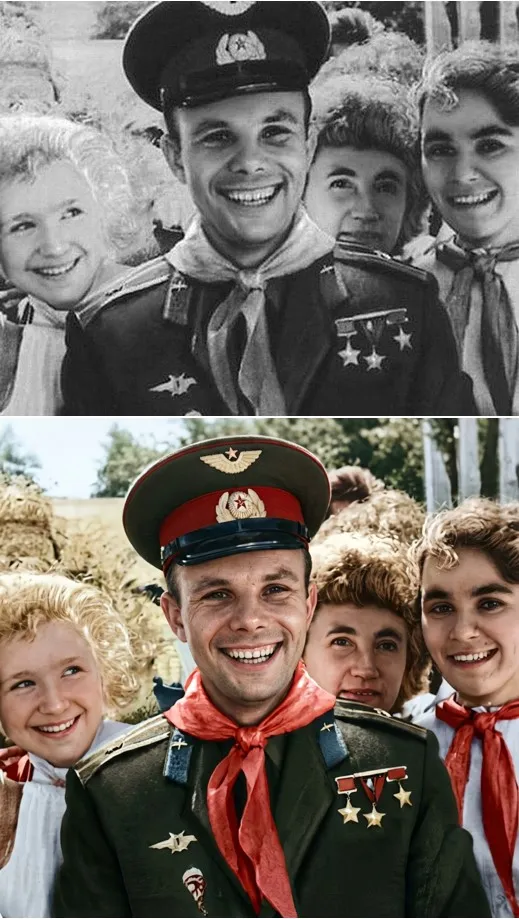
Each surface gets its own believable hue, so the result looks closer to a shot on color film than to a tinted copy. Keep in mind that a black-and-white print stores no color at all: nothing is recovered, the colors are re-imagined, and the real dress or car may have been a different shade.
Where the colors come from
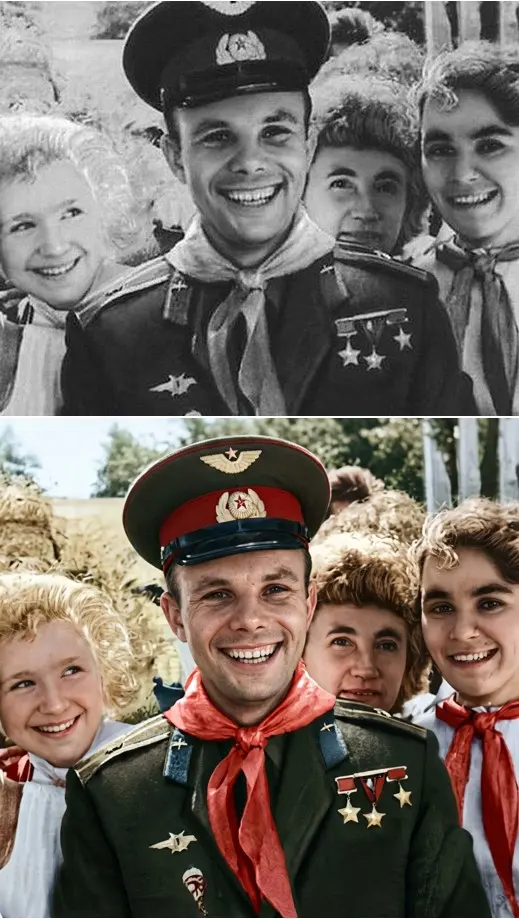
The model has seen enough color photographs to know how skin looks in daylight, how a cotton shirt differs from wool, and how grass in shade differs from grass in sun. For every area of your picture it predicts the most likely color with its neighbors in mind, so a face does not pick up the tone of the wall behind it and a uniform keeps distinct shades for cloth, buttons and insignia.
From album to upload: preparing the print
A scanner is optional. Photograph the print with your phone in even daylight, without flash and without glare on the glossy surface, keeping the camera parallel to the paper. Then upload it and describe the job in plain words, for example “colorize this black-and-white photo with natural colors”. If you know real details, add them: a blue dress, red hair, a green door.
Restore & Colorize template or your own instruction
The Restore & Colorize template is the shortest route: it already knows the task, so you only upload the print. Create photo takes longer to set up but gives more control: you pick the photo model, write the instruction yourself and list the colors you know. Try the template first, and switch to Create photo when a detail such as a dress or a car comes out in the wrong shade.
Fading, creases and grain in the same pass
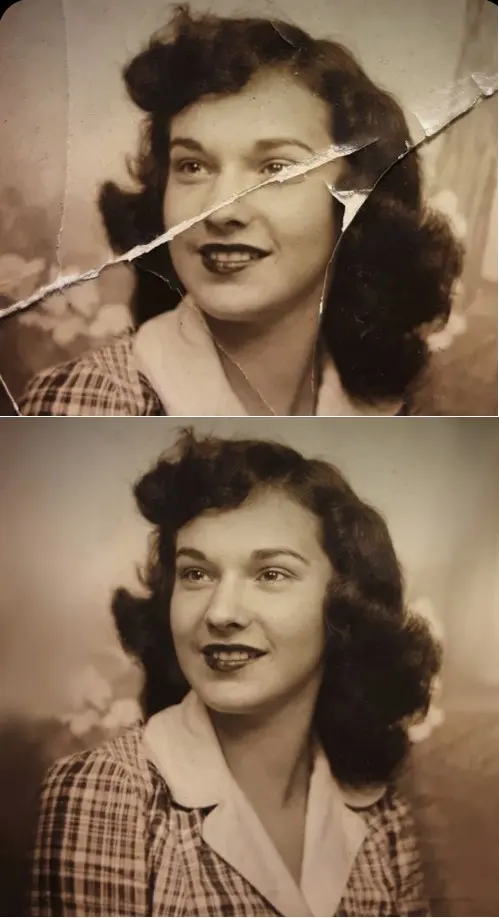
Color is rarely the only problem with an old photo. In the same request you can ask to remove scratches and sharpen the image, and get a restored color picture in one run. For prints with heavy damage, the catalog has dedicated templates such as Crease & Damage Repair and Photo Restoration, and a finished color portrait can later become a short clip on Create video.
What colorizing should leave alone
Colorizing should add color, not rewrite the person: features, age, expression and composition are meant to stay as they were. Compare faces with the original before you share the result, and if something has drifted, run it again with an explicit note to keep faces unchanged. Photos from your own family archive are the natural material for this.
Ready-made templates

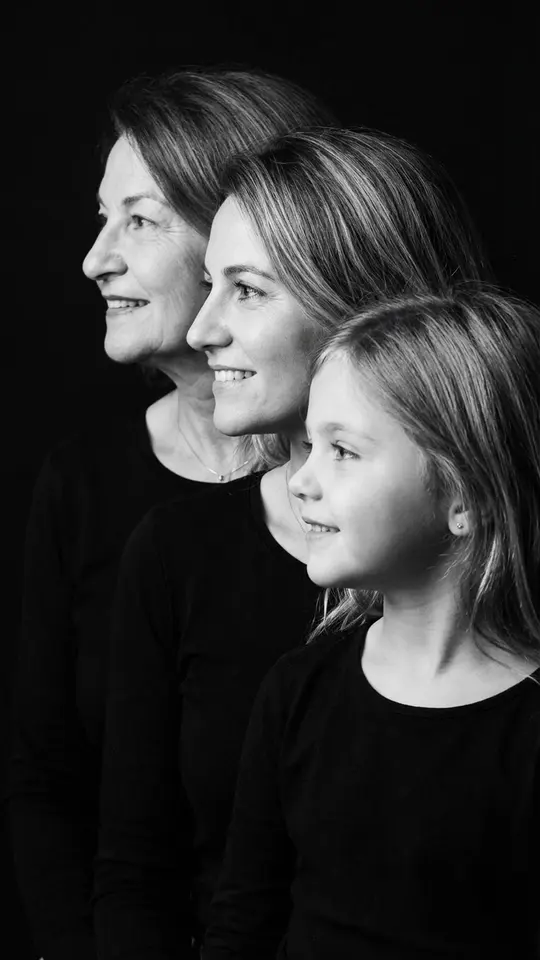
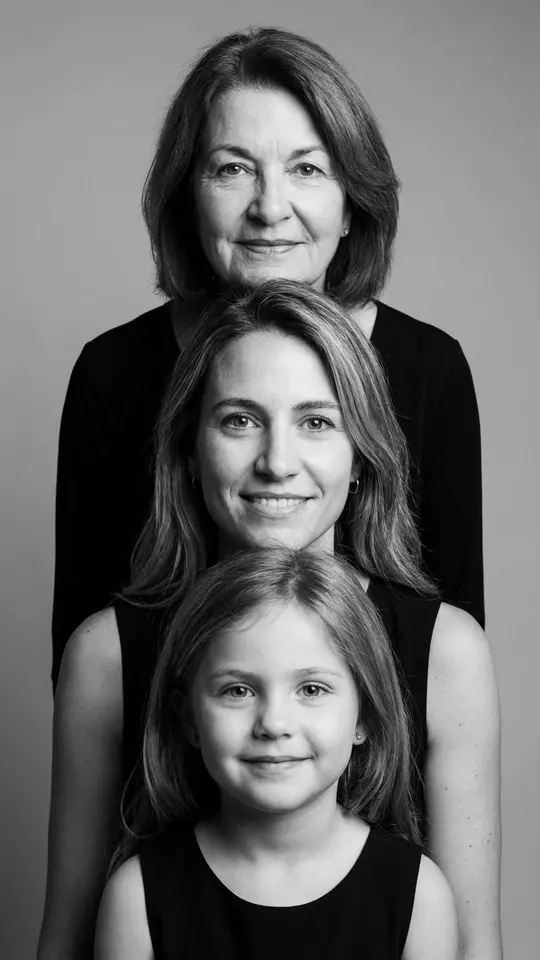
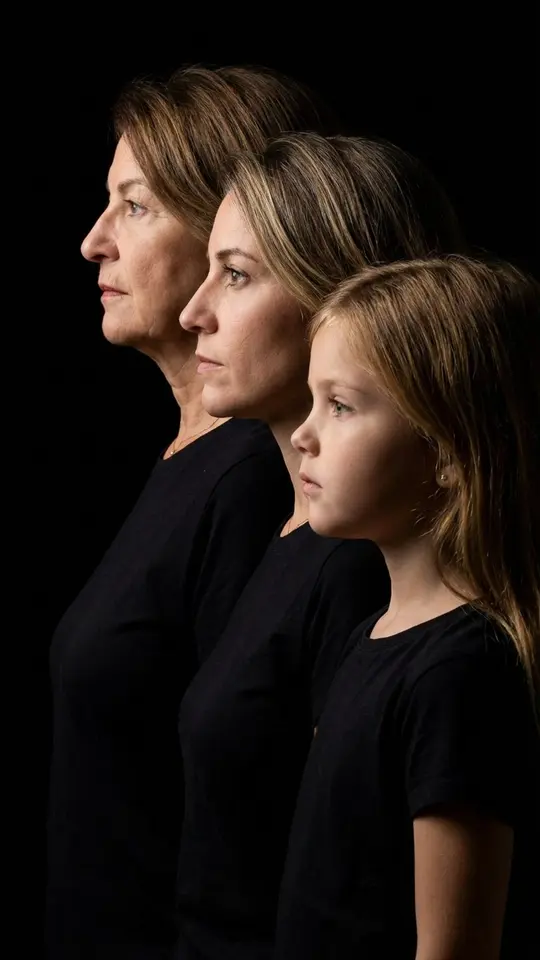
FAQ
Can I colorize old photos for free?
Colorizing costs stars like any other run, and the template or model shows its price in stars up front. The 5 stars a new account receives after email confirmation are a way to try it; the Pricing page covers the rest. If Restore & Colorize carries a “Free today” badge, it can be run at no cost within that day's limit.
Are the colors historically accurate?
Not guaranteed. A black-and-white image carries brightness, not hue, so the model proposes a believable palette rather than the one that existed. If you know the real colors from family memories or other photos, put them in the instruction; treat the result as an illustration, not as a record.
Can I colorize a photo online from my phone?
Yes. Snap the print with the phone camera, open MarketVideo in the mobile browser and upload the shot straight away; nothing needs installing. The colorized file downloads to the phone and also waits in your account history if you want it on a computer later.
What if a color comes out wrong?
Name it and run again: “the dress is navy blue, the car is dark red”. Short, concrete corrections work better than asking for “more realistic colors”. If one model keeps missing, try the same instruction on another photo model from the list on Create photo.