Photo to Video AI: Turn One Picture into a Moving Scene
Photo to video AI on MarketVideo turns one still picture into a downloadable video file: the camera travels, the background stays alive and the subject moves, so you get a full scene rather than an animated picture.
Turn a photo into videoReady in minutes · Free templates every day
Start from a template, where the setting and camera path are already worked out, or open Create video, describe what should happen and choose the model yourself. Every option lists its star cost before you run it.
Which photo to start with
An ordinary phone photo works when the main subject is in focus and nothing blocks it. Sharpness matters more than a huge resolution. Motion blur and harsh backlight that sinks a face into shadow are the usual reasons a result disappoints, so choose a clean, evenly lit shot.
Templates or your own prompt
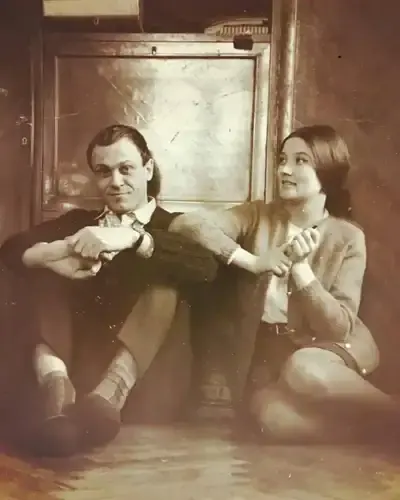
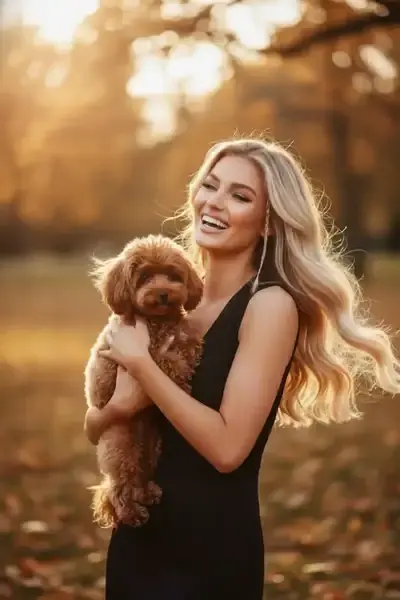
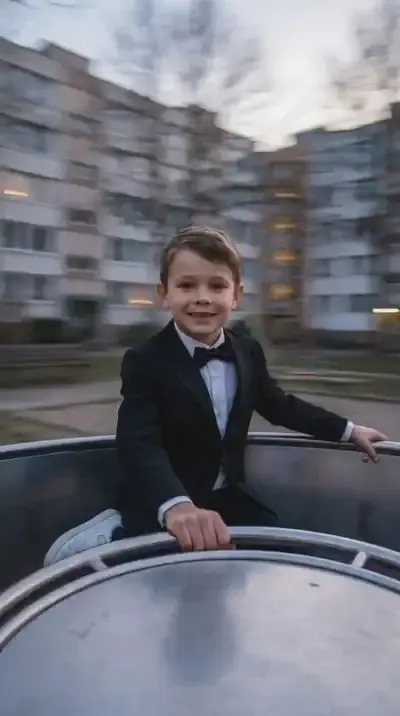
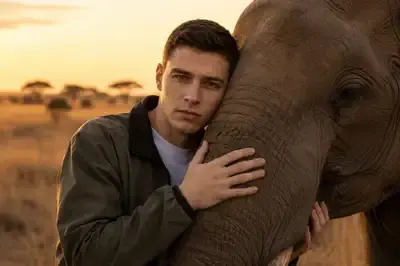
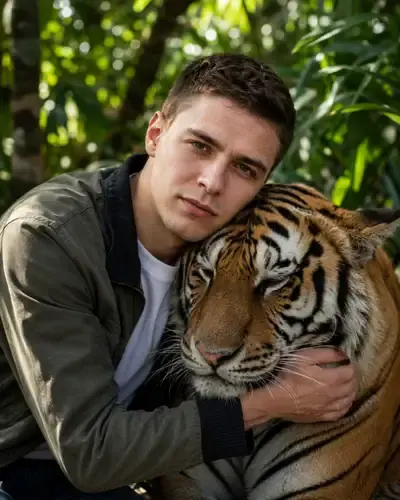
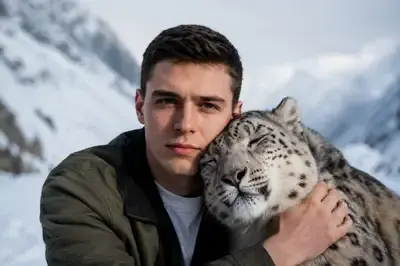
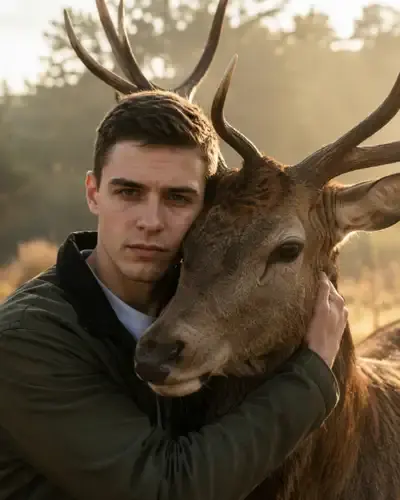
Templates are the quick route because the scene is set in advance. Bring a Photo to Life animates a single picture, Day Out With Your Dog and Playground Carousel Spin build a moving scene around it, and the wildlife series, from Elephant Hug in the Savanna to Tiger Hug in the Jungle, plays out with a wild animal in its own landscape. For any other idea, Create video takes your photo plus a written description.
Veo 3.1, Kling or Seedance
On Create video the model is your call. Seedance 2.0, Veo 3.1 and Kling 2.6 each take a photo together with a description; Kling 3.0 can split the result into several shots; Motion Control copies the movement of a reference video onto your picture. Results differ between models, so running the same photo through two of them is a fair way to find the look you like.
What you get back
A video file, not a looping picture. It downloads like any clip from your camera roll, so you can post it, send it or drop it into an editor, and a copy remains in your account history. A typical run finishes within a few minutes, though a long queue can stretch that.
One photo or several
Most scenes start from a single picture. Some templates ask for more than one, for instance when two people should appear together, and the card tells you how many to upload before you begin. On Create video you can also add more than one photo to a description and explain in words how they should meet in the scene.
Ready-made templates
FAQ
Can I turn a photo into a video for free?
You can start without paying. Confirming your email gives a new account 5 stars, and templates labeled “Free today” run at no cost up to a daily limit. Once those are used, top up on the Pricing page with a plan or a one-time pack of stars.
How is this different from animating a portrait?
Portrait animation is mostly about the face: a blink, a smile, a turn of the head. Photo to video goes further and builds a scene, with the camera traveling and the surroundings in motion. If you only want a face to come alive, a portrait template is the simpler choice.
Can I make the video longer?
One run gives you one clip. For a longer story, generate a few clips from different photos or prompts and join them in any video editor. Kling 3.0 is the model to pick when one result should contain several shots.
Can I use photos of other people?
Only with their agreement. Stick to your own pictures and those of friends or family who are happy to be animated, leave out celebrities and public figures, and keep photos of children to a family setting.