Kling AI Video Generator: Kling 2.6, 3.0 and Motion Control
Kling AI is a family of video models from Kuaishou, and three of them are ready to use on MarketVideo: Kling 2.6, Kling 3.0 and Motion Control. Give Kling a photo and it returns a short clip where people move smoothly and faces stay steady.
Animate a photo with KlingReady in minutes · Free templates every day
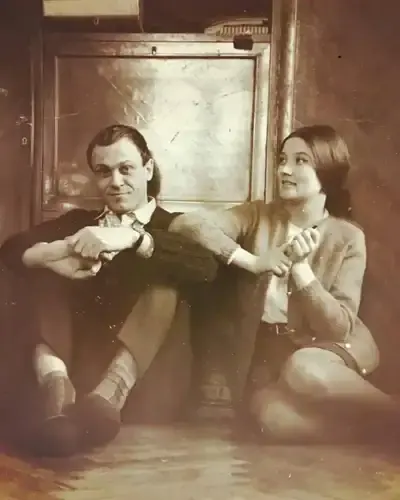
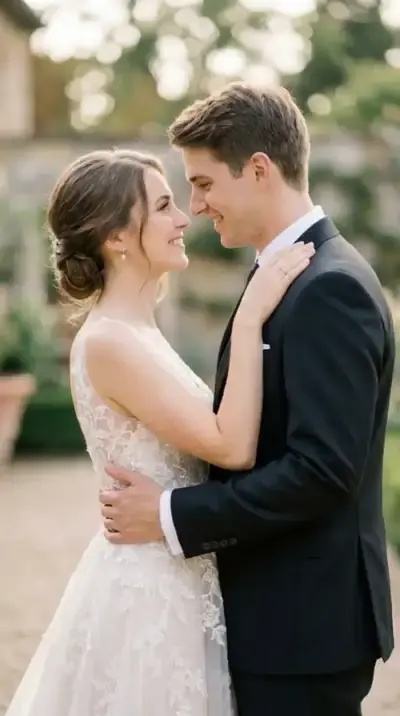
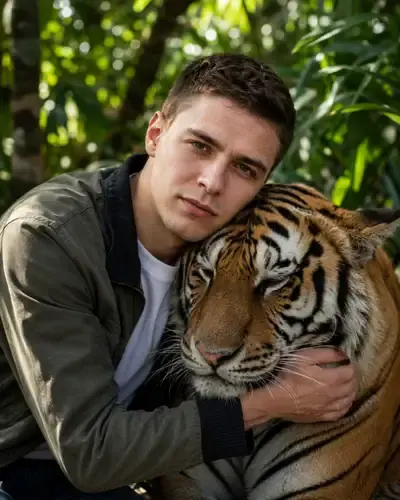
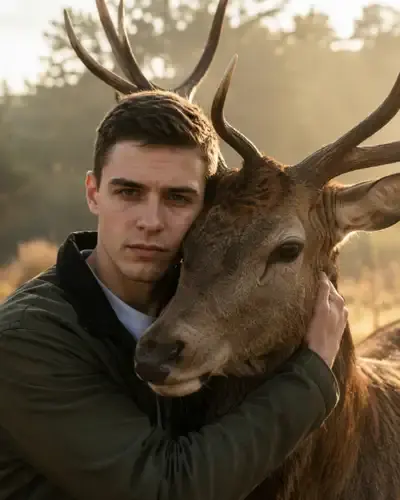
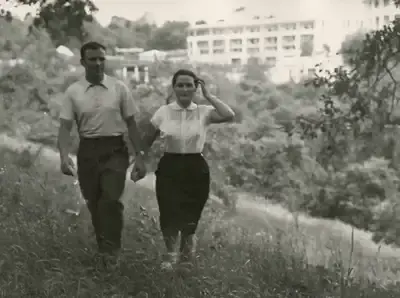
That steadiness is why many people-focused templates in the catalog run on Kling: wedding portraits that start to smile, old family photos where people wave, hugs with a tiger or a deer. You can also pick Kling directly on the Create video page and describe the motion yourself.
Why Kling handles people well
Human movement is where Kling stands out. A walk, a head turn, a blink, a hand reaching toward someone: other models often add jitter or let a face drift between frames, while Kling tends to keep the figure and features consistent through the clip. That makes it a strong fit for portraits, couples and family photos.
Kling 2.6, Kling 3.0 and Motion Control
Three Kling options sit in the model list on Create video. Kling 2.6 is the pick for smooth single-shot motion from one photo. Kling 3.0 assembles a story from several shots, so a clip can cut between angles. Motion Control takes a reference video and moves your photo the same way. The Kling 3.0 page goes deeper into versions.
Image to video with Kling, step by step
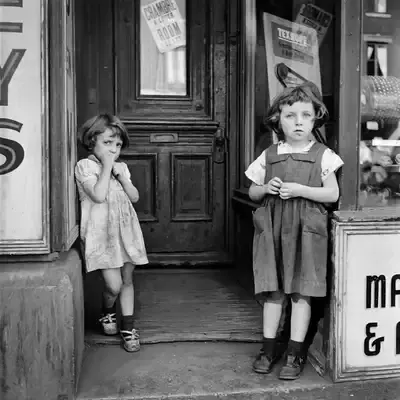
Templates in the grid below, like Wedding Memories in Motion or Smile and Wave, already contain the scene and the motion: upload the photo they ask for and run. For your own idea, go to Create video, attach a photo, describe the movement in plain words, choose a Kling model and start. The star cost shows up before anything runs.
What you get back
Expect one short video file per run. Bring a Photo to Life adds breathing, slight head moves and eye movement. Smile and Wave makes people in an old photograph smile and lift a hand. Tiger Hug in the Jungle animates an embrace with a tiger that breathes calmly and tilts its head toward the person. Clips download as regular files and remain in your history.
Limits to keep in mind
Kling animates what is in the photo, so a blurry or cropped face gives the model less to hold on to. Results vary between runs, videos usually take a few minutes, and a busy queue can add time. Animate your own shots, or shots of friends and relatives who said yes, with no celebrities or public figures, and children only in family pictures.
Ready-made templates
FAQ
Is Kling AI free to try here?
Trying Kling costs you nothing at first. Once you verify your address, a fresh account holds 5 stars, and some templates are labeled Free today, which lets you run them free a limited number of times each day. Beyond that, Kling runs cost stars, with plans and star packs listed on the Pricing page.
Do I need a separate Kling account?
No. Kling runs through MarketVideo, so one free MarketVideo account with a confirmed email is enough. Nothing needs installing: it works in a current browser on your computer or phone, and the star cost of each model appears before you run it.
Which Kling version should I choose?
Inside a template the model is already fixed, so there is nothing to pick. On Create video, choose Kling 2.6 for smooth motion from a single photo, Kling 3.0 when the idea needs several shots, and Motion Control when you have a reference clip of the movement you want.
What is Kling Motion Control?
It is a mode that copies motion from a reference video onto your photo. You supply the still and a clip of the movement, such as a dance or a gesture, and the person in your photo repeats it. It runs on the Create video page like the other models.