Bring Photos to Life with AI
To bring photos to life with AI, all you need is one portrait. Upload it to an animation template, and the person in it blinks, smiles and turns their head in a short video you can download.
Bring your photo to lifeReady in minutes · Free templates every day
What matters most is the face. It should be in focus, take up a fair part of the frame and not be hidden behind hands, hair or sunglasses. Each template already knows how the person should move and where the camera goes, so there is no prompt to write and nothing to install.
How to bring a portrait to life
Open a template such as Bring a Photo to Life or Smile and Wave, upload your portrait and look at the star cost on the card before you start. A video usually needs a few minutes, sometimes more when many people are generating at once. When it is done, the clip shows up in your account history, ready to watch and download.
Which photos work best
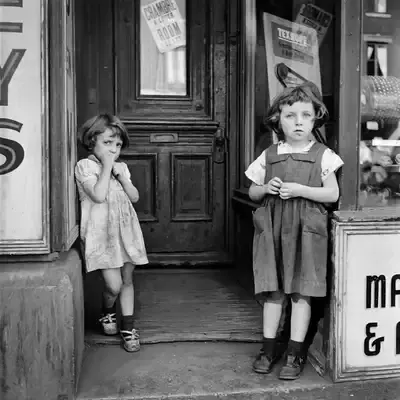
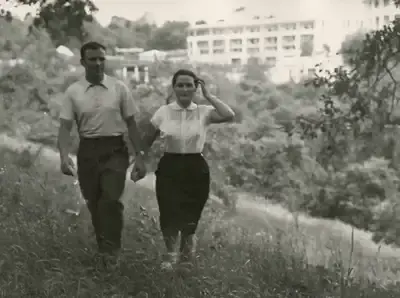
A clear, well-lit portrait where the person looks roughly toward the camera gives the most natural motion. A phone snapshot is fine as long as it is sharp. Heavy blur, strong backlight that leaves the face in shadow, or a face cut off by the edge of the frame give the model less to work with. If you have several shots of the same person, start with the clearest one.
What the finished clip looks like
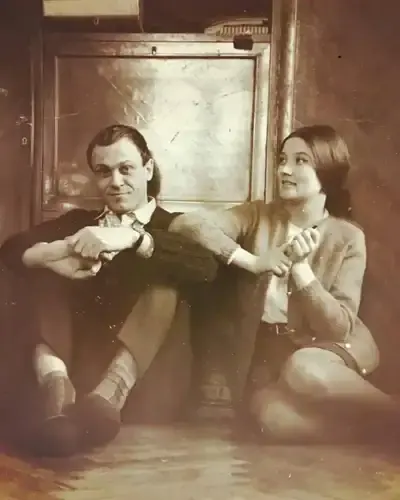
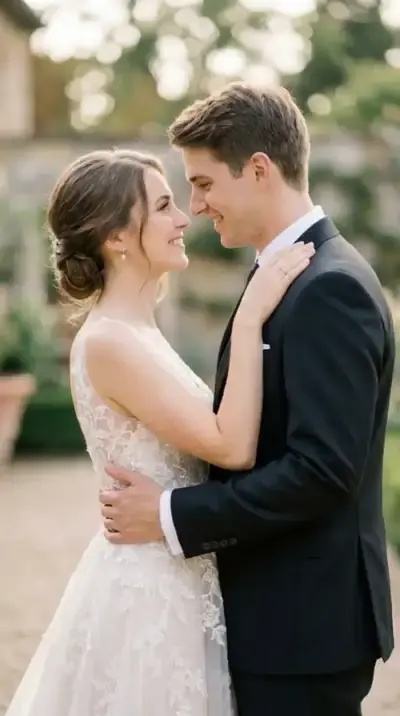
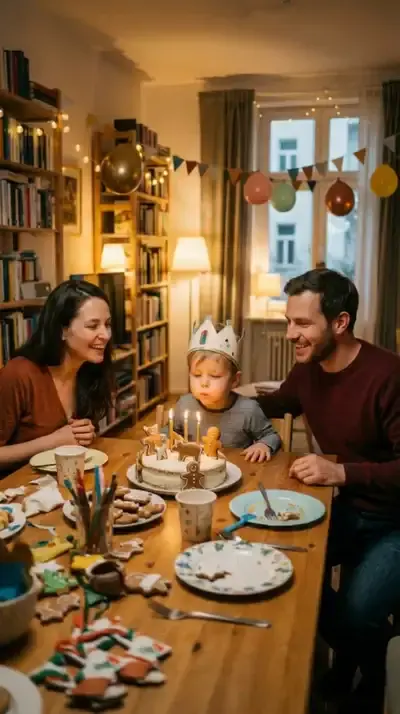
The face comes alive in small, believable ways: a blink, a slow smile, a slight turn of the head, a little movement in the hair. Some templates build a moment around it. Smile and Wave adds a wave hello, Warm Embrace is made for a hug, Vintage Photo Kiss and Wedding Memories in Motion suit couples, and Birthday Candle Wish centers on a birthday cake.
Describe the motion yourself
When no template fits, go to Create video, add the photo and write what should happen in plain words, for example: she blinks, smiles and slowly turns toward the window. Then choose a model and run it. Its star cost appears before you confirm, so you can compare a couple of options first.
Online, on a phone or a computer
Everything happens in the browser, so the same steps work on a phone and on a desktop. Looking through the templates needs no account; to run one, sign up with your email and confirm it. Your clips are kept in the account history, so a video started on your phone can be downloaded later on your computer.
Ready-made templates

FAQ
Can I bring photos to life for free?
Yes, to a point. A new account receives 5 stars once its email is confirmed, and templates marked “Free today” can be run without stars until that day's free runs are gone. After that, runs cost stars; more can be bought as a plan or a single pack, both listed under Pricing.
What happens with a group photo?
It can work, but every extra face raises the chance that one of them looks off. For the most reliable result, use a picture with one or two people, or crop a group shot down to the person you want to animate before you upload it.
Whose photos can I animate?
Your own, and photos of people who have agreed to it. Pictures of celebrities or other public figures are off limits, and so is using someone's photo to pretend to be them. Photos of children belong in a family context only.
Is the result a real video file?
Yes. The clip downloads as a regular video file that you can keep, send to relatives or post wherever you like, and a copy stays in your account history in case you need it again.