Animate a Photo with AI: Portraits, Landscapes, Drawings
MarketVideo can animate a photo with AI: upload a still, pick a template or describe the motion yourself, and get back a short video of that same picture in motion. Portraits, landscapes, flowers and kids' drawings all work.
Animate a photoReady in minutes · Free templates every day
The aim is movement inside the frame you already have, not a brand-new scene. Water ripples, clouds drift, petals open, a crayon rocket lifts off the paper, and the framing can stay close to your original. It all runs in a web browser, so a phone works as well as a laptop.
Match the motion to what is in the frame
Different stills call for different movement. A portrait comes alive through a turn of the head, a blink or hair lifting in the wind. A landscape moves through water, sky and leaves, while a flower close-up suits a time-lapse effect such as the Pink Flower Time-Lapse template. Decide what matters most in your picture and animate that first.
Animate a drawing with AI
Crayon pictures, watercolors, pencil sketches and paintings can move too. Kids' Drawings Come Alive is made for children's artwork: lay the drawing flat, photograph it in even daylight, crop out the table and upload the shot. Hand-drawn lines look charming in motion, because the strokes themselves seem to wobble and breathe.
Two ways to turn a photo into video
Templates already contain the motion, style and camera move, so you only add the photo each one asks for. For full control, open Create video, attach your still, write what should move and how, then pick a model such as Kling 2.6, Veo 3.1 or Seedance 2.0. Motion Control goes a step further and moves your photo the way a reference video moves.
What comes back, and what to watch for
You can save the finished clip straight to your device, and it remains in your account history for later. A sharp image with one clear subject gives the model the most to work with, while crowded group shots tend to be harder. Use your own pictures or ones you have permission to use, and keep photos of children within your own family.
Ready-made templates
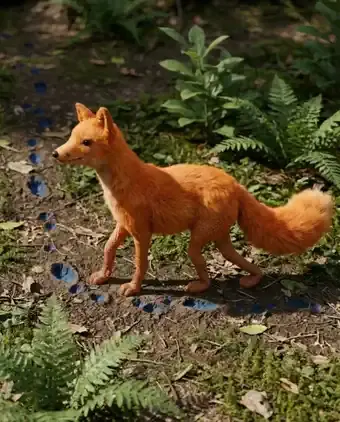
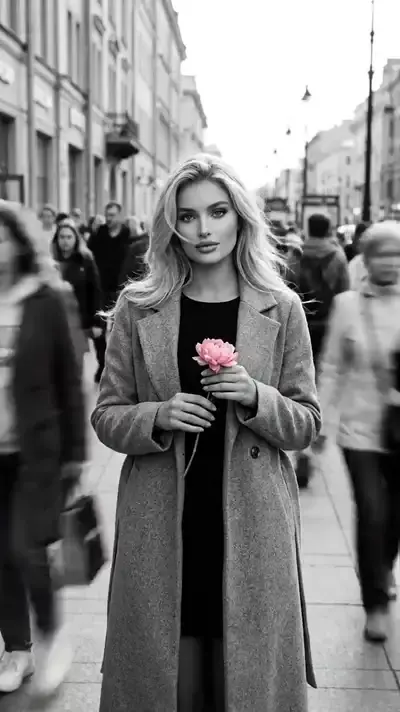
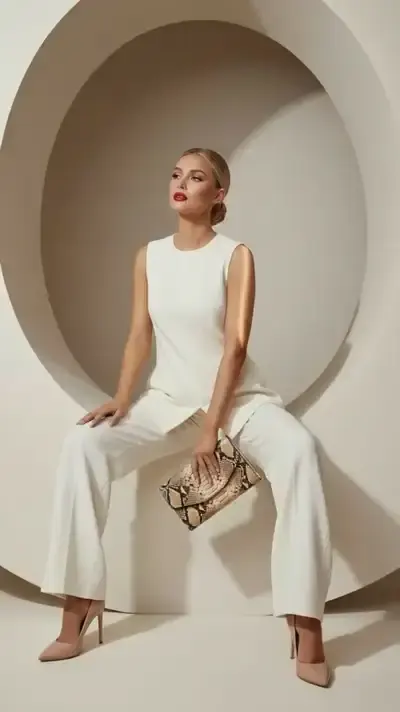
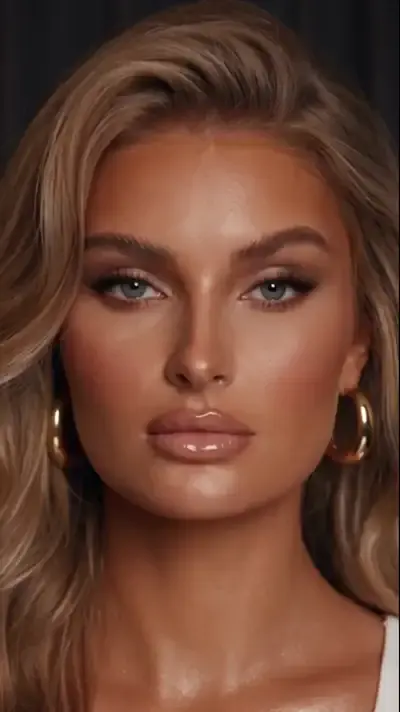
FAQ
Can I animate a photo online with AI for free?
Within limits. Verifying the email on a new account credits it with 5 stars, and a handful of templates wear a “Free today” label that allows a set number of free runs each day. Beyond that, every generation is paid in stars, the star price of each template is visible before you run it, and the Pricing page has plans and star packs for topping up.
How long does photo animation take?
Video jobs usually finish within a few minutes, though a busy queue can stretch that, so exact times are hard to promise. When the clip is ready, it appears in your account history, where you can watch it again and download it.
Can I animate a landscape photo?
Yes. Upload the shot on Create video and describe the movement you want: waves rolling onto the sand, mist drifting over a lake, clouds sliding behind a ridge. It also helps to say what should stay put, such as buildings or people in the foreground.
Do I need to install an app?
No installation is involved: the site works in a current web browser, on mobile or desktop, and there is no separate app to download. Anyone can browse the templates, while running one means signing up for a free account and verifying your email.