AI Anime Video Generator: From Your Photo or an Idea
An AI anime video generator turns a photo or a few lines of text into an animated clip in anime, 3D-cartoon or hand-drawn style. Here you can start from your own portrait, a family snapshot or a scene you describe in one sentence.
Make an anime videoReady in minutes · Free templates every day
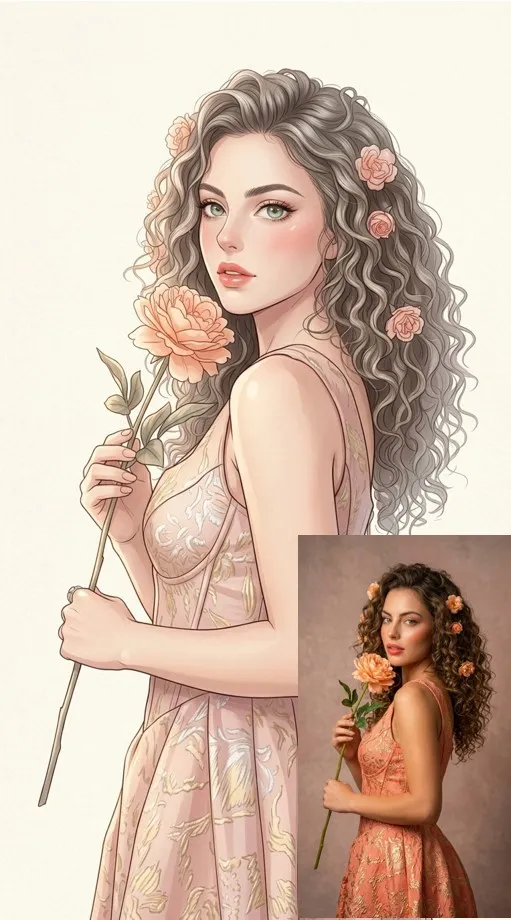
Think of anime as a look rather than a particular show: big expressive eyes and clean line work, while 3D cartoons bring soft rounded shapes and hand-drawn scenes keep visible pencil or crayon strokes. The characters are yours, whether that is you, your family or a hero you invent.
Turn a photo into an animated cartoon
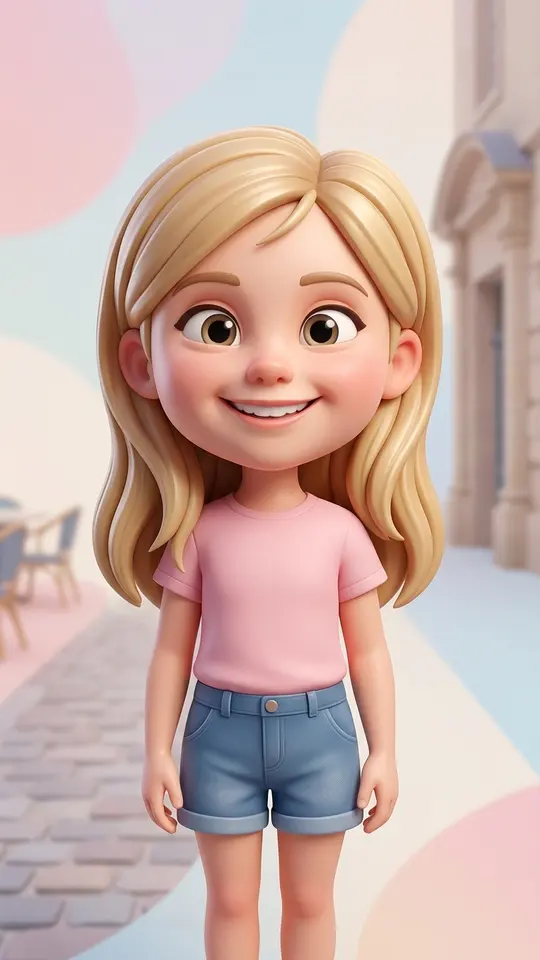
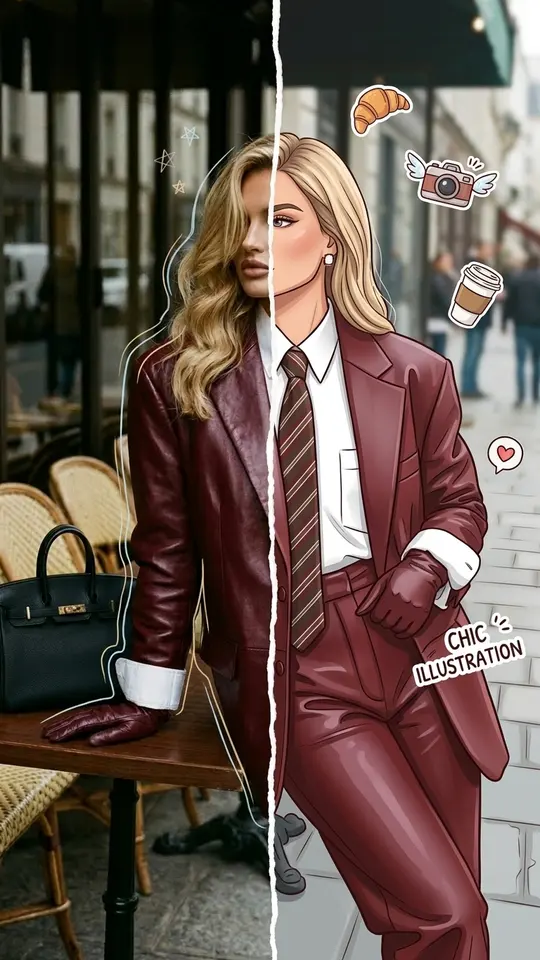
Start with a clear, well-lit portrait. A photo template such as Anime Manga Portrait or Big-Head 3D Cartoon redraws you as a character. Then open Create video, attach that picture and describe what the character does: waves, runs through tall grass, looks up as snow begins to fall. Two short steps, one animated hero.
Write a cartoon scene from a text idea
No photo is needed for this route. On Create video, say who is in the scene, where it happens, what moves and which look you want, for example “a hand-drawn fox in a red scarf runs across a snowy hill at dusk, soft pencil texture”. Pick an engine, for instance Veo 3.1 or Grok Video; Kling 3.0 can split a longer idea into several shots.
Gentle cartoons for kids
Kind, simple stories suit young viewers: a teddy bear's bedtime adventure, a birthday morning, a first day at school. Kids' Drawings Come Alive goes one step further and animates a picture your child drew, so the crayon dragon from the fridge door can finally fly. Only use photos of children from your own family, and keep the stories warm.
Anime, 3D or hand-drawn: picking a look
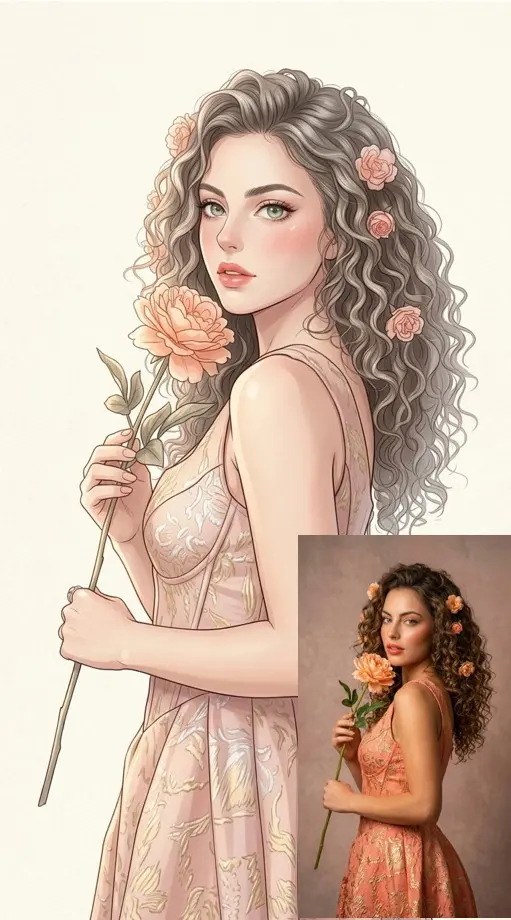
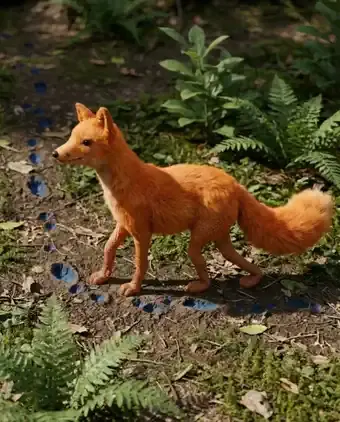
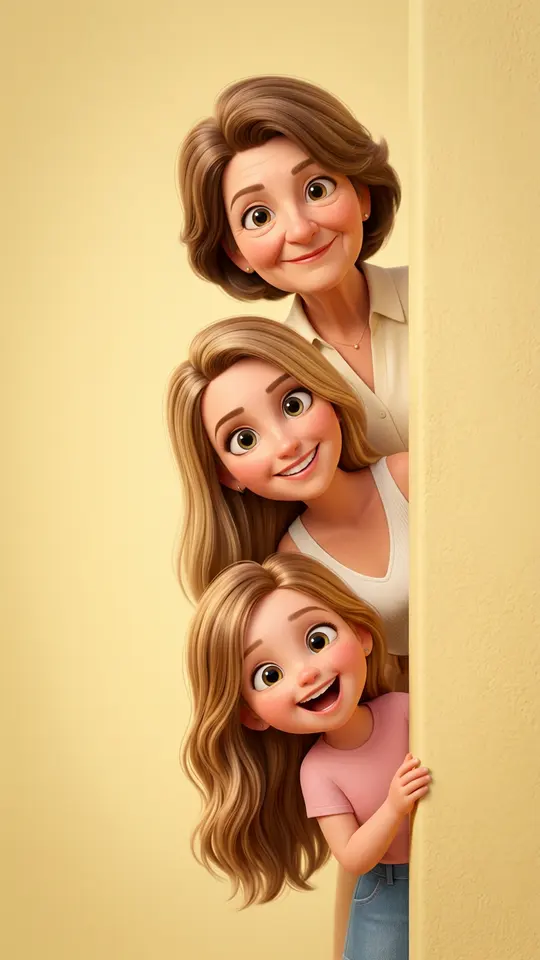
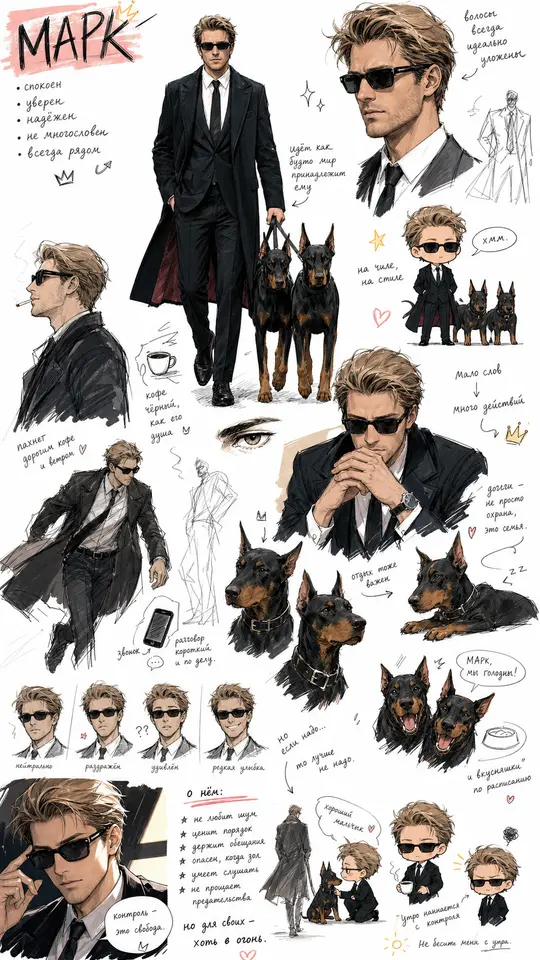
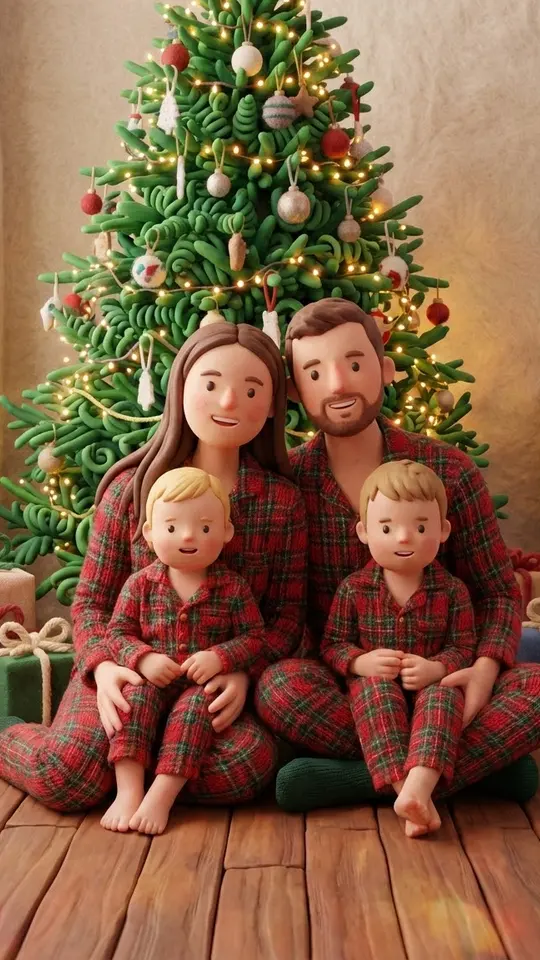
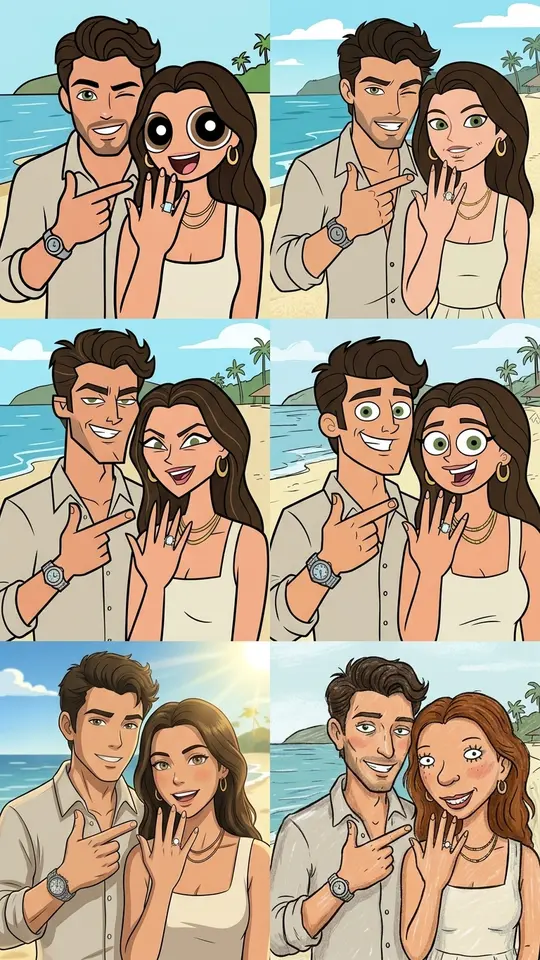
Anime suits dramatic close-ups and action, 3D cartoon fits family scenes and playful faces, and clay or sketchbook looks feel warm and handmade. The grid shows several of these as templates, from Cute Chibi Sketchbook to Peekaboo 3D Cartoon Family and Handmade Claymation Style. Choose the look first, then build the story around it.
Ready-made templates
FAQ
Is it real animation or just a filter?
The video models generate new frames in the chosen style rather than laying an effect over your photo, so lines, eyes and lighting are redrawn. How closely a face carries over varies from run to run, so a second attempt may come out noticeably different.
Can I make a series with the same character?
Reusing the same character picture as a reference and repeating the same style words in each prompt helps the episodes look related. Small differences between runs are normal, so keep the shot you like best and build the next scene from it.
Can I try the anime video generator for free?
Getting started costs nothing: verifying your email puts 5 stars on a new account, and the “Free today” badge on some templates means a limited number of free runs that day. Beyond that, video generations cost stars, with the amount shown in advance, and plans and star packs are sold on the Pricing page.
Do I need drawing skills?
None at all. You either upload a photo or describe a scene in words, and the style comes from the template or from the words you choose, such as anime, 3D cartoon or crayon drawing. Clear wording about the mood and setting does more than any technical term.