Turn yourself into a cartoon from one selfie
To turn yourself into a cartoon, upload one clear selfie to a template below. You get back a still picture redrawn from scratch in a cartoon style, with your face shape, hair and mood held on to as closely as the model can manage.
Cartoon yourselfReady in minutes · Free templates every day
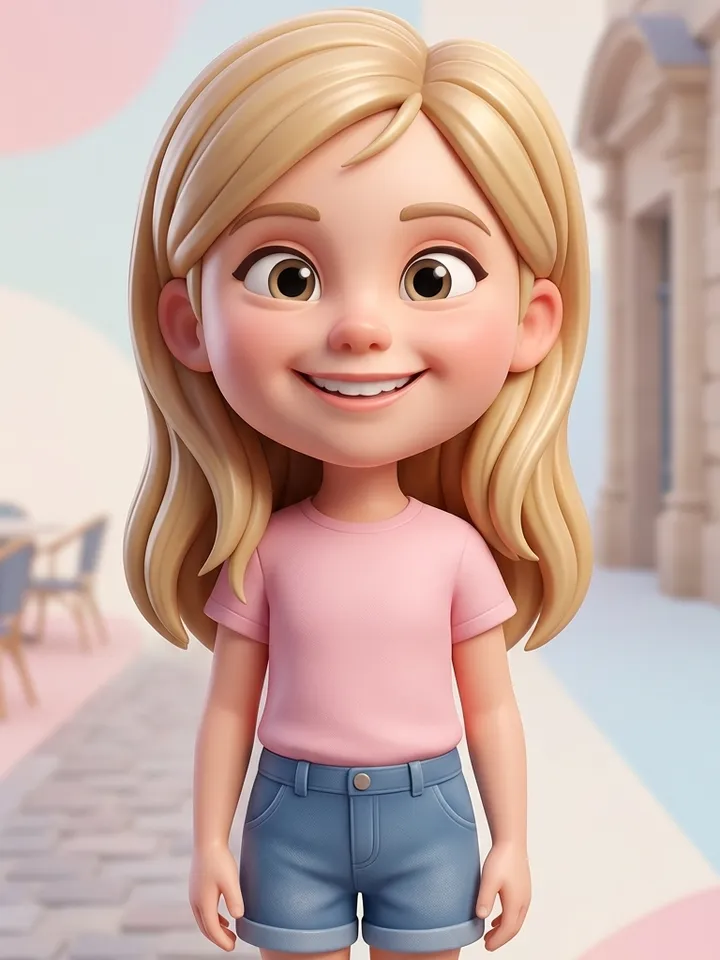
This page is about stills: a 3D figure with an oversized head, a family peeking in from the edge of the frame, a grid of 2000s TV cartoon looks, or a sketchbook page covered in marker doodles. If you want the cartoon version of you to move, the animated templates live on a separate page.
Pick the cartoon look first
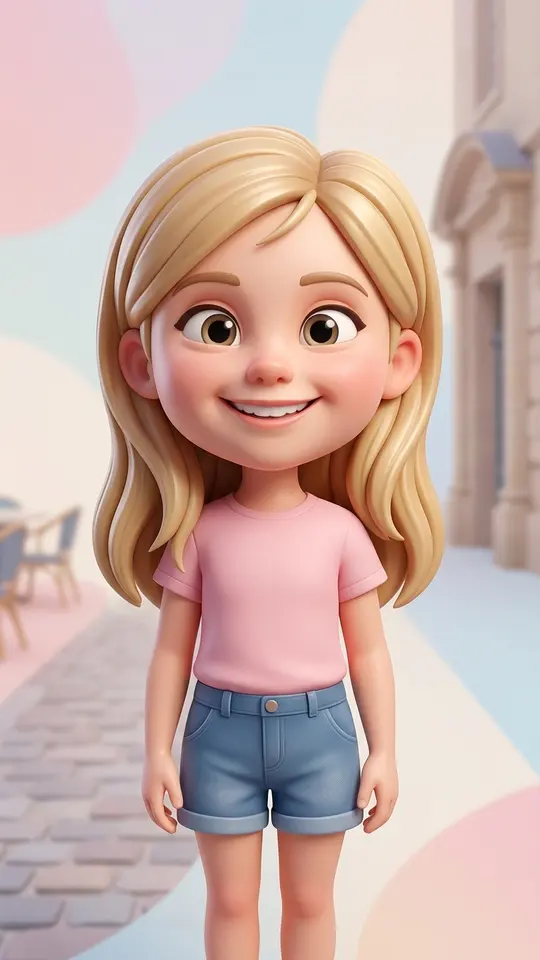
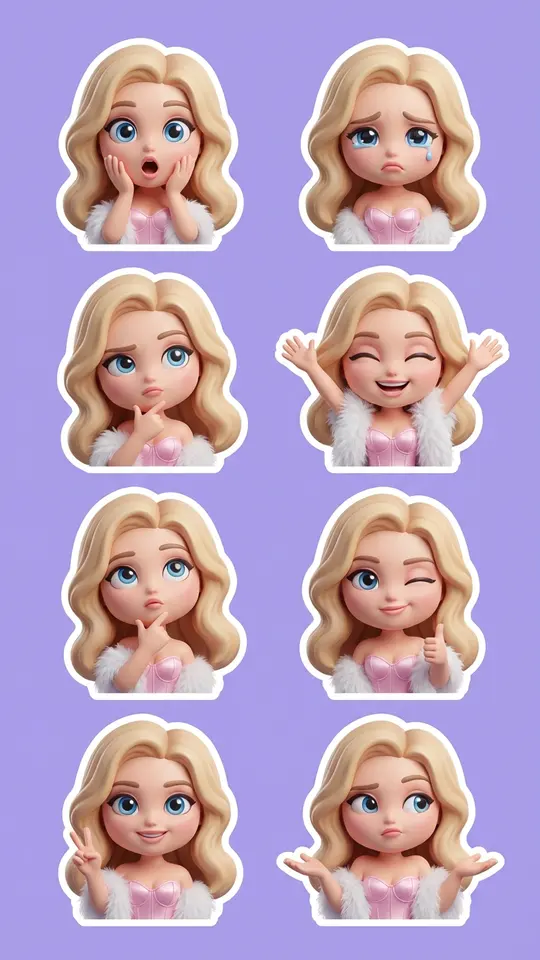
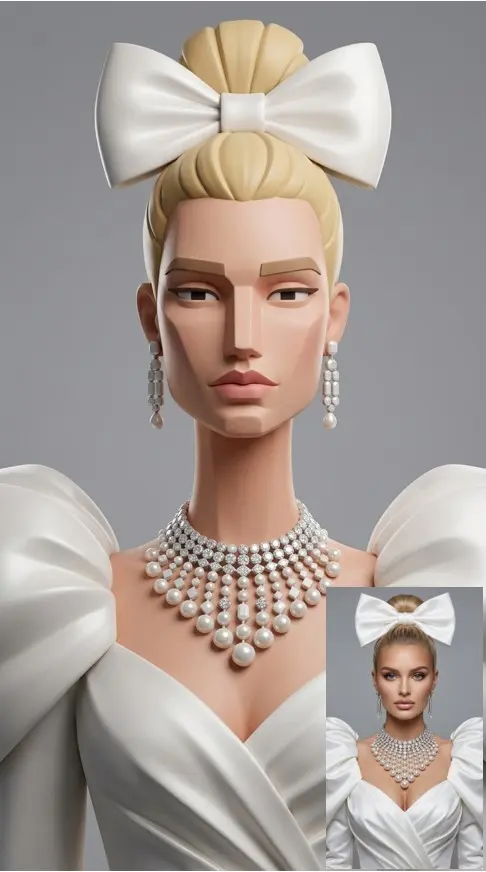
Start with the look. Big-Head 3D Cartoon gives you an oversized head, expressive features and a smooth 3D render under soft studio light. Chibi 3D Sticker Pack turns the same selfie into a sticker set of a small, round-faced character with glossy eyes. Designer Figurine Portrait goes the other way: flat facial planes, a large sculpted nose and long proportions, like a collectible toy.
A cartoon family portrait from a photo
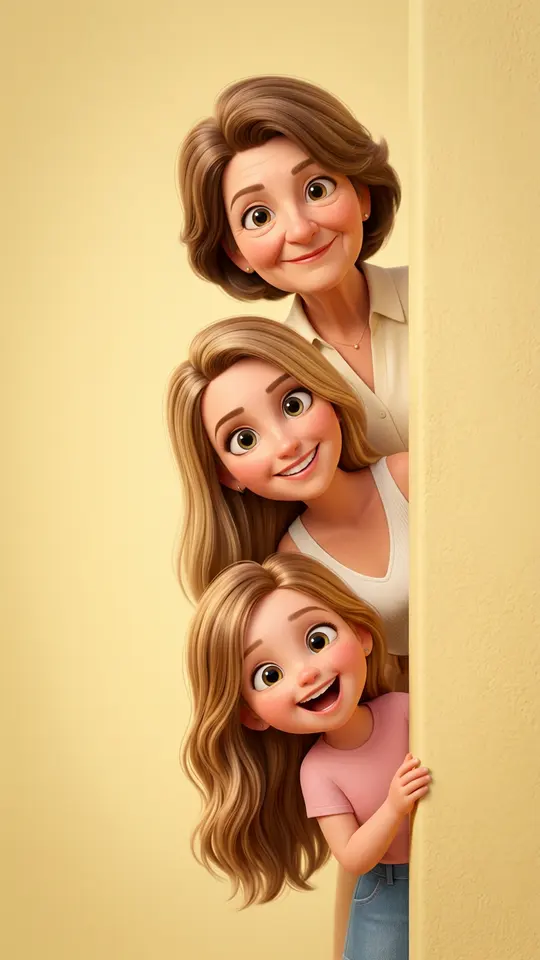
Peekaboo 3D Cartoon Family takes the people from your photo and redraws them as cute 3D characters with big eyes, rounded faces, detailed hair and warm light, peeking out from the side of the frame. That makes it the natural pick for a group picture where every face is visible. Stick to your own household or relatives who are fine with it, and keep kids to your own family.
Sketchbooks, doodles and 2000s collages
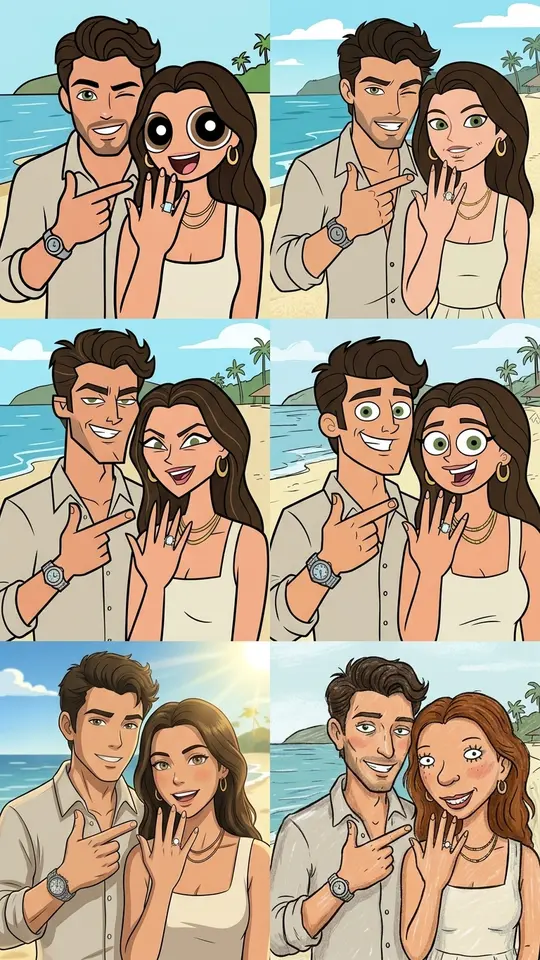
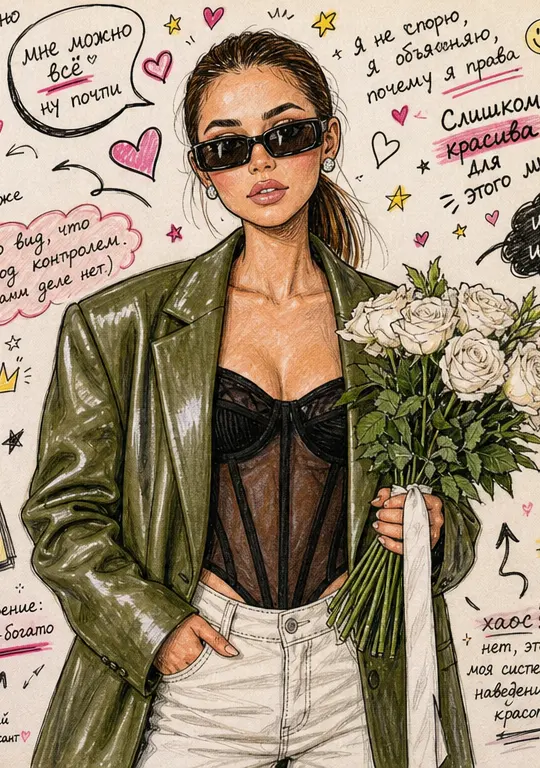
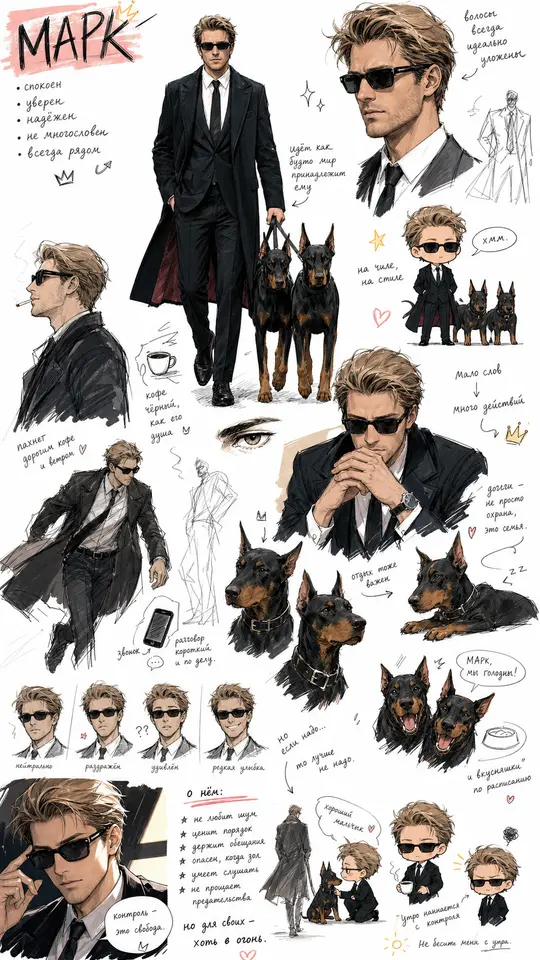
Not every cartoon is 3D. 2000s Cartoon Style Collage builds a 2×3 grid, each panel redrawing you in a different early-2000s TV cartoon style. Marker Doodle Sketchbook draws your photo in markers and colored pens on white paper, with big eyes, hearts, arrows and funny notes around you. Cute Chibi Sketchbook fills a page with quick full-body sketches, close-ups and chibi versions of you.
How the redraw differs from a filter
A filter paints over the pixels of the original photo, so it smears on tricky light. Here the model reads the selfie, including face, hair, clothes and pose, and draws a new picture in the chosen style, so the setting usually turns into part of the cartoon as well. Every run starts again from your original upload, which means trying a second look takes a new run but never wears down the photo.
What to upload and what comes back
One sharp phone selfie is enough. Face the camera, keep hair and hands away from your face and avoid hard shadows; for a full-body cartoon, choose a shot that shows the whole figure. Expect a stylized likeness rather than a copy, since big heads and round eyes are the point. The result is one still image you download as a regular picture; cartoons that move belong to a different set of templates.
Ready-made templates
FAQ
Will the cartoon still look like me?
Usually yes in broad strokes. The templates ask for recognizable facial features, head shape and hair, but cartoon styles exaggerate on purpose, and an exact match is not promised. A sharp, evenly lit face gives the best odds; if one take misses, run it again.
How is a cartoon portrait different from anime?
Anime follows the conventions of Japanese animation for eyes, faces and line work, and it has its own page and templates. Cartoon is a wider idea here: soft 3D characters, figurine-like portraits, 2000s TV looks and loose marker sketches.
Does it cost anything to cartoon yourself?
Looking around is open to anyone. To generate, sign up and verify your email; that first step drops 5 stars into a new balance. Every template states its star price on its card before anything runs. On some days selected templates show Free today and run without charge until their daily allowance is gone. When the balance is spent, Pricing offers subscriptions and single top-up bundles.
Can I make a cartoon of my whole family?
Yes. Peekaboo 3D Cartoon Family is written for the people in the uploaded photo or photos, so a group shot where every face is visible and unblocked works best. Include only relatives who agreed, and keep pictures of children within your own family.
Can I describe my own cartoon style?
Yes. Open Create photo, add the selfie and spell the style out in a sentence, for example a flat 2D look with thick black outlines and pastel colors. Then pick any photo model from the list and start the run. Each attempt is a fresh drawing, so tweak one word at a time.