AI Video Models in One Place: Veo, Kling, Seedance, Grok
AI video models are the engines that turn a photo or a written prompt into a moving clip, and MarketVideo gathers several of them under one account: Veo 3.1, Kling 2.6 and 3.0, Seedance, Grok and more.
Make an AI videoReady in minutes · Free templates every day
There is no need to study them first. Each of the more than 1,000 templates already runs on a model picked for its scene, so you choose the story, add your photo and start. If you would rather choose the engine yourself, the Create video page lets you do that.
The video models on MarketVideo
The lineup covers Veo 3.1 and VEO Omni 1.1, Kling 2.6 and Kling 3.0, Seedance 2.0, Seedance 2 Mini and Seedance 2.5 Omni, plus Grok Video and Grok 1.5. A few have a clear specialty: Kling 3.0 builds multi-shot scenes, Motion Control copies the movement of a reference clip onto your photo, and LTX-2.3 LipSync matches a portrait's lips to an audio clip you provide.
Why templates pick the model for you
Every template is set up in advance: the scene, the style, the camera move and the engine that renders them. That is how a mountaintop dance, a time freeze in a sports bar and a dragon waking up may each run on a different model without you comparing anything. You choose the story, add the pictures it needs, and the rest is handled for you.
Choosing a model yourself on Create video
When no template fits your idea, open Create video, describe the clip in your own words, attach photos if you have them and select a model. Its star cost appears before you run anything, so you can try one prompt on two engines and keep whichever take you like more. Kling 3.0 is the one to reach for when the idea needs several shots.
Photo models on the same account
Stills have their own lineup: Nano Banana, NanoBanana 2.1, NanoBanana PRO, GPT Image 2.5 and Seedream 4.5 are on the Create photo page. A handy workflow is to build a picture there first, for example a character or a scenic backdrop, and then hand it to a video model to set it in motion.
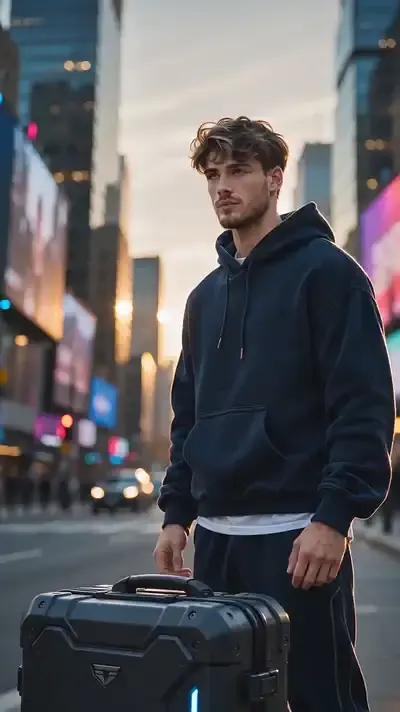
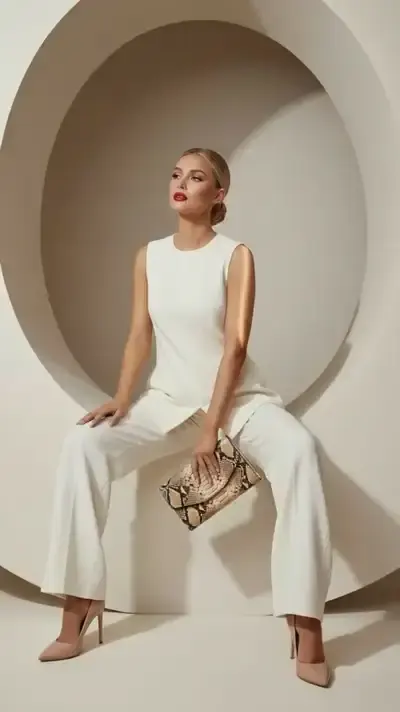
Ready-made templates





FAQ
What is the best AI model for video?
No single model wins every scene, which is why the templates come pre-matched. For your own prompts, a practical approach is to start with one model, then rerun the same description on another, such as Veo 3.1 against Seedance 2.0, and keep the better clip.
Can I try these AI video tools for free?
Yes, with limits. Your first 5 stars arrive once you confirm your address after signing up, and any template wearing the “Free today” badge costs nothing until that day's quota of free runs is used up. Everything else is paid in stars, which you can add through a plan or a one-time pack on the Pricing page.
Do I need a separate account for each model?
No. One MarketVideo account with a verified email opens every model on the site, and all of them draw on the same star balance. Whatever engine made a photo or video, the result lands in one shared history that you can download from.
Can I use the models on a phone?
Yes, through the browser. The site adapts to phones and computers alike, so you can start a clip on one and check the result on the other, and there are no apps to install.