Google Veo 3: AI Video With Sound, Now as Veo 3.1
Veo 3 is Google's video model, and on MarketVideo you run its current version, Veo 3.1, right in the browser. Its signature trait: the soundtrack is generated together with the picture.
Make a Veo 3.1 videoReady in minutes · Free templates every day
A clip arrives with street noise, footsteps, wind or a voice already in place, not laid on later as a separate track. The second strength is light and camera work that look closer to a studio shoot, which is why Veo suits ads, product teasers and fast action scenes.
Sound that is born with the scene
Describe a rainy crossing and Veo 3.1 can return the hiss of tires, the patter of drops and steps on wet asphalt in the same file. Ambient noise and action sounds come from the scene itself, sometimes short speech too. Name the sounds you want in the prompt; leave them out and the model picks its own.
Studio light and camera moves for ads and action
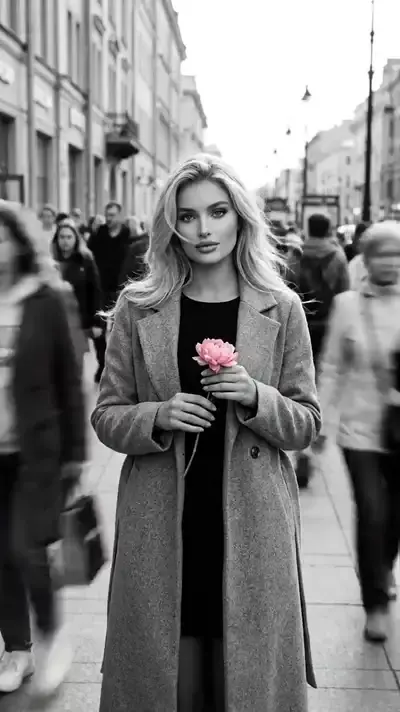
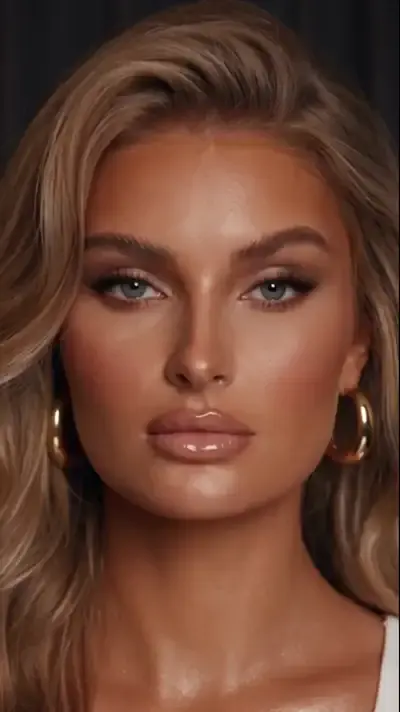
Depth of field, soft directional light and steady camera moves are Veo's strong side, most visible in advertising shots, fashion clips and nature scenes. In the grid, The Living Accessory builds a premium fashion video around your photo, and Walking Away from the Blast makes you the calm hero of an action shot with an explosion behind.
Two ways to run Veo 3.1
A template is the shortest path: pick a card, upload the picture the card requests and start the run. The scene, style and camera move are already set. For your own idea, open Create video, select Veo 3.1 in the model list, type the scene and its sounds, and add a picture when a particular person needs to be in the shot.
What comes back and where the limits are
One run produces a single video file you can download and find again in your history. Results differ between runs, so a second try is normal when a detail is off. Rendering a clip takes several minutes, and a crowded queue adds to that. A sharp, well lit photo gives the model more detail to work from; use only your own pictures or ones from people who agreed.
Ready-made templates





FAQ
Does Veo 3 make videos with sound?
Sound is part of what Veo 3.1 generates: ambient noise, the sounds of actions in the scene and sometimes speech come out in the same file as the picture. You can steer the audio by naming the sounds in your prompt on Create video.
Is Veo 3 free on MarketVideo?
Not fully, but you can try it without paying. After sign-up, verifying your email puts 5 starter stars in the account. On top of that, every day a few catalog cards are marked Free today and cost nothing until their daily limit runs out. If you need more, Pricing has plans and one-off packs.
Do I need a Google account to use Veo 3.1?
You don't. Veo 3.1 runs through MarketVideo, so a MarketVideo account with a verified email is all it takes. Nothing has to be set up on Google's side and there is nothing to download; a browser on your laptop or phone is enough.
Which scenes suit Veo 3.1 best?
Scenes where sound and light carry the mood: a street at rush hour, a windy beach, a product turning under studio lamps, a walk through smoke. Short ideas with one main action come out cleaner than a long chain of events in a single clip.