Image to Video Prompts: Motion Wording From Subtle to Bold
Image to video prompts describe motion, not the scene: the photo already shows who is there and where, so the text only says what moves and how much.
Animate a photoReady in minutes · Free templates every day
The examples below go from barely visible movement to bigger gestures and camera work. Faces drift most often when a prompt asks for too much at once, so the last section lists what to leave out and how to keep a portrait recognizable.
Barely there: breathing and blinking
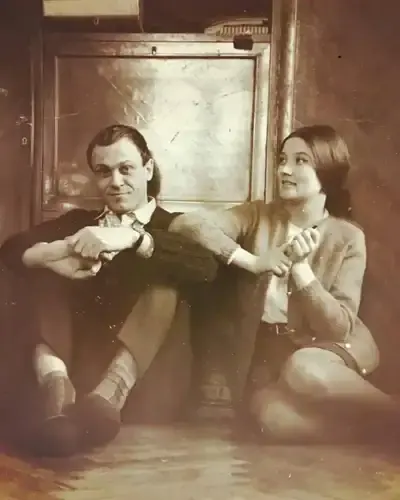
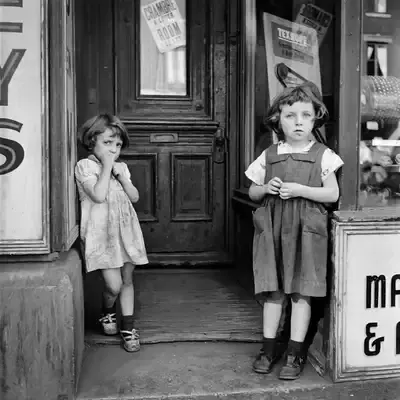
Start here with portraits and archive shots. Examples: “The person breathes gently and blinks slowly, gaze stays on the camera.” “Slight shoulder movement, small shifts in expression, the camera does not move.” The features are not rebuilt, so the face is less likely to drift. The Bring a Photo to Life template uses this kind of wording: natural breathing, slight head turns and eye movement.
Expression: a smile, a glance, a head turn
“The corners of the mouth lift into a soft smile, the eyes narrow slightly.” “She turns her head toward the camera and smiles.” “The gaze drops, then rises again.” Ask for a soft smile rather than a wide one: a big grin reshapes the lower face and pulls it away from the photo. Smile and Wave builds on this step, adding a slow, gentle wave after the smile.
Surroundings: wind, leaves, light
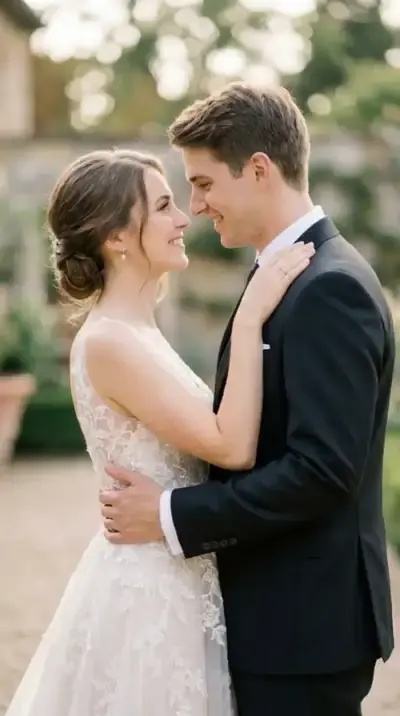
Motion around the person adds life without touching the face. “Wind moves the hair and the fabric of the dress, the background stays still.” “Leaves sway behind them, sunlight flickers through the branches.” “Steam rises from the cup.” Wedding Memories in Motion mixes both layers: a light breeze in the veil or hair and flickering sunlight next to slow smiles and blinks.
Camera: a slow push or a pan
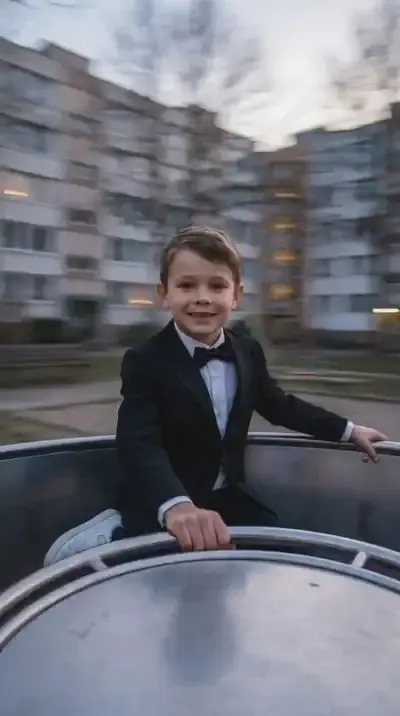
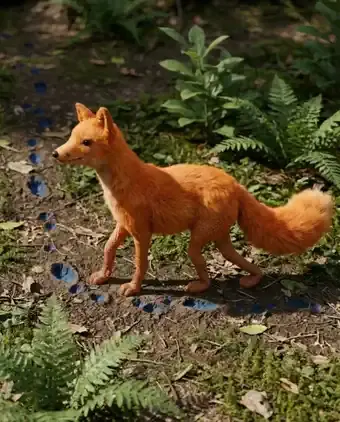
“Slow push in toward the face.” “Smooth camera move from left to right, subject stays centered.” Pick either an active camera or a complex action from the person, not both: the model tends to manage only one of them. When the camera stays put, the background can carry the motion, as in Playground Carousel Spin, where a static shot holds the person while the carousel turns around them.
What not to ask for
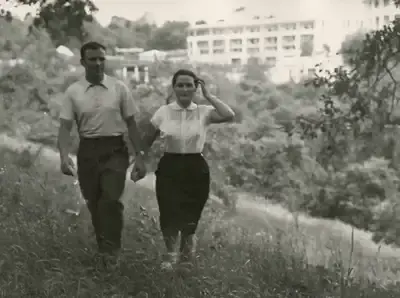
Long chains of actions, several people doing different things, fast dancing, or a big camera move paired with a big gesture all push the model to redraw the face. Add a line that pins the look: “keep the facial features, age and proportions unchanged.” For old family prints, repair the damage first and animate afterwards, since motion on a damaged frame makes scratches and creases stand out.
Ready-made templates


FAQ
Where do I paste an image to video prompt?
Paste the text into Create video next to your photo and pick a model from the list, for instance Kling 2.6 or Veo 3.1. If one of the animation templates already matches the movement you want, open it instead: the motion is written into it, so you only upload the picture.
Do prompts written for Gemini work here?
Usually yes, because motion wording is not tied to one tool. Phrases like “slow push in” or “gentle breathing, eyes blink” read the same to any video model. Run the prompt once, look closely at the face, and trim the motion if it drifts.
Why does the face start to change during the clip?
Most often the prompt asks for too much movement. Cut it back to breathing, blinking and a small change of expression, drop the camera move, and add a line asking to keep the features and age unchanged. A sharp, evenly lit photo helps as well.
Can I animate a photo with several people?
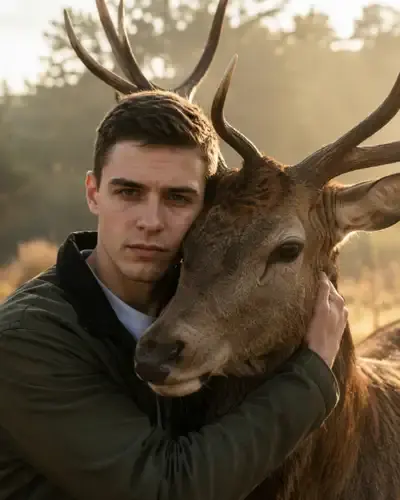
Yes, with one shared motion for the whole group rather than separate actions for each person. Warm Embrace, for example, has the people move closer and hug slowly. Everyone in the shot should have agreed to it, and pictures of celebrities or strangers are not for this.
How long is the clip, and what does it cost?
Each clip lasts a few seconds, which is plenty for natural motion; the exact length depends on the model. Every run spends stars, and the price in stars is displayed before you begin. A newly verified account starts with five stars; for more, see Pricing.