AI Video Prompts: Real Examples and How to Write Them
AI video prompts are the scene descriptions a model turns into a clip. Their precision decides most of the result: the same model gives mush from a vague line and a usable shot from a clear one.
Turn your prompt into a videoReady in minutes · Free templates every day
The examples here are taken from templates in the MarketVideo catalog, not invented for the occasion. Run a template as it is, or borrow its structure on Create video and rewrite the details for a scene of your own.
The structure of a working prompt
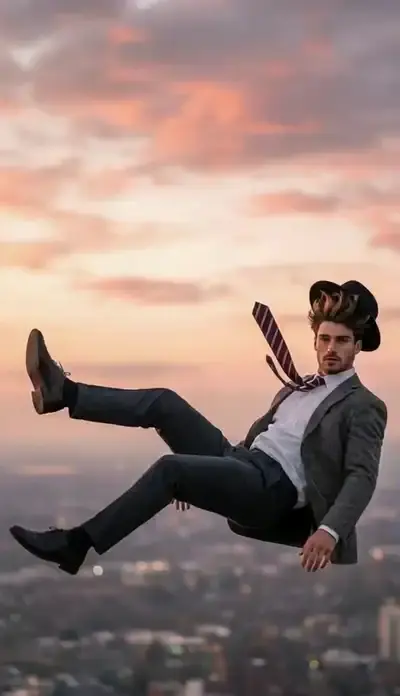
Five parts cover nearly every shot: the subject (who is in frame), the action (what happens), the camera (how it moves), the light (time of day, source) and, for models that render audio, the sound. A falling-scene template in the catalog shows how little it takes: slow motion, a slow-motion effect, the person falls downward, natural falling movement. Four short sentences, no wasted words.
Prompts that bring a photo to life
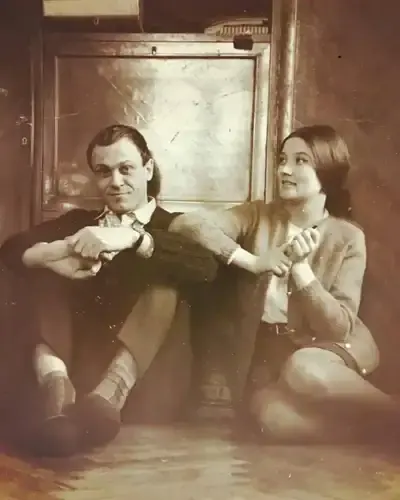
When a still only needs to breathe, the prompt can be very short. The photo-animation template in the catalog asks for little more than gentle movement, natural breathing, small head turns and realistic eye movement. Extra detail tends to hurt here, because the model starts inventing gestures the photo never suggested.
How to keep the face from drifting
The most common complaint is that the model drifts away from the person in the photo. The fix is a direct instruction near the start of the prompt: keep the appearance and clothing of all characters, do not change the face. Catalog templates that recreate film-style scenes open with lines like these, which helps the hero stay recognizable.
Cinematic AI video prompts: camera and light
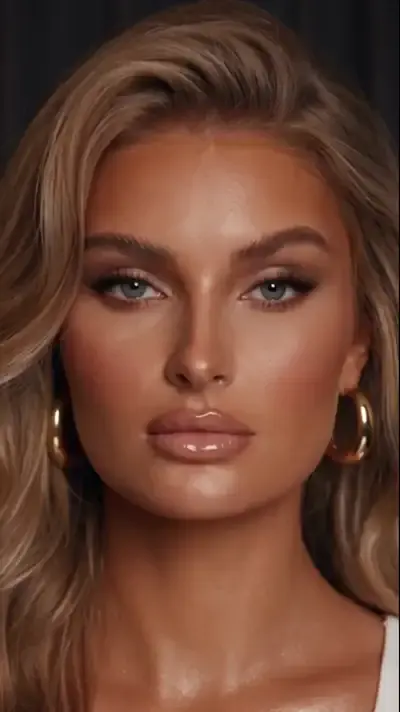
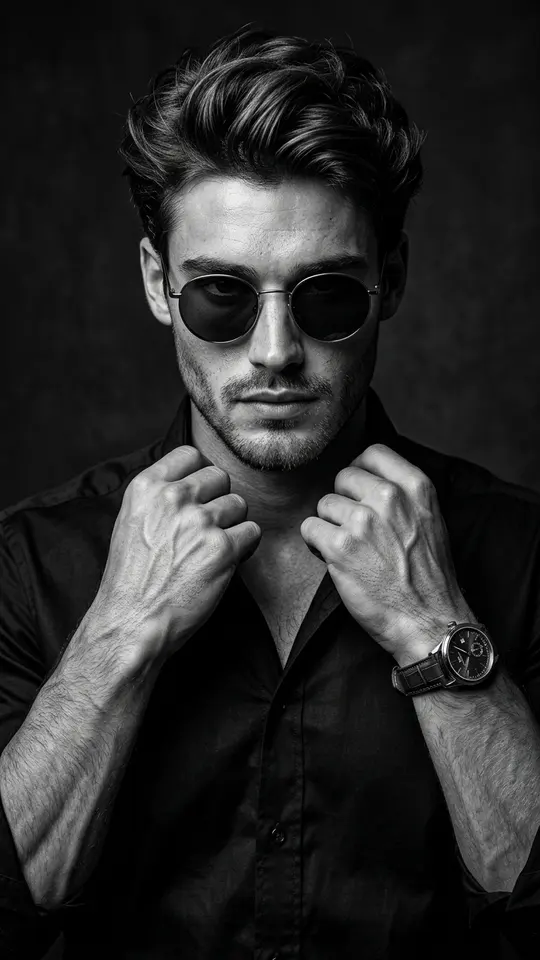
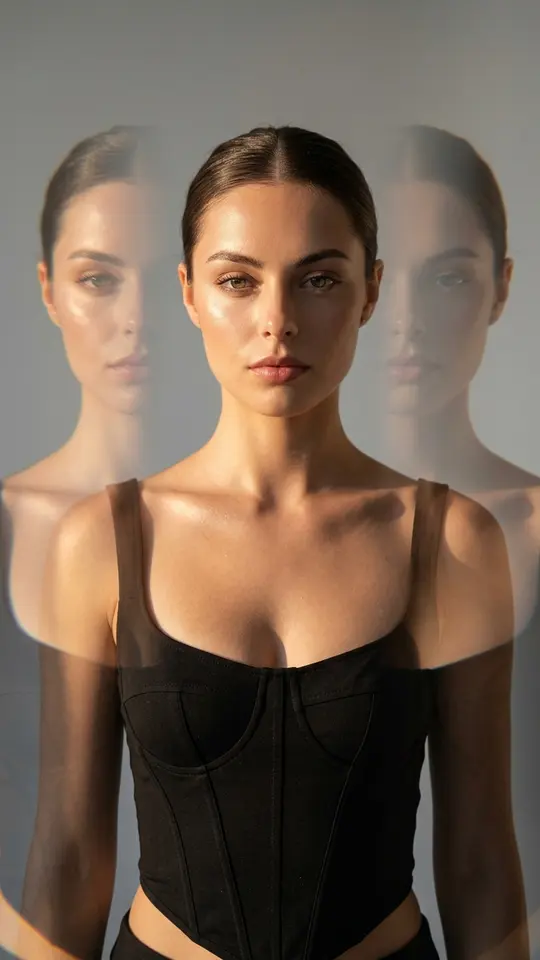
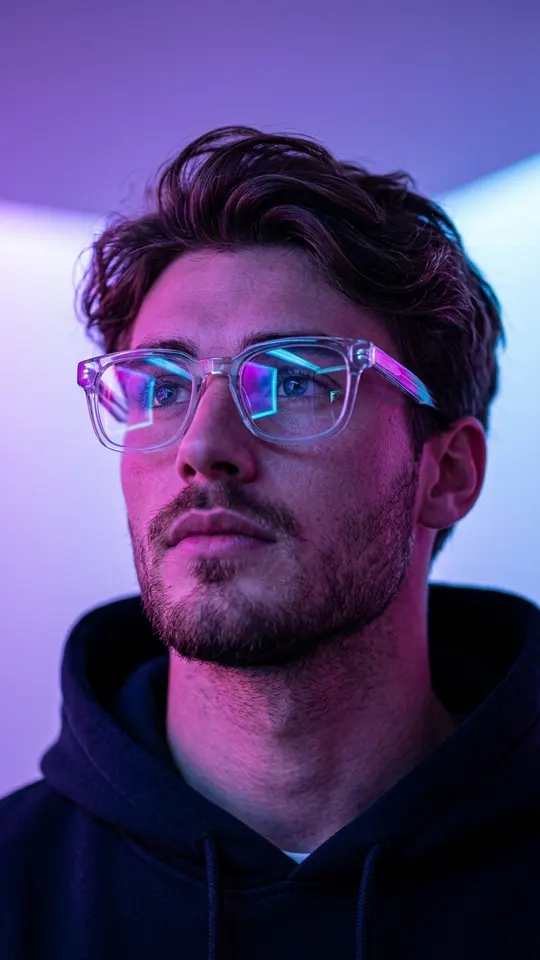
Cinematic wording is mostly camera and light vocabulary. Name the shot size (extreme close-up, medium shot, wide), the move (static camera, slow push-in, orbit, fly-through) and the light (golden hour, neon, low-key noir). Templates such as Frozen Moment Fly-Through, Extreme Close-Up Gaze and Luxury Noir Portrait show what each of those terms looks like on screen.
One scene per run
A prompt that describes three scenes at once usually comes back as a muddle, because a model builds one scene per run best. Split a longer story into separate shots and generate them one by one. Kling 3.0 is the exception worth knowing: it handles multi-shot scenes, so a prompt for it can describe a short sequence of shots.
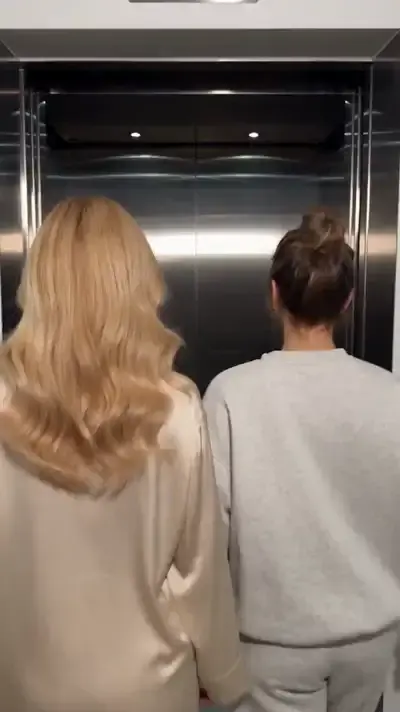
Ready-made templates

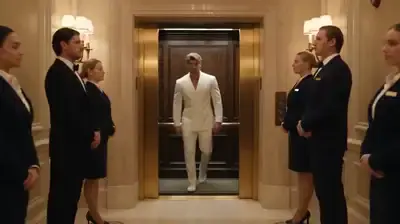
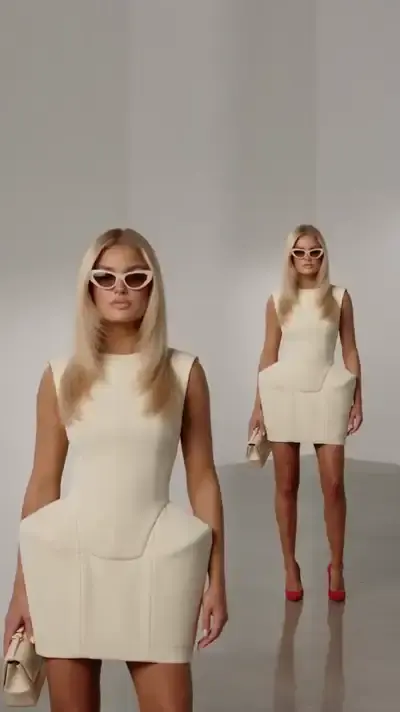
FAQ
Is there an AI video prompt generator?
Templates do that job: each one already contains the scene, the style and the camera move, so you only supply the photo it requests. When nothing fits, Create video takes your own wording; start from the five-part structure above and change one part at a time between runs.
Why does my prompt give the wrong result?
Usually the prompt asks for too much: several scenes, conflicting details or a vague subject. Cut it to one subject, one action and one camera move, then add light and mood. If the face keeps changing, put the keep-the-face line first.
Should a prompt include length or format?
No, those are not prompt material. A template already fixes them along with the scene and camera move, and on Create video the words are better spent on what happens in the frame and how the camera sees it. The star cost shows up before you start either way.
Can I write prompts in plain everyday English?
Yes. Models respond better to clear, concrete sentences than to strings of buzzwords. Film terms such as slow motion or static camera are handy shortcuts because each means one specific thing, but a plain description of the movement works as well.