AI Video Maker: From an Idea to a Finished Clip
This AI video maker turns an idea into a finished clip with sound: pick a ready-made scene and add your photo, or type a prompt, choose a model and let it build the shot.
Make an AI videoReady in minutes · Free templates every day
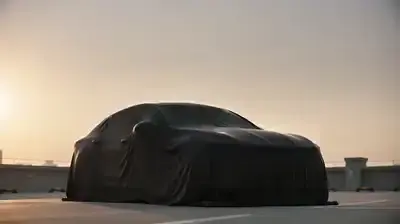
Shots that would normally take a film crew are a few clicks away: a hero walking calmly away from an explosion, a dragon over the rooftops, a monster truck jumping through snow, a luxury car slowly revealed. The finished file downloads to your device and also stays in your account history.
Two ways to make an AI video
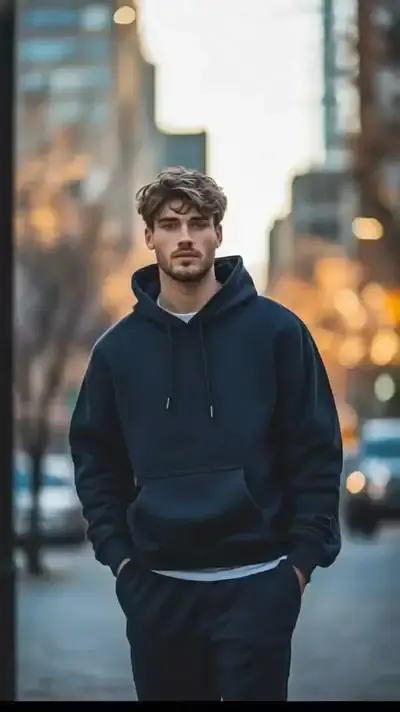
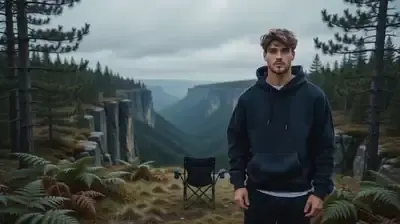
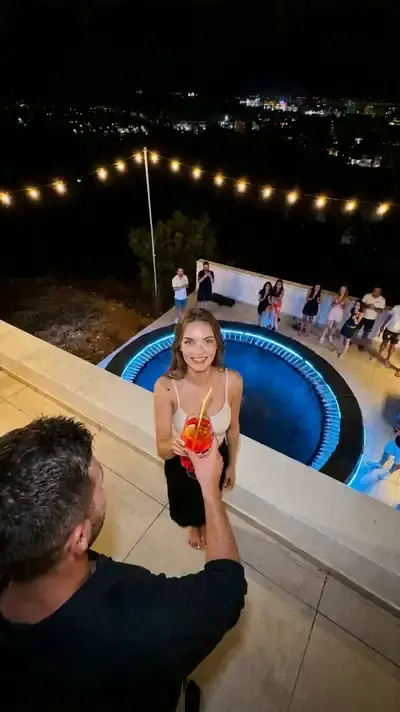
Templates are the fastest: everything from the setting to the camera path is preset, and you only upload the photos the card asks for. Walking Away from the Blast, Dragon Awakening and Luxury Car Reveal all work this way. For an idea of your own, open Create video, describe the shot and pick a model; attach a photo when a particular face or object should appear in it.
From text or from an image
A prompt works best when it reads like a shot list: who is in the frame, what happens, where the camera is and what the light is like. Starting from an image gives the model your own face, product or place to build on. Kling 3.0 can tell the idea in several shots. Otherwise, run the same prompt through Seedance 2.0 and then through Veo 3.1 and keep the version you prefer.
Realistic, anime and other styles
The same idea can come out as photoreal footage, a cartoon or anime. A template fixes the style for you, as Anime Transformation does, while in a prompt you simply name the look you are after. Making two or three versions of one scene is the quickest way to find the one that fits.
Free to start, paid in stars
Browsing the catalog needs no account. To generate, register with your email; after confirming it you get 5 stars to spend. Some templates show a “Free today” badge and cost nothing until their daily quota of free runs is used. Every scene and model lists its star cost up front, and when the balance runs low, the Pricing page offers plans and single packs.
What you end up with
A ready video file that plays like anything you filmed on your phone. Videos usually take a few minutes to generate, more when the queue is long, and you can watch each one in your history, download it and post it wherever you like. Change a word in the prompt or replace the photo, and the next run gives you a fresh take on the same idea.
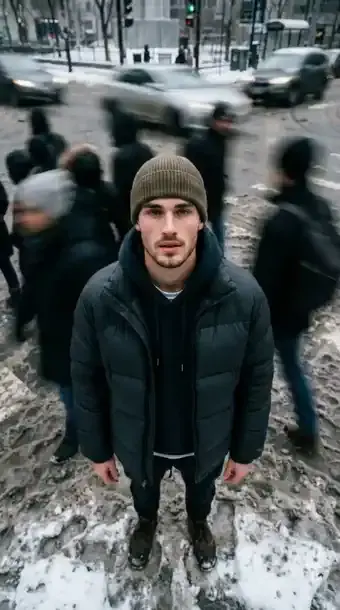
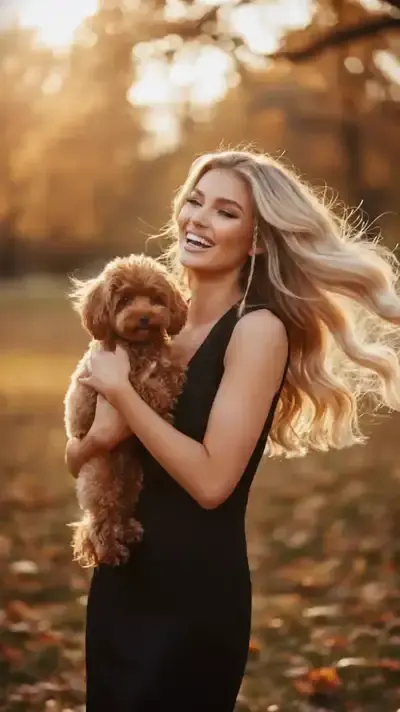
Ready-made templates


FAQ
Can I make an AI video without signing up?
You can browse every template and its preview without an account. Running one takes a free account, and the email you register with has to be confirmed first; the same account keeps your finished videos and star balance together.
Are there things I can't make?
Yes. Real celebrities and public figures, impersonating anyone, fake documents and sexual content are not allowed, and photos of other people need their consent. Pictures of kids are fine within your own family.
Can I make an AI video from a text prompt only?
Yes. On Create video a description alone is enough, and photos are optional. Describe the subject, the action and the setting in a sentence or two, choose a model and glance at its star cost before running it.