AI Prompt Examples for Images and Video, Side by Side
Here are AI prompt examples sorted by what they produce. A still image prompt spends its words on light and composition, while a video prompt adds what moves and how the camera follows it, so one idea gets written two different ways.
Write an image promptReady in minutes · Free templates every day
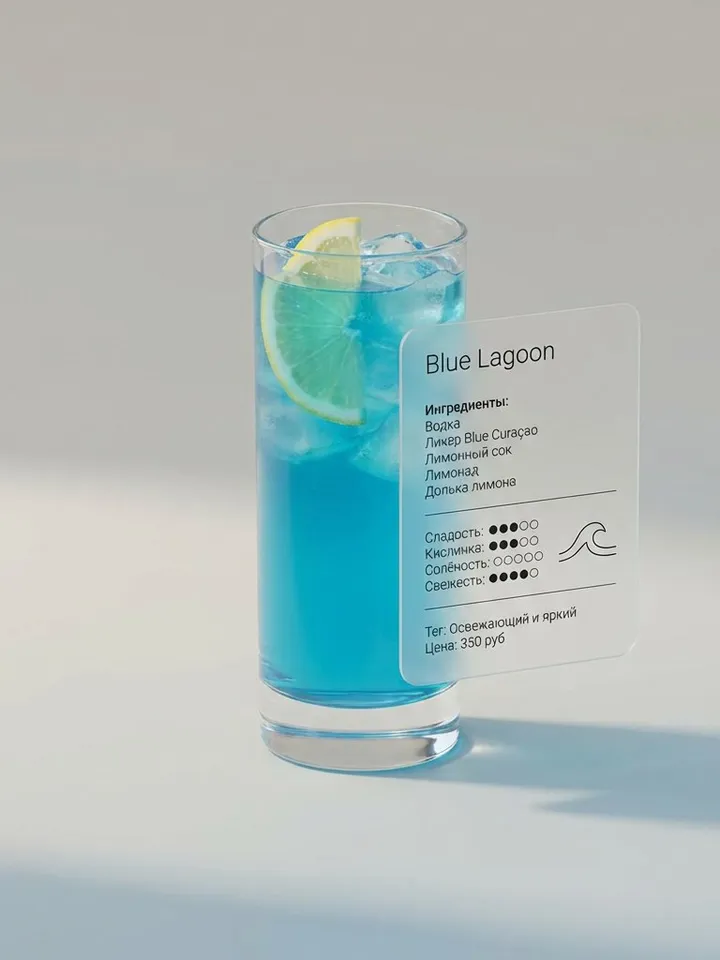
Any example below can be pasted into Create photo or Create video on MarketVideo and run as written, or adjusted to your own subject. The template cards in the grid hold longer prompts built on the same structure, already paired with a model.
Image prompt examples: light first, then the frame
A still picture has no time in it, so the words go to what the eye reads at once: subject, surface, light direction and where things sit. Example one: "A ceramic vase with dry wheat stalks against a whitewashed wall, morning light through blinds, striped shadows across the wall." Example two: "A city street at night after rain, neon signs reflected in puddles, shot from pavement level."
Video prompt examples: what moves and where the lens goes
Video adds two kinds of motion, the subject's and the camera's, and a good prompt names both. "The camera slowly circles a cup of coffee on a table, steam rising, shallow depth of field." "A woman looks back over her shoulder and smiles, wind moves her hair, the camera stays still." Ask for a complex camera path or a complex action, not both: models tend to deliver only one.
Photo editing prompt examples: say what stays
Once a photo is attached on Create photo, the prompt changes job and describes the edit instead of a whole scene. "Keep the person, pose and face unchanged, replace the background with a quiet beach at sunset, warm side light." "Turn this photo into a colored pencil drawing, keep the composition, soft pastel tones." Naming what must stay matters, because anything left unnamed is open to change.
One idea, two formats: a car at sunset
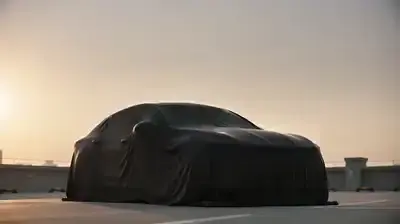
As an image: "A dark sports car in an empty parking lot at sunset, low angle, long shadows, warm rim light on the paint." As a video: "A matte cover slides off a dark sports car in a parking lot at sunset, the camera tracks slowly along its side." The still version spends its words on light and angle. The clip version spends them on the reveal and the camera path.
Limits worth knowing before you run
These examples cover pictures and clips only: MarketVideo has no audio-only output, so prompts written for songs or speech have nowhere to run. Whatever a prompt leaves out, the model picks for you, from lighting to pacing, and identical text gives a different result on each run. Faces in uploads must be your own or of people who gave you permission.
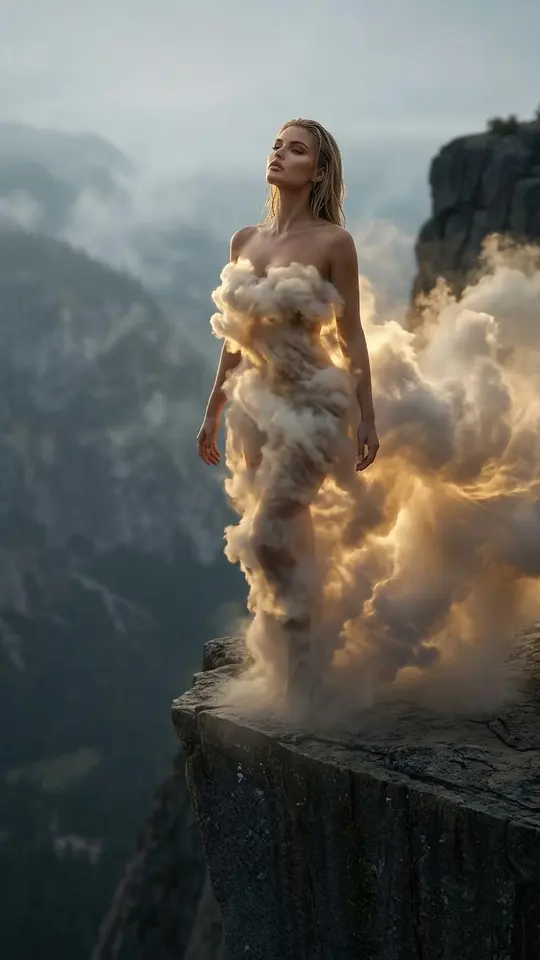
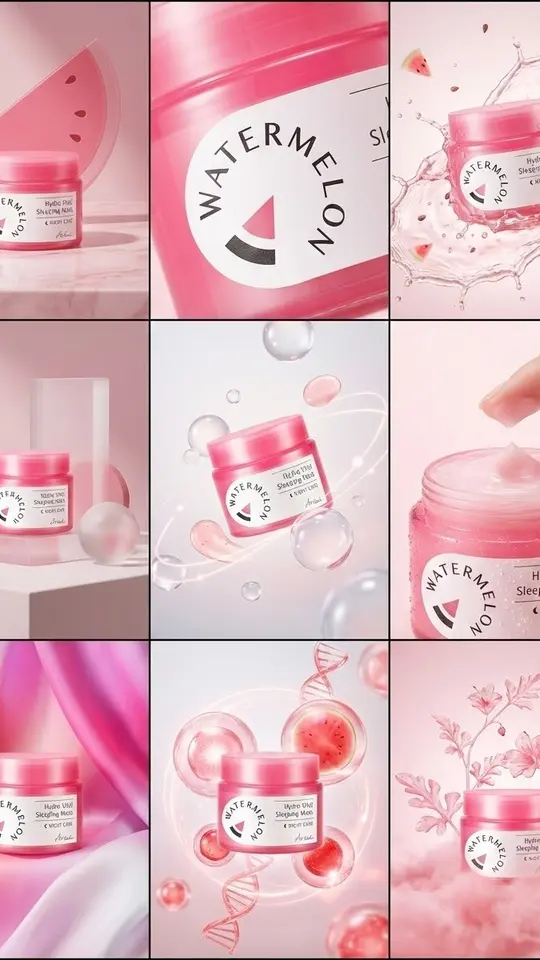
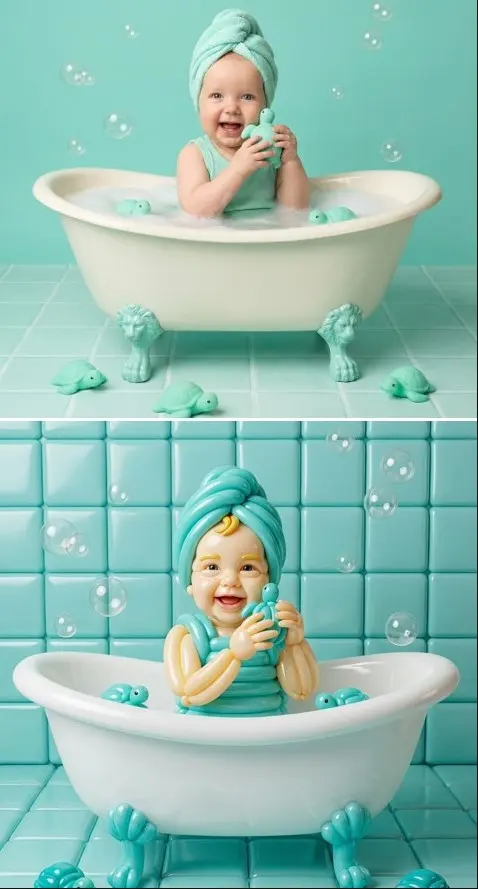
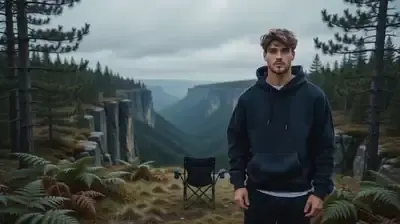
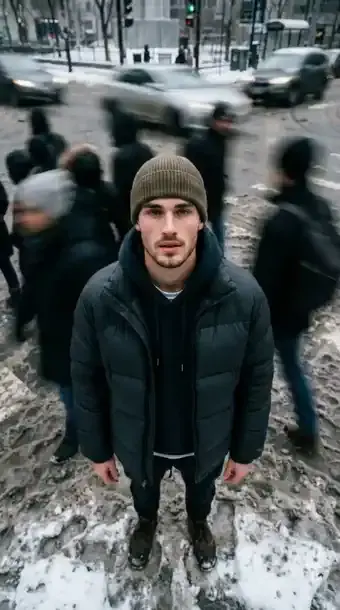
Ready-made templates

FAQ
Can one prompt work for both a photo and a video?
Usually only partly. A photo prompt leaves out movement, so a video model given it tends to return a nearly frozen shot. Add what moves and what the camera does, then trim some light and texture detail to make room.
Should the model name go inside the prompt?
There is no need. On Create photo and Create video the model is picked from a list before the run, for example Seedance 2.0 for a clip or Seedream 4.5 for a still, so the text can stay about the scene.
Are these AI prompt examples free to use?
Copying and editing the text costs nothing. Running it requires signing up and confirming your email, which adds 5 stars to the balance. Some templates also get a daily free allowance, marked on the site; beyond that, runs spend stars, and top-ups live on the Pricing page.
Why does the same prompt give a different result each time?
Every generation starts from scratch rather than repeating the last one, so small shifts in pose, light or timing are normal. Run it again, or pin down the detail that drifted by naming it more precisely in the text.