AI Prompts for Photo Editing: Copy-Ready Wording
These AI prompts for photo editing each handle one job: removing an object, swapping the background, changing clothes, fixing light or retouching skin. Every line also names what has to stay as it is.
Edit a photo with a promptReady in minutes · Free templates every day
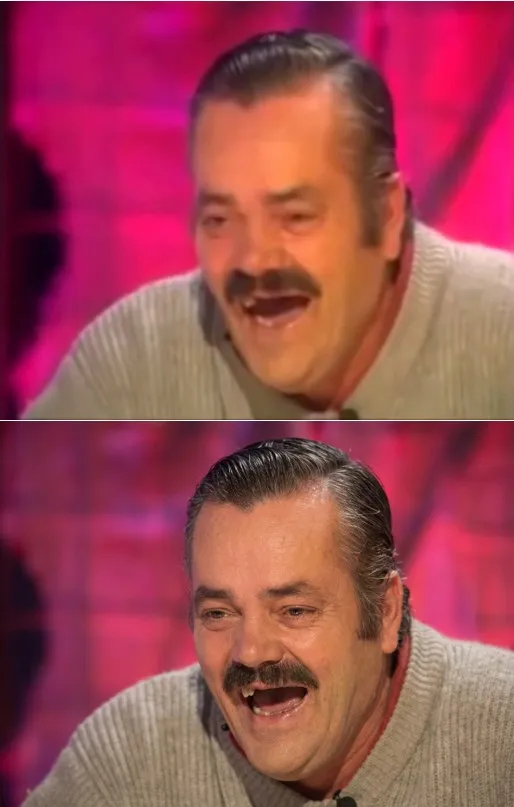
Editing differs from generating because the picture already exists and most of it should survive. Copy a line, swap in your own details and run it on the Create photo page with your image attached. A model like GPT Image 2.5 redraws the whole frame, so the part about what stays untouched does real work.
Prompts to remove an object
"Remove the man in the blue jacket on the left and fill the gap with the surrounding street." "Delete the trash can in the lower right corner along with its shadow." "Erase the power lines above the roof and continue the sky as a smooth gradient." State what the object is and its position; a vague request to remove clutter lets the model decide for you.
Prompt to change the background
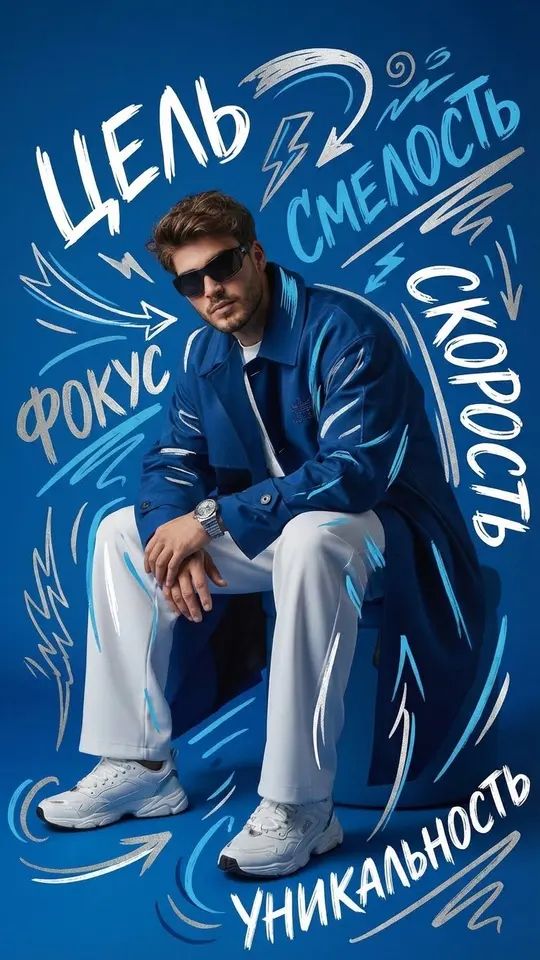
"Replace the background with plain light gray studio paper and keep the light on the person as it is." "Move the person to a beach at sunset and match the direction of light to the new scene." "Blur the background and keep only the figure in the foreground sharp." The blur is the gentlest of the three, since nothing new has to be invented behind the subject.
Prompts to change clothes, hair and makeup
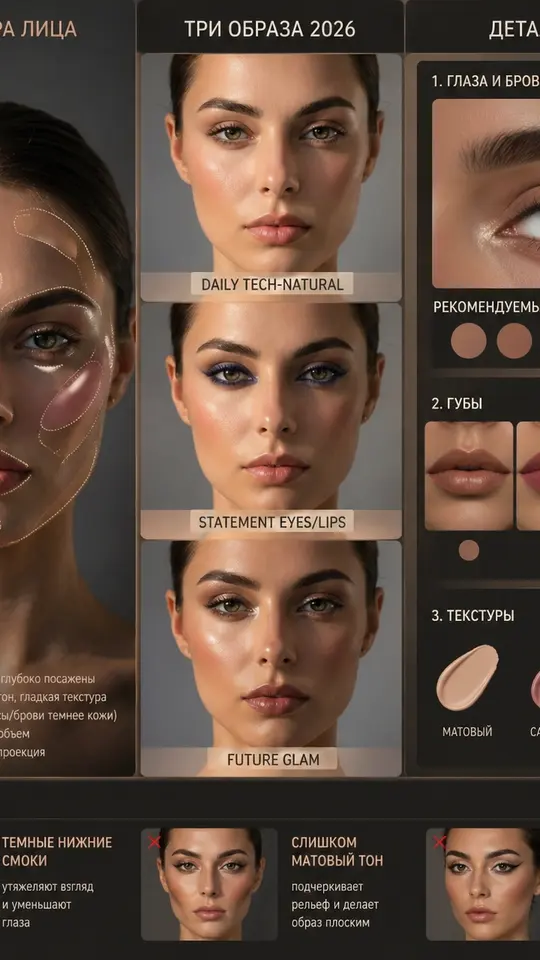
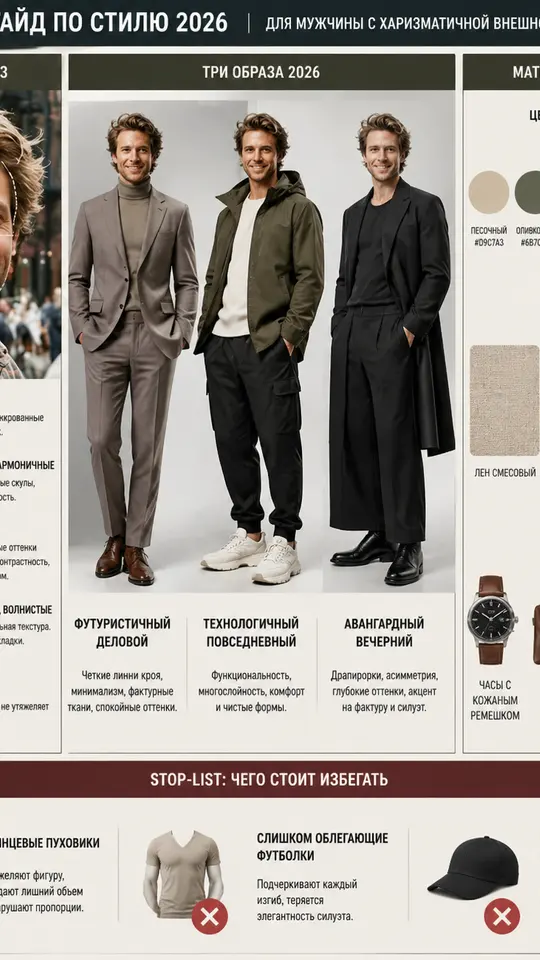
"Change the T-shirt to a white collared shirt and leave everything else unchanged." "Gather the hair into a low bun and keep the hair color." "Add evening makeup focused on the eyes without altering the facial features." Those closing clauses are not filler: the image is rebuilt from scratch, so anything you do not protect in words may drift.
Light and color fixes
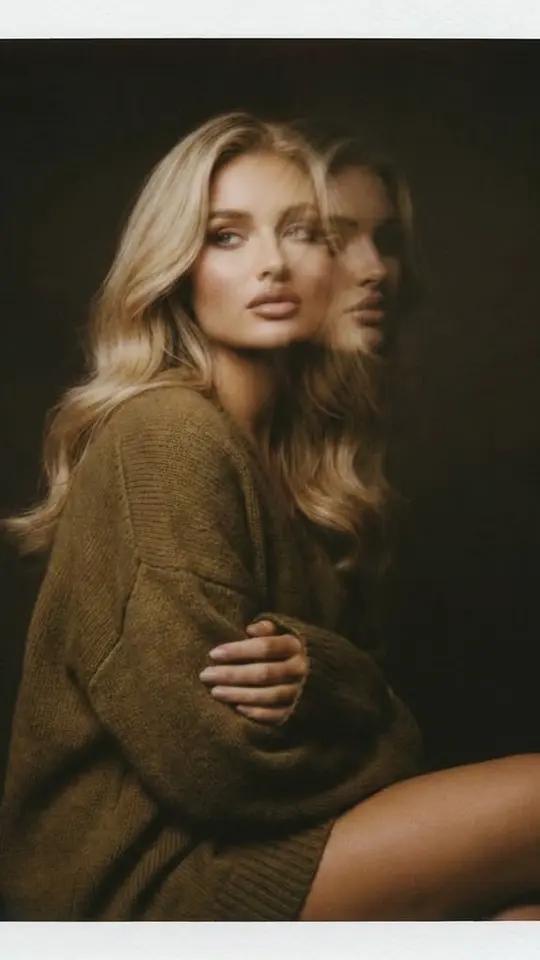
"Add soft side light from the left and lift the shadows under the eyes." "Give the photo a warm evening tone with softer shadows." "Tone down the shine on the forehead and cheeks while keeping real skin texture." Light prompts land better when they point to a direction or a spot on the face instead of asking for a nicer look in general.
Retouch prompts that keep the face real
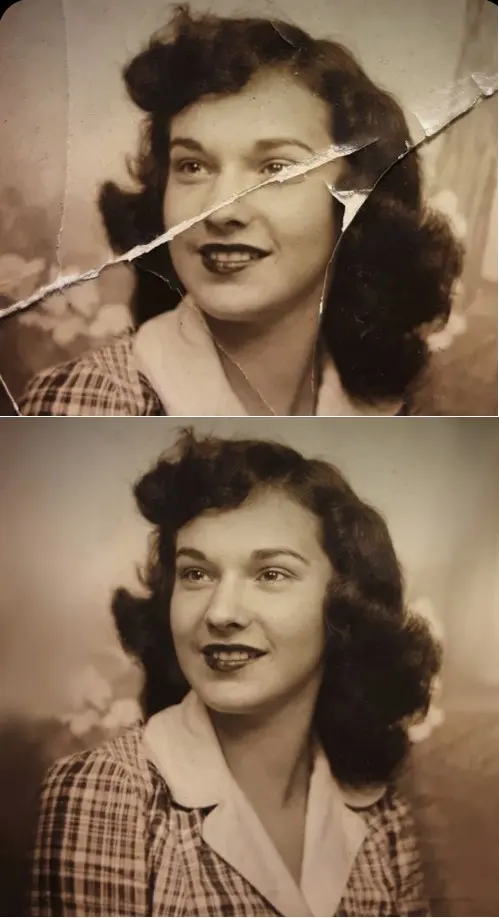
"Smooth the skin slightly but keep pores and texture, sharpen the eyes, correct the white balance." "Reduce small blemishes and leave moles, freckles and the face shape untouched." The Photo Restoration template in the grid is built the same way: its prompt lists gentle smoothing that retains pores, balanced exposure and better color tone, then sets limits on what may change.
Several fixes: one per run, biggest first
When a picture needs many fixes, go from large to small: background and framing, then objects, then color, with fine detail last. Use each result as the source image for the next prompt. Asked for five edits at once, a model tends to carry out only some of them, and doing detail work early means redoing it after every bigger change.
Ready-made templates

FAQ
Will the face change when I edit the background?
It can, because the model rebuilds the whole picture rather than cutting the person out. Add a line such as "keep the face, hairstyle and expression exactly as in the original" and look at the result side by side with your upload before keeping it.
Can I ask for several edits in one prompt?
You can, but models often apply only part of a long list and quietly skip the rest. Two related changes, such as background plus light, usually hold together; anything beyond that is more reliable as separate runs on the previous result.
Is my original photo overwritten?
No. Your upload stays as it was, and the edited version arrives as a new image you can save as an ordinary file. It also remains in your account history, so earlier versions are easy to find when you want to start over.
What do photo edits cost?
Every edit spends stars from your balance, with the amount displayed ahead of the run. Verified new accounts begin with five stars, some templates are free on certain days within a daily allowance, and the Pricing page covers topping up.
Can I edit photos of other people?
Edit pictures of yourself, or of friends and family who gave their consent. Celebrities, strangers and anything that fakes a document are off the table, and children belong only in your own family photos.