ChatGPT Photo Editing Prompts: Ask, Refine, Avoid Refusals
Good ChatGPT photo editing prompts ask for one change at a time and say where it goes: swap the background, remove a wire from the sky, widen the frame downward.
Edit your photoReady in minutes · Free templates every day
Chat editing is a conversation rather than a single finished prompt. You upload a picture, ask for a change, look at the result and ask again. Below: how to phrase the first request, how to correct it in later turns, why faces trigger refusals, and how to run the same kind of edit with GPT Image 2.5 on the MarketVideo Create photo page.
Make the first request specific
The opening message sets the whole edit. Name a single change and the area it touches, then list what must stay. For example: replace the background with plain light gray and leave the person and clothing as they are. Or: remove the cables across the top of the frame and fill the sky to match. Or: turn the shot vertical and add space below the feet.
Refine the result, not the request
Follow-up turns should correct what came back instead of describing the picture again: the background is too dark, make it two shades lighter; the shadow on the right is extra, remove it. A full rewrite tends to start the image from scratch, so the earlier version and its good parts can be lost.
Why ChatGPT refuses to edit faces
The chat is cautious with photos of recognizable people and often declines to change a face, even when the picture is your own. It also tends to refuse brand logos and copyrighted characters. Arguing rarely helps. A steadier approach is to change the task: edit the background, lighting or clothing and leave the face alone.
The form route with GPT Image 2.5
MarketVideo has no chat. On Create photo you attach your picture, write the instruction, pick GPT Image 2.5 or another photo model and start the run. To refine, download the result, attach it again and write the next correction as one short instruction. Each run is a separate generation, so results differ slightly between tries.
Templates when the edit is already written
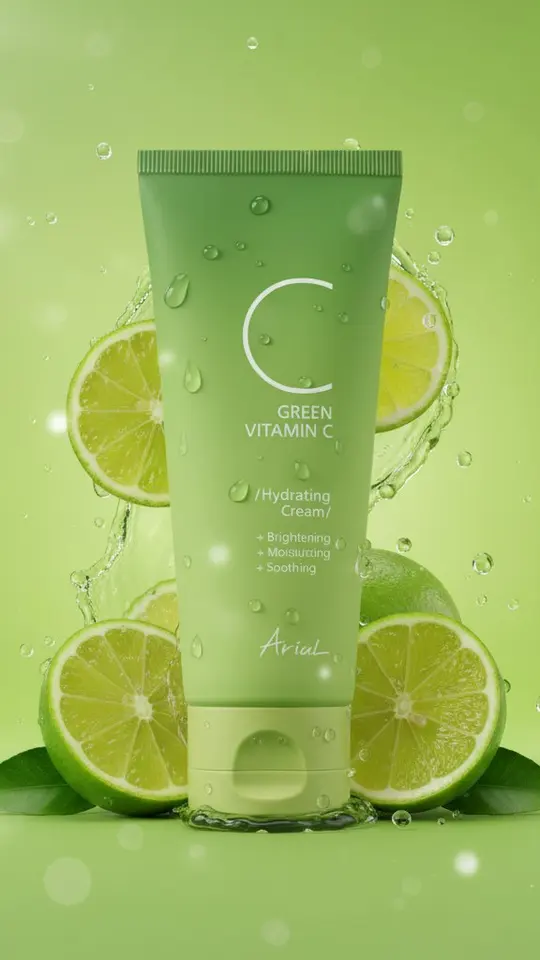
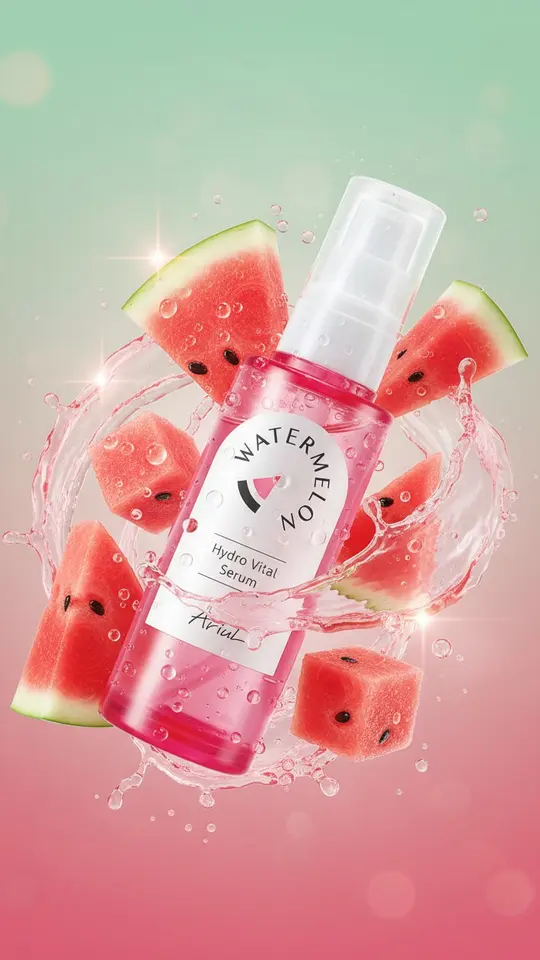
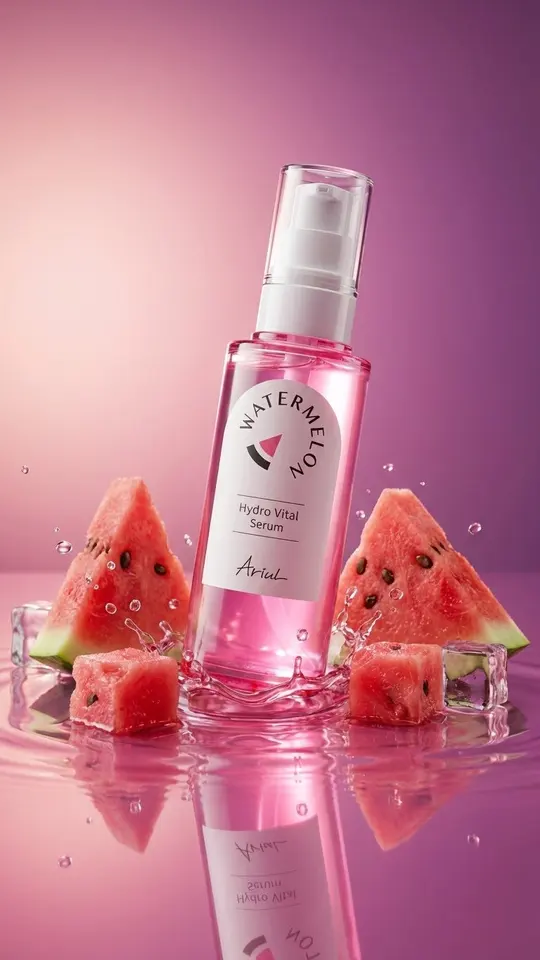
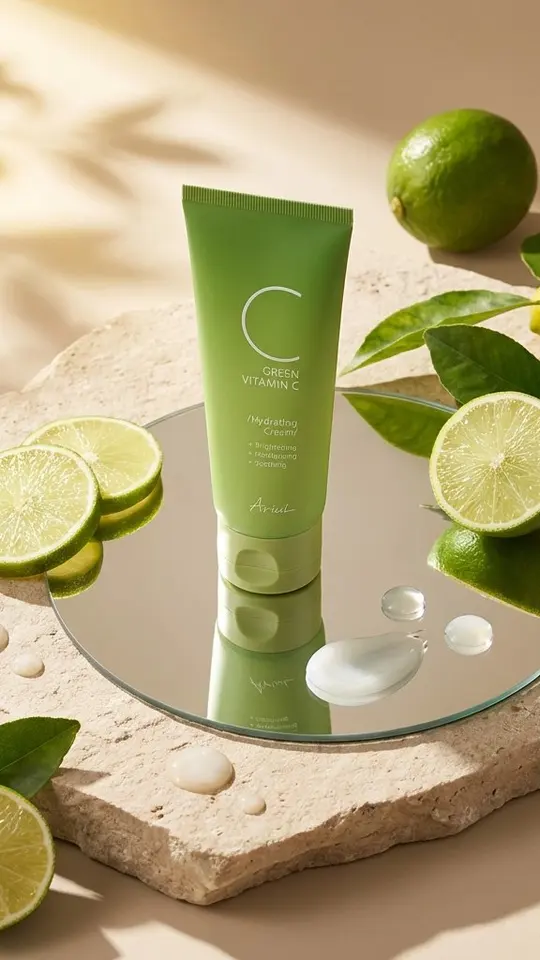
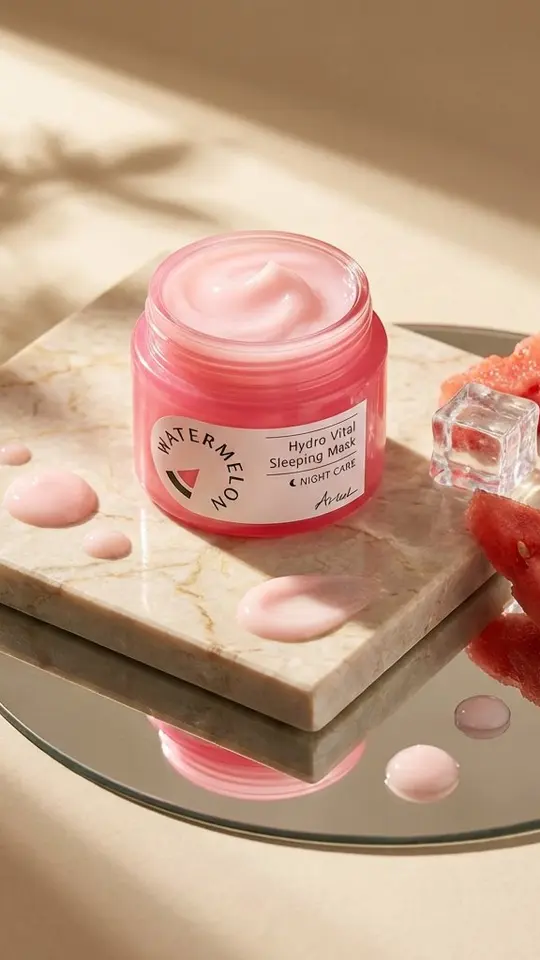
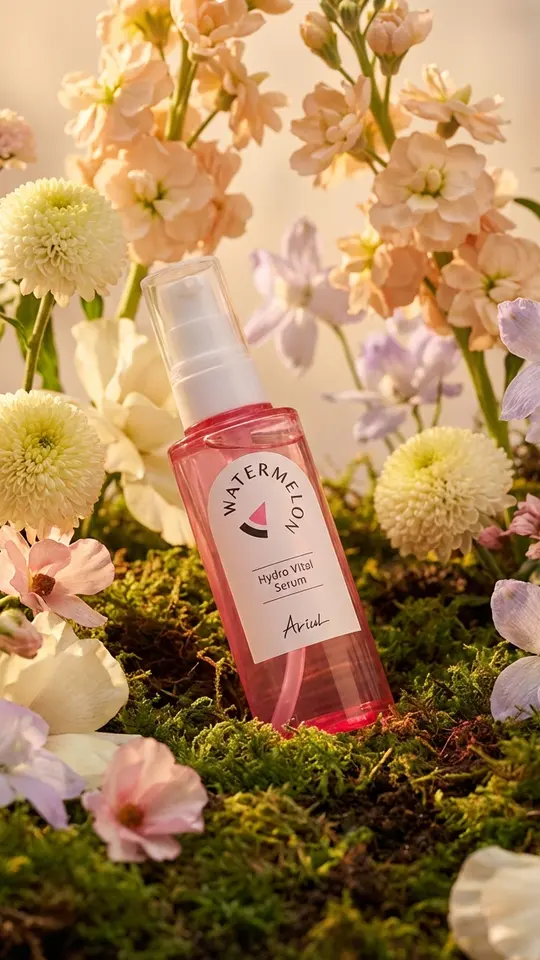
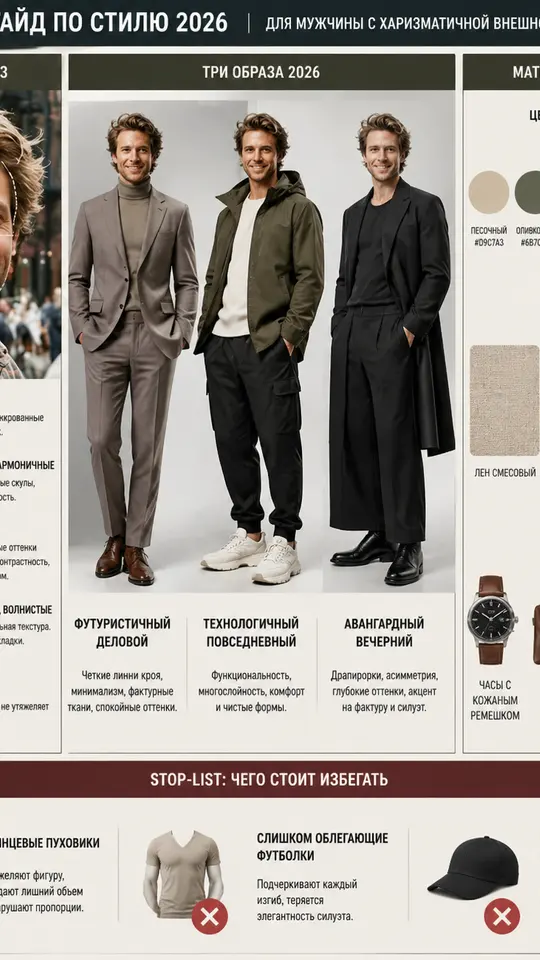
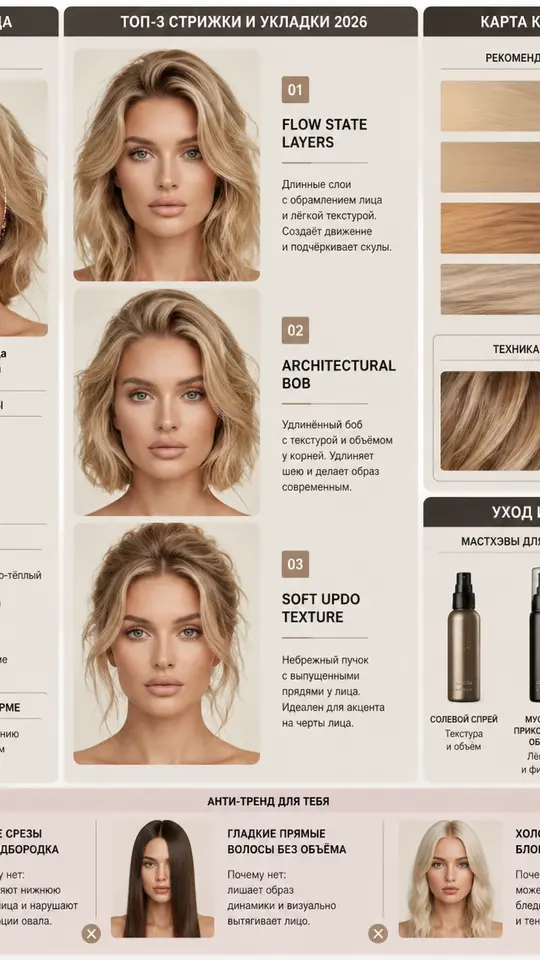
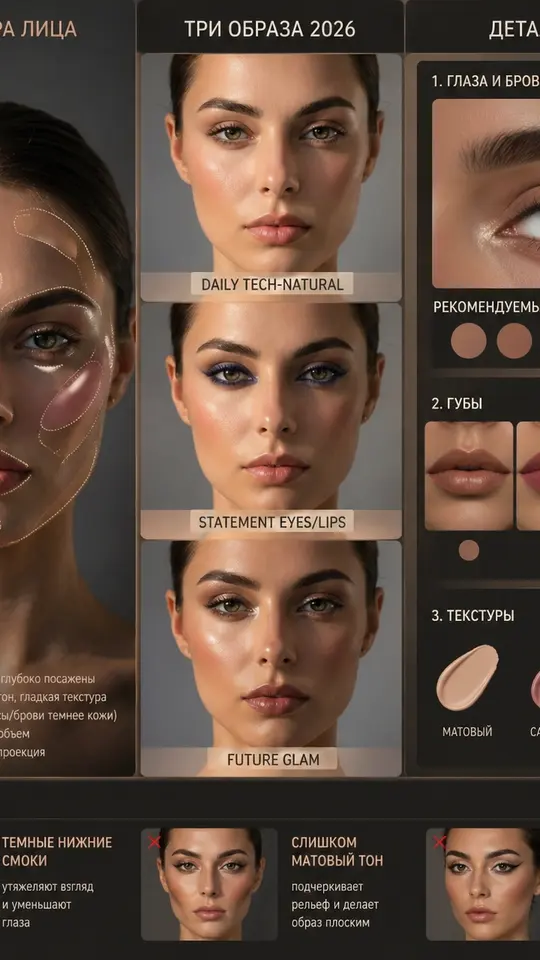
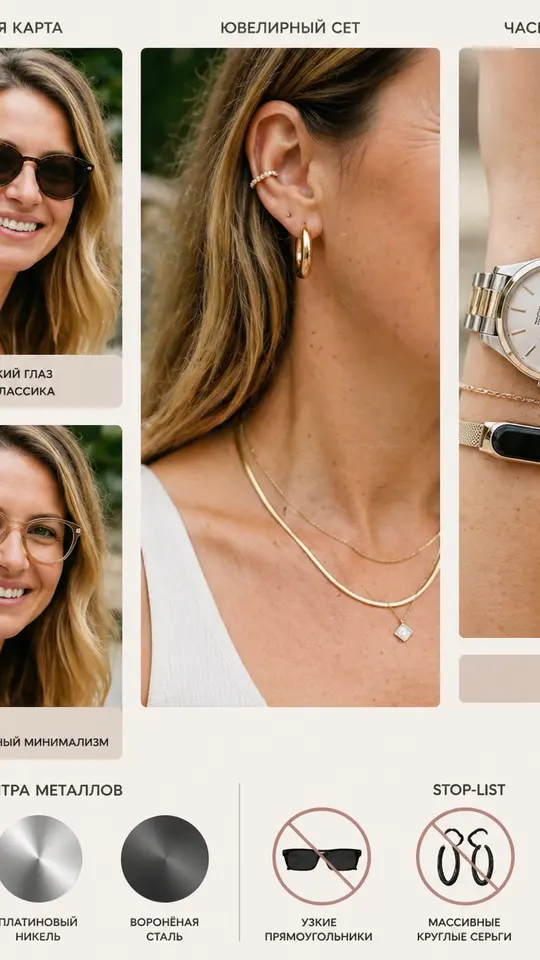
Product cards in the grid keep the uploaded jar or bottle unchanged and build a new scene around it: lime slices and splashes, watermelon on a pink liquid mirror, a stone or marble slab, moss in golden light. Four stylist cards run on GPT Image 2.5 and turn a portrait into a hairstyle, makeup, style or accessories guide.
Ready-made templates
FAQ
Why does ChatGPT refuse to edit faces in my photo?
Chat image editing is strict about recognizable people, so face changes are often declined even on your own picture. Background, light and clothing edits usually go through. Here, upload only your own photos or ones whose subjects gave consent; public figures and strangers cannot be used.
Can I keep editing the same picture over several turns here?
Not as a conversation. Each run on Create photo starts fresh from what you attach and write. To continue, download the finished image, attach it as the new source and describe only the next correction.
What makes a good ChatGPT photo prompt?
One change, its location and a list of what stays. Plain sentences beat long keyword strings. If the result misses, correct one detail in the next message rather than rewriting everything, and keep amounts concrete, such as two shades lighter.
What does an edit on MarketVideo cost?
Edits draw on a star balance. A newly registered account receives five stars after email confirmation, every template and model displays its price in stars before launch, and templates marked Free today offer a capped count of no-cost runs daily. Plans and star packs for topping up are on the Pricing page.