GPT Image 2: OpenAI's Image Model for Detailed Prompts
GPT Image 2 is OpenAI's image model line, available on MarketVideo in its newer version, GPT Image 2.5. It follows long instructions point by point, where many generators keep only the two or three loudest details.
Create an image with GPT Image 2.5Ready in minutes · Free templates every day
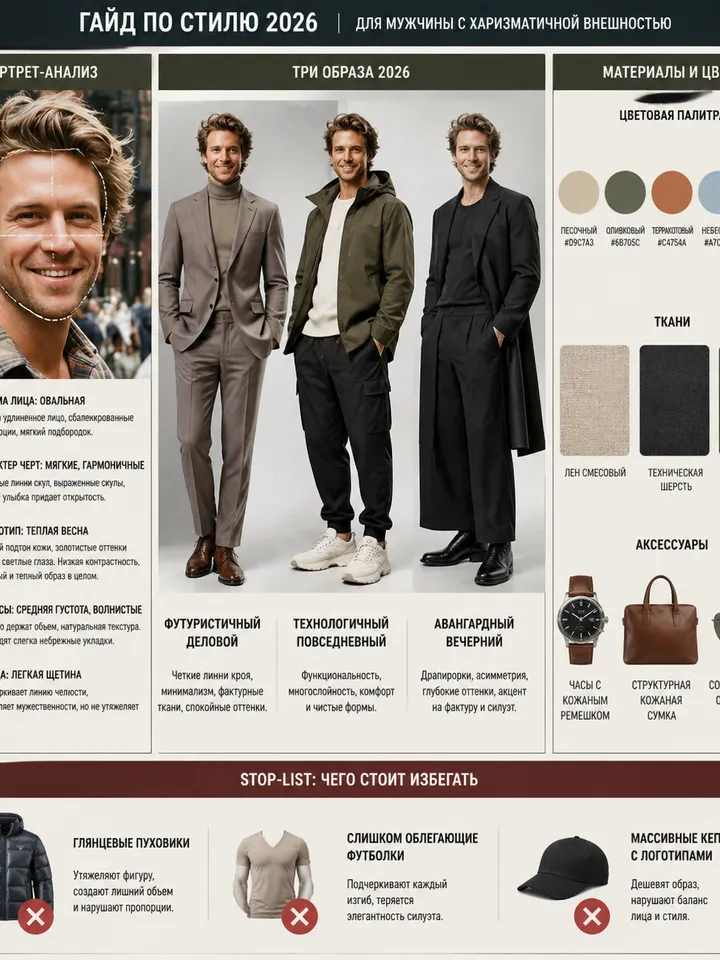
That makes it the engine for jobs where precise execution matters more than a photoreal face: personal style guides built from one selfie, posters with a name or number in the frame, and stylized portraits with a dozen conditions at once. Use it through the templates below or write your own prompt on Create photo.
Style guides from a single selfie
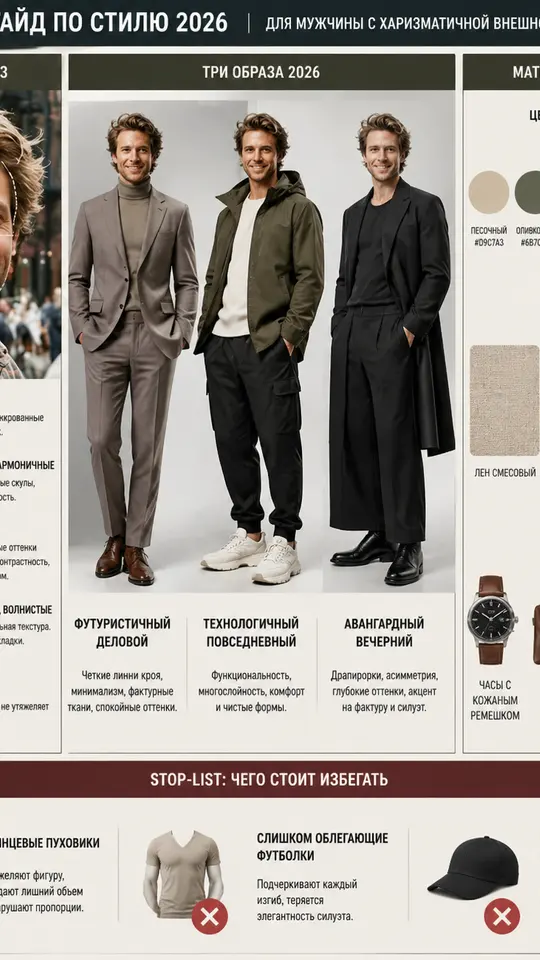
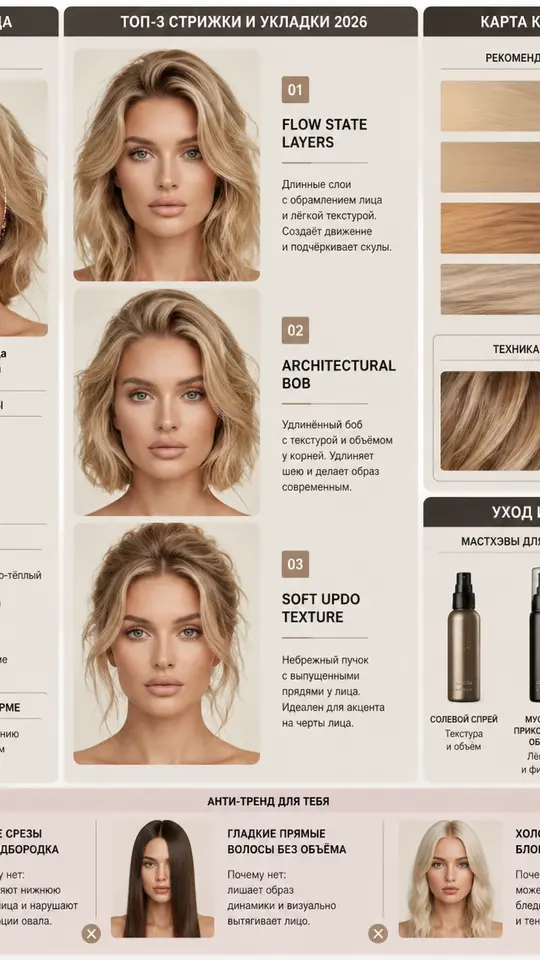
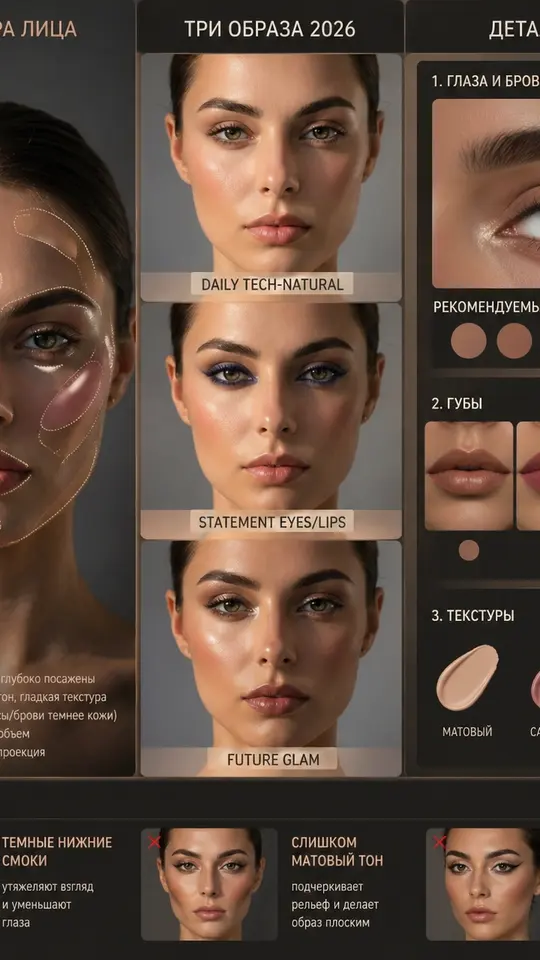
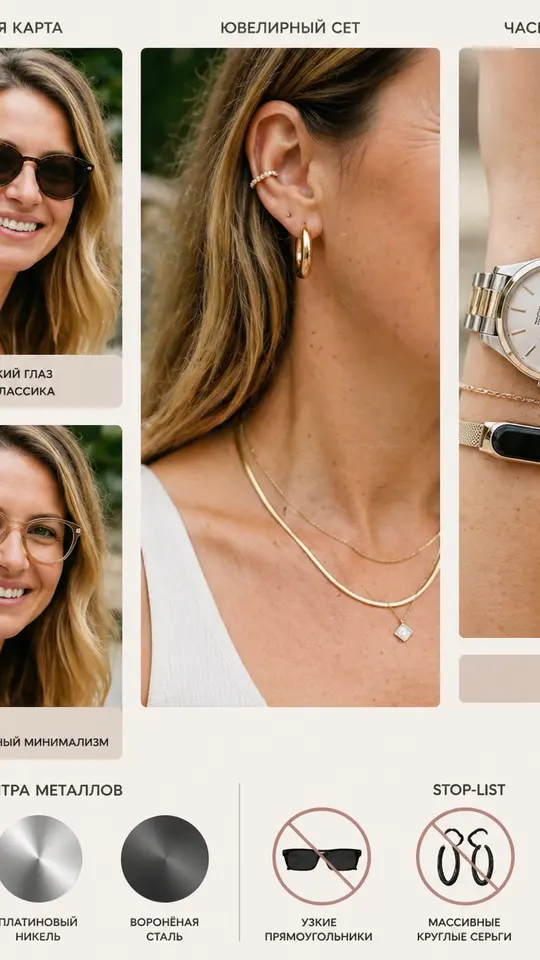
Four guide templates in the grid are long briefs. Your Personal Style Guide has the model read face shape, line character and color type, then lay out a style infographic. The hairstyle, makeup and accessories guides do the same for haircuts and hair color, makeup, and eyewear with jewelry. Each one is a checklist the model has to follow in full.
Text inside the frame
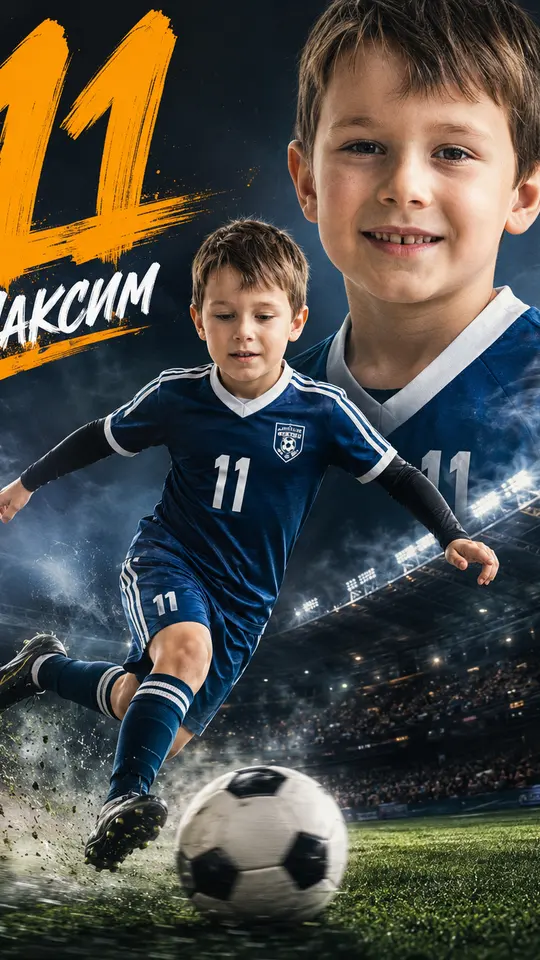
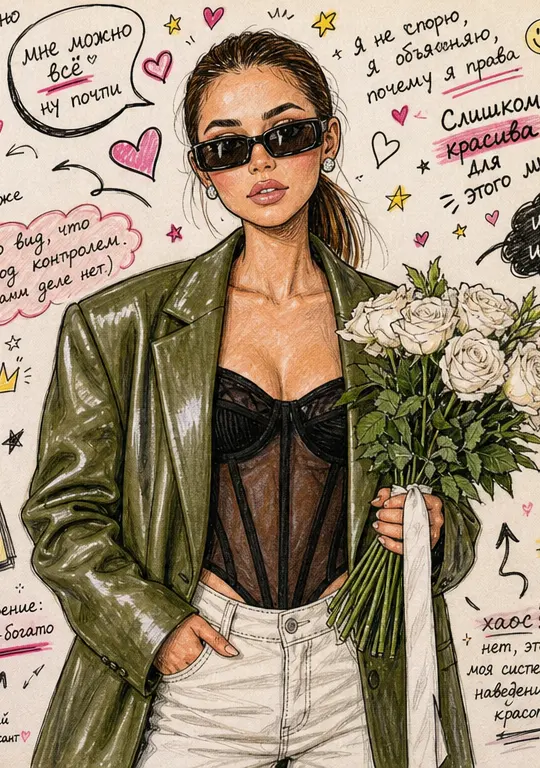
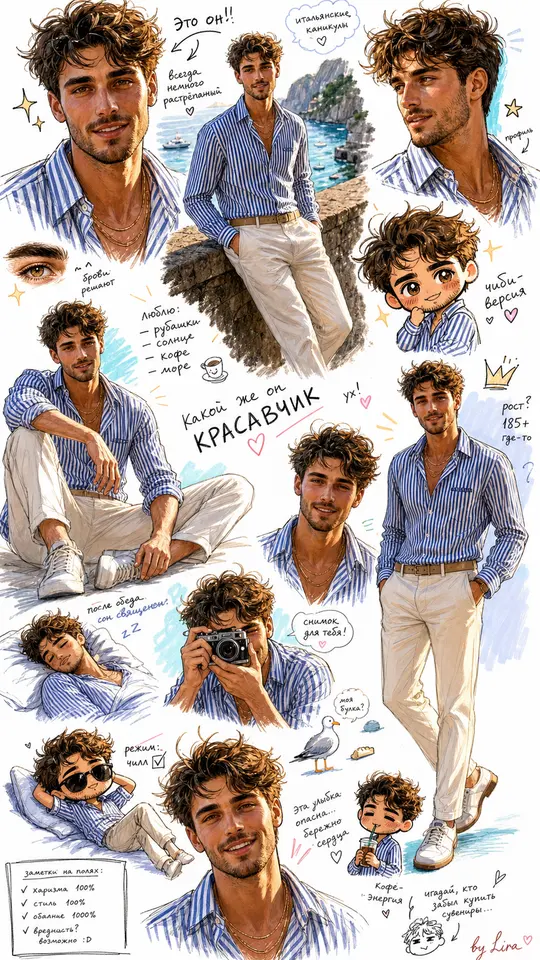
Letters trip up most image generators, and this model handles them better than many. No model guarantees perfect spelling, but short captions such as a name, a number or a poster title come out readable more often. Junior Football Star Poster asks for a kit with the number 11, and Marker Doodle Sketchbook scatters handwritten notes around your portrait.
Stylization with many conditions
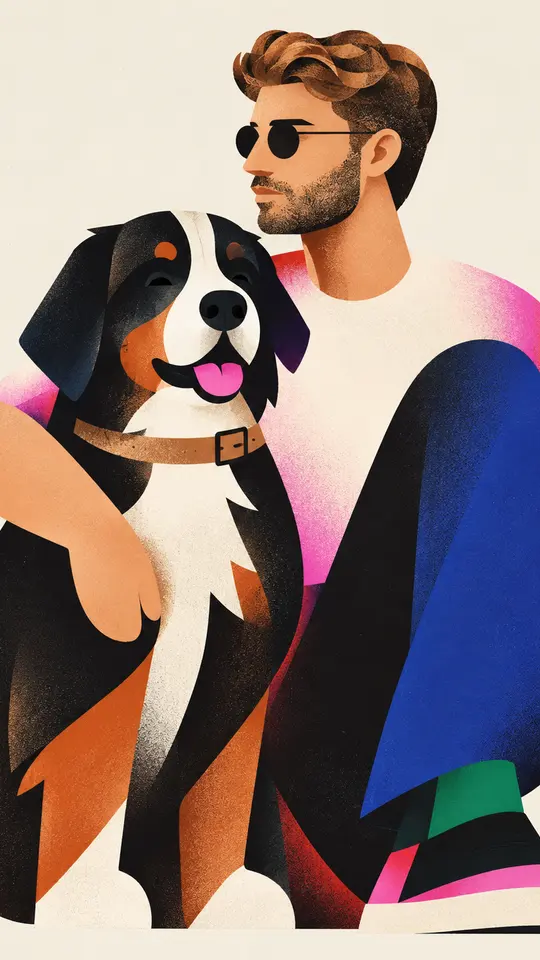
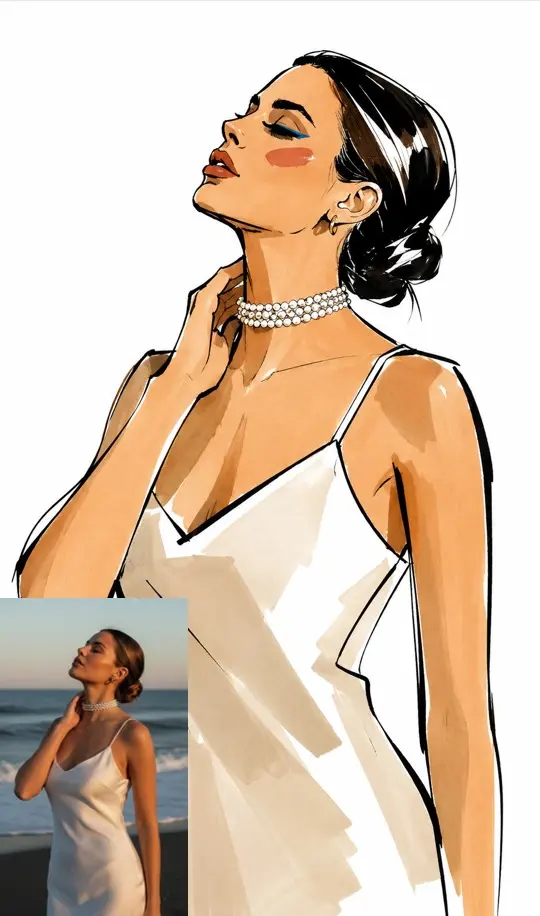
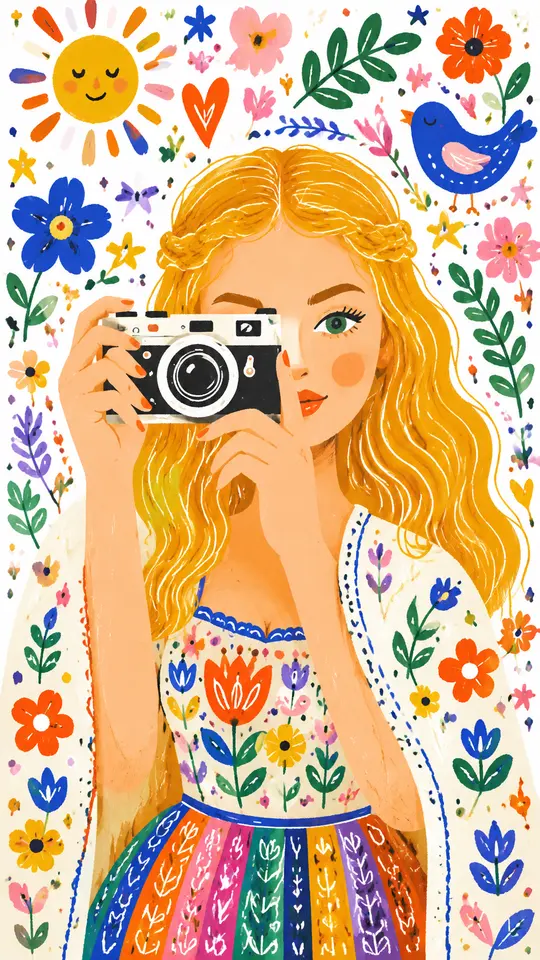
Ink fashion sketch, folk illustration, flat character poster, an illustrator's sketchbook page: here the target is a recognizable drawing technique, not photorealism. High-Fashion Ink Sketch asks for elongated proportions, bold black contours and loose brush strokes while keeping your features. Whimsical Folk Illustration trades the original palette for bright flat shapes on white paper.
Writing your own prompt
On Create photo, choose GPT Image 2.5, attach a photo if the result should start from one, and describe the picture as a list: pose, objects, palette, style, format, and any words that must appear. A list makes it easy to see which point held and which needs another try. Change only the conditions that missed, then run it again.
Where another model fits better
GPT Image 2.5 is tuned for following a description, not for exact likeness. When a portrait has to look as close to you as possible, Nano Banana is usually the better pick, and Create photo lists the other photo models next to it. The guide templates return a generated picture with suggestions, not a consultation with a real stylist.
Ready-made templates
FAQ
Is this the same model as in ChatGPT?
It comes from OpenAI's GPT Image line. On MarketVideo you reach it directly, with no chat in between: open a template or write a prompt on Create photo and an image comes back. You don't need an OpenAI account, only a free MarketVideo one with a confirmed email.
Can I use GPT Image 2 for free?
Within limits. Once you confirm your email, a new account is topped up with five stars that work on any run. On top of that, a small rotating set of catalog templates is labeled Free today and costs nothing until its daily quota is used up.
How is GPT Image 2 priced here?
There is no separate OpenAI subscription. Each run spends stars, and the exact number is shown on the template or beside the model before you start. To get more, open the Pricing page and choose either a recurring plan or a single top-up pack.
Can it put text in an image?
Short text is one of its stronger points: a name on a poster, a number on a shirt, a heading on a cover. Write the exact words in the prompt and keep them brief. Long sentences or tiny print can still come out with typos, so check the result and rerun if a letter is off.
Will it keep my face accurately?
The templates ask it to preserve your features, and it tries, but exact resemblance is not its main strength. For a portrait where likeness comes first, Nano Banana is the safer choice. The photo should show you, or a person who gave you permission to use it.