AI Prompts: a Ready Library and How a Prompt Is Built
AI prompts are the text you hand a model to get a picture or a clip. Below is a library of ready prompts for photos and video, sorted by task, plus the parts every working prompt is made of.
Create a photo from a promptReady in minutes · Free templates every day
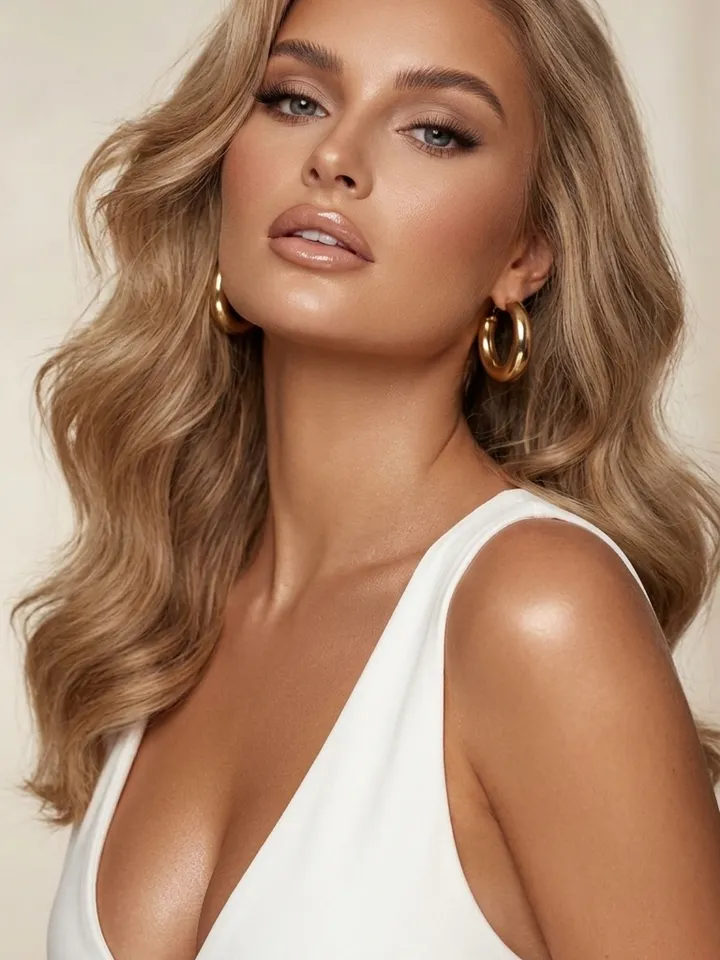
A vague request leaves the model guessing, so two runs drift apart. Text that names subject, scene, light and style gives steadier results. Paste any example into Create photo or Create video on MarketVideo, or open a template where the prompt is already written for you.
Anatomy of a prompt: subject, scene, light, style
Write the parts in this order: subject, action, setting, light, camera angle, style. Example: a porcelain cup of coffee on a marble counter, steam rising, soft side light from a window, shot from above at an angle, food magazine style. All six parts are there. Drop one and the model fills the gap on its own, which means at random.
Ready prompts for product shots
A glass perfume bottle on sand, water drops on the glass, setting sun behind it, backlight, macro. An open box of chocolates on a linen tablecloth, diffused daylight, top view, natural shadows. Sneakers floating in front of a concrete wall, hard directional light, crisp cast shadow, ad shot. Attach your own product photo if the item itself should appear.
Ready prompts for portraits
Three-quarter portrait, soft light from a large window on the left, neutral gray backdrop, natural skin without smoothing. Chest-up shot at sunset, rim light in the hair, blurred city behind. Formal business portrait on a dark background, light from above and to the side, eyes to the camera. Attach your own portrait, or one of a person who has okayed it.
Ready prompts for video
A cyclist rides down a wet street at night, neon reflected in puddles, the camera tracks alongside, slow motion. A cup of tea on a windowsill, steam drifting, snow falling outside, slow push in. Keep each clip to a single action and a single camera move; stack more and the motion turns muddled. Paste the text on Create video and pick a model there.
Say what you want, not what you don't
A model often reads no people in the background as people in the background: the negation gets lost. Describe the result directly instead, such as an empty street at dawn. The same goes for not blurry: write sharp focus across the whole frame, and the model has something concrete to aim for.
What to change when the result misses
Change one condition per run, otherwise you cannot tell what worked. If the composition is off, move the main subject to the start of the sentence. If the look is wrong, name the style outright: photograph, illustration, watercolor, 3D render. If the light feels flat, name its direction and source.
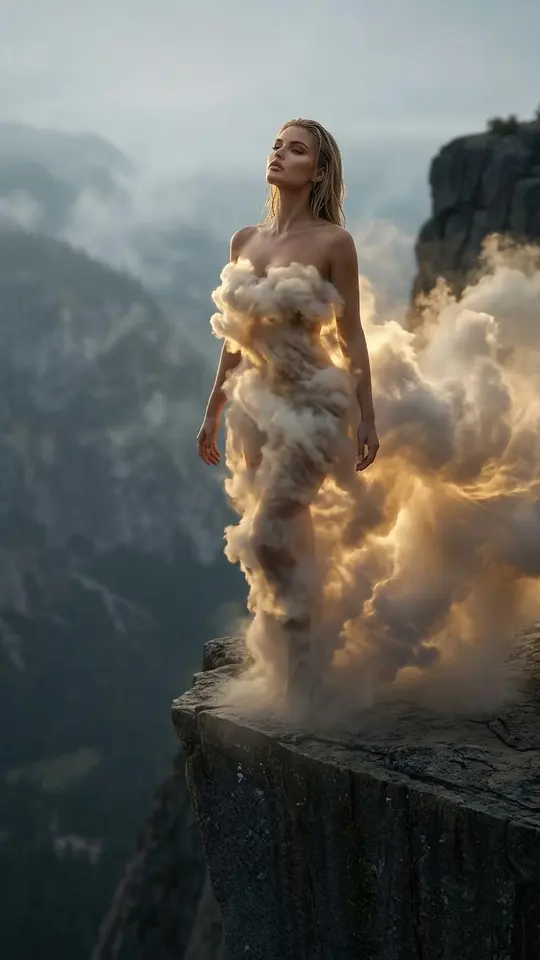
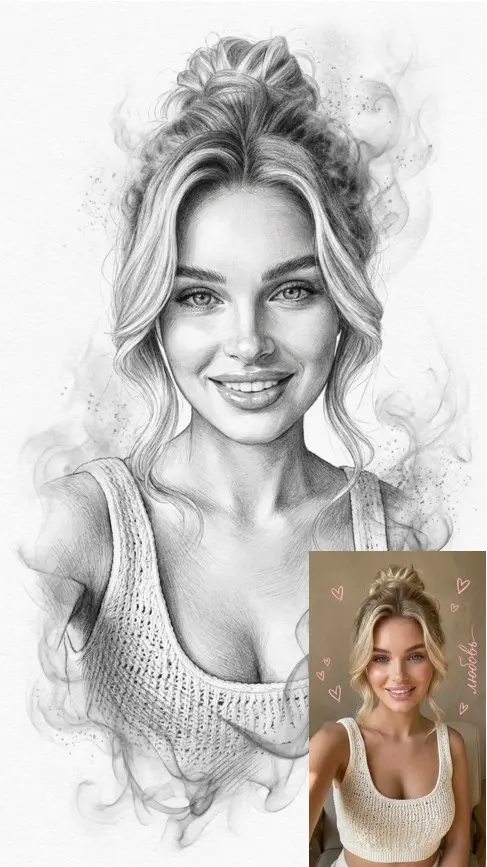
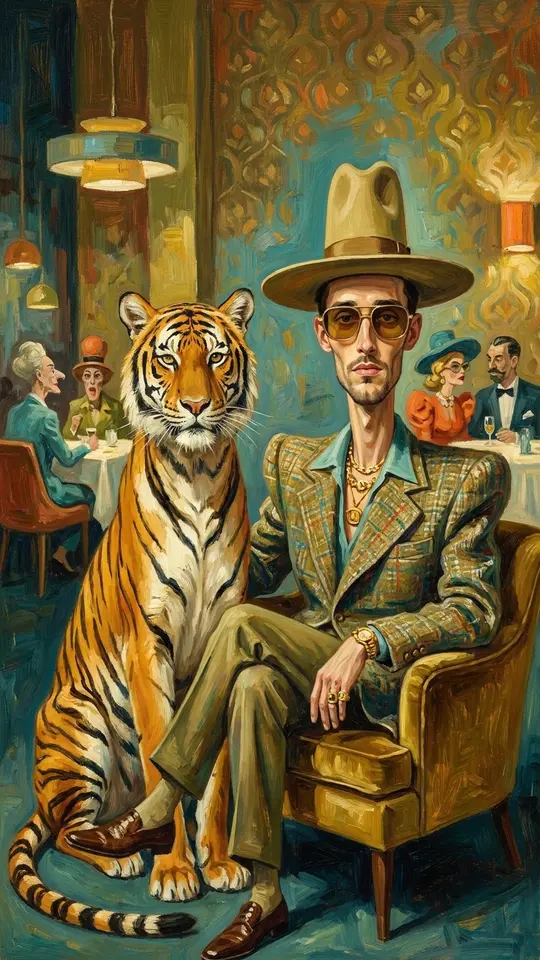
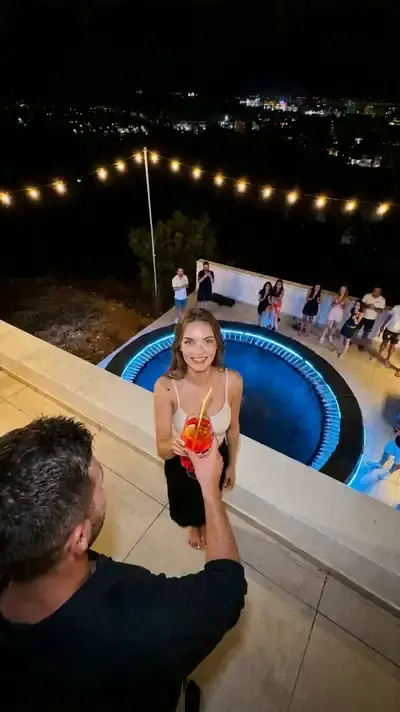
Ready-made templates
FAQ
Is a prompt from this library the same as a template?
Not quite. A prompt from this page is plain text you paste into Create photo or Create video and edit freely. A catalog template bundles a tested prompt with its model and settings, so all you add is the photo it needs.
How long should an AI prompt be?
One or two sentences that name the subject, the setting and the light usually do the job. Past that, extra detail adds less and less, and long lists of conditions can start pulling against each other.
Why does the same prompt give different pictures?
Identical text never yields an identical image, because the model builds each picture from scratch. That is simply how generation works. Run it again and keep the take you like, or tighten the part of the prompt that keeps changing.
Do I have to pay to try these prompts?
Running a prompt spends stars. A newly verified account starts its balance at five, and the price of every model or template appears before you press run. Some templates cost nothing on a given day until their free runs run out; for a bigger balance, see Pricing.