AI Photoshoot Prompts: Who, Where, What to Wear, Which Light
Good AI photoshoot prompts settle four things in one sentence: the person, the location, the outfit and the direction of light. Leave one out and the model fills the gap on its own.
Create your photoshootReady in minutes · Free templates every day
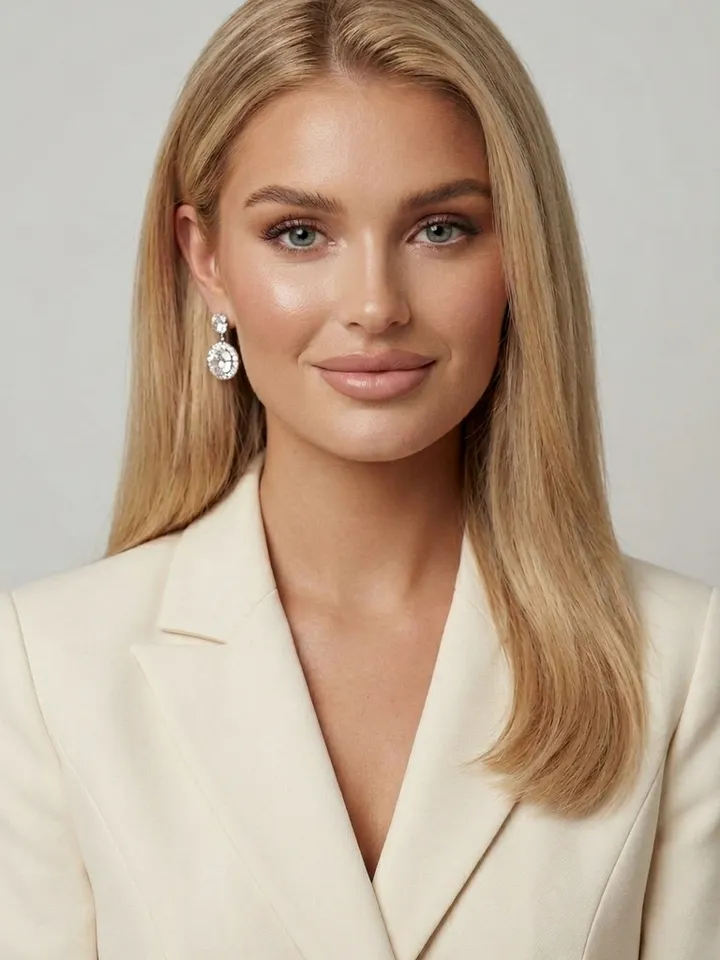
On MarketVideo you can paste such a prompt into Create photo along with your picture, or open a portrait template where the whole scene is already written. Below are the rules of a shoot prompt and links to idea sets for women, couples, families and birthdays.
Four parts of a shoot prompt
Think of a shoot as a short brief. Example: a woman in a linen dress on a summer veranda, wooden table with fruit, soft low sun from the side, waist-up framing. Person, place, outfit and light are all there. A prompt that names only the person leaves background and lighting to chance, and those two decide the mood of the picture.
Framing changes what the model needs
A tight close-up shows skin and eyes, so it needs a crisp source photo. Waist-up framing is more forgiving and shows clothes and pose. A full-length or wide shot adds atmosphere, but the face gets small and likeness weakens. Say the framing in words: chest-up portrait, waist-up, full length.
Outfit and pose, for men and women alike
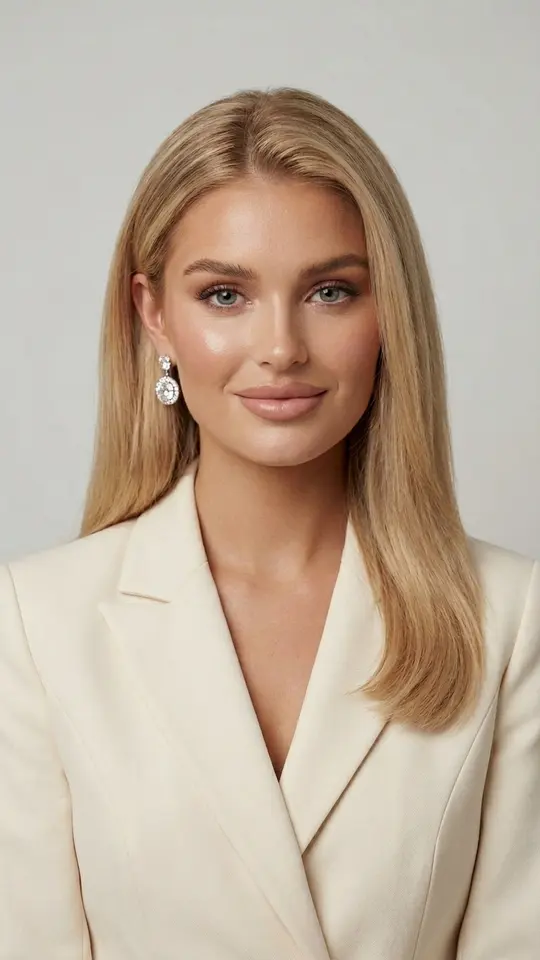
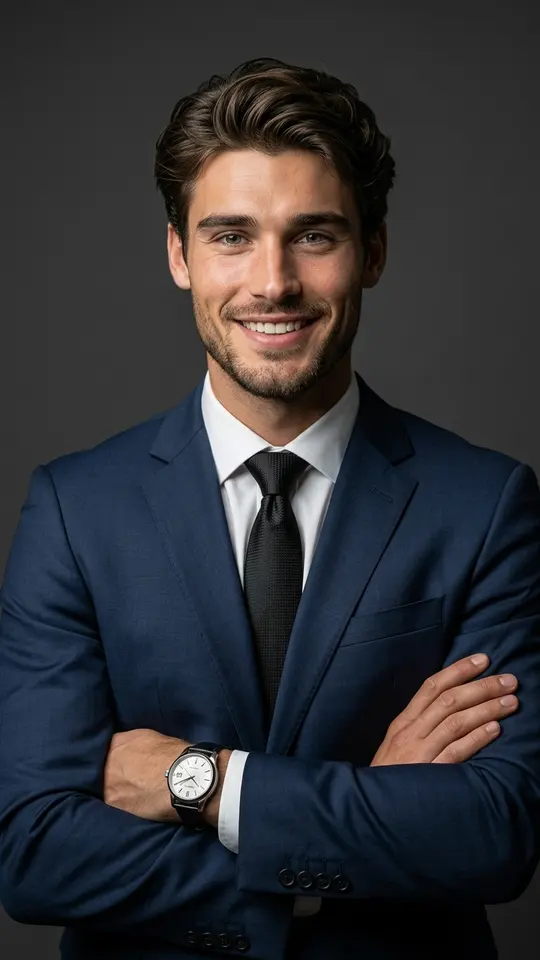
Describe clothing by fabric and color rather than by label: emerald silk dress, dark navy suit, cream fitted blazer. Give the pose as an action, such as fixing hair, leaning on a railing or walking toward the camera. Busy hands look natural. Confident Navy Suit Portrait in the grid is a ready men's waist-up studio prompt built this way.
Keeping a series consistent
To make several pictures look like one session, keep light, color palette and finish identical and change only pose and angle. Copy the fixed part of the prompt into each run. The set then reads as a single shoot rather than a pile of unrelated images. Every run still varies a little, so make a few and choose.
Prompt ideas by scenario
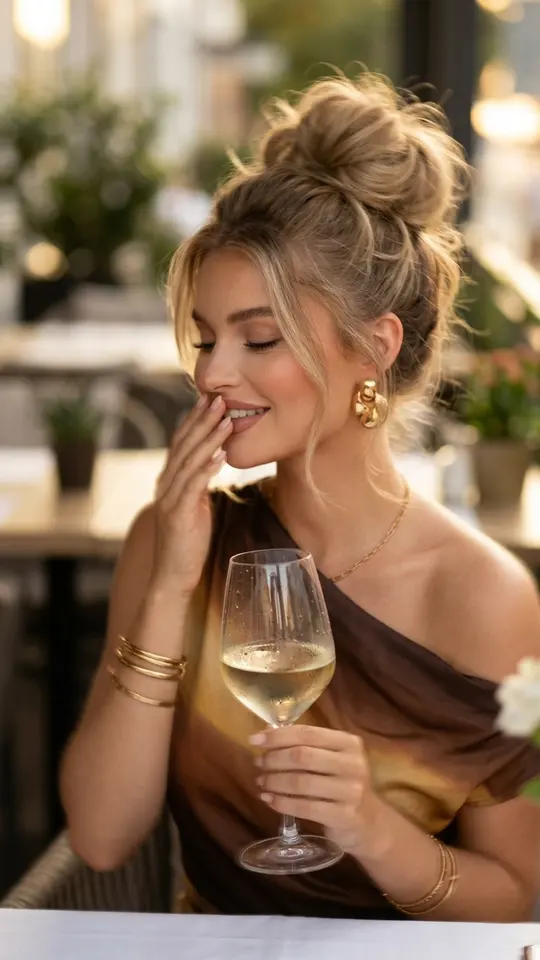
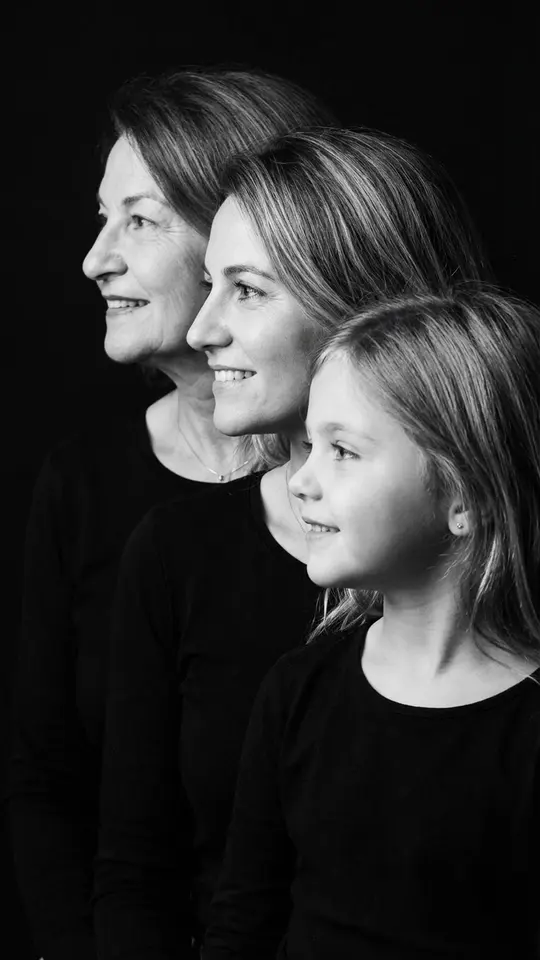
Each kind of shoot has its own priorities. Couples need interaction between the two people. Family shots depend on arranging people by height and age, as Generations Family Portrait does in black and white. Birthday pictures lean on props and warm light. Women's looks range from a business portrait to a lavender field. Each set has its own page linked below.
What these prompts will not do
Stick to photos that show you or someone who has consented. Celebrities, strangers and imitation documents are ruled out, and a child can be shown only as part of your family. Every result is generated, so likeness is close but never certain: check the face before you share it. Prompts give still photos, not video.
Ready-made templates
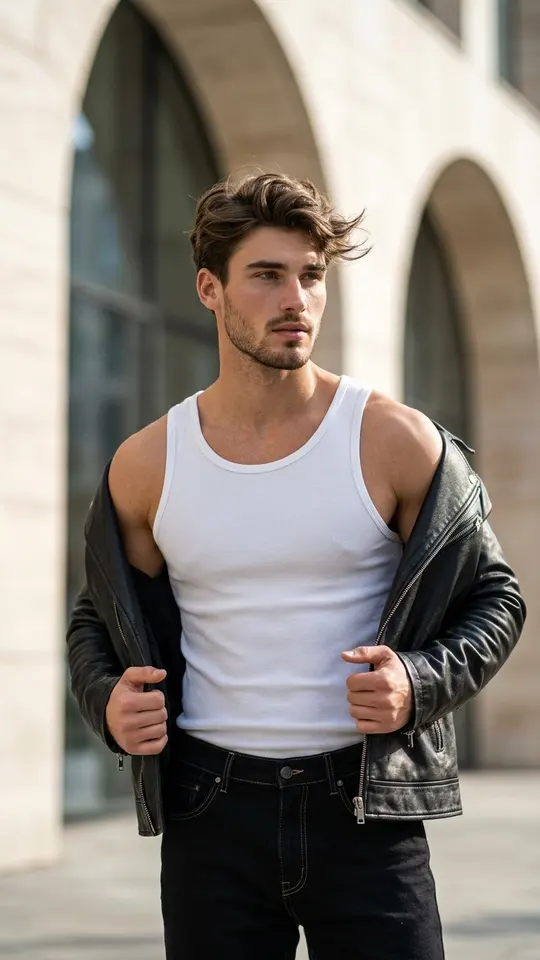
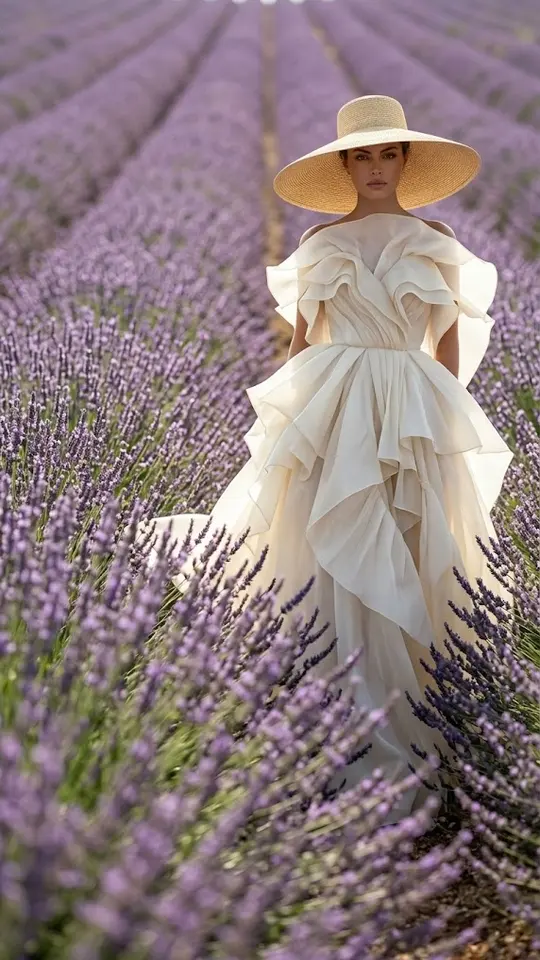
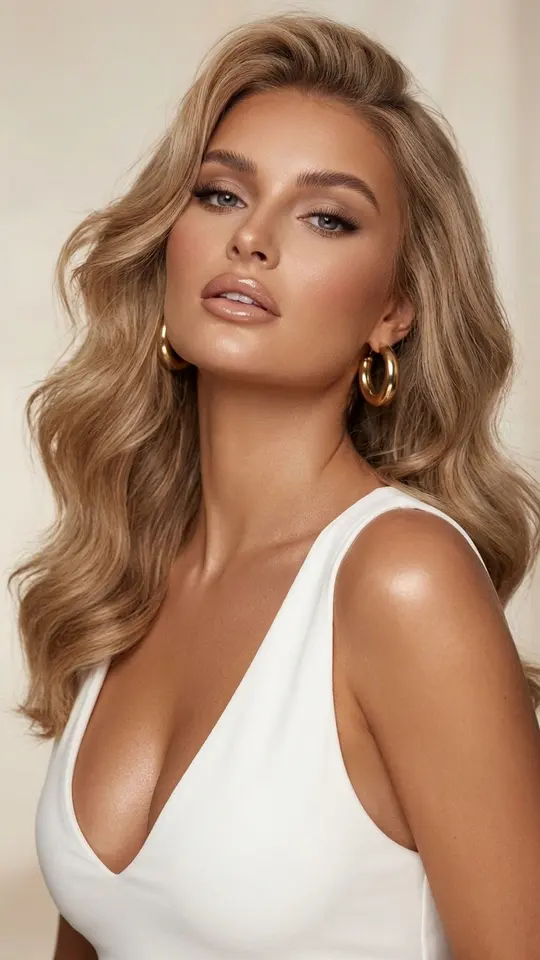
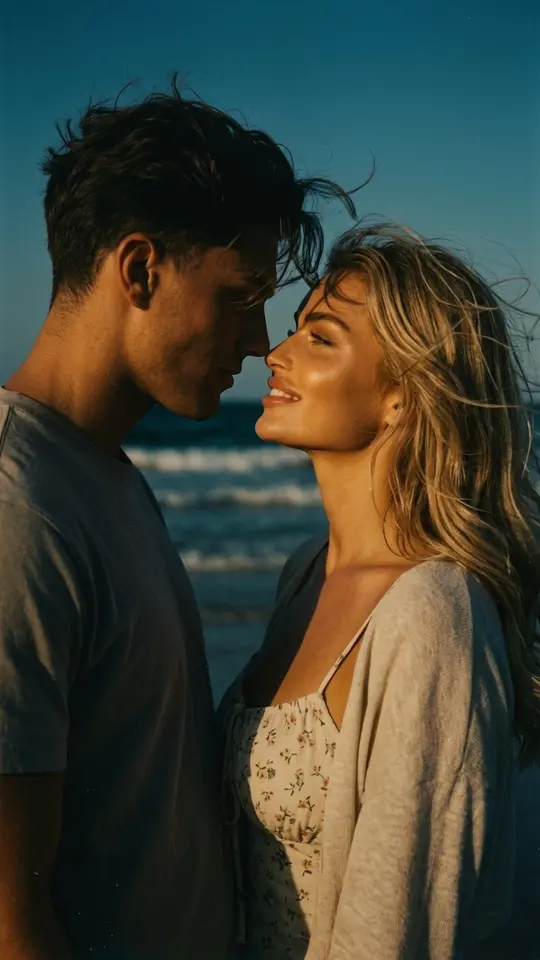
FAQ
Do I need to describe my face in the prompt?
No. Appearance comes from the photo you attach, and the portrait templates here already tell the model to preserve the person from the upload. Spend your words on setting, outfit, framing and light instead.
How many runs does a shoot take?
Five to ten runs usually give enough choice. Each one is a new generation, so poses and small details shift even with identical text. Keep the frames you like and drop the rest.
Can one photo cover the whole series?
Yes. A single clear, evenly lit portrait works for every scenario on this page. Reuse it with each prompt and change only the parts that should differ, such as the place or the outfit.
Are AI photoshoot prompts free to use?
Copying and editing a prompt costs nothing; running it does. Each generation spends stars, a freshly verified account begins with five of them, and some templates cost no stars until a daily cap is hit, flagged as Free today. Top-ups are bought on Pricing.