AI Photo Prompts for Couples: Action, Closeness and Light
Good AI photo prompts for couples describe what happens between two people, such as a hug from behind, a shared laugh or a walk toward the camera, and say how light should fall on both faces.
Create a couple photoReady in minutes · Free templates every day
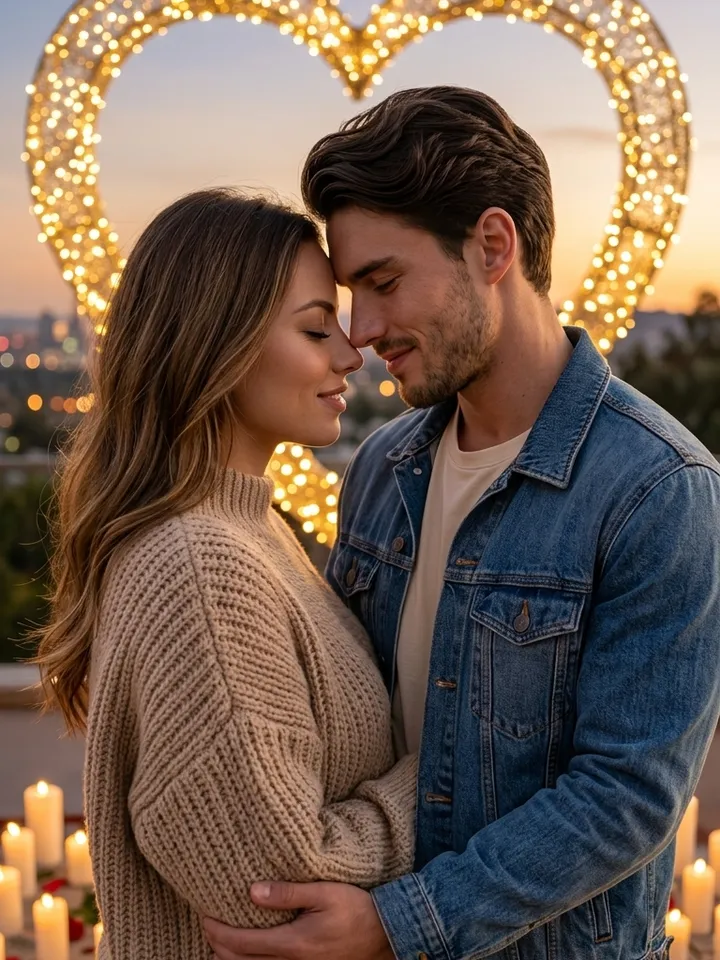
Two people standing shoulder to shoulder and staring into the lens make a flat picture, and a model will give you exactly that if the prompt only lists who is in it. Below are wording patterns, sample scenes and couple templates on MarketVideo with the interaction already written in.
Write the action, not the pose
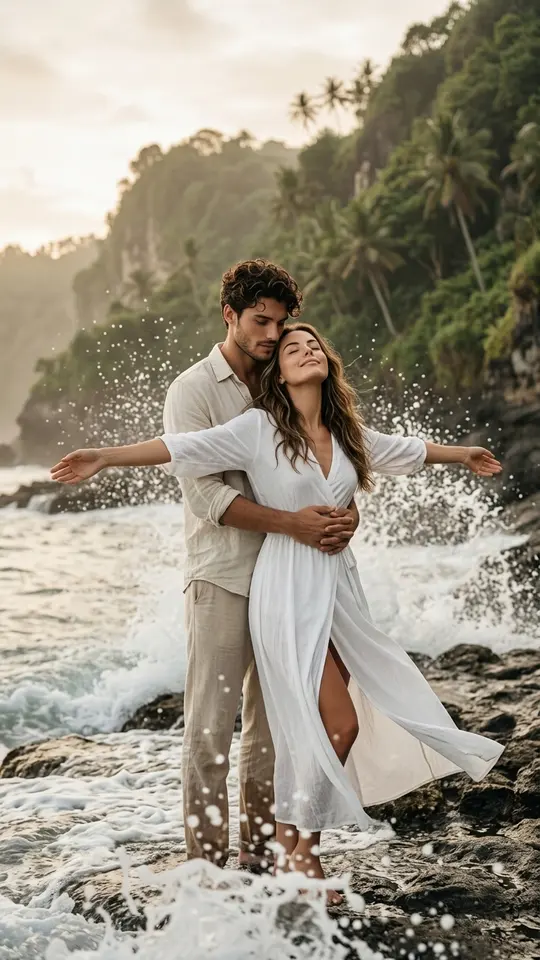
Start every couple prompt with a verb that links the two of you. Compare "a couple standing on a beach" with "she leans back against him, his arms around her waist, both watching the waves". The second gives the model a relationship to draw. Verbs that work: hug, whisper, spin, lean in, walk hand in hand, laugh at each other.
Eye contact and closeness
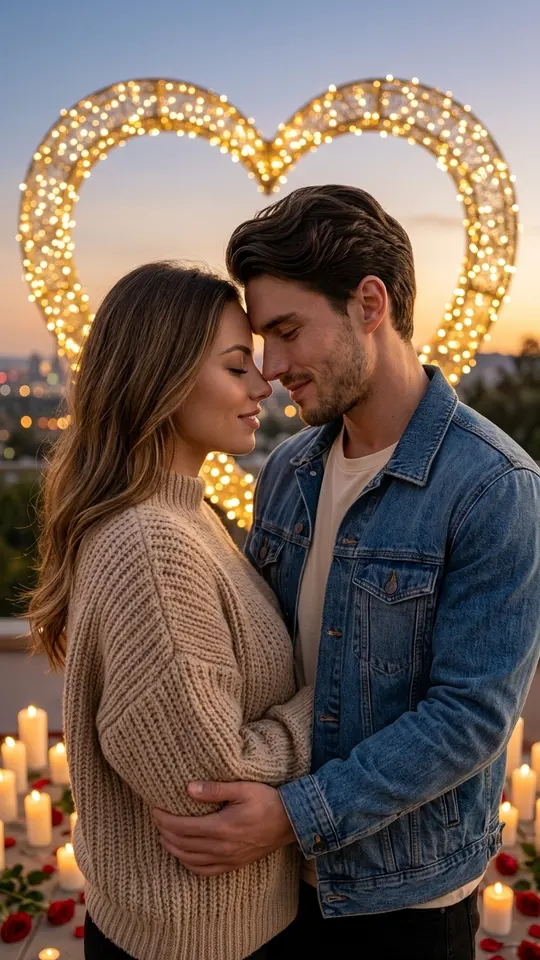
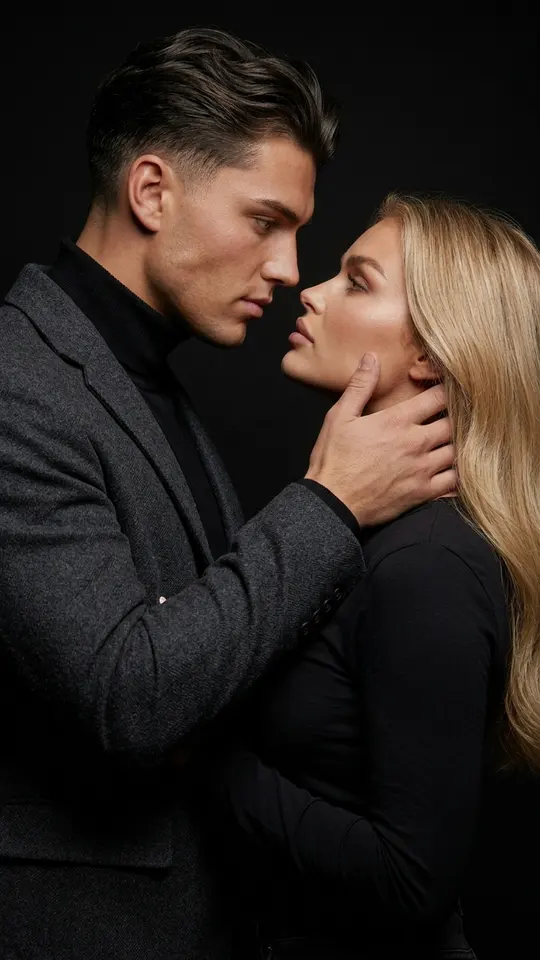
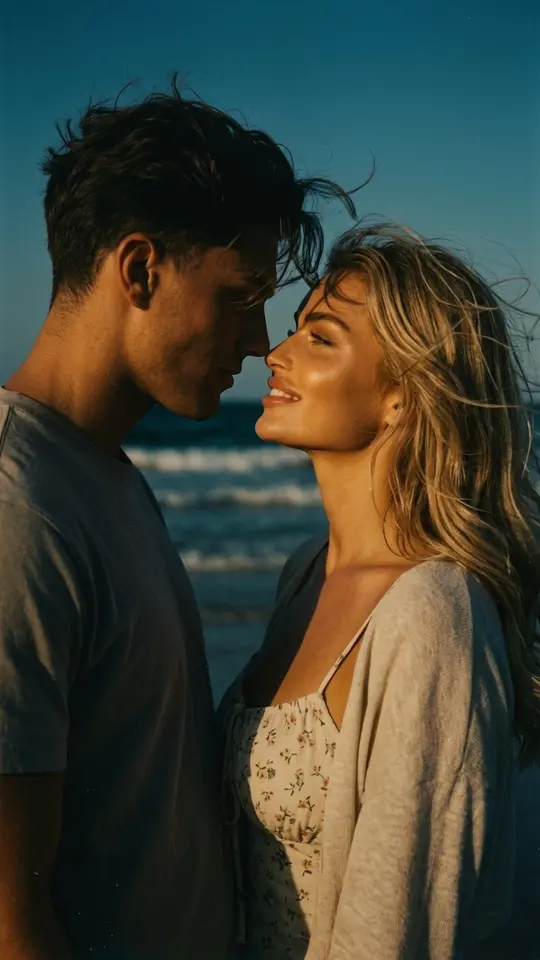
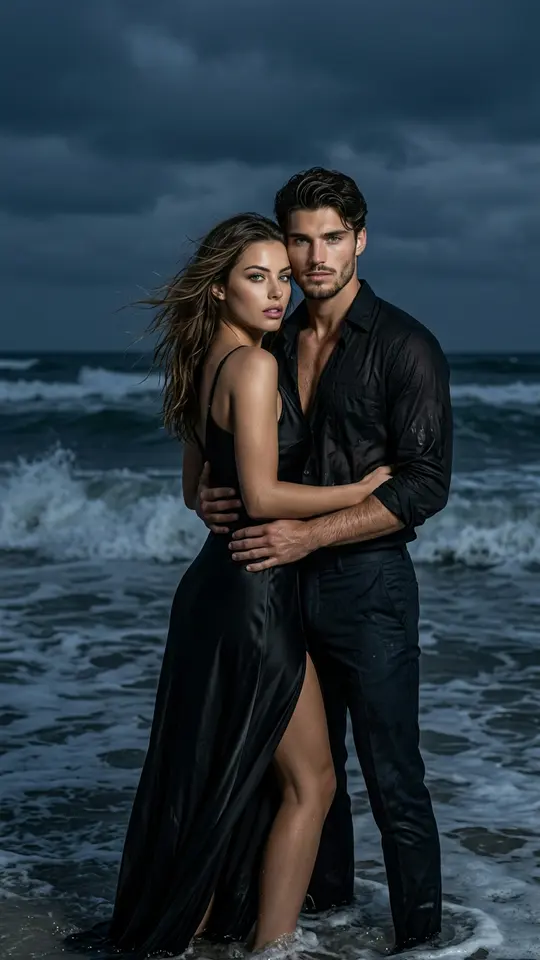
Eye contact does most of the emotional work. Ask for "looking into each other's eyes, foreheads almost touching, soft smile" for a tender frame, or "he watches her laugh while she looks away" for a candid one. The Eye to Eye template builds a close cinematic portrait on a plain black background around exactly that gaze.
Light that reaches both faces
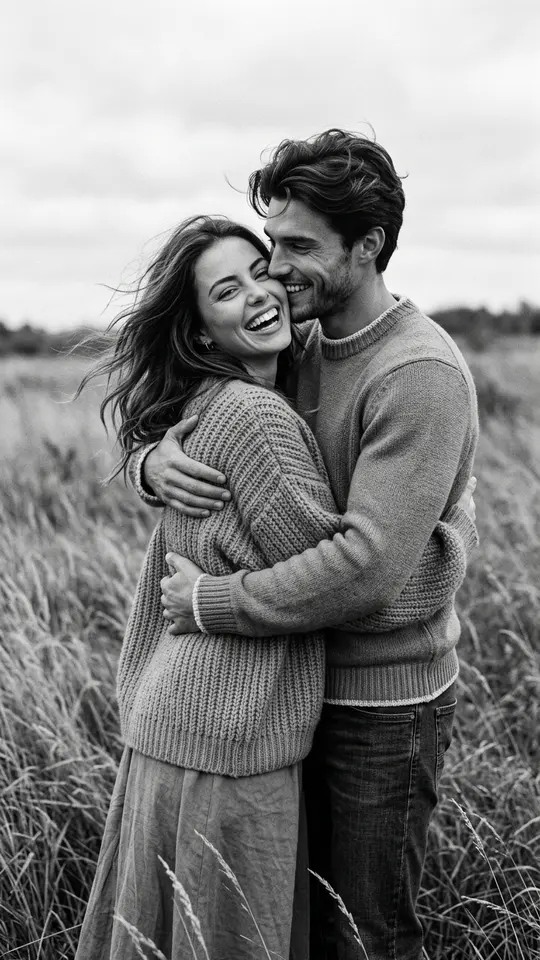
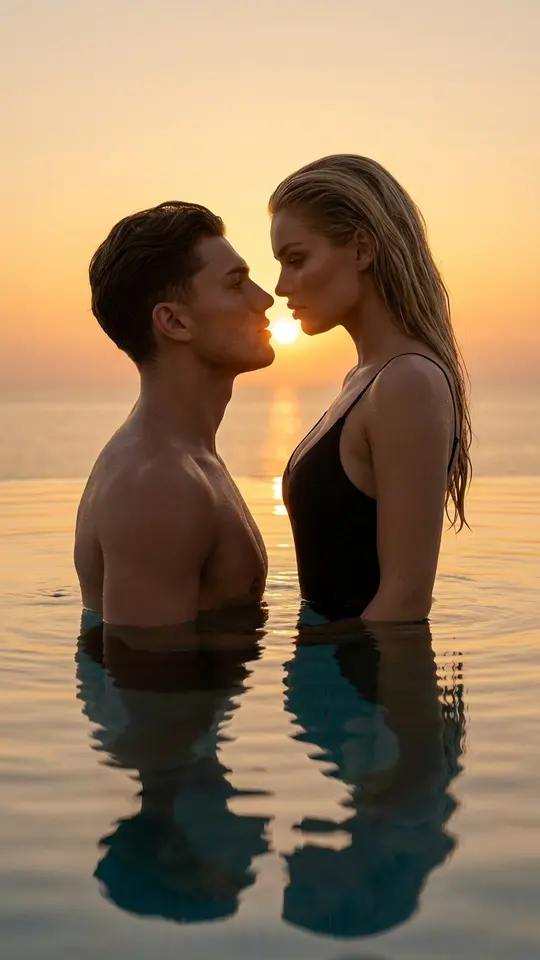
In a two-person shot one face often ends up in shadow. Say it directly: "soft, even front light, both faces equally lit". For sunset scenes write "sun behind the couple as a rim light, faces lit by gentle reflected light from the front". Black-and-white prompts hide uneven color but not a dark face, so the same request applies there too.
Placement in the frame
Faces at slightly different heights look more alive than two heads on one line: "she stands a little in front and lower, he is behind her, turned three-quarters". Bodies turned toward each other hold the composition together, while two people facing the camera squarely pull it apart.
Sample scenes, including a wedding
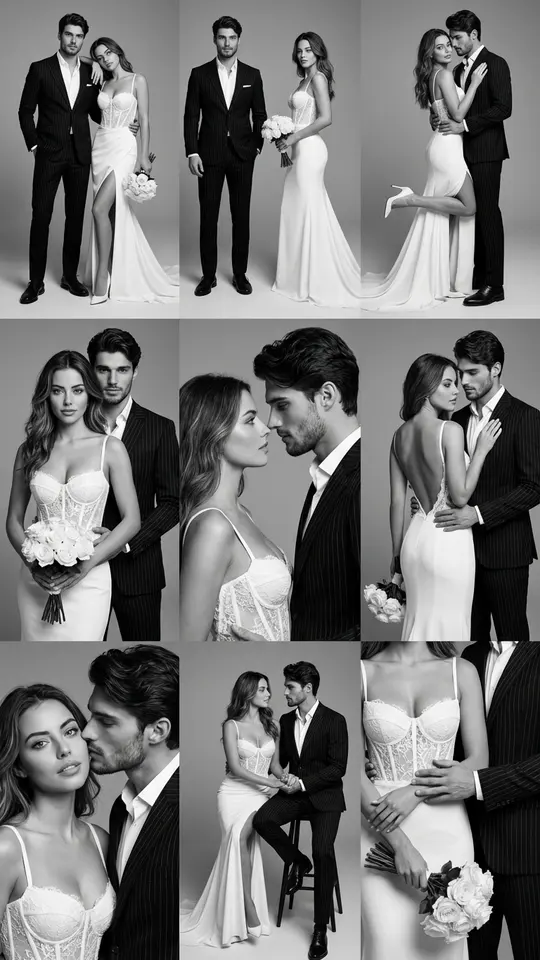
Picnic blanket in a field at sunset, basket beside them, warm tones, wide shot. Slow dancing in an empty room with tall windows, window light, black and white. First dance at a wedding, string lights behind, slight motion blur. For a whole wedding set, Black & White Wedding Shoot returns a 3x3 grid of the same couple.
Photos and limits
Each person needs a clear portrait, and the two can be taken separately, even years apart. Pick shots from a similar camera height, or the pair will sit in mismatched perspectives. Use pictures of yourselves or of people who agreed, never celebrities. The result is generated, so likeness can drift; a second run often fixes a face.
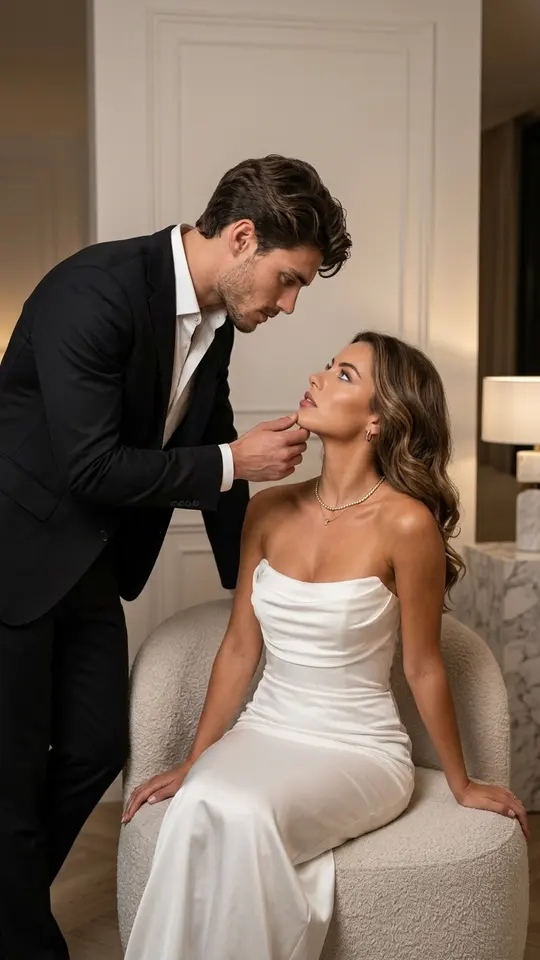
Ready-made templates
FAQ
Do I need a photo of each partner?
Yes, one sharp portrait per person works best. The couple templates here ask for your photos and tell the model to hold faces, age and build as uploaded. With a prompt of your own, attach both portraits on Create photo and spell out the scene you want around them.
Can photos from different years go into one couple picture?
They can. When the prompt asks for shared light and a single setting, the model places both people in one scene, so an old portrait and a recent selfie end up side by side. Similar camera height in both shots makes the result more convincing.
Why is one face darker than the other?
Without instructions a model often picks one direction of light, and in a two-person frame that leaves one face in shade. Add "even soft light on both faces", or put the sun behind the couple and ask for gentle fill from the front.
Will a couple photo prompt written for Gemini work here?
Usually, since such prompts are plain English descriptions. Paste the text into Create photo, attach your portraits and choose Nano Banana, NanoBanana PRO or another model from the list. Adjust a phrase or two if the result drifts from what you pictured.
What does a couple picture cost?
Every template and model shows its price in stars before you press anything. A brand-new account receives five stars after email verification, a few templates skip the charge for a limited number of runs per day, and top-ups live on Pricing.