AI Wedding Photos: From Engagement to First Anniversary
AI wedding photos on MarketVideo follow the calendar of a marriage: engagement shots from your own couple pictures, a moving clip for the reception screen, wedding photos brought to life afterward and a new image for the first anniversary.
Animate a wedding photoReady in minutes · Free templates every day
Each stage uses a different kind of template. Before the wedding, photo templates place the two of you in staged scenes and return still images. On the day and after it, video templates take a finished photograph and add motion. A photographer still covers the ceremony itself; the AI adds scenes you could not stage and gives older shots a second life.
Before the wedding: engagement and love-story shots
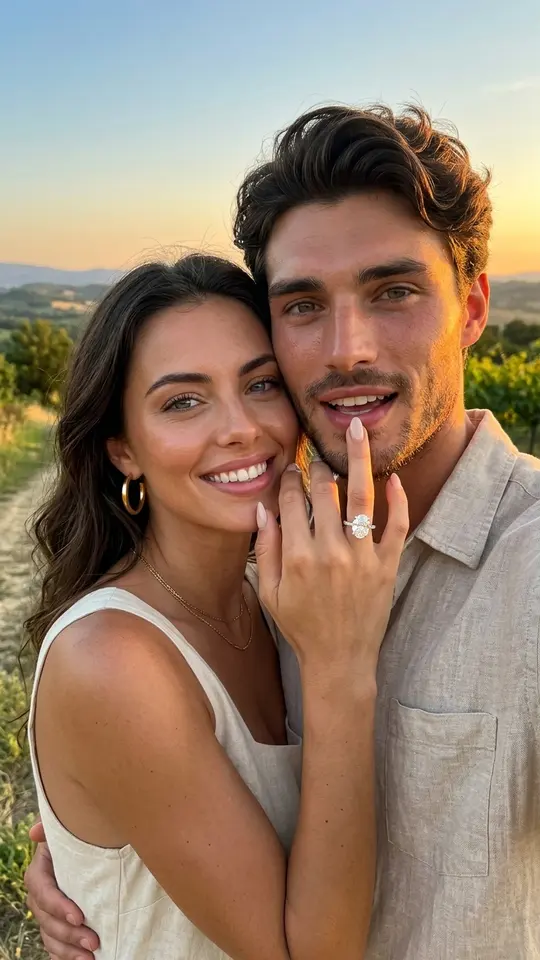
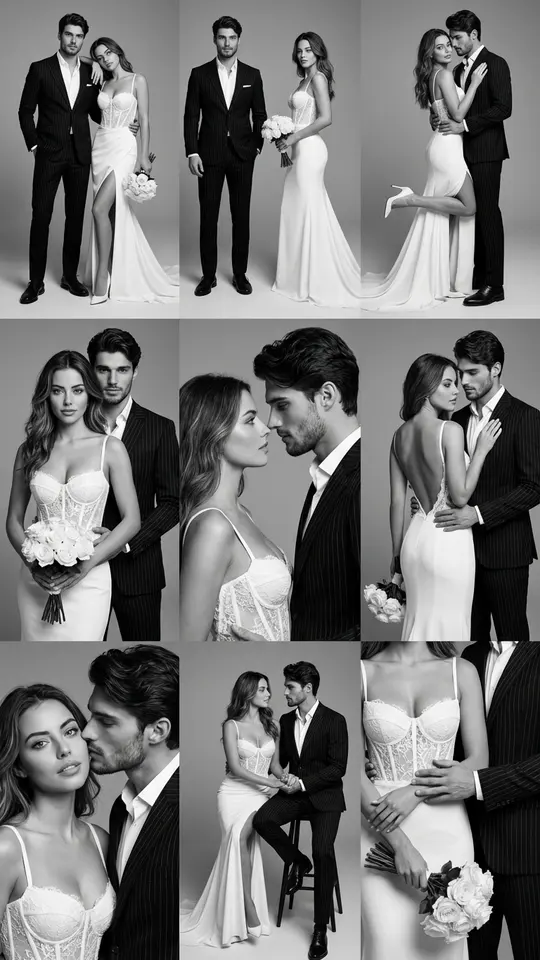
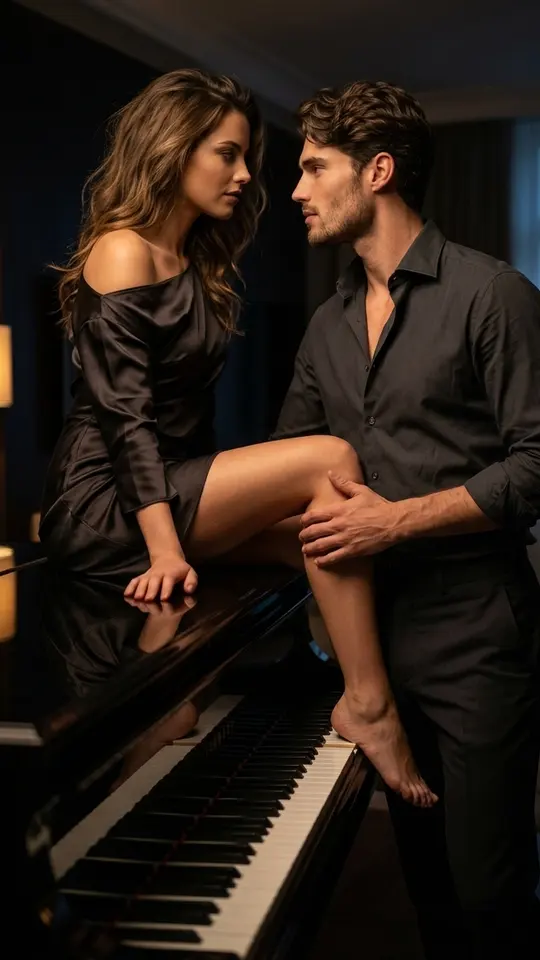
Start with a photo where both of you are clearly visible. Engagement Ring Selfie restages the couple as a close-up sunset selfie, the kind that announces the news. Black & White Wedding Shoot lays out a premium couple session as a 3×3 grid, and Midnight at the Piano seats the pair beside a black grand piano in a dark living room late at night. Each of these returns a still image.
On the day: a moving picture for the reception
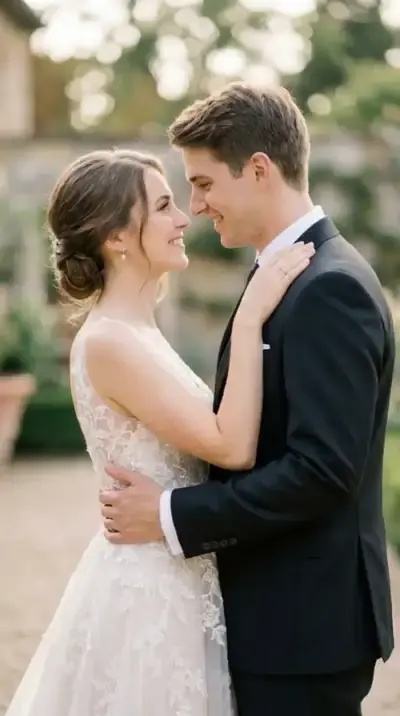
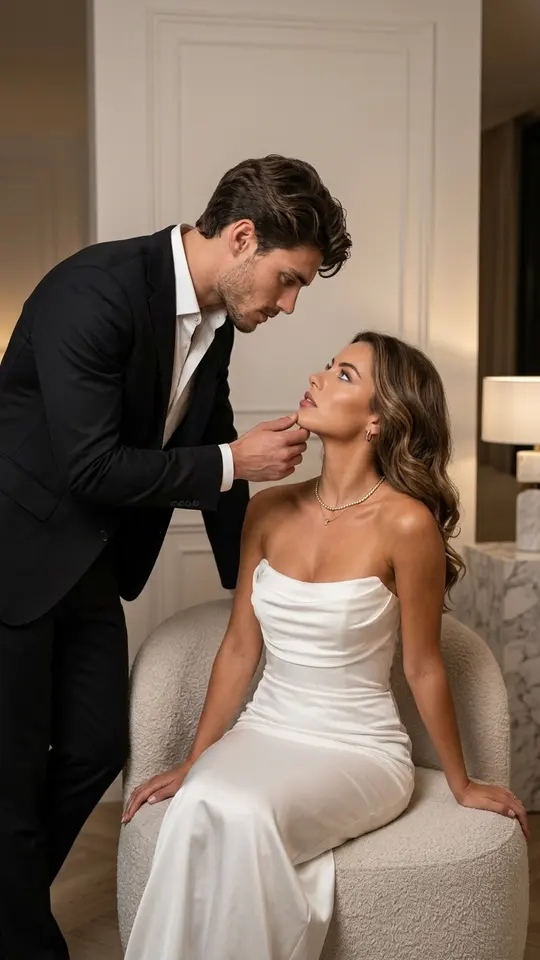
A still on the screen at the venue is easy to miss; a photo that moves draws eyes. Wedding Memories in Motion takes one wedding photograph and adds slow, gentle motion: the couple smile and blink, the veil or hair stirs in a light breeze and the groom reaches toward the bride's face. Use a favorite engagement shot or a frame from the morning, then play the clip during dinner.
After: turning wedding photos into short videos
Most albums end up as a folder nobody opens. Pick the frames that matter, such as the first dance or the kiss after the vows, and run each one through an animation template. For a single portrait, Bring a Photo to Life gives the face breathing, slight head motion and eye movement. One run gives one short clip; for a longer wedding film, make several and put them in order in an editor of your choice.
A year later: an anniversary picture
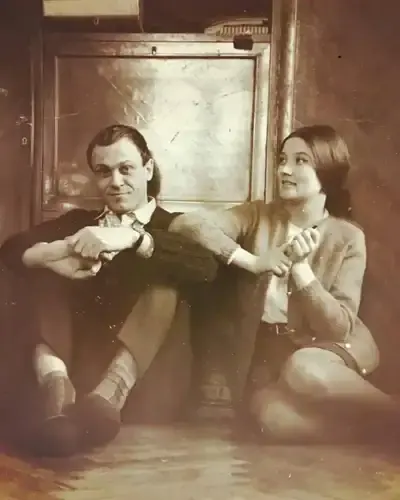
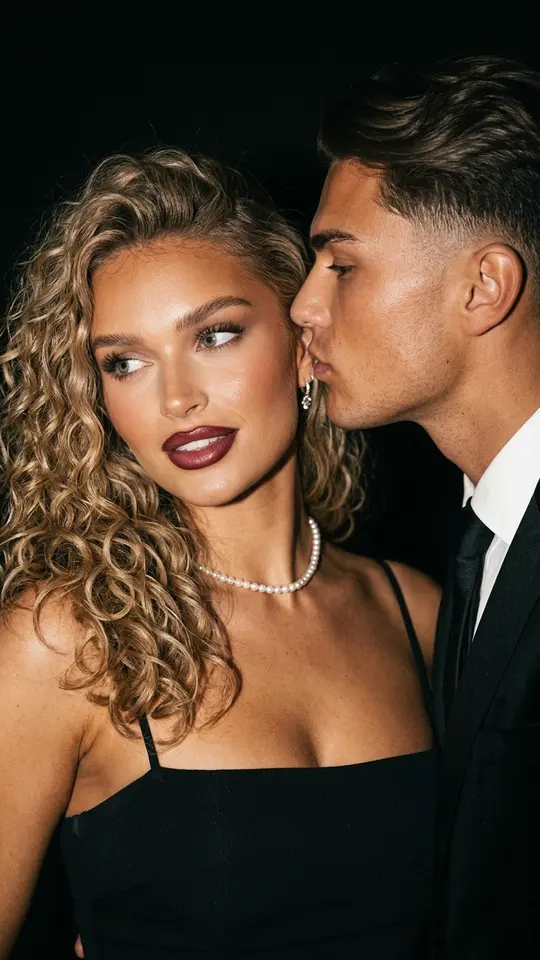
No new shoot is needed for the date. Vintage Photo Kiss softly animates an older photograph of a kiss, keeping the original faces and expressions while lips, eyes, head and shoulders move a little. For a still instead, Lost in His Gaze turns a recent couple photo into a realistic cinematic portrait of an elegant pair, a quiet companion to the original wedding shot.
What the AI will not do
These templates make pictures and short clips, not words. Vows, toasts and speeches stay with you, and there is no song generation on the site. Results are generated rather than captured, so each run differs a little; try again if a detail looks wrong. Upload the couple and guests who agreed, and keep any children to your own family.
Ready-made templates
FAQ
Can AI make wedding photos without a photographer?
For staged couple scenes, yes: the engagement and love-story templates build them from your own pictures. The ceremony, the guests and the real moments of the day still need someone with a camera, and those shots are what the video templates bring to life afterward.
Can I make a wedding video from photos?
Yes, one picture per clip. Each animation template turns a single image into a short video with gentle motion. For a longer piece, animate several favorite frames and arrange the clips in order in whatever video editor you already use.
What does it cost to try?
Creating an account is free, and verifying the email gives you five stars to begin with. The star price is printed on each template before you run it. Cards with the Free today mark can be tried without spending stars until their daily quota is used, and Pricing explains how to add more.
Will we look like ourselves?
Both faces, ages and proportions are meant to carry over from your upload, so resemblance is aimed for, not promised. Sharp, evenly lit photos where nobody squints or turns away give the best start, and a second run often fixes a stray detail.
Can we use photos of our guests or kids?
Only guests who said it is fine, and only children from your own family, shown in an ordinary family setting. Celebrities, strangers caught in the background and anything that looks like an official document cannot be used.