Multiple Photos to Video AI: One Scene, Not a Slideshow
Multiple photos to video AI combines two or three of your shots into one moving scene: people from separate pictures share a frame and a camera move, so you get a clip, not a slideshow.
Make a video from your photosReady in minutes · Free templates every day
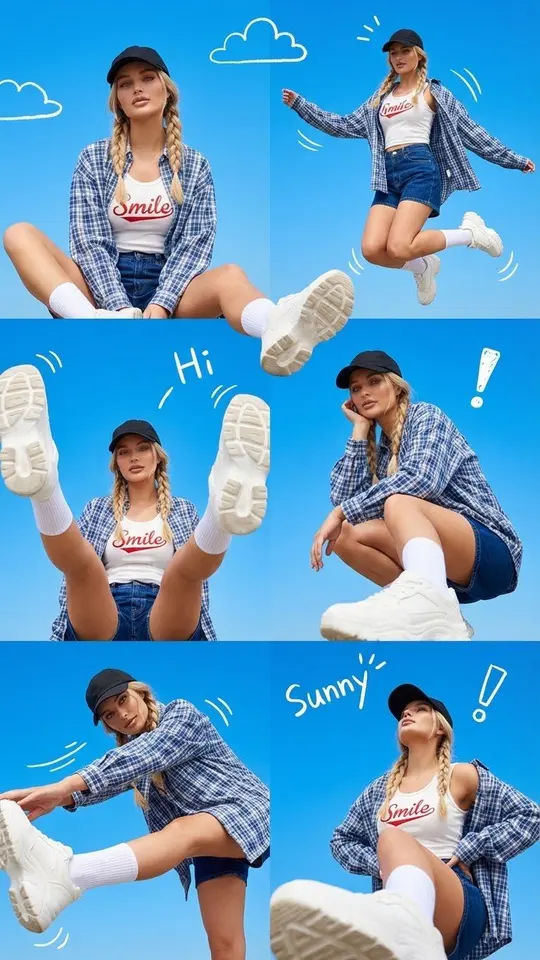
MarketVideo gives you two routes. Start from a template such as Video from Your Scene Collage, or open Create video, attach your photos, describe how they meet and pick a model. Popular ideas include you as a child next to you today, a couple scene built from two solo portraits, and collage layouts like a photo-booth strip.
What makes it different from a slideshow
A slideshow maker plays your pictures in a row with transitions between them. An AI video model treats the whole set as material for a new shot: it places the subjects together, builds one composition and adds movement, so two people photographed years apart can stand side by side while the camera slowly pushes in.
Then-and-now videos
The most touching version of the genre pairs a childhood photo with a recent one. On Create video, attach both and describe a single moment, for example the adult you sitting beside your younger self on a porch step. Clear, front-facing faces help, and the closer the two shots are in lighting and angle, the more naturally they join.
Collages, triptychs and photo-booth strips
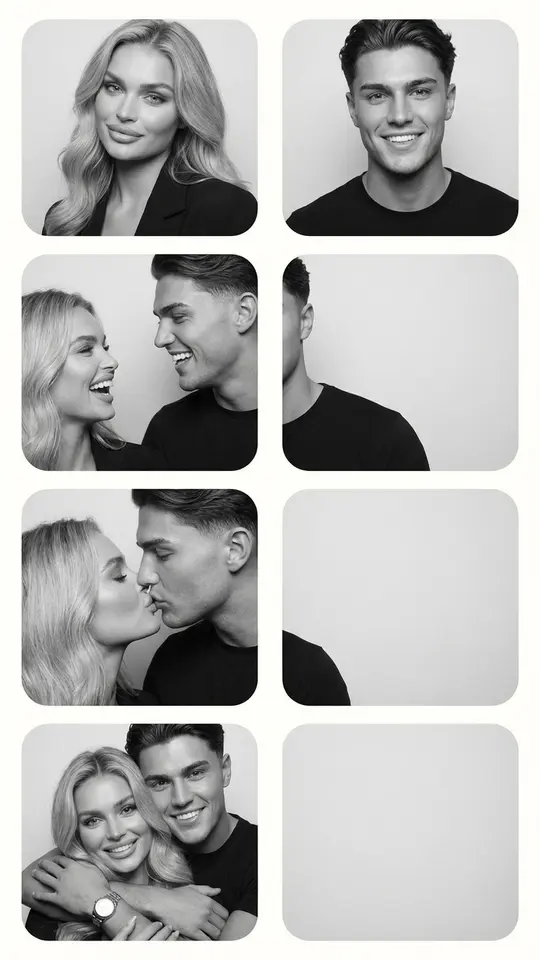
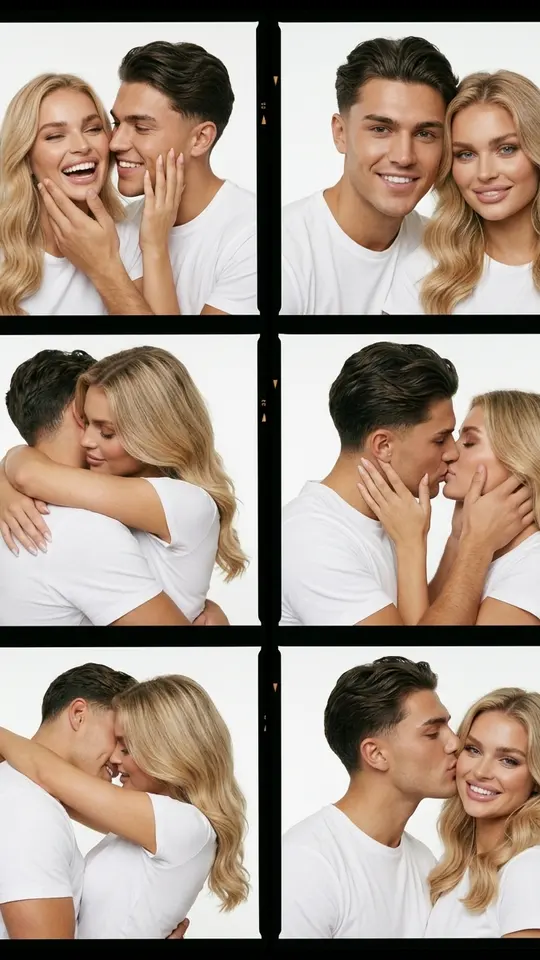
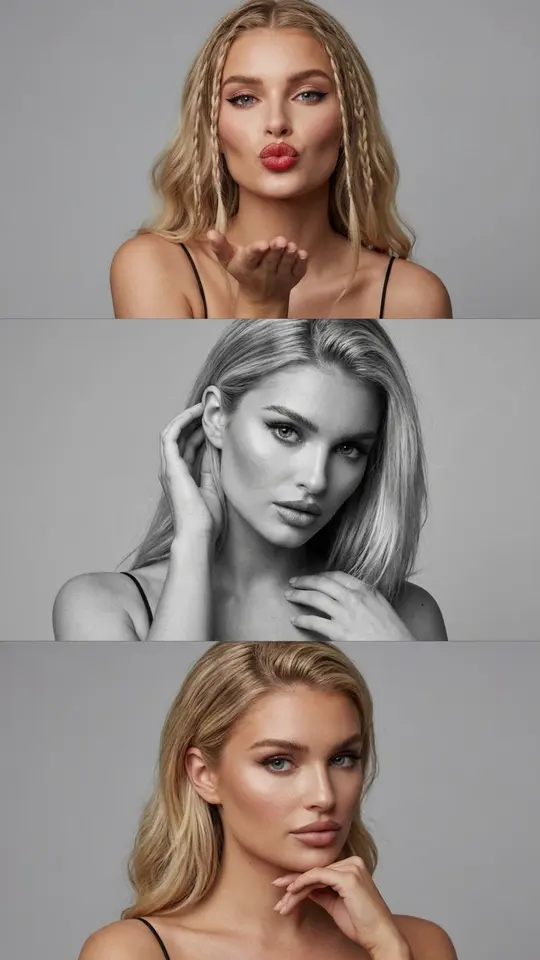
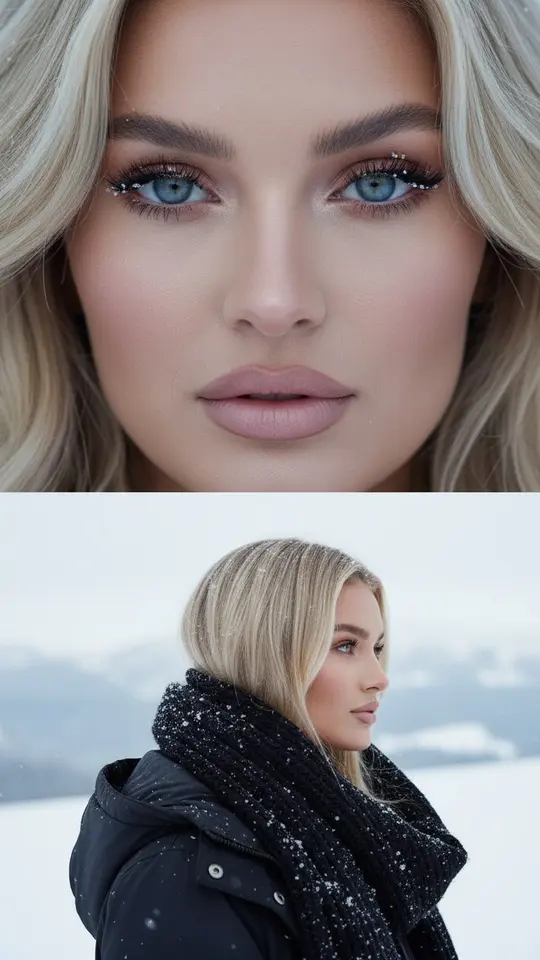
Several catalog templates are built around multi-frame layouts: Couple Photo Booth Strip, Color Couple Contact Sheet, Vertical Triptych Portrait and Two-Frame Winter Portrait. They produce a still image. To set one in motion, download it, add it as the photo on Create video and describe the movement in a line, such as the frames lighting up one by one.
How many photos work best
Two or three photos are usually enough to tie frames into one story. Every extra face gets less room in the shot, so a crowded set tends to look busy. A template requests exactly the pictures it needs, while on Create video the choice is yours. Use only your own photos or ones the people in them agreed to share.
What you get back
A finished clip usually arrives within a few minutes, a little later when the queue is busy. It downloads as an ordinary video file and is saved to the history in your account, so you can return to it. If the first take misses, adjust the description or try a sharper photo before the next run.
Ready-made templates
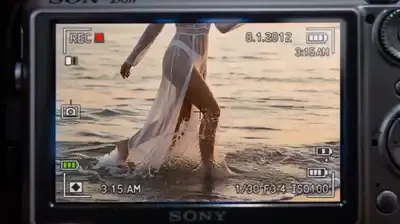
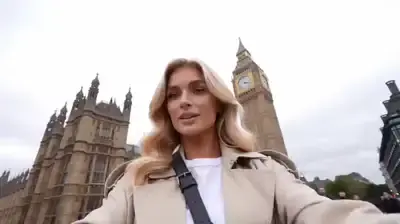
FAQ
Can I turn multiple photos into a video for free?
Partly. Confirming your email adds 5 stars to a new account, and templates labeled “Free today” can be run at no cost up to a daily cap. Other runs are paid in stars, with the cost shown before you start; plans and star packs are listed on the Pricing page.
How is this different from a slideshow maker?
A slideshow keeps every picture separate and shows them in turn. Here the photos feed one generated scene with a shared composition and movement, so viewers watch a single continuous shot instead of flipping through an album.
Can I combine photos taken years apart?
Yes, that is how then-and-now clips are made. Old prints work better when photographed flat, without glare or a visible border. Pair each with a recent picture taken at a similar angle, and the two settle into the scene more naturally.
Do I need an app to make it?
No installation is needed: MarketVideo opens in the browser on a laptop or a smartphone, and there is no mobile app. Anyone can browse the catalog; to generate, create a free account and confirm your email address.