AI collage maker: one photo, a full layout
This AI collage maker turns one portrait into a finished layout: a 3x3 grid, a vertical triptych, a film strip or a black-and-white photo booth, with a different pose in every cell.
Make a 3x3 collageReady in minutes · Free templates every day
Each layout is a ready template, so the frame, backdrop and number of shots are already decided. You choose the grid, add the picture it needs and get back one vertical image. Below: how the layouts differ, which source photo works best and when you need a merged scene instead.
Grid, triptych, film strip or photo booth
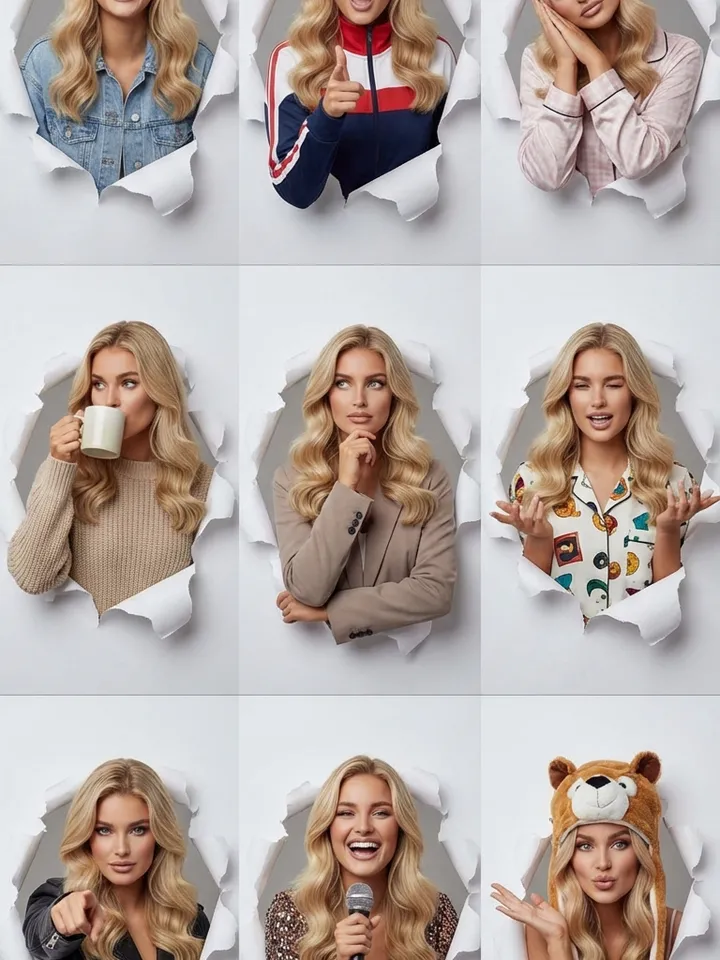
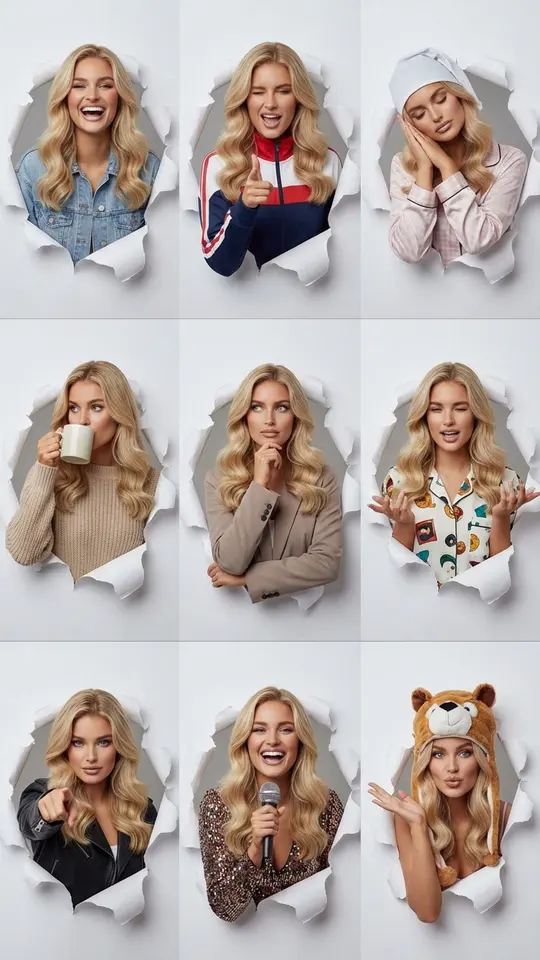
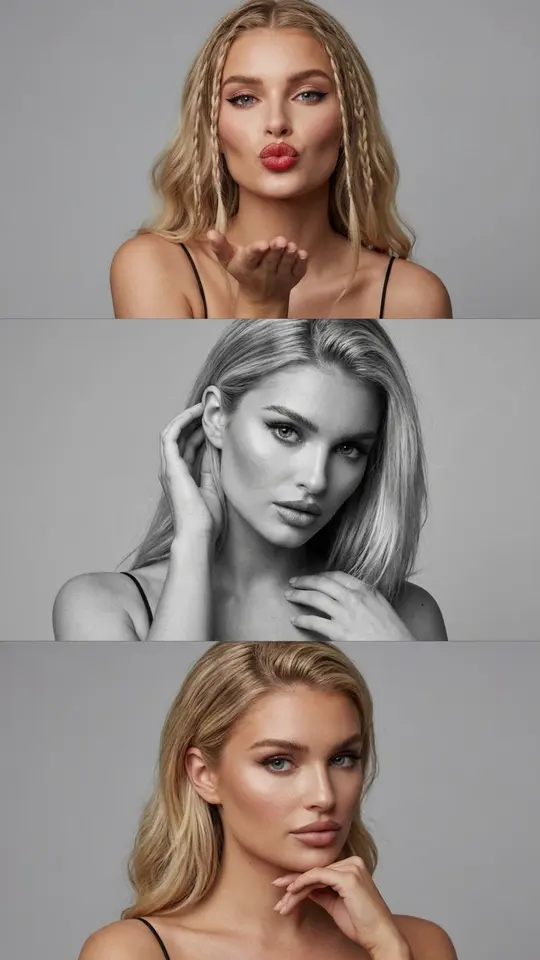
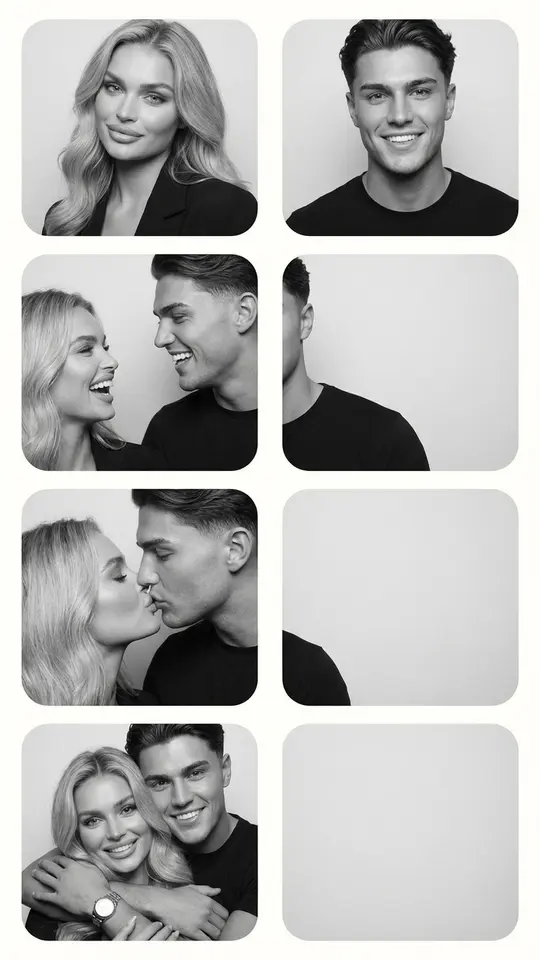
Studio Breakout Collage places nine shots in a 3x3 grid on a plain light gray background, each with its own expression and gesture. Vertical Triptych Portrait stacks three frames from top to bottom. Kodak Portra Film Strip imitates a scanned 35mm negative with sprocket holes and frame numbers. Couple Photo Booth Strip prints a black-and-white booth sequence for two.
Layouts with a setting behind you
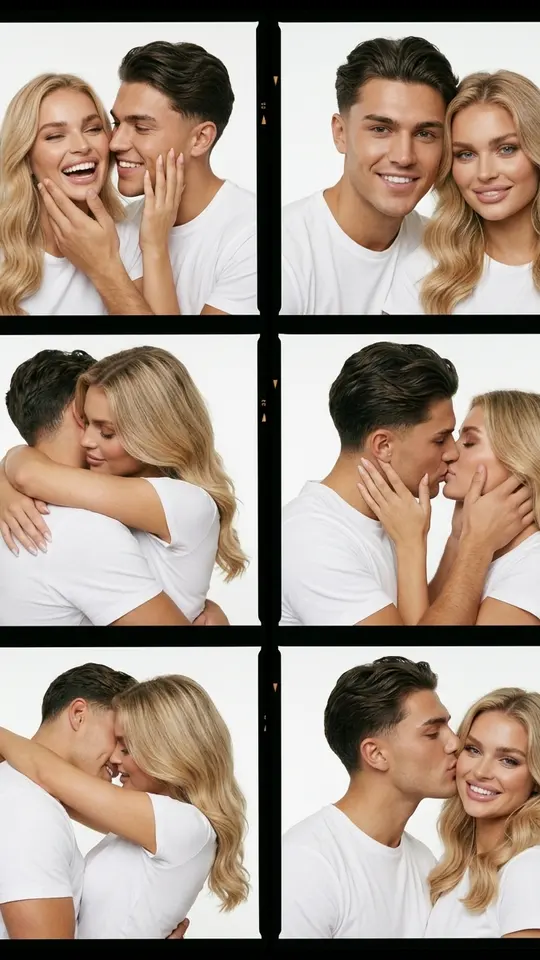
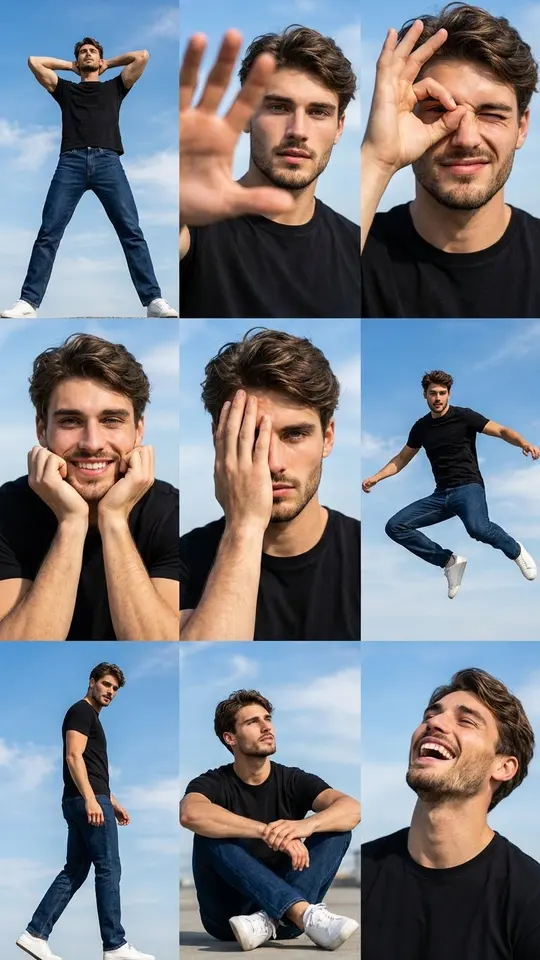
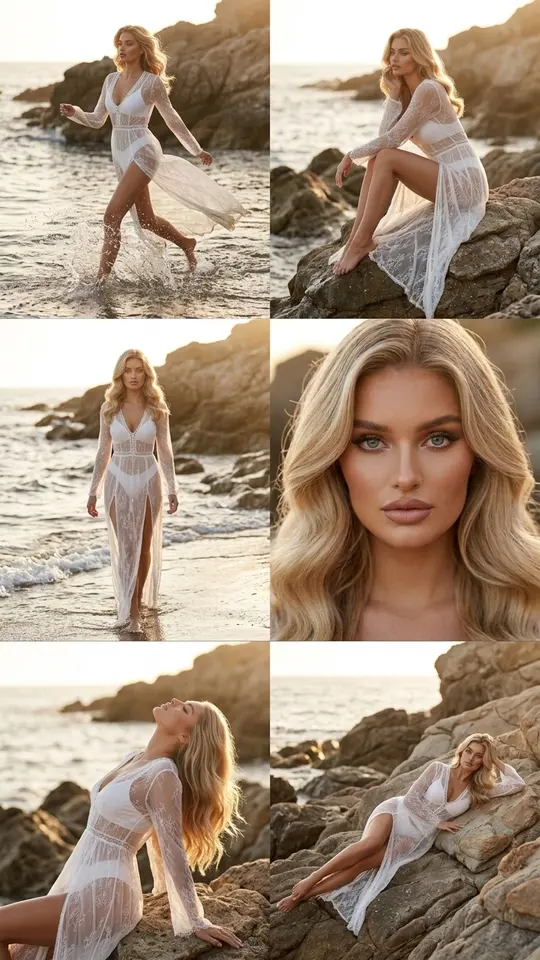
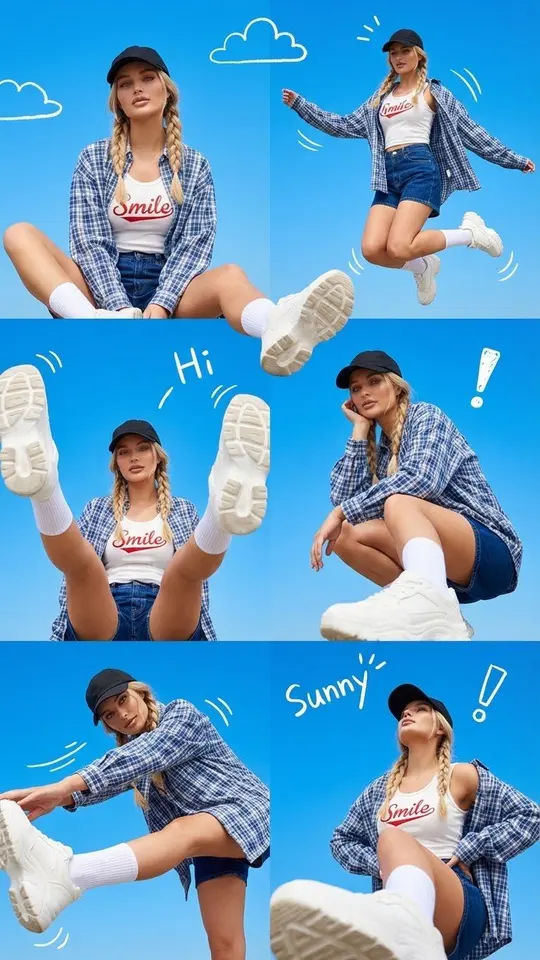
Some templates trade the studio for a location. Blue Sky Pose Grid shows nine dynamic poses against bright sky with scattered clouds. Golden Hour Seaside Collage arranges six fashion shots in a 3x2 grid on a rocky coast at sunset. Sunny Sky Doodle Collage is a playful casual set under a clear blue sky. Color Couple Contact Sheet gives a pair six color film frames in matching white T-shirts.
Which picture to upload
Most layouts start from one picture of one person: the template repeats that face in every cell and changes the pose around it. Couple layouts need both people. A shoulder-up portrait taken straight on in even light works best, while profile shots, backlight or a tiny face leave less detail to copy. Use your own face or a consenting friend's, never a celebrity.
Collage or one merged scene
Merging photos is a different job: two people from separate pictures end up in one shared scene with matching light and perspective. In a collage the frames stay apart inside one border, and the appeal is the variety across them. If you want a single scene rather than a layout, the merge pages linked below cover that.
Ready-made templates
FAQ
Is the AI collage maker free?
Partly. Signing up costs nothing, and once your email is verified the account holds five stars, enough for a first layout. On some days certain templates carry the Free today label and skip the charge within a daily limit. Beyond that, each collage spends stars, and you can add more through Pricing.
How many shots fit in one collage?
The template fixes it: the triptych and film strip hold three frames, the seaside layout and the couple contact sheet six, and the studio and blue sky grids nine. The cell count cannot be changed, so pick the layout that already has the number you want.
Will my face look the same in every cell?
These templates ask the model to keep features, skin tone and hairstyle consistent across frames, but each result is generated anew and small differences happen. A large, sharp face in the source picture helps; if one cell looks off, run the layout again.
Can I make a collage on my phone?
Any mobile browser handles it: you can choose a picture from your gallery, start the layout and save the finished vertical image straight to your phone. Nothing needs installing.