Merge Images with AI: One Layout or One New Scene
To merge images with AI, open Create photo, attach all the pictures to a single run and tell the model what to take from each one. You can keep every picture in its own frame or combine images into one brand-new scene.
Merge your imagesReady in minutes · Free templates every day
Think of a character from one drawing and a castle from another, a kid's sketch next to a photo of that same room, or three good generations that belong in one post. Below: which approach fits which job, how many pictures a model accepts per run and how to point at each of them in the prompt.
Side by side: every picture keeps its frame
Diptychs, triptychs and grids leave each source intact while the model adds a shared background, margins and spacing. People use this for before and after pairs, versions of one character or a set of artworks for a single post. Naming the layout is enough: two pictures stacked vertically with white margins and a thin border, or a three by two grid with the first image larger.
Blended: a new scene built from several sources
Here the inputs produce a third picture. The hero from one image moves onto the background of another, an object from the second lands in their hands, the palette of the first colors the whole frame. The model redraws everything under shared light, so a watercolor figure does not look like a sticker on a photo, provided you ask it to bring all parts into one style.
How many pictures fit in one run
The original Nano Banana accepts up to ten images, NanoBanana 2.1 and Seedream 4.5 up to fourteen, GPT Image 2.5 up to sixteen. For one blended scene, two to four sources usually work best: with more inputs, a small detail from one of them is more likely to get lost. The large limits pay off for grids and character reference sheets.
Refer to pictures by number, not description
Upload slots are numbered, and the prompt can point at them directly: the character from image 1 stands in the landscape from image 2, colors as in image 3. Spell out what to take from each one, such as the face, pose, background or palette, otherwise the model mixes a bit of everything. Put the main source first, since the model leans on it more.
Ready layouts from one portrait
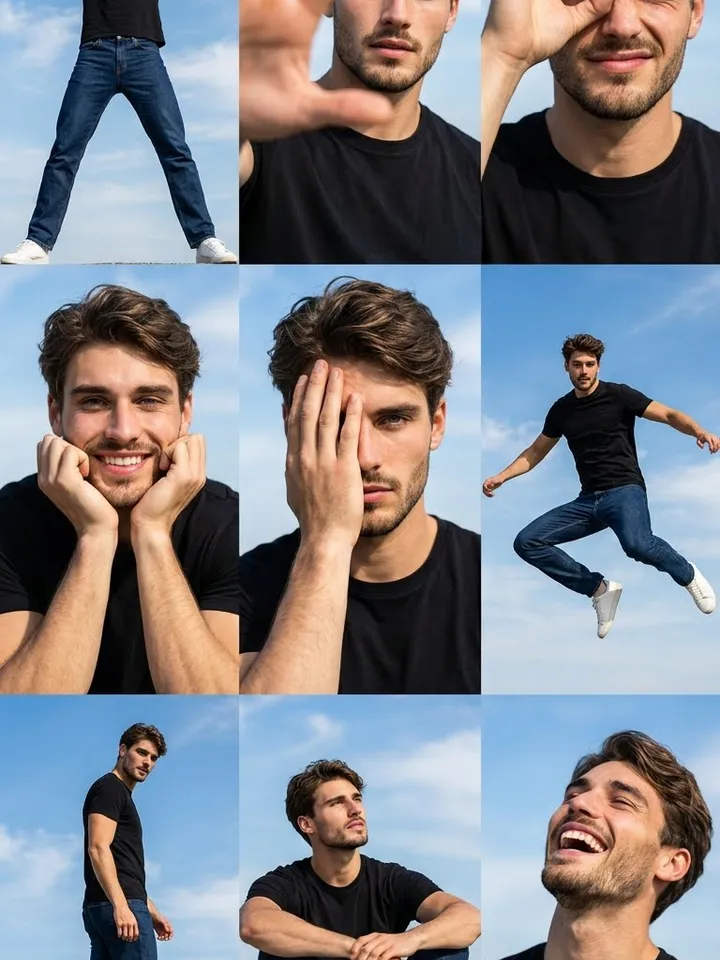
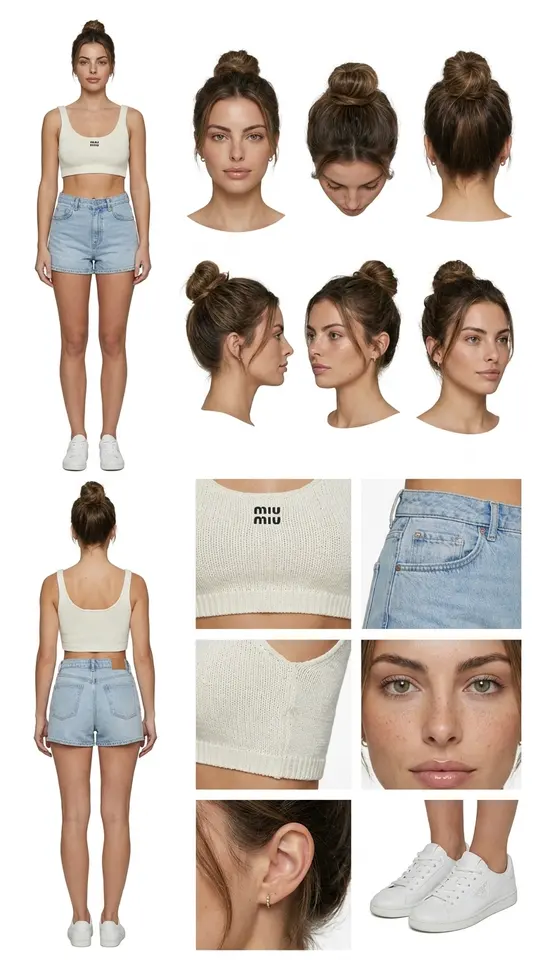
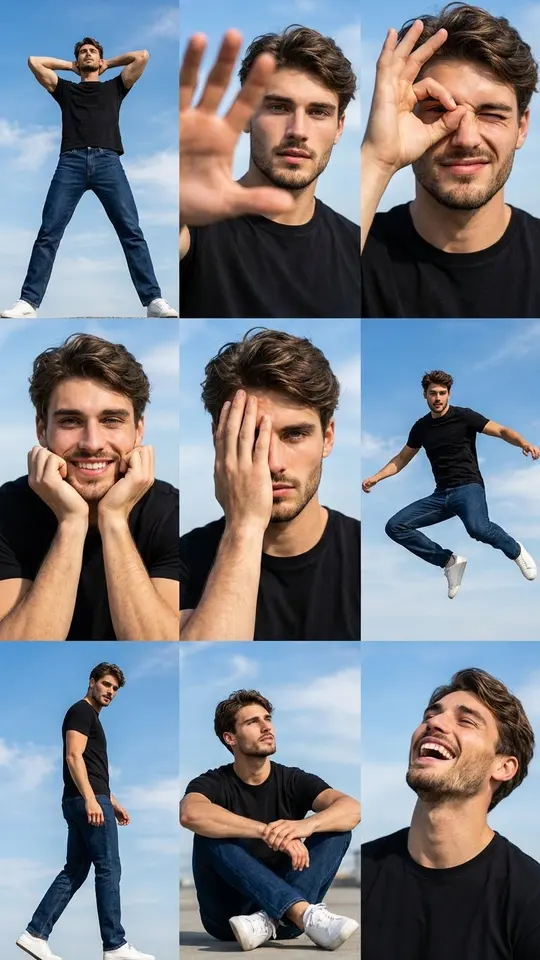
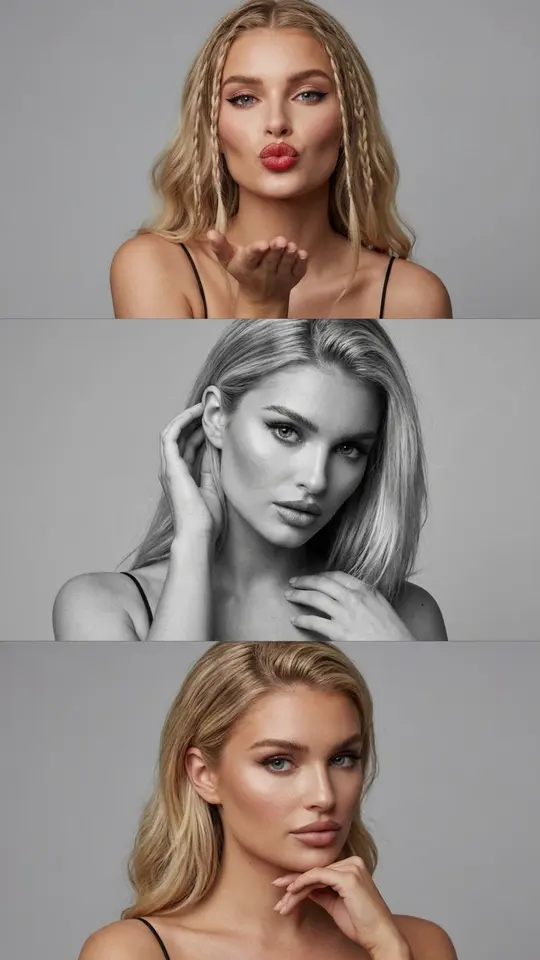
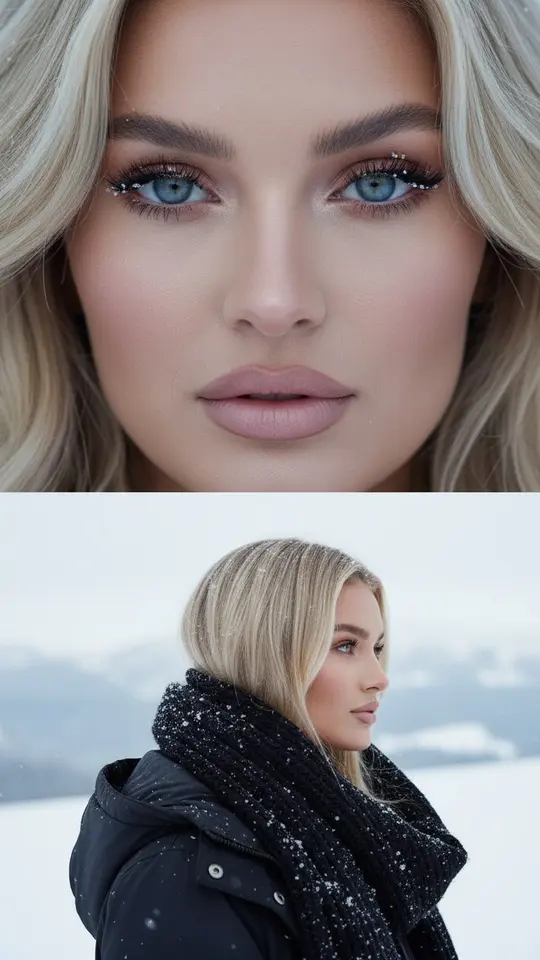
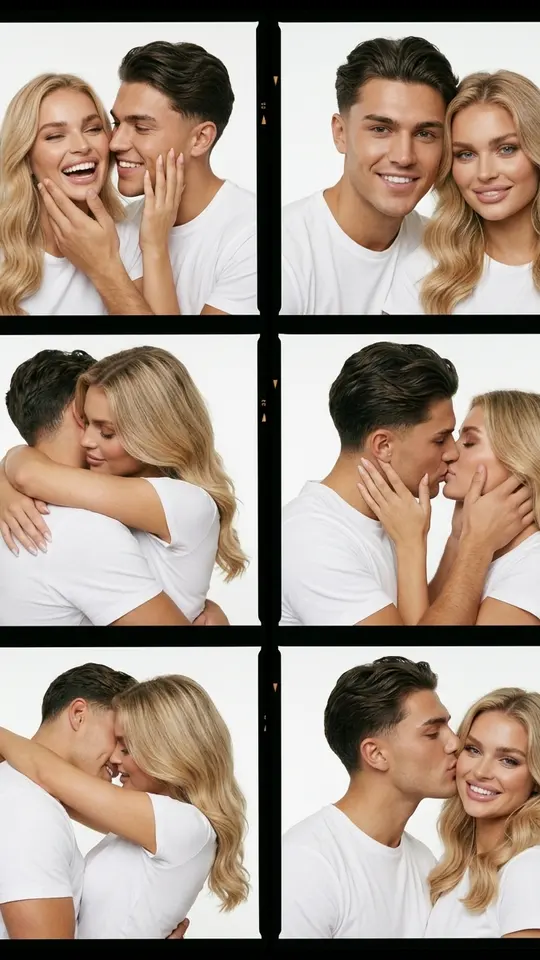
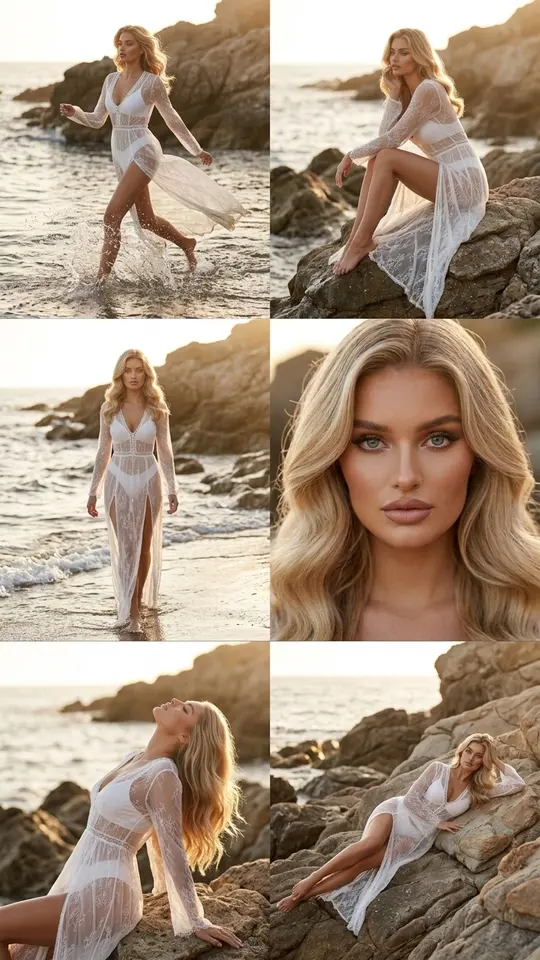
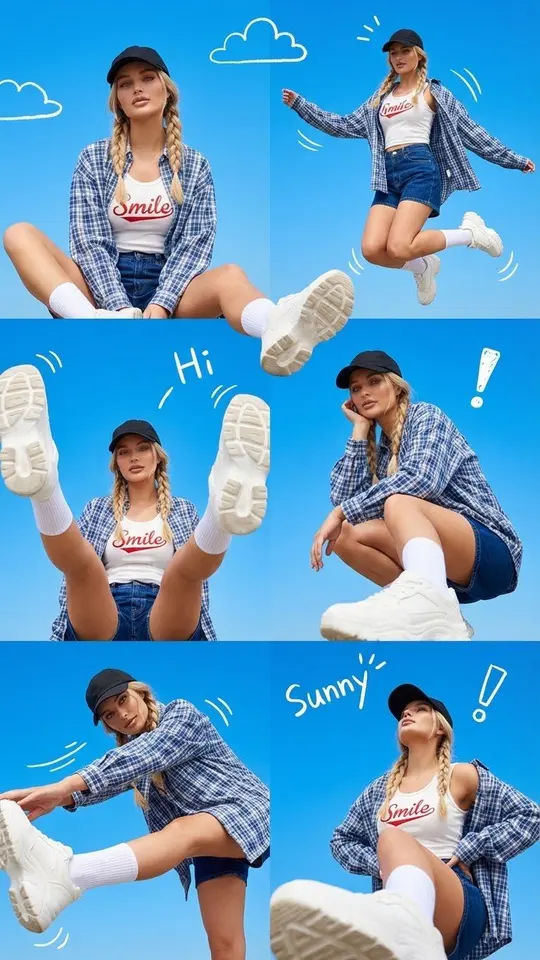
The templates on this page take a single photo of you and lay it out as a finished multi-frame image. Full Character Reference Sheet places front, side and back views of one person on a white board, Blue Sky Pose Grid arranges nine poses in a 3x3 grid, and Vertical Triptych Portrait shows you three times in one tall frame. Merge only faces that are yours or come with the owner's consent.
Ready-made templates
FAQ
Can I merge two images into one for free?
Upload both in the same run and write what to keep from each. Runs are paid in stars, and five arrive as a welcome gift once sign-up and the email check are done, enough for a few attempts. On top of that, selected templates skip payment each day while their quota of free runs lasts, and larger balances sit on the Pricing page.
Can I combine images into one PDF here?
For joining files into a document, any office program does the job better. MarketVideo rebuilds your pictures into a new image, and small text from the sources may change along the way, so for documents and paperwork plain file merging is the safer choice.
Will the style of my drawing survive the merge?
Write keep the style of image 1 and the model adapts the rest to it. Without such a line it picks an averaged look, and a watercolor can turn into smooth digital art. If the first attempt drifts, run it again with the style named more precisely.
How do I make a character reference sheet with AI?
Open Full Character Reference Sheet and upload one clear photo: the template asks for front, side and back views of the same person on a white background. For a drawn character, put its picture into Create photo and list the views you need in your prompt.